Our 2025 advanced technical content recap: Upskill your game development with these resources

Thomas Krogh-Jacobsen - Unity Technologies
Senior Technical Content Marketing Manager
In this blog we wrap up the year by giving you an overview of new technical resources released in 2025. We hope that you find these helpful and that you’ll bookmark them for the holidays and beyond.
Before I dive into this technical content year in review, bear with me in sharing a small anecdote from Unite Barcelona in November. I had the pleasure of helping out at the main booth, where my colleagues and I spent most of our time showcasing the latest UI Toolkit and 2D samples. As always, it was a great opportunity to talk to a lot of people from our community, from university students to larger studios, as well as Unity YouTubers like Cristina Makes Games, CodeMonkey and GameDevGuide.

A lot of you told us you’re already using the e-books and samples, or watching our video tutorials, and that is something the team and I greatly appreciate.
There was also plenty of feedback on what could be even better. A lot of you wanted to get started with UI Toolkit but told us that the learning curve is steep; I have a few links to help you with that further below.
We also heard that some of you simply didn’t know certain resources were available, which tells us we need to do a better job of making things discoverable. The content lives in many different places, and it can be hard to track it all down. We also hear from you that you want more advanced content on Unity Learn. That’s another area we really want to improve in 2026. More on that later.
For now, I thought a good place to start would be a wrap-up blog post, similar to what we did last year, highlighting some of the newer resources you might have missed.
Level up your skills now and in 2026
Get started with UI Toolkit
There’s good news for those of you looking to move from Unity UI (UGUI) to UI Toolkit: We have several resources today updated for Unity 6, and more are planned for 2026 to help you hit the ground running.
If you are new to UI Toolkit, I recommend starting with our e-book Create scalable and performant UI with UI Toolkit in Unity 6. From there, you can move on to one or both of our free sample projects on the Unity Asset Store: QuizU and Dragon Crashers – UI Toolkit.

The Dragon Crashers - UI Toolkit Sample project showcases UI Toolkit and UI Builder workflows for runtime games.
If you are one of the customers we talked to in Barcelona who are excited that we now support World Space UI, shaders, and SVG, check out the Bagel Game project on Github. It’s a nice, silly little game that showcases how to use all of these. Finally, the documentation pages also have a ton of examples that you might find helpful.
Performance optimization
A cool new feature introduced earlier this year as a package in Unity 6.1 is the Project Auditor, which makes it easy to identify factors impacting your binary build size, performance issues, and a whole lot more.
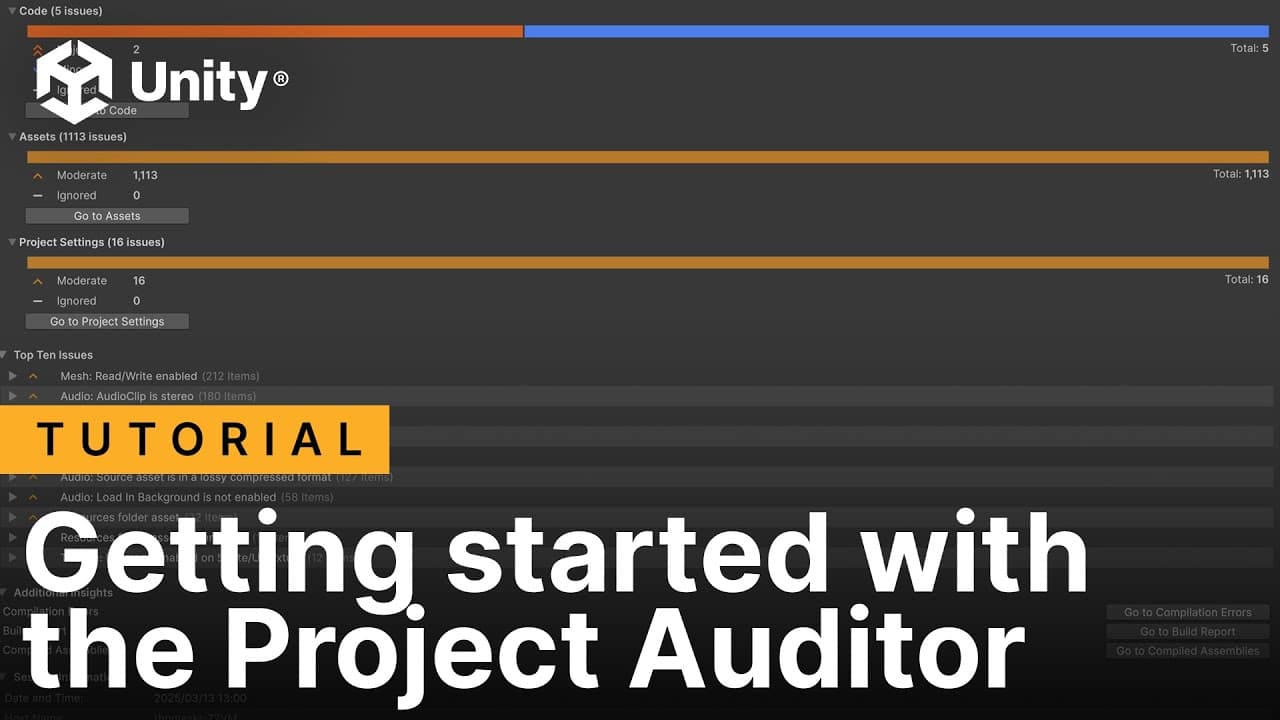
You can also find our playlist on performance optimization tools, including the Unity Profiler, Profile Analyzer, and the Memory Profiler.
Make sure to also check out our e-book Ultimate guide to profiling Unity games (Unity 6 edition) that shares a lot of practical tips and methodology.

Our three technical e-books on optimization in Unity 6
If you’re looking for actionable tips on how to avoid and address performance optimization pitfalls, don’t miss our two updated optimization guides for Unity 6. Our console and PC version includes tips for HDRP, while the mobile optimization guide focuses on URP.
Core workflows in Unity 6
A big focus for this year has been to bring our existing library up to speed with the latest Unity 6 features and that includes 10 of our most popular e-books.

A collage of Unity 6 technical e-books
The same applies to our video tutorials, a number of which we updated:
The Input System
The “old” Input Manager is still popular for many good reasons but the newer Input System comes with a lot of advantages if you are building large-scale projects across multiple platforms. Check out the revamped video tutorial series here.

Unity Input System video tutorials
Updated tutorials for Cinemachine 3.1
It’s been a while since we released the original Cinemachine video tutorials; if you’re looking for a refresher or exploring some of the new opportunities of Unity's camera system, then check out our playlist or our discussion post overview here.

Unity Cinemachine video tutorials
AI Navigation package 2.0
The AI Navigation package got some significant updates so we created a new tutorial series to include those. If you are new to the package, the AI navigation system in Unity allows non-player characters (NPCs) to move intelligently through a game environment by calculating and following optimal paths and avoiding obstacles. Check out our playlist here.

AI Navigation 2.0 video tutorials
More for programmers
Make your code base more scalable and testable
Earlier this year I helped update our Unity C# code style guide for Unity 6. There’s no single “right” way to format Unity C# code, but aligning on a consistent style makes it much easier to build a clean, readable, and scalable codebase. Since then, I’ve been experimenting with adapting the original style guide into my own and applying it in my work. I wrote an article here with a few tips and tricks, which I hope can be useful for others.
We also expanded our SOLID character controller project and article series, in partnership with Peter from Sunny Valley Studio, demonstrating how to apply general object-oriented programming principles to make your code more readable, well-organized, and maintainable.

Tips for writing cleaner, scalable code in Unity is a five-part article series created in partnership with Sunny Valley Studio, which focuses on helping you write better code for your Unity projects.
Finally, we updated some of our popular e-books for Unity 6, including our guides on ScriptableObjects, Unity DOTS, and multiplayer networking. Our ScriptableObjects Paddle Ball project has also been updated for Unity 6.1.

Unity technical e-books for programmers
For 2D creators
The Unite Barcelona keynote included a sneak peek at the Bunny Blitz 2D/3D platformer sample. A lot of you asked where you could get your hands on the sample. It’s not quite ready yet, but we aim to make it available on the Asset Store in 2026. You can also look forward to our updated e-book on 2D.

Images from Bunny Blitz, a new Unity 2D sample
For artists and designers (and VR creators too)
There was plenty of news for artists and technical artists in 2025. In addition to the UI Toolkit e-book and projects mentioned earlier, we launched the Unity 6 versions of the URP “cookbook”, Create popular shaders and visual effects with the Universal Render Pipeline, (which is great to download together with the Unity 6 URP e-book for advanced creators) as well as Lighting and environments in the High Definition Render Pipeline.

Unity technical e-books about the Universal Render Pipeline in Unity 6

Lighting and environments in the HDRP (Unity 6 edition)
Compute shaders and VR multiplayer video tutorials
We launched a three-part compute shaders video tutorial series as companion content to the URP cookbook:
- Compute shaders Part 1: Particle fun
- Compute shaders Part 2: Flocking
- Compute shaders Part 3: Vertex animation
You’ll also want to check out the video Understanding URP settings and essentials, which provides an overview of all of the configuration options available with the Universal Render Pipeline (URP) in Unity 6.

A three-part video tutorial series on Compute shaders
Finally, if you’re a VR creator, see our three-part VR Multiplayer tutorial series and two-part MR Multiplayer series that covers how to get started with the Unity 6 VR Multiplayer Project Template.

VR and MR video tutorial series
For Unity for Industry

Unity Industry Viewer Template video tutorial
In 2025, we began expanding our technical content to support Unity for Industry, with a focus on our powerful templates that provide a rapid start for common use cases.
Build web-based product configurators fast
If you’re looking for tips on how to create polished and engaging web-based product configurators, start with our Unity Product Configurator tutorial video and its companion article Build a simple product configurator in Unity in one hour or less.
The Industry Viewer Template supports streaming and collaborative viewing of large 3D models, including real-time collaboration through XR platforms. And, speaking of XR, our Introduction to XR for Industry video will jumpstart your XR production using a selection of our best starter assets.
Unity’s user-friendly digital asset management platform
The Unity Asset Manager is an essential tool for Industry customers. Check out our three-part article series that provides a step-by-step introduction to Asset Manager:

Unity Asset Manager web interface
The Unity Tower model
Finally, we’re excited to highlight the release of the Unity Tower, a 40+ floor mixed-use high-rise model designed from the ground up to showcase Unity’s data streaming and BIM capabilities. If you’re looking for a high-quality model to explore our full offering, this asset is a great place to start.

The Unity Tower model
All this and more can be found in our Industry playlist on YouTube. There, you’ll also find the Meet the Expert playlist, where we’ll begin adding insights from our internal experts to explain all our latest features.

Unity XR for Industry
For live ops and monetizing your game
The Unity Gaming Services 10-part tutorial series
Each tutorial in this 10-part mega series consists of a video on YouTube and an article on Unity Discussions. You’ll learn how to build a base project that handles authentication, inventories, and monetization. Additionally, you’ll get line-by-line instructions for how to integrate services like Cloud Code, Cloud Save, rewarded ads, in-app purchases and many more.

Unity Gaming Services tutorial series
You can also see these services in action in a new sample project on GitHub, Gem Hunter Match – Cloud Edition (GHM – CE). The demo project is aimed at advanced Unity developers who have solid experience with core Unity development, but have yet to use UGS features in a functional game and are looking for tips on how to do so.

Gem Hunter Match sample screens in the Unity Gaming Services tutorial series
For those quick but valuable tips that can boost your development
This year we brought back a popular tradition from earlier years: Unity Tip Tuesday. This time around we’re posting mobile-friendly 60 second videos that you can watch anywhere. You’ll also find the tips on X, Bluesky, Instagram and Facebook. If you have suggestions for tips, don’t hesitate to let us know.
And of course there’s a Unity 6 e-book full of such tips! Grab our guide Tips to increase productivity with Unity 6 and start saving more time with Unity.

Unity Tip Tuesday YouTube Shorts video
Finally, if you’re just getting started with Unity I recommend you head over to Unity Learn where you’ll find a treasure trove of tutorials and projects for beginners.
We hope you find the e-books, sample projects, video tutorials, and Discussions articles helpful in your day-to-day work in Unity. We'll be back in 2026 with new resources for boosting your quality of life and success as a Unity creator.


