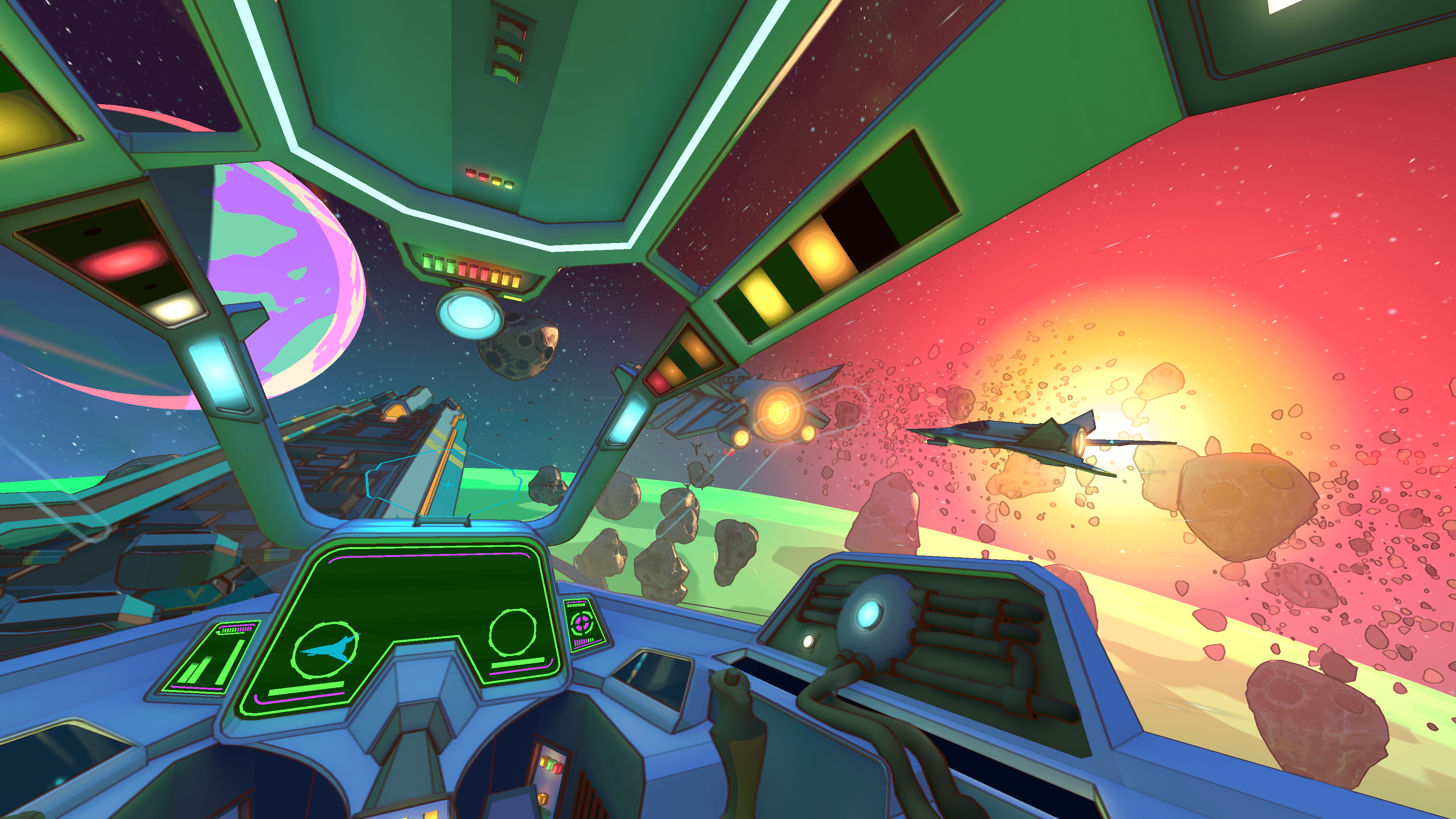
The future of XR is hands-first — and Unity's tools are ready.

Hero image

Unity for XR game development

Access flexible tools to help you bring XR games to life. Build for Meta Quest, Android XR, Apple iOS and visionOS, PlayStation®VR2, OpenXR-powered headsets and more.

50%+
week one Must Play Apple Arcade Games for Vision Pro were made with Unity¹
2/3
of the most popular Quest experiences were made with Unity²
70%+
of top-selling Quest games are made with Unity³

How to make an XR game

Access guides, courses, and samples that can get you started with how to create a XR game.
Learn XR development

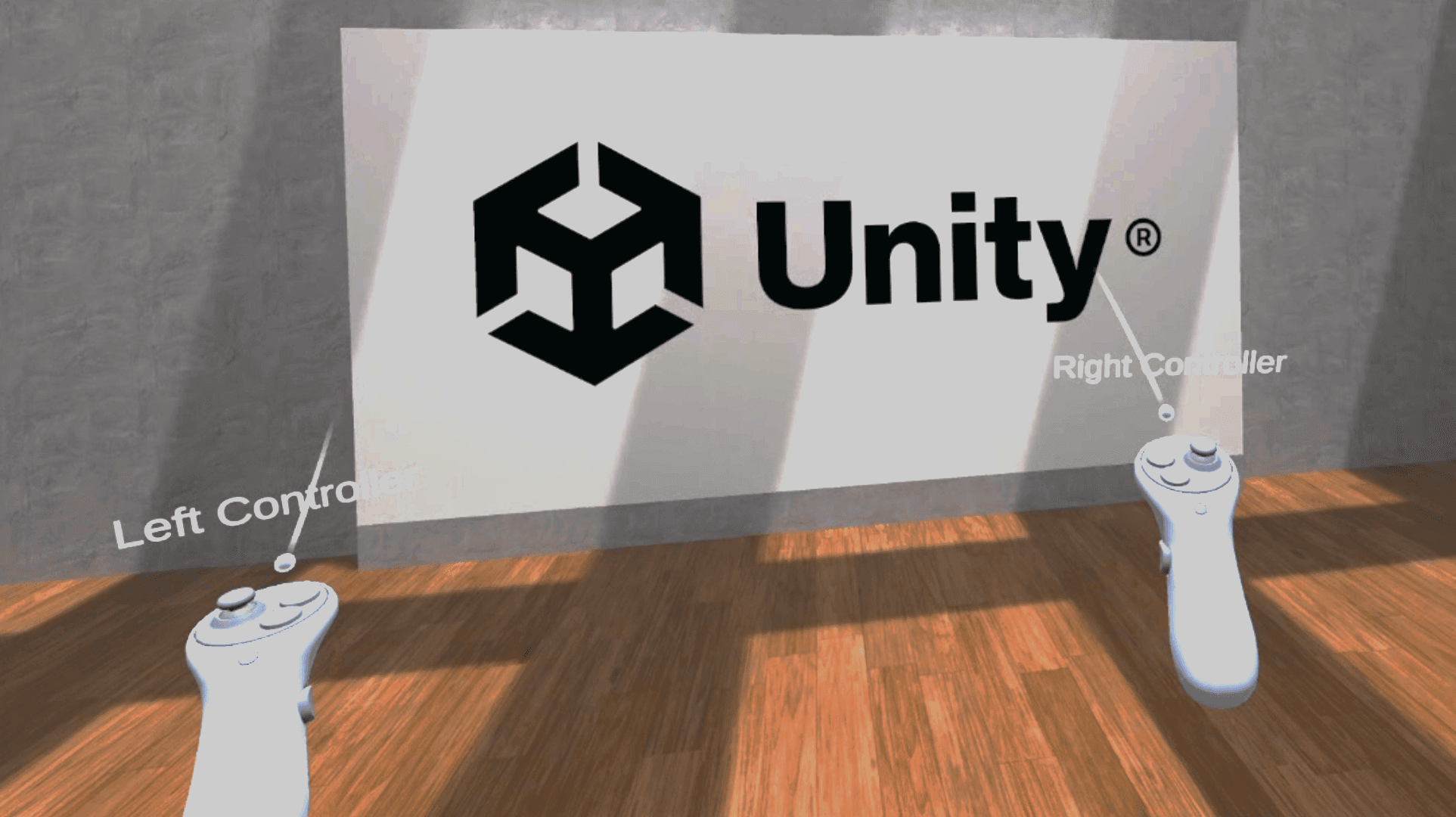
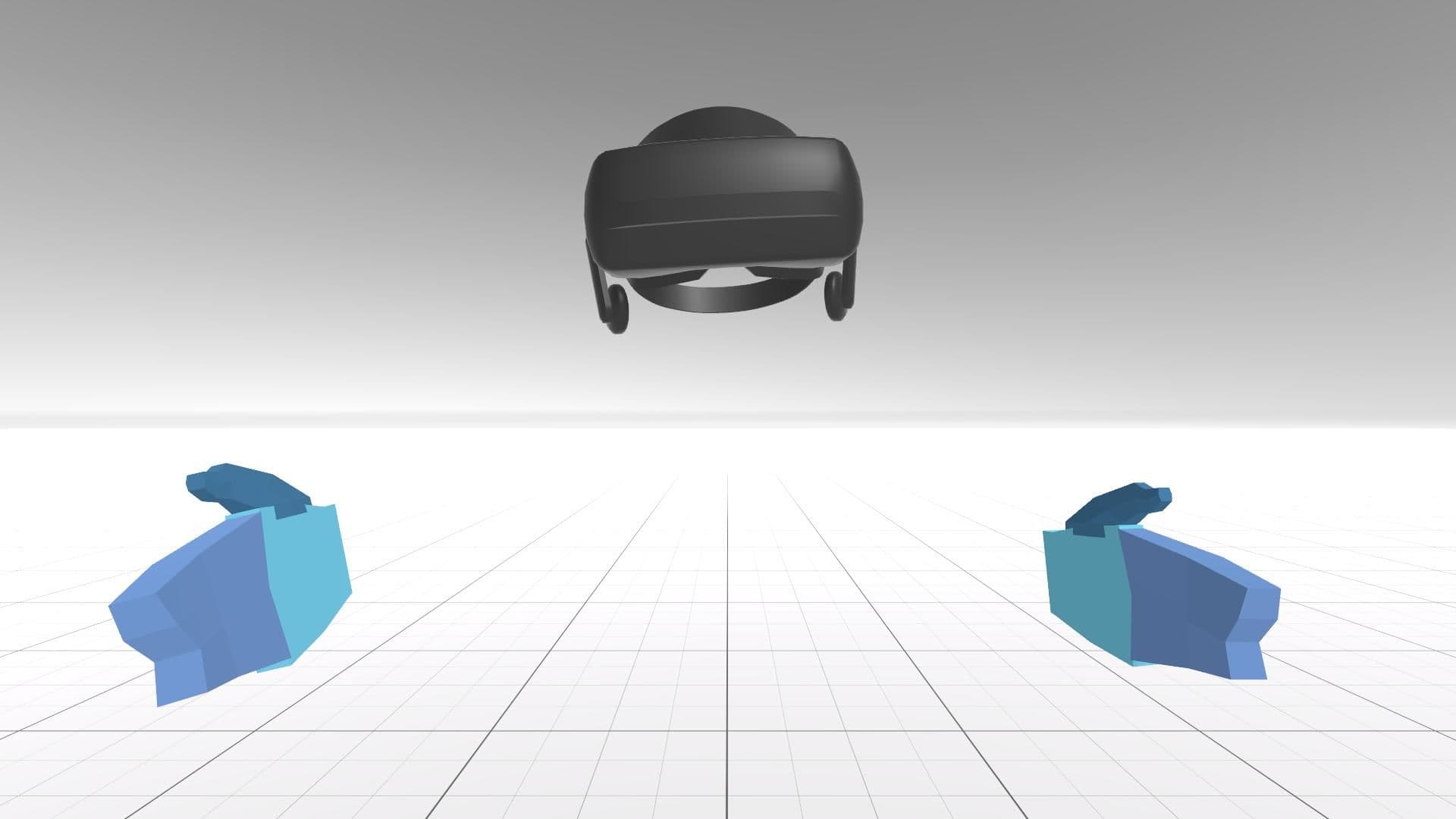
Create VR experiences with hands-on guided lessons.

VR Development Pathway

Get advanced XR tips

Master Unity’s XR templates and interaction tools.

VR Development Pathway

Build Multiplayer VR

Build multiplayer VR games with Unity’s networking tools.

VR Multiplayer Template

Visual tips for VR

Optimize URP for smooth, high-performance VR.

URP Sample Scene

Unity features and tools for XR

Universal Render Pipeline

Render cross-platform, performant graphics.

urp-sample-scene

XR Interaction Toolkit

Create consistent XR interactions across devices.

xr

XR Hands Package

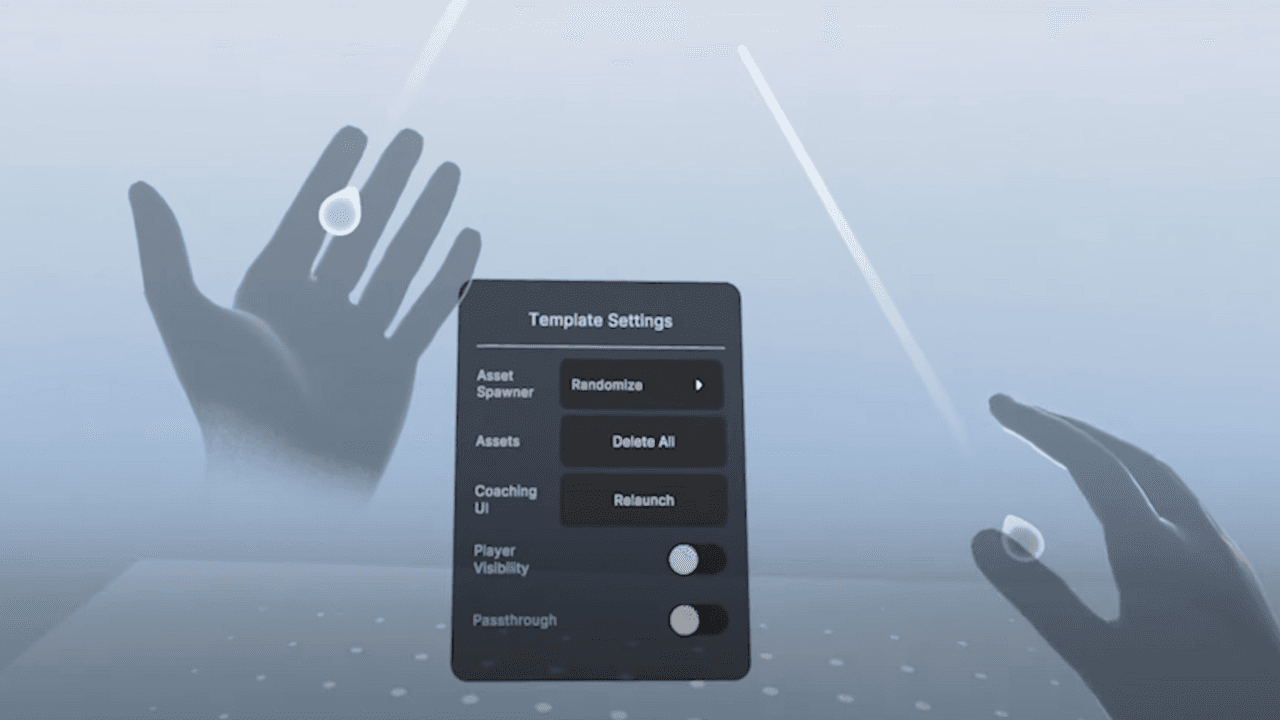
Add natural hand tracking to your XR experiences.

xr-hands

VR Assets

Build VR games faster with ready-made assets.

VR-assets

XR games made with Unity

Gorilla Tag

Another Axiom, Inc

The Game Changers Ramen VR

Ghost Town

Fireproof Studios

Ghost Town

Just Dance

Soul Assembly

Just Dance

PICKABOOM

PIGIAMA KASAMA

Highstreet: Calamity

Highstreet

Day One Android XR Launches

Day One Android XR Launches

Embark on your VR development journey now!

Discover how Unity’s ecosystem of tools and services can help you develop amazing VR experiences.

Disclaimers

  1. Source: Vision Pro Beta Participants . Disclaimer: Engine information for apps is identified using internally available data
  2. Source: Meta Quest Store. Disclaimer: Most Popular as reported by Meta. Engine data for apps is identified using a combination of SteamDB, IGDB and Valve APIs, and internal sources.
  3. Source: Quest Store. Disclaimer: Engine data for apps is identified using a combination of SteamDB, IGDB and Valve APIs, and internal sources.