
Unity 2020.1
Whether you work in games, film and entertainment, architecture, or any other industry that uses 2D or 3D real-time technology, the Unity 2020.1 release has something for you.
The first release of the 2020 TECH cycle delivers better workflows and performance for artists, designers and programmers.
Get all the details on what Unity 2020.1 offers you below, as well as resources to get you started.
Explore the new features

Editor and team workflows
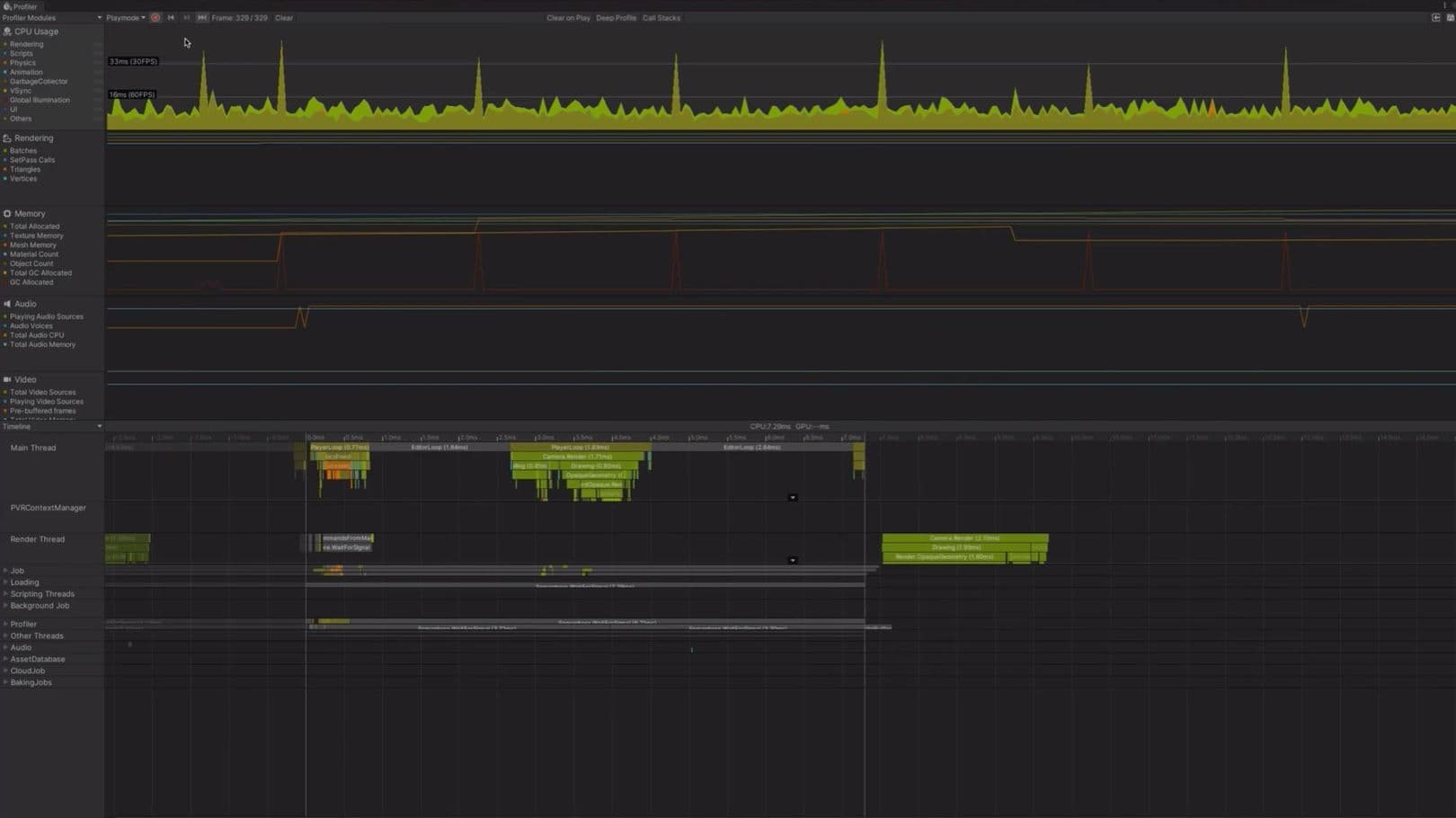
We improved the Editor and workflows to make you even more productive. With more ways to customize your workflows, you’ll have fewer interruptions so you can stay in the flow. A new user interface for Package Manager creates a clearer distinction between Preview and Verified packages.


Past preproduction? Consider using Unity 2019.4 LTS
If you want to lock in your production on a specific version of Unity for maximum stability, we recommend you use a Long-Term Support (LTS) version of Unity. Unity 2019.4 LTS, our latest LTS release, has the same feature set as Unity 2019.3 and is available now.
The LTS release doesn’t have any new features, API changes or enhancements. It is simply a continuation of the 2019 TECH stream and will receive continued support for the next two years in the form of biweekly updates with bug fixes.

Two 2020 TECH stream releases
With more new features being continuously distributed as packages, we’re changing our release cycle: core updates come in two TECH stream releases in 2020, followed by the LTS release in early 2021. The full release of 2020.2 is scheduled for fall 2020. We’ll continue to ship minor updates with bug fixes just as we have since the introduction of the LTS in 2017.

Frequently Asked Questions
Many existing and upcoming Unity features are available as packages, which you can download via the Package Manager in the Editor.
Preview packages give you early access to new features and improvements that are in active development. However, they aren’t recommended for projects in production. They’re still evolving and likely to contain bugs. Functionality and APIs can still change and backward compatibility is not guaranteed.
Verified packages have undergone additional testing and have been verified to work with a specific version of Unity, and with all the other packages that are verified for that version.
Verified packages are supported to the same extent as the Unity versions that they have been verified for (see “What is the TECH stream?” and “What’s an LTS release?” below for more information). This means that they will receive updates that won’t introduce any breaking changes, as well as bug fixes, for at least as long as the version that they were verified for is supported. Packages that have been verified to work with the last TECH release of a year (e.g., 2019.3) will also remain supported in the LTS version that will be based on it (e.g., 2019.4).
TECH stream releases are for developers who want to access the latest features and capabilities. The 2019 TECH stream had three releases (2019.1, 2019.2, and 2019.3). We add updates and bug fixes to the current TECH stream release on a weekly basis until the next TECH release is officially launched; then the cycle begins again.
The last TECH stream release of the year becomes a Long-Term Support (LTS) release and receives continued support for another two years in the form of biweekly updates with bug fixes. In terms of versioning, we increment the final TECH stream release of the year by one and add “LTS” (for example, TECH stream release 2018.3 became 2018.4 LTS).
The LTS releases do not include any new features or breaking API changes compared to the TECH stream releases that they are based on. Their updates address crashes, regressions, and issues that affect the wider community or console SDK/XDKs, and any major issues that would prevent a large number of developers from shipping their games or apps.
The LTS stream is for developers who want to develop and ship their projects on the most stable version and remain on this version for an extended period.
If you are in production or close to release, we recommend the latest LTS release. If you want to use the latest Unity features in your project or are just getting started with production, the TECH stream is recommended.
We expect Unity 2020.3 LTS to ship in spring 2021, around the same time as Unity 2021.1.
Alphas are the first public releases of a new TECH stream version of Unity. During the alpha phase, we’re progressively adding all the new features that are scheduled to be part of the final release. At the same time, the features get tested collectively for the first time. While a TECH stream version is in alpha, we release updates with new features on a weekly basis until we reach feature completeness. As such, alphas come with a higher stability risk than beta releases, which are feature complete and receive only stabilizing updates. With both alphas and betas, you have an opportunity to influence our development process by using the new features and providing feedback via forums and bug reports.
Because there may be feature-stability issues with these early releases, we do not recommend them for projects in production, and we highly recommend that you back up any project before you open it with an alpha or beta release.
Both our alpha and beta releases are open to everyone, so no signup is required. Get started by downloading them from the Unity Hub.