• Games
  • Industry
  • Resources
  • Community
  • Learning
  • Support
Development
Unity Engine
Build 2D and 3D games for any platform
DownloadPlans and pricing
Monetization
In-App Purchase (IAP)
Discover and manage IAP across stores
Mediation
Maximize revenue and optimize monetization
Ad Quality
Protect your app’s user experience
Tapjoy
Build long-term user loyalty
All monetization products
User acquisition
User acquisition
Get discovered and acquire mobile users
Unity Vector AI
Connect players with the right games
Aura on-device advertising
Reach users on-device at peak engagement
All growth products
Use cases
3D collaboration
Build and review 3D projects in real time
Immersive training
Train in immersive environments
Customer experiences
Create interactive 3D experiences
All industry solutions
Industries
Manufacturing
Achieve operational excellence
Retail
Transform in-store experiences into online ones
Automotive
Elevate innovation and in-car experiences
All industries
Technical library
Documentation
Official user manuals and API references
Developer tools
Release versions and issue tracker
Roadmap
Review upcoming features
Glossary
Library of technical terms
Insights
Case studies
Real-world success stories
Best practice guides
Expert tips and tricks
All resources
What's new
Blog
Updates, information, and technical tips
News
News, stories, and press center
Community Hub
Discussions
Discuss, problem-solve, and connect
Events
Global and local events
Community stories
Made with Unity
Showcasing Unity creators
Livestreams
Join devs, creators, and insiders
Unity Awards
Celebrating Unity creators worldwide
For every level
Unity Learn
Master Unity skills for free
Professional training
Level up your team with Unity trainers
New to Unity
Getting started
Kickstart your learning
Unity Essential Pathways
New to Unity? Start your journey
How-to Guides
Actionable tips and best practices
Education
For students
Kickstart your career
For educators
Supercharge your teaching
Education Grant License
Bring Unity’s power to your institution
Certifications
Prove your Unity mastery
Support options
Get help
Helping you succeed with Unity
Success plans
Reach your goals faster with expert support
FAQ
Answers to common questions
Contact us
Connect with our team
Plans and pricing
Language
  • English
  • Deutsch
  • 日本語
  • Français
  • Português
  • 中文
  • Español
  • Русский
  • 한국어
Social
Currency
Purchase
  • Products
  • Unity Ads
  • Subscription
  • Unity Asset Store
  • Resellers
Education
  • Students
  • Educators
  • Institutions
  • Certification
  • Learn
  • Skills Development Program
Download
  • Unity Hub
  • Download Archive
  • Beta Program
Unity Labs
  • Labs
  • Publications
Resources
  • Learn platform
  • Community
  • Documentation
  • Unity QA
  • FAQ
  • Services Status
  • Case Studies
  • Made with Unity
Unity
  • Our Company
  • Newsletter
  • Blog
  • Events
  • Careers
  • Help
  • Press
  • Partners
  • Investors
  • Affiliates
  • Security
  • Social Impact
  • Inclusion & Diversity
  • Contact us
Copyright © 2025 Unity Technologies
  • Legal
  • Privacy Policy
  • Cookies
  • Do Not Sell or Share My Personal Information

"Unity", Unity logos, and other Unity trademarks are trademarks or registered trademarks of Unity Technologies or its affiliates in the U.S. and elsewhere (more info here). Other names or brands are trademarks of their respective owners.

Hero background image
Unity 2019.2 Release

New features and updates for platforms and the Editor

Get Unity 2019.2
2019.2 overview
Get Unity 2019.2
2019.2 overview

What’s new

Here’s an overview of some of the key updates for different platforms and the Editor. For full details, check out the release notes.
What’s new

  • Optimized Frame Pacing for Android
  • Improved OpenGL Support
  • APK size check using Android App Bundle
  • Editor features available via Package Manager
  • SDK loading and management system for AR/VR
  • AR Foundation updates
  • VR support for HDRP
  • Vuforia support
Optimized Frame Pacing for Android

This content is hosted by a third party provider that does not allow video views without acceptance of Targeting Cookies. Please set your cookie preferences for Targeting Cookies to yes if you wish to view videos from these providers.

Optimized Frame Pacing for Android

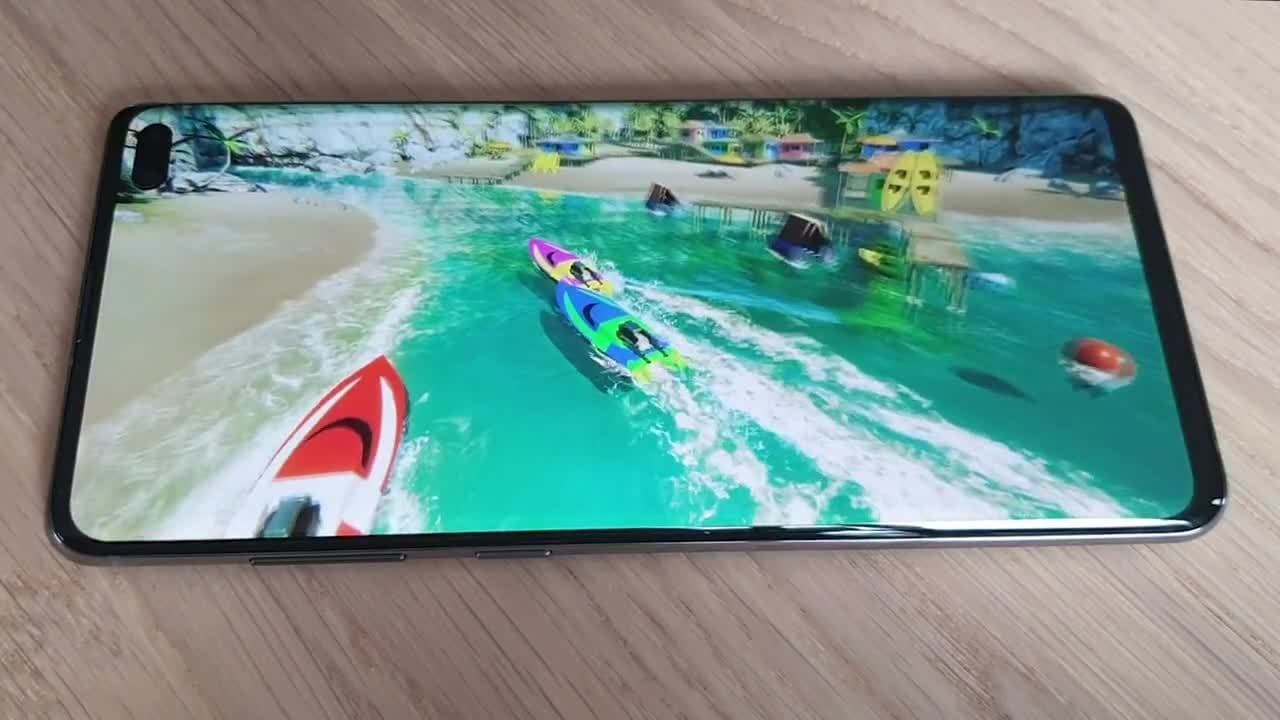
Developed in partnership with Google’s Android Gaming and Graphics team, Optimized Frame Pacing for Android provides consistent frame rates and smoother gameplay experience by enabling frames to be distributed with less variance.

Learn more

Improved OpenGL Support

As a developer for mobile, you will also benefit from the improved OpenGL support. We have added OpenGL multithreading (iOS) to improve performance on low-end iOS devices that don’t support Metal (approximately 25% of iOS devices that run Unity games).

We have added OpenGL support for SRP batcher, for both iOS and Android, to improve CPU performance in projects that use the Lightweight Render Pipeline (LWRP).

APK size check using Android App Bundle

APK size check using Android App Bundle

This new function makes it easier to know the final application size for different targets.

Editor features available via Package Manager

Editor features available via Package Manager

We continue to make the Editor leaner and more modular by making several existing features available as packages, including Unity UI, 2D Sprite Editor, and 2D Tilemap Editor. You can integrate, upgrade or remove them via the Package Manager.

Learn more

SDK loading and management system for AR/VR

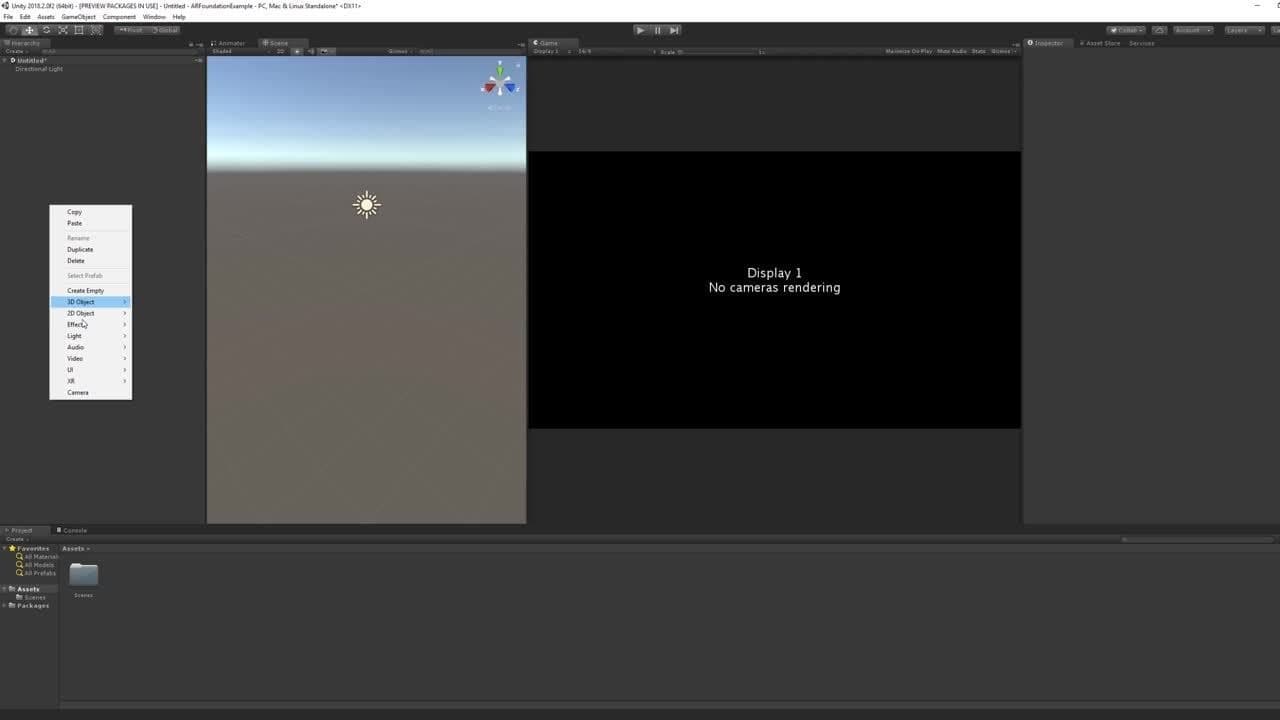
This revamped system for your target platforms helps streamline the development workflow. It’s in early Preview and we are looking for users to try out the new workflow and give us feedback.
Learn more
AR Foundation updates

This content is hosted by a third party provider that does not allow video views without acceptance of Targeting Cookies. Please set your cookie preferences for Targeting Cookies to yes if you wish to view videos from these providers.

AR Foundation updates

We have included support for face-tracking, 2D image-tracking, 3D object-tracking, environment probes and more. They are all in Preview.

  • Face-Tracking (ARKit and ARCore): You can access face landmarks, a mesh representation of detected faces, and blend shape information, which can feed into a facial animation rig. The Face Manager takes care of configuring devices for face-tracking and creates GameObjects for each detected face.
  • 2D Image-Tracking (ARKit and ARCore): This feature lets you detect 2D images in the environment. The Tracked Image Manager automatically creates GameObjects that represent all recognized images. You can change an AR experience based on the presence of specific images.
  • 3D Object-Tracking (ARKit): You can import digital representations of real-world objects into your Unity experiences and detect them in the environment. The Tracked Object Manager creates GameObjects for each detected physical object to enable experiences to change based on the presence of specific real-world objects. This functionality can be great for building educational and training experiences, in addition to games.
  • Environment Probes (ARKit): This detects lighting and color information in specific areas of the environment, which helps enable 3D content to blend seamlessly with the surroundings. The Environment Probe Manager uses this information to automatically create cubemaps in Unity.
  • Motion Capture (ARKit): This captures people’s movements. The Human Body Manager detects 2D (screen-space) and 3D (world-space) representations of humans recognized in the camera frame.
  • People Occlusion (ARKit): This enables more realistic AR experiences, blending digital content into the real world. The Human Body Manager uses depth segmentation images to determine if someone is in front of the digital content.
  • Collaborative Session (ARKit): This allows for multiple connected ARKit apps to continuously share their understanding of the environment, enabling multiplayer games and collaborative applications.
Learn more about our AR offering
VR support for HDRP

VR support for HDRP

HDRP now includes support for your VR projects (in Preview). This support is currently limited to Windows 10 and Direct3D11 devices, and must use Single Pass Stereo rendering for VR in HDRP.

Learn more

Vuforia support

Vuforia support has been migrated from Player Settings to the Package Manager, giving you access to Vuforia Engine 8.3, the latest version.

Learn more
Download Unity 2019.2 now

Get access to all of the above and much more today.

Download Unity 2019.2