How to Build for Android XR - Day One Launches, Resources, and Inspiration

Leah Martin - Unity Technologies
Product Marketing Manager, XR
Hey Unity developers! Last week marked a major milestone: the very first device in the Android XR ecosystem, Samsung's Galaxy XR, was announced and is available to purchase. Since December 2024, you’ve been able to create apps and games for Google’s innovative new platform. Our packages achieved Verified status in June of this year, empowering you to build content that is truly production-quality.
Whether you’re ready to dive in or just getting started, we’ve got you covered. Read on to explore our comprehensive library of resources designed to help you develop for Android XR. Plus, get inspired by checking out which studios have already launched Android XR content on day one.
What can you build for Android XR?
Fully immersive apps: Create truly immersive experiences where players can step into entirely new environments that feel real and engaging. Users can interact with the virtual world as though they’re physically present, enhancing their sense of presence.
Optimized apps: Take your existing Android mobile apps and incorporate XR elements into them.
Android XR learning resources:
• XR Interaction Toolkit samples
• Unity Discussions Android XR tag - bookmark this to stay on top of the latest Android XR updates!
• NEW Android XR course on Unity Learn
• Livestream: Getting Started Using Android XR in Unity
• How 4 Developers Ported Their Apps Over to Android XR with Unity 6
How to start building today:
• Start your project(s) in Unity 6.3 and access the Android XR packages here.
• Adopt open standards like OpenXR and Vulkan. Use OpenXR extensions for seamless porting, and Vulkan as your rendering API for optimal performance.
• Get familiar with Unity’s XR tools and workflows.
• The XR Interaction Toolkit makes it easy to add interactions like object grabbing, 3D UI controls, and haptic feedback, supports multiple platforms and devices, and includes support for hand tracking and hand‑based interactions, including gestures.
• AR Foundation provides essential multiplatform tools for AR functionalities, minimizing the need to rewrite code when porting games and apps to Android XR.
Now that we’ve covered how to get started, we’re excited to highlight studios that chose Unity for their Android XR development and have launched their games on Android XR on day one.
Lead Head - Pencil
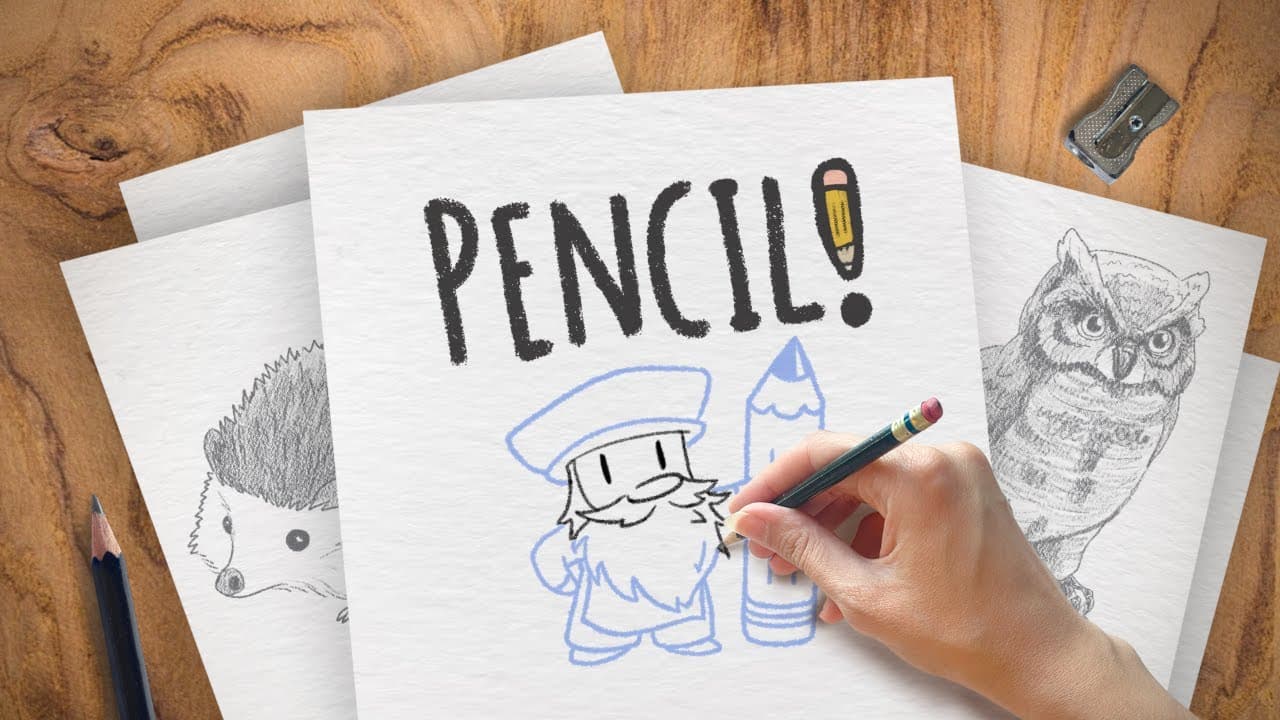
Although the porting process had its challenges, Bill Ramsour, Co-founder of Lead Head had this to say about using Unity: “On the surface our game seems fairly simple, but converting between platforms runs into a flurry of issues with systems like hand tracking and spatial anchors. Unity was instrumental in getting these fundamental systems set up for the new platform quickly and reliably.”

XR Hands, captured in the Unity Editor
Puddle LLC - THRASHER:
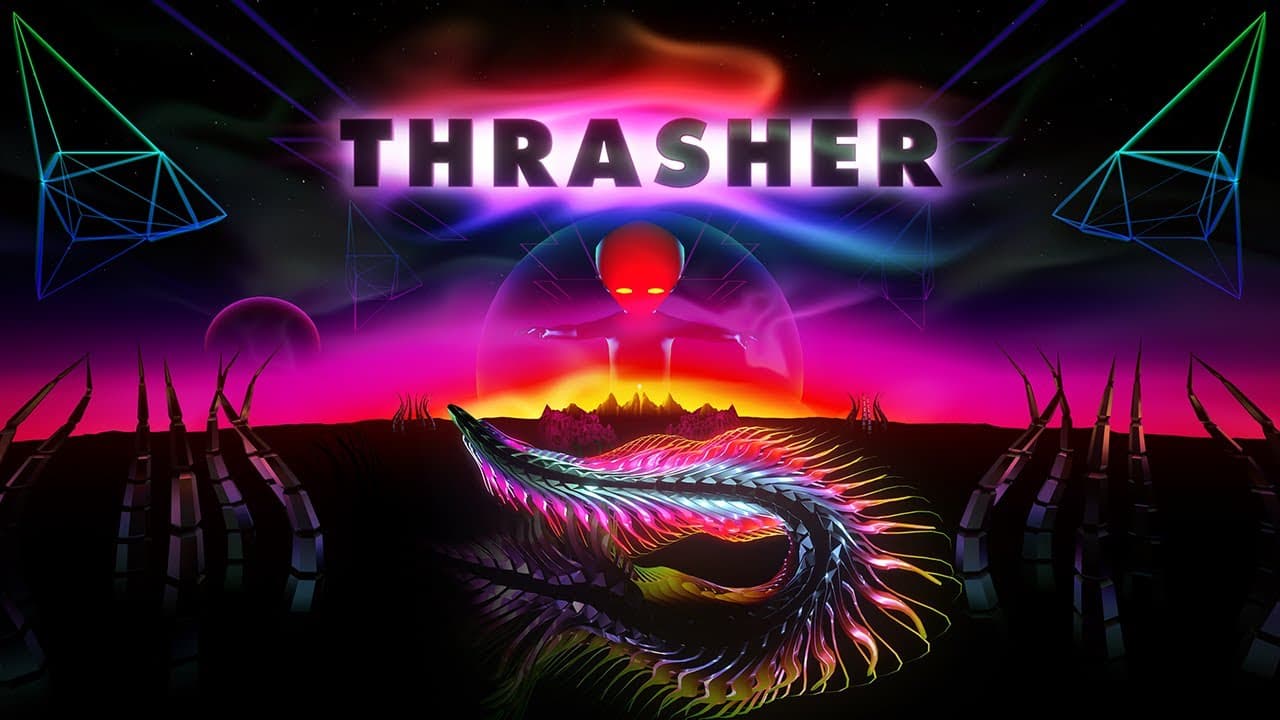
“THRASHER’s novel hand gesture controls create a deep connection between players and their space eel, and Unity packages like XRHands allow us to implement this once and deploy onto platforms like Apple Vision Pro and AndroidXR with ease. We were also able to optimize our load times by over 70% by leveraging the Addressables package!” - Mike Mandel, Co-Founder

XR Hands, captured in the Unity Editor
Mondly - MondlyVR:
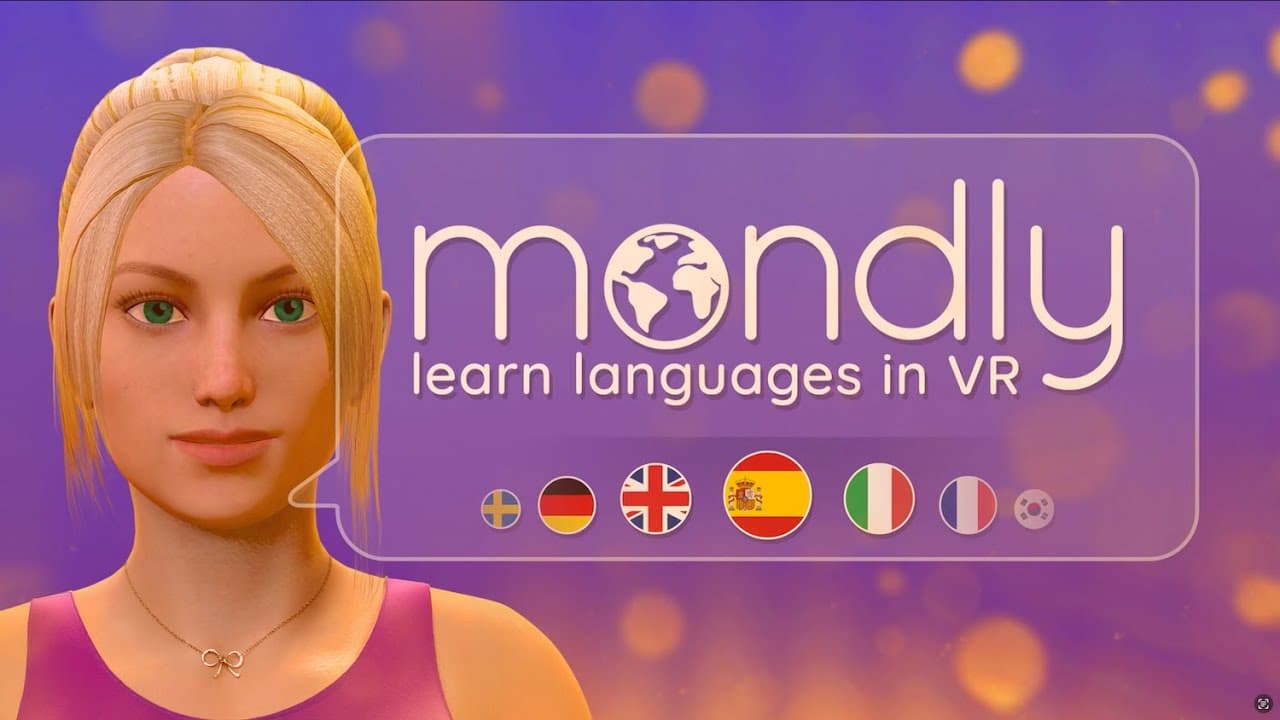
“Unity’s Android XR support helped us bring Mondly’s vision of immersive language learning to more people than ever. By simplifying deployment across XR devices, Unity empowered our team to focus on what matters most — creating engaging, interactive experiences that make learning languages feel natural and fun.” - Alexandru Iacob, Product Management Sr Analyst, VR & Digital Human.

MondlyVR scene within the Unity Editor
Owlchemy Labs - Inside[JOB], Job Simulator, Vacation Simulator:
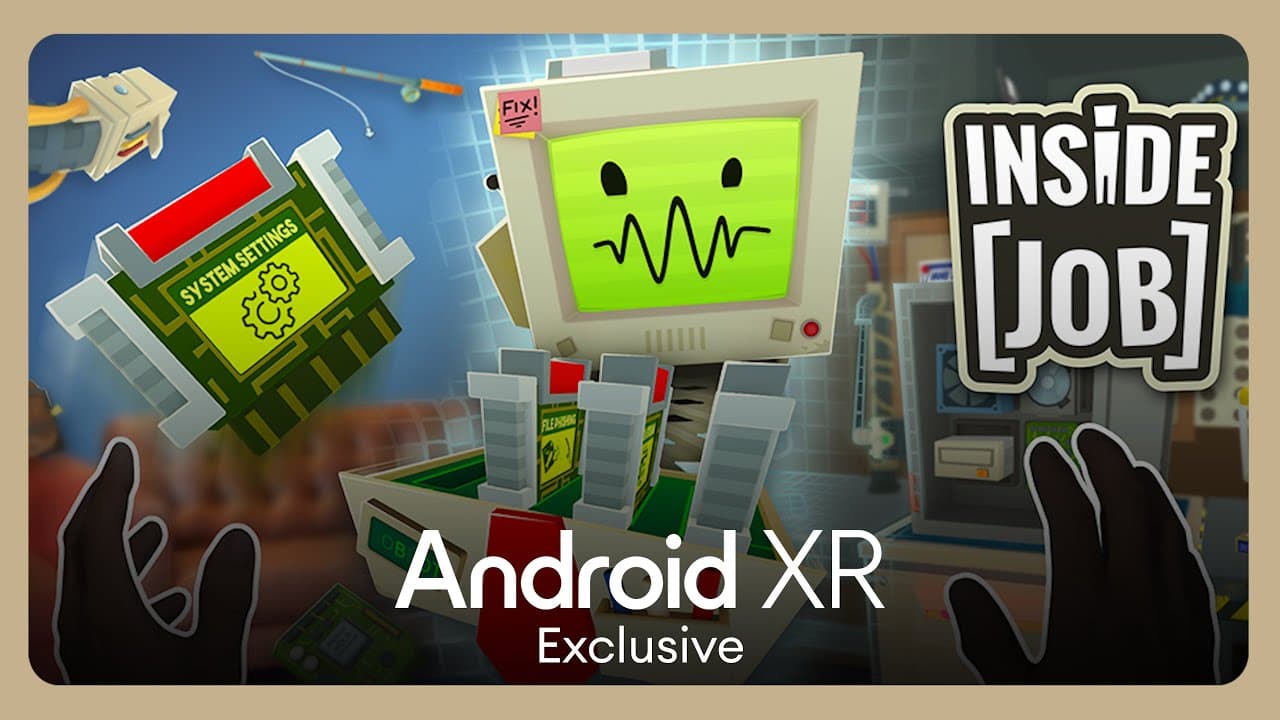
“My initial experience developing for Android XR within the Unity environment has been notably streamlined, largely due to our existing codebase's compatibility with the Android platform… For developers initiating new Android XR projects, I highly advise leveraging the sample projects included within the Unity XR packages. These samples provide invaluable insights into the platform's functionality and best practices.” - Phillip Johnson, Lead Platform Engineer

XR Hands, captured in the Unity Editor
Litesport - Litesport:
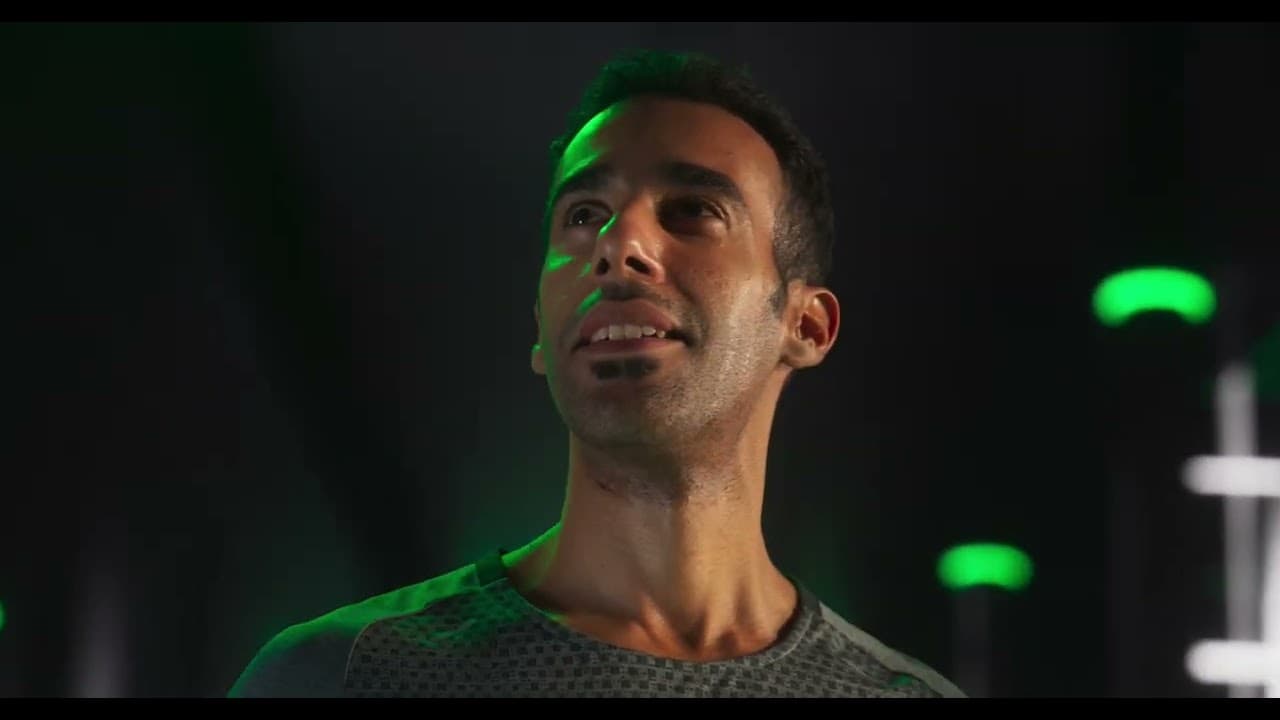
“Porting using Unity was straightforward: we took our already shipped Meta Quest app, switched to OpenXR, and about 70% worked out of the box—that was incredible.” - Ryan Turner, Software Lead

Cycle Bar app working in Android XR
Resolution Games - Demeo:
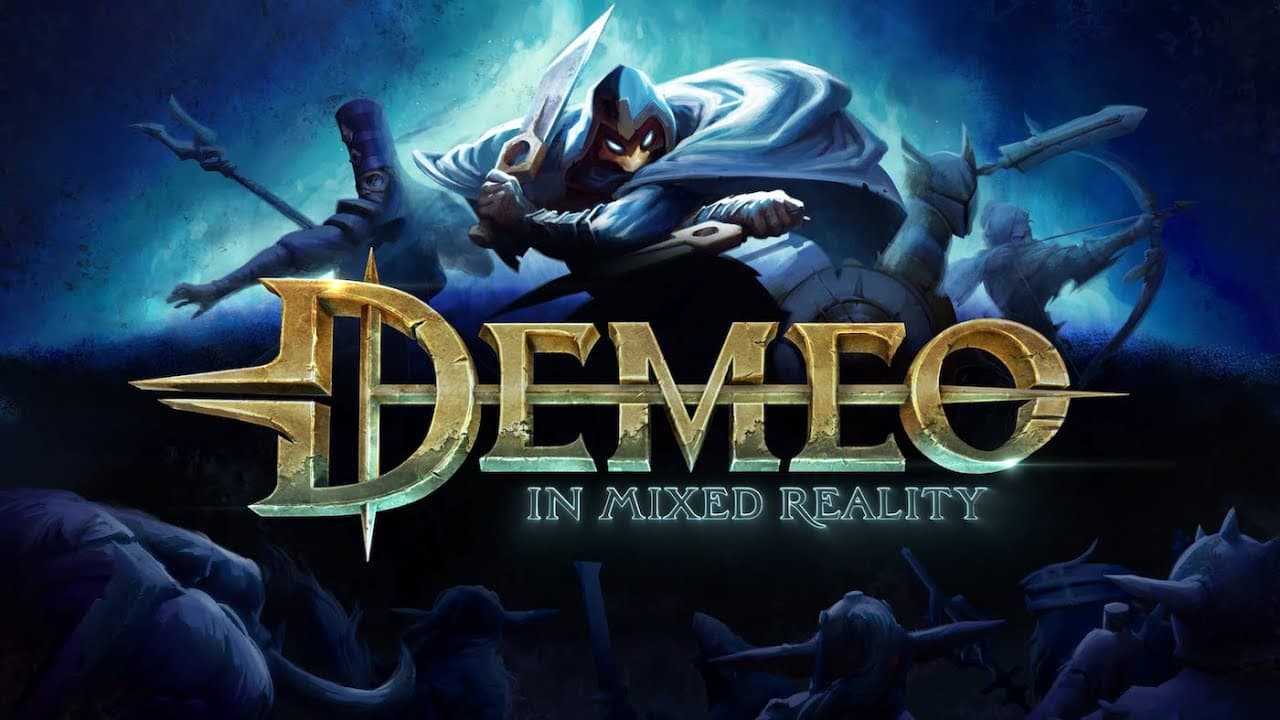
“We had to upgrade to Unity 6 to develop for Android XR. Unity 6 is quite similar to previous versions, making migration relatively easy. It functions as expected, which is great. The new light probe system within Unity 6 was especially appreciated by our lighting artist, who found it to be an improvement over the previous system.” - Petter Nygren, tech lead for Demeo

Unity Editor: Adaptive Light Probes on
TRIPP Inc - TRIPP Meditation:
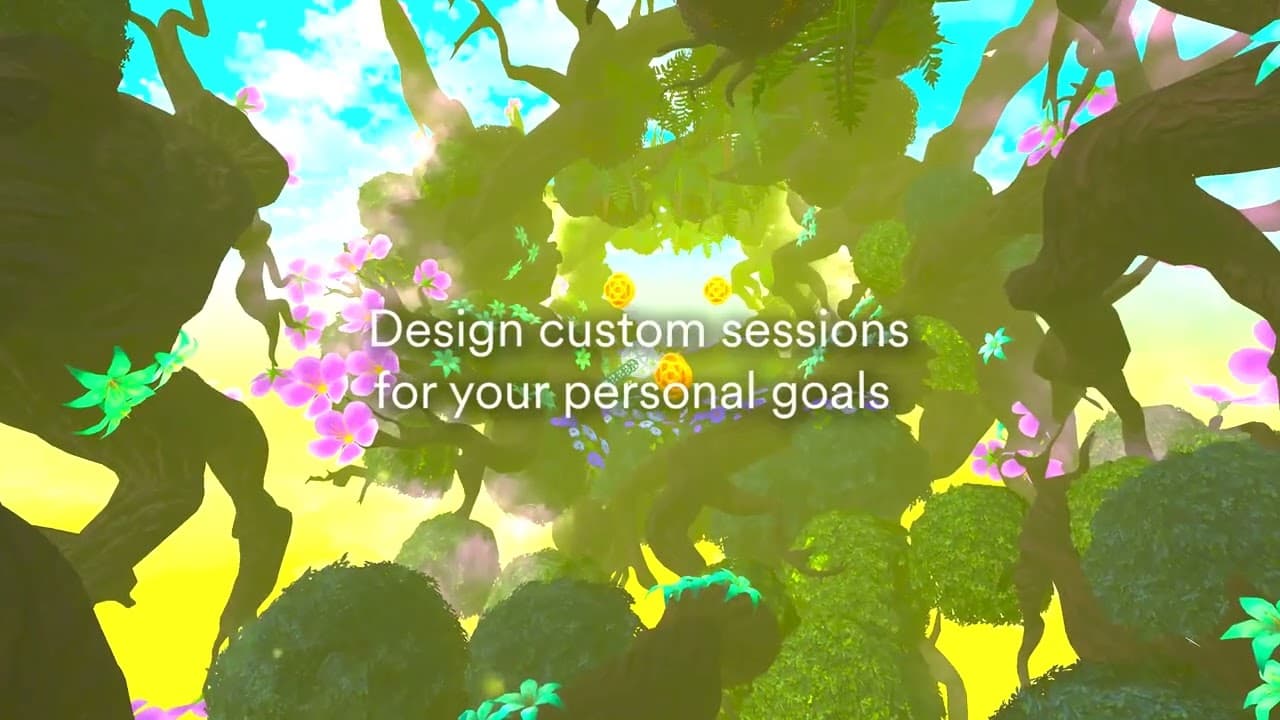
“We decided about a year ago to move to URP, adopting Unity solutions like XR Interaction Toolkit to consolidate our code. It was a smart decision that made the Android XR porting effort dramatically easier—easily a hundred times easier.” — Peter Kennedy, Director of Engineering

TRIPP's Kokua Homeworld working in Unity
Thomas Van Bouwel - Cubism:
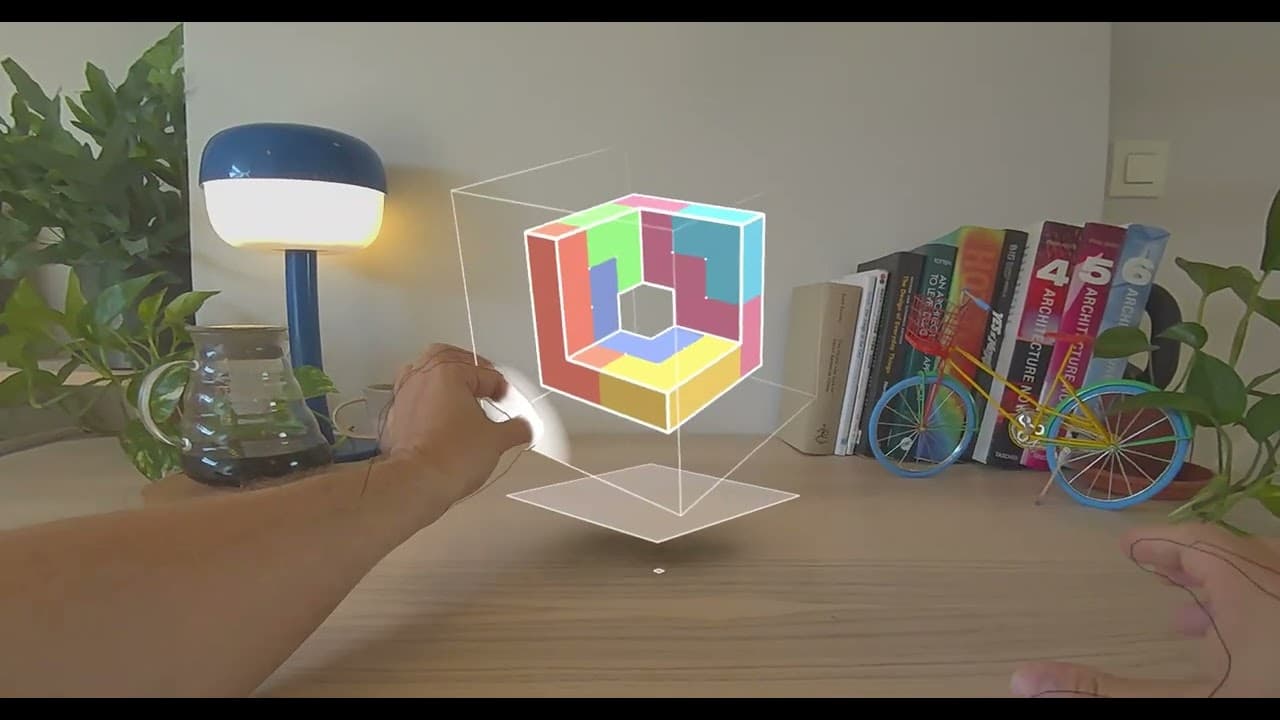
“Unity’s comprehensive multi-platform support and deep OpenXR integration made it seamless to move Cubism’s platform specific code base to a robust platform agnostic one. The XR Hands package in particular drastically simplified the support of multiple platforms” - Noah Rayburn, Engineer responsible for the Cubism port to Android XR

Cubism promotional image
Zoe Immersive - Zoe:
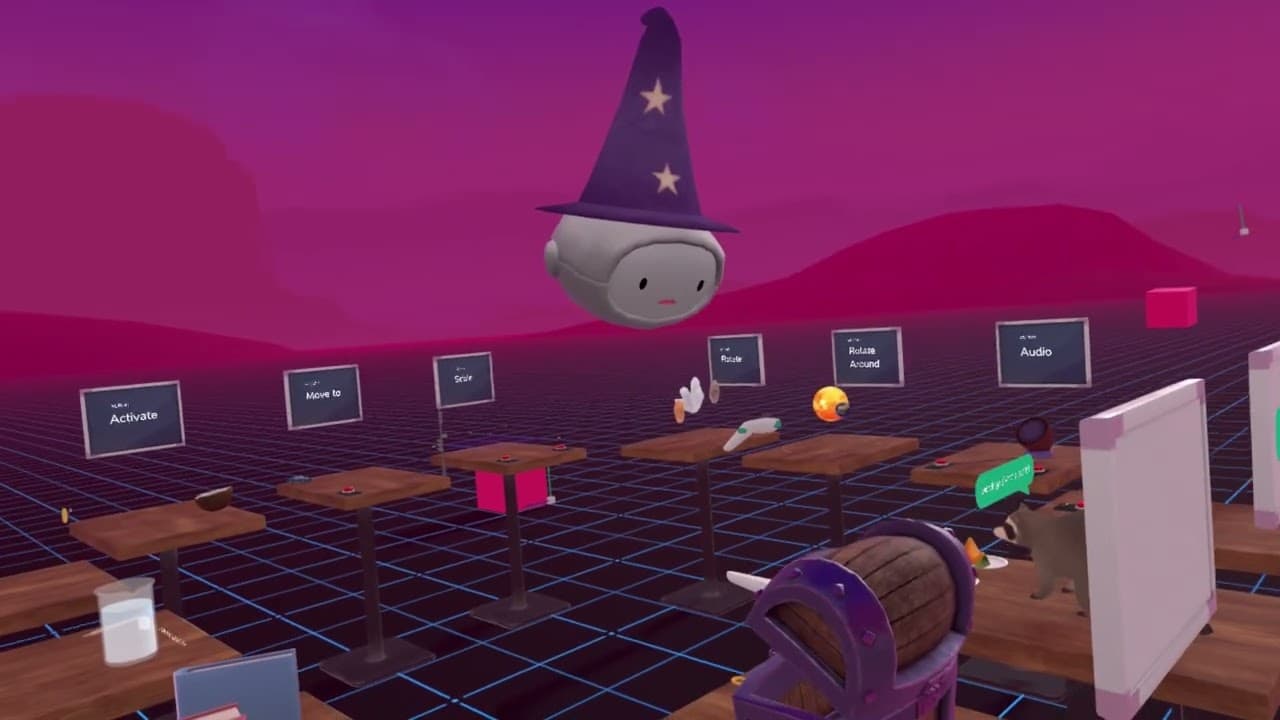
“Unity has supported us in translating our existing UI into a fully hand-tracking supported interface. As a creator platform used by educators & students we needed to ensure our UX stays accessible and comprehensible. Unity has been core to making this possible.” - Emilie Joly, Co-Founder

Scene in Zoë
Devs United Games, Inc - Real VR Fishing:
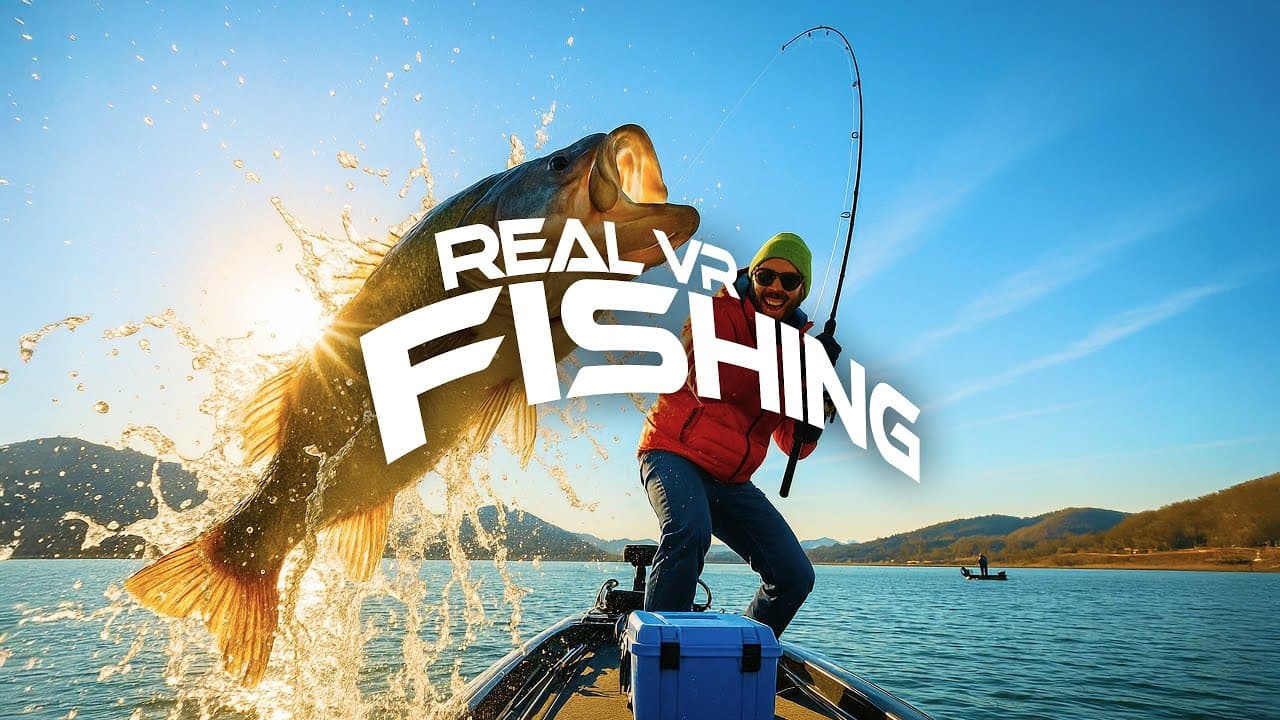
“On Android XR, our biggest challenge – and also our biggest focus – was translating the familiar controller-based fishing experience of Real VR Fishing into a seamless, natural hand-tracking experience. Using Unity 6 together with the XR Interaction Toolkit, we implemented custom gestures that allow players to perform core actions without any controllers, while still feeling intuitive and responsive.
At the same time, upgrading our project to Unity 6 with URP gave us a significant boost in both performance and visual quality, ensuring that players could enjoy smoother gameplay and more realistic environments. Working closely with Unity’s XR specialists also helped us refine and optimize key systems along the way, which made it possible to bring Real VR Fishing to Android XR with confidence in both quality and immersion.” - Sazo Choi, CPO

Real VR Fishing working in Android XR
30 Ninjas - Asteroid:

"Adapting Doug Liman’s cinematic vision into XR was about more than porting assets—it was about reimagining how audiences engage with the story. Unity’s platform gave us the power to merge handcrafted film artistry with real-time interaction, letting players navigate the asteroid world through natural gestures while experiencing the film’s narrative beats firsthand. This balance of art and engineering turned the film into a living environment, where storytelling doesn’t stop at the credits but continues through audience participation." - John Wheeler, Technical Director

Behind the scenes