• Games
  • Industry
  • Resources
  • Community
  • Learning
  • Support
Development
Unity Engine
Build 2D and 3D games for any platform
DownloadPlans and pricing
Monetization
In-App Purchase (IAP)
Discover and manage IAP across stores
Mediation
Maximize revenue and optimize monetization
Ad Quality
Protect your app’s user experience
Tapjoy
Build long-term user loyalty
All monetization products
User acquisition
User acquisition
Get discovered and acquire mobile users
Unity Vector AI
Connect players with the right games
Aura on-device advertising
Reach users on-device at peak engagement
All growth products
Use cases
3D collaboration
Build and review 3D projects in real time
Immersive training
Train in immersive environments
Customer experiences
Create interactive 3D experiences
All industry solutions
Industries
Manufacturing
Achieve operational excellence
Retail
Transform in-store experiences into online ones
Automotive
Elevate innovation and in-car experiences
All industries
Technical library
Documentation
Official user manuals and API references
Developer tools
Release versions and issue tracker
Roadmap
Review upcoming features
Glossary
Library of technical terms
Insights
Case studies
Real-world success stories
Best practice guides
Expert tips and tricks
All resources
What's new
Blog
Updates, information, and technical tips
News
News, stories, and press center
Community Hub
Discussions
Discuss, problem-solve, and connect
Events
Global and local events
Community stories
Made with Unity
Showcasing Unity creators
Livestreams
Join devs, creators, and insiders
Unity Awards
Celebrating Unity creators worldwide
For every level
Unity Learn
Master Unity skills for free
Professional training
Level up your team with Unity trainers
New to Unity
Getting started
Kickstart your learning
Unity Essential Pathways
New to Unity? Start your journey
How-to Guides
Actionable tips and best practices
Education
For students
Kickstart your career
For educators
Supercharge your teaching
Education Grant License
Bring Unity’s power to your institution
Certifications
Prove your Unity mastery
Support options
Get help
Helping you succeed with Unity
Success plans
Reach your goals faster with expert support
FAQ
Answers to common questions
Contact us
Connect with our team
Plans and pricing
Language
  • English
  • Deutsch
  • 日本語
  • Français
  • Português
  • 中文
  • Español
  • Русский
  • 한국어
Social
Currency
Purchase
  • Products
  • Unity Ads
  • Subscription
  • Unity Asset Store
  • Resellers
Education
  • Students
  • Educators
  • Institutions
  • Certification
  • Learn
  • Skills Development Program
Download
  • Unity Hub
  • Download Archive
  • Beta Program
Unity Labs
  • Labs
  • Publications
Resources
  • Learn platform
  • Community
  • Documentation
  • Unity QA
  • FAQ
  • Services Status
  • Case Studies
  • Made with Unity
Unity
  • Our Company
  • Newsletter
  • Blog
  • Events
  • Careers
  • Help
  • Press
  • Partners
  • Investors
  • Affiliates
  • Security
  • Social Impact
  • Inclusion & Diversity
  • Contact us
Copyright © 2025 Unity Technologies
  • Legal
  • Privacy Policy
  • Cookies
  • Do Not Sell or Share My Personal Information

"Unity", Unity logos, and other Unity trademarks are trademarks or registered trademarks of Unity Technologies or its affiliates in the U.S. and elsewhere (more info here). Other names or brands are trademarks of their respective owners.

Hero background image
Unity 2020.1 release

Artist tools

This release includes 2D enhancements, animation updates and Cinemachine 2.5 becomes a Verified package.
Download 2020.1 now
2020.1 overview
Download 2020.1 now
2020.1 overview

What's new in 2020.1

Discover some of the major updates for our artist tooling in Unity 2020.1, including 2D, Cinemachine and animation toolkit improvements. For full details, check out the release notes.
What's new in 2020.1

  • 2D Animation performance improved with Burst
  • 2D Sprite Shape corners and mesh baking
  • Updated 2D template
  • 2D Physics updates
  • Cinemachine improvements
  • Animation updates (Preview)
2D Animation performance improved with Burst

This content is hosted by a third party provider that does not allow video views without acceptance of Targeting Cookies. Please set your cookie preferences for Targeting Cookies to yes if you wish to view videos from these providers.

2D Animation performance improved with Burst

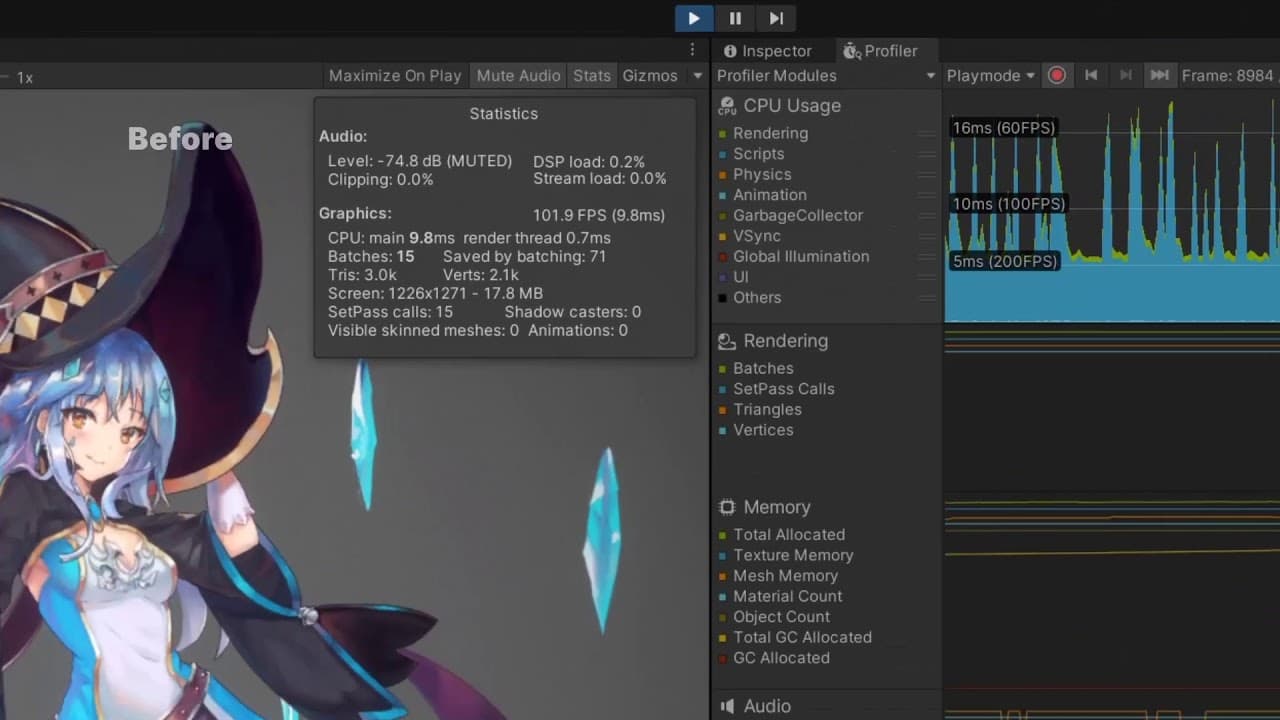
This release optimizes performance for high bone counts (including current performance gains for complex Sprite meshes with high vertex counts).

Animated Sprite deformation at runtime will get a performance boost by installing the Burst Compiler and Collections packages via the Package Manager. This allows the 2D Animation package to use Burst compilation and low-level array utilities to speed up Unity's processing of Sprite mesh deformation.
Get started with 2D animation
2D Sprite Shape corners and mesh baking

This content is hosted by a third party provider that does not allow video views without acceptance of Targeting Cookies. Please set your cookie preferences for Targeting Cookies to yes if you wish to view videos from these providers.

2D Sprite Shape corners and mesh baking

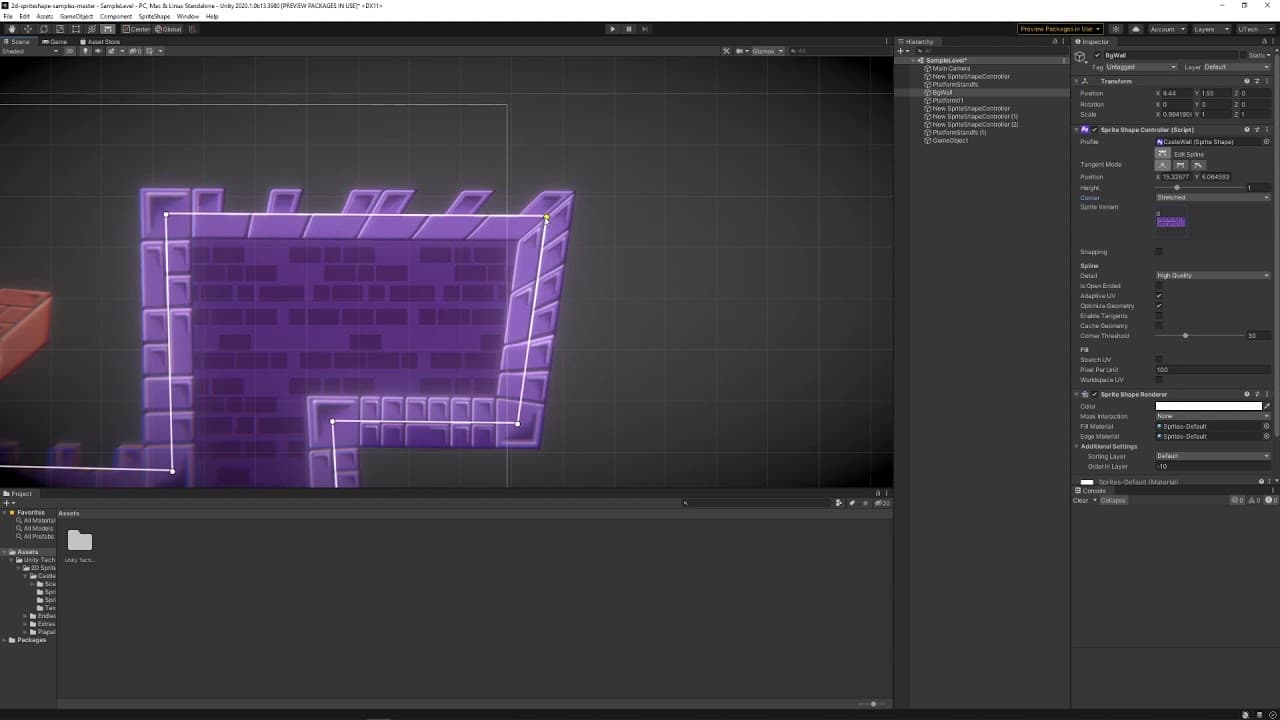
A new “Stretched” option is available for Corners to connect adjacent edges without custom Corner Sprites. This option will build geometry to connect adjacent edges without the need to specify custom Corner Sprites in the Sprite Shape Profile. Scripting API support for the new corner mode will be added in a later release.

Sprite Shape mesh baking allows mesh data to be stored while editing so it can be reloaded at runtime, avoiding unnecessary runtime mesh generation. It also saves CPU cycles when you have a static Sprite Shape that isn’t modified at runtime or when you have a Sprite Shape used with prefabs.

Be aware that since data is stored in a Sprite Shape component, your Scene size can increase if it contains a lot of Sprite Shape objects with highly detailed geometry. Also, Sprite Shapes baked this way cannot be dynamically modified during runtime.
Learn more
2D Physics updates

This content is hosted by a third party provider that does not allow video views without acceptance of Targeting Cookies. Please set your cookie preferences for Targeting Cookies to yes if you wish to view videos from these providers.

Updated 2D template

The 2D default template has been updated. It now includes all the verified 2D tools, precompiled, so new projects load faster with the entire 2D toolset at your disposal. The template also includes packages and default settings that are optimal for a 2D project. Learn more in the forum.

Our 2D sample project Lost Crypt, which showcases all the recent 2D tools, has been updated to 2020.1. This project demonstrates how all the 2D tools can work together to create compelling 2D games.

Get the Lost Crypt demo
2D Physics updates

2D Physics updates

This release features many updates to 2D Physics, including improvements to Rigidbody2D XY Position Constraint, which makes a Rigidbody completely solid under any force and has almost zero runtime cost. This feature resulted from changes to Box2D physics and was ported back to 2019.2.

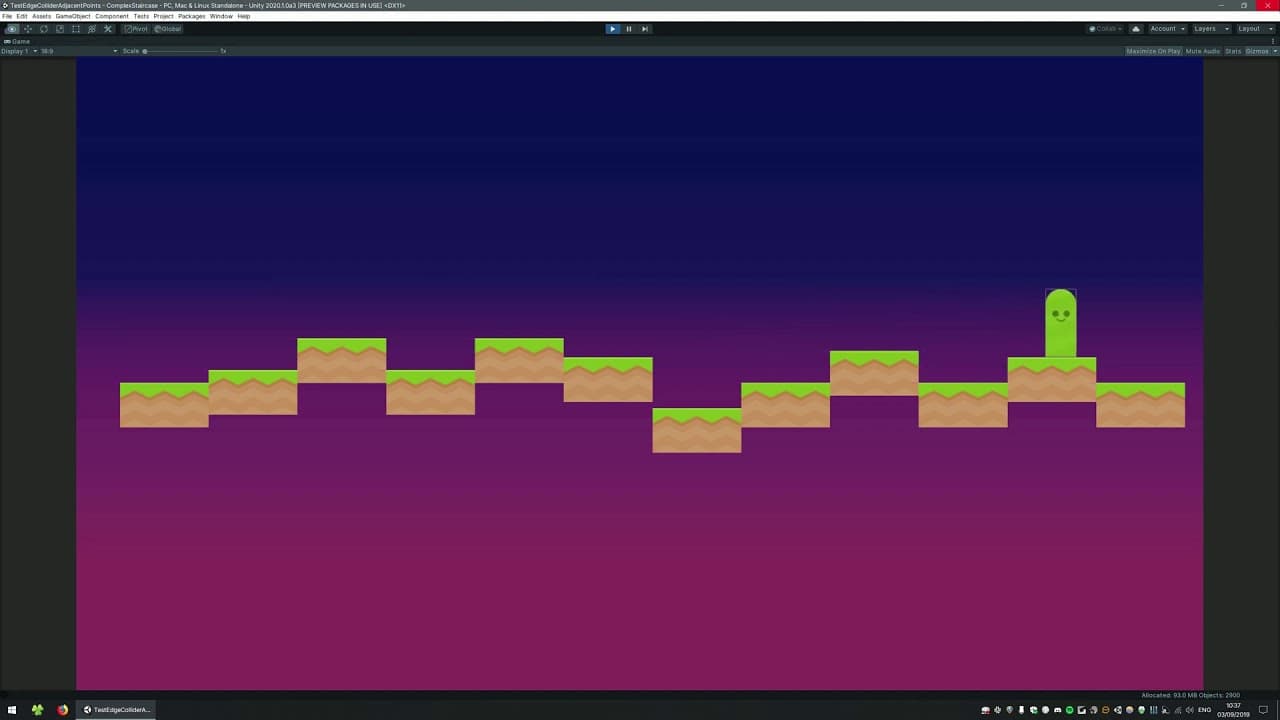
Per-frame Auto-Simulation enables Physics to refresh at the same rate as the rendering cycle, providing smoother physics and visuals. As well, Edge Collider 2D now lets you control the start and end points to allow overlapped edges with other colliders to maintain a continuous surface.

Our 2D Physics Examples project has been updated with many Scenes to demonstrate all 2D physics features.

Get the 2D Physics Examples
Cinemachine improvements

Cinemachine improvements

Cinemachine is our suite of tools for dynamic, smart, codeless cameras that let the best shots emerge based on scene composition and interaction, allowing you to tune, iterate, experiment and create camera behaviors in real-time. With 2020.1 version 2.5 of Cinemachine is now a verified package and recommended for productions of any scale.
Learn more about what’s next for Cinemachine
Animation updates (Preview)

This content is hosted by a third party provider that does not allow video views without acceptance of Targeting Cookies. Please set your cookie preferences for Targeting Cookies to yes if you wish to view videos from these providers.

Animation updates (Preview)

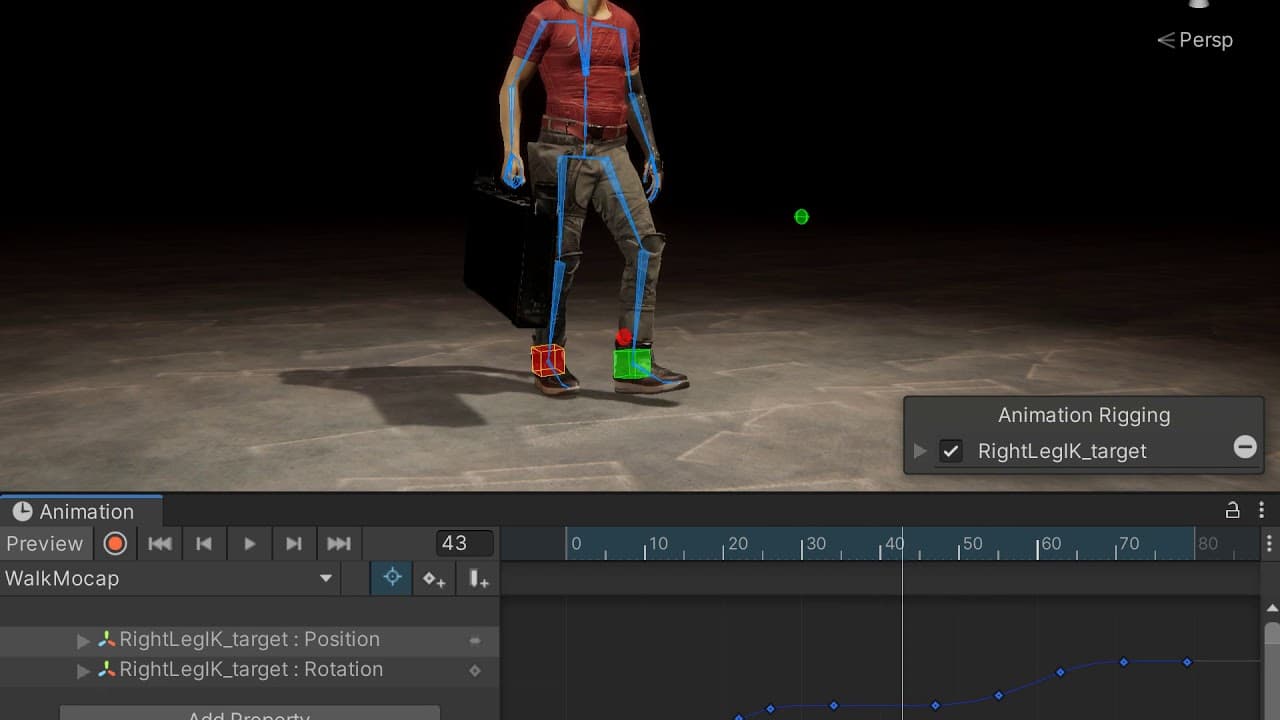
Animation Rigging: Bidirectional motion transfer is also available in 2020.1. Bidirectional motion transfer is an authoring workflow that lets you transfer existing motion onto active constraints and, inversely, transfer the motion from active constraints back to the original motion source while preserving visual fidelity of the motion. It can shorten the iteration loop by making animation edits directly in Unity and in the context of your Scene.

The long-awaited Kinematica is now available as a Preview package. Kinematica is a next-generation character animation system, based on the concept of Motion Matching, that produces high-quality character animation at runtime without relying on animation graphs. Watch this Unite Now webinar to learn more.

Learn more
Download Unity 2020.1 now

Get access to all the latest artist tools and more.

Download Unity 2020.1