

Check out our interview with the Niebla Games team where they explain how they worked with Unity to bring Causa: Into the Dusk, first launched on PC in 2021, to Google Play Pass, which is coming soon.
They share how they migrated from Unity 2019 to Unity 6.3, upgraded from the Built-in Render Pipeline to the Universal Render Pipeline (URP) for higher and more consistent frame rates, scaled across devices with Unity Device Simulator, optimized with the latest Unity Profiler, and reduced build size using Unity’s Sprite Atlas system and Atlas Analyzer.
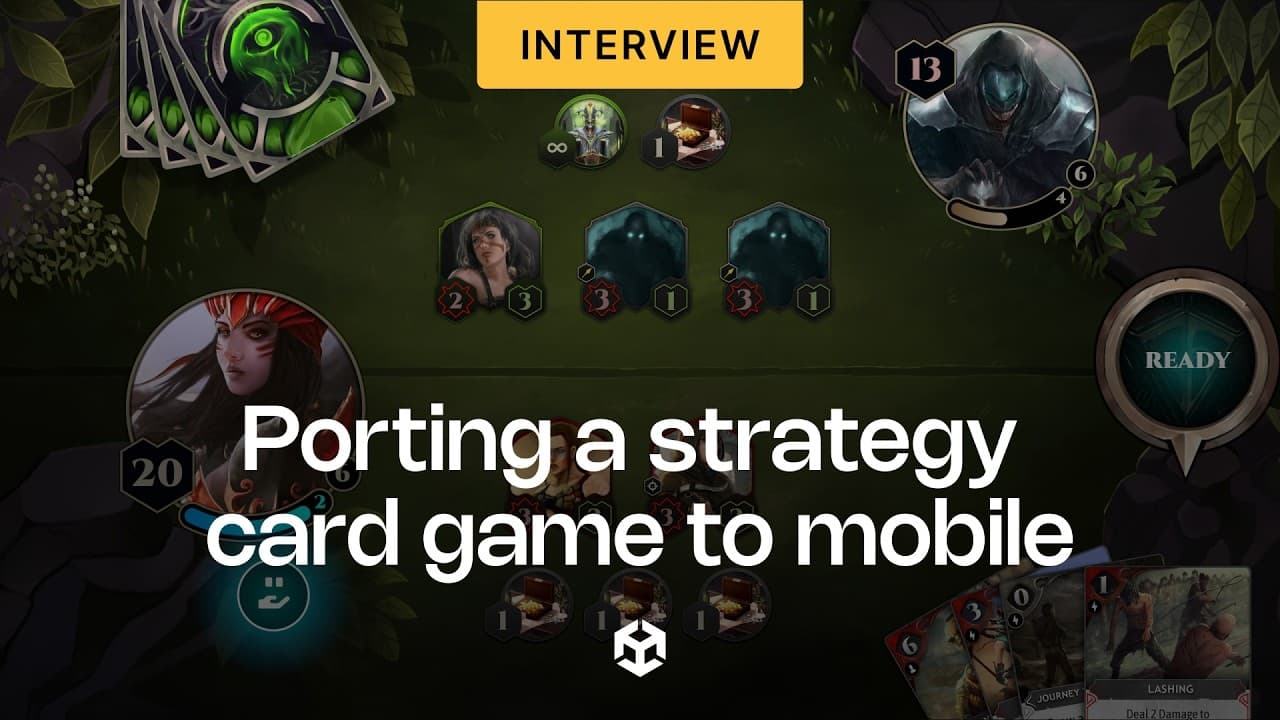
MAUREEN BERHO: Causa, Into the Dusk is a highly strategic card game made by our team, Niebla Games.
This had a very strong single player draft campaign mode in which you were able to explore this fantasy universe and also get to know these factions and the different gameplay related to each of them. We saw a high engagement and retention on this game mode and we thought it was perfect for a subscription model.
So, we saw an opportunity to bring the game to Google Play Pass, and this was also possible thanks to the support of the Indie Games Fund by Google.
ADAPTING THE GAME FOR MOBILE
When we thought about bringing Causa to mobile, we thought about what would be the technical challenges, and the first thing that we planned was the migration from Unity 2019 to Unity 6.3.
We decided to update from the Built-in Render Pipeline to the Universal Render Pipeline to have a higher frame rate and more consistent frame rate for our game. So, it has an impact on performance.
This is especially important considering that Causa is a UI-heavy game, and also, we wanted to modernize the project in general to have access to new development tools and a more supported ecosystem.
Even if at first it was a PC game, we wanted mobile players to experience the game as a mobile-first experience, and this meant adjusting the UI so it would be easy to use, comfortable, easy to navigate, and scale properly on multiple devices. And for this, we used the Unity Device Simulator, so we were able to easily iterate in the Editor and make all the needed adjustments for the wide range of devices.
IMPROVING PERFORMANCE ACROSS DEVICES
The experience of porting the game from PC to mobile was quite smooth in general. The most challenging part was optimization. We had to ensure that the game runs smoothly on a wide range of devices.
When updating to Unity 6.3, we had access to improved tools for optimization. For example, we used the latest version of the Unity Profiler so we were able to identify performance bottlenecks and areas of improvement.
Also, we had to make sure that we were able to reduce the build size, and this meant working on and adjusting all the assets in the game, the textures, and making sure that players could have a good experience when finding and downloading the game.
We used to build our Sprite Atlases manually, and now we use the Unity Sprite Atlas System. This helps us organize and adjust our assets. Also, we are using the Unity Atlas Analyzer, so we are able to identify issues and clean up the assets in our Atlas in a much more efficient way. This has worked very well for us to reach a wide range of mobile devices.
Check out more stories from Unity developers on the Unity Blog and Resource Hub.