The 3D as 2D sample project, Bunny Blitz, is available now

Eduardo Oriz - Unity Technologies
Senior Content Marketing Manager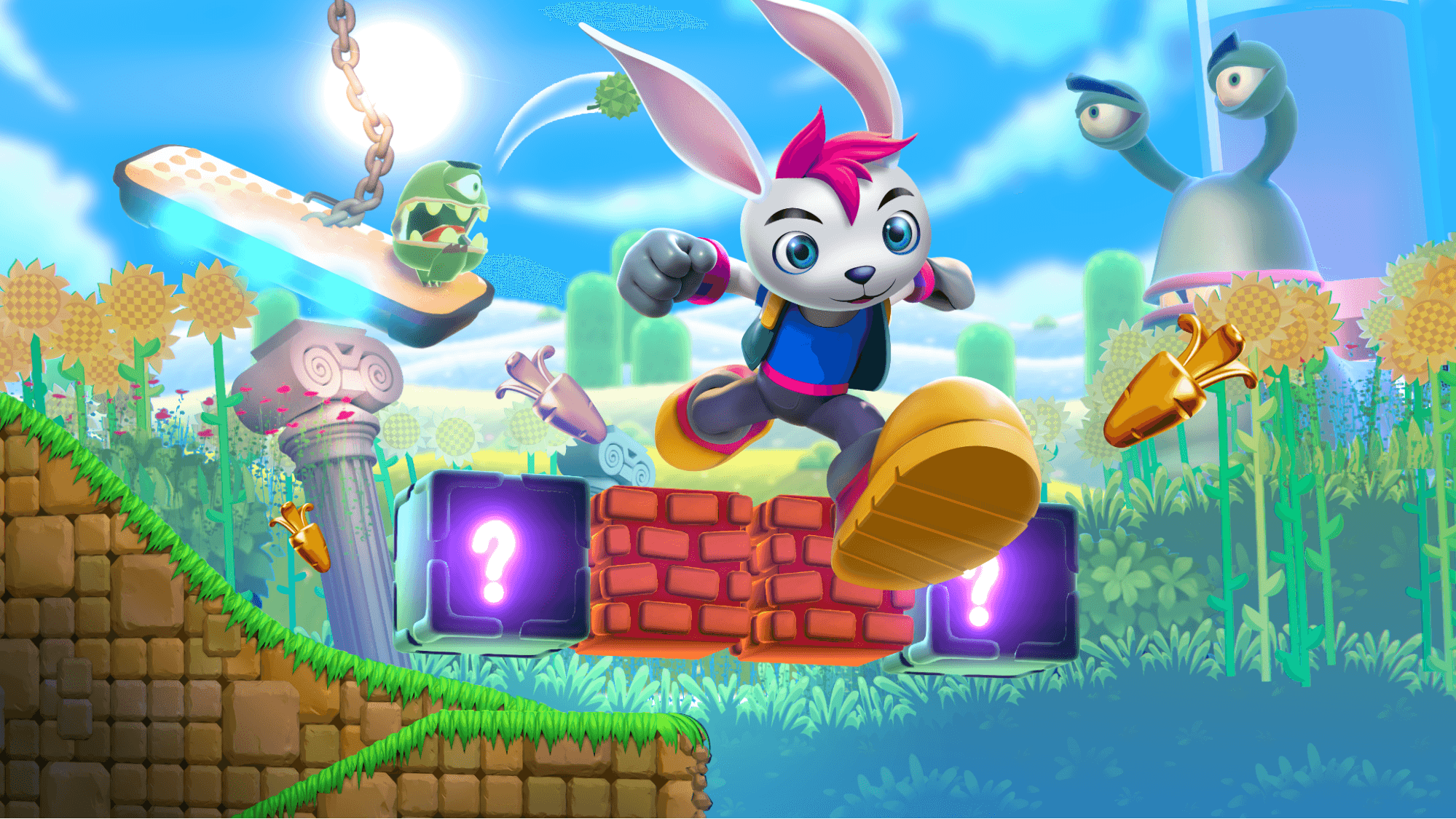
2D games face challenges when it comes to meeting players' visual expectations. Developers must deliver sophisticated animations, changing camera angles, cutscenes, a sense of depth, immersive, versatile gameplay.
While 2D is expressive, adding 3D elements adds greater depth. 3D animated characters can be easier to animate (for example, in isometric 2D games ) and you can use different camera angles or make close-up cutscenes with 3D characters. 3D props can also create unique gameplay situations or reinforce depth.
In Unity 6.3 and beyond, 2D projects using the URP 2D Renderer can now blend 3D elements into the 2D world with the 3D-as-2D workflows. Under the same renderer, 3D elements using the included Mesh-2D-filter materials or any Shader Graph sprite-based shader (with 3D-as-2D compatibility enabled) can be rendered and sorted in the 2D world.
In the new 3D-as-2D workflows, 3D GameObjects behave like sprites in sorting layers, will receive 2D lighting, and can even be masked using a 2D mask.
To demonstrate all these possibilities we created the new sample, Bunny Blitz.
>> DOWNLOAD <<
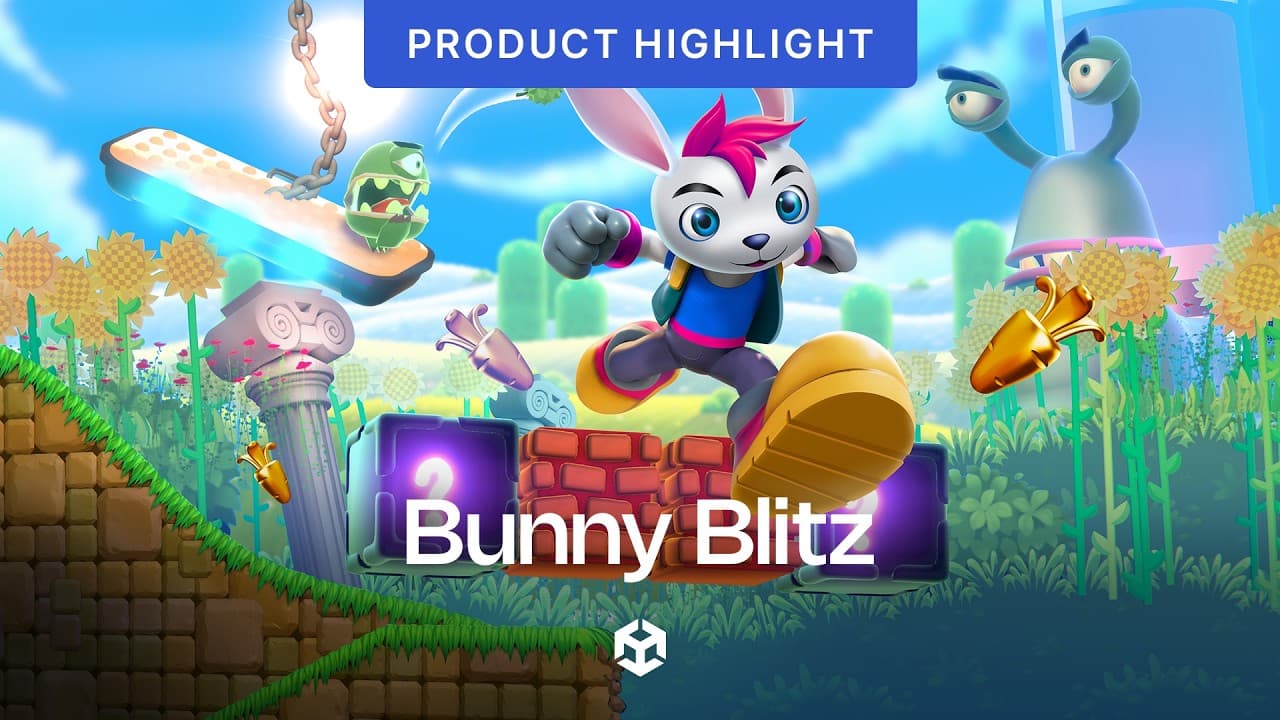
We’re working on written and video tutorials focusing on different aspects and challenges of 3D in 2D and techniques, but in the meantime, you can check out the project and explore the scene.

Core features
- Sprite and 3D Sorting: Sort 3D objects alongside sprites using the Sorting Group component and 3D-as-2D rendering, replacing traditional depth-based sorting with sorting layers
- Perspective Depth: Use a perspective camera and Z-axis positioning to create a stronger sense of environmental depth
- Out-of-Focus Blur: Apply a custom 2D Renderer injection pass to create depth-based blur effects
- 3D-as-2D Shaders: Build Sprite shaders in Shader Graph with full 3D-as-2D compatibility
- Complete 2D Toolset: Use 2D Lights, Tilemaps, Sprite Shapes, animations, and masks throughout the project
- Advanced Rendering: Explore shadow camera rendering, MatCap materials, and tileable Tilemap materials
- Visual Effects: Combine VFX Graph and Shader Graph for character spawning, cloud transport, end-of-level portals, and spring effects
- Reusable Asset Library: Access a collection of reusable 2D and 3D assets, including a fully animated main character, enemies, and final boss
- 2D Physics Gameplay: Power the complete gameplay experience using Unity’s 2D physics system

Play the project
How to play Bunny Blitz
Open the LevelSelect scene in the BunnyBlitz > Game > Scenes folder, select level, then select Play.
- Left/Right or A/D will move the Rabbit left and right.
- Space to jump, double press to double jump.
- Land on enemies and blocks and avoid hazards like spikes or falls.
- Shoot “pomegranades” with Enter or left-click on the mouse.
- Collect golden carrots: Collect 100 for a life.
- Collect “pomegranades”: Shoot them at enemies!
- Watch for the hearts: Lose 3 hearts and you’ll respawn from a save point or restart from the level selection screen if you don’t have lives left.
For the completionists
- Collectibles: Find the hidden glass ducks and the letters U, N, I, T, Y throughout the demo level.
- Defeat the “megasnail”: He doesn’t like “pomegranades”, and likes bombs even less.
- Return home: Cross the portal in the carrot house.

Check out our other resources for 2D developers, like our recently updated 2D game art, animation, and lighting guide ebook and the 2D tutorials playlist on our YouTube channel and other samples that you can find on the Asset Store.