Our ultimate 2D game art, animation, and lighting guide is now updated for Unity 6.3 LTS

Shanti Zachariah - Unity Technologies
Senior content marketing manager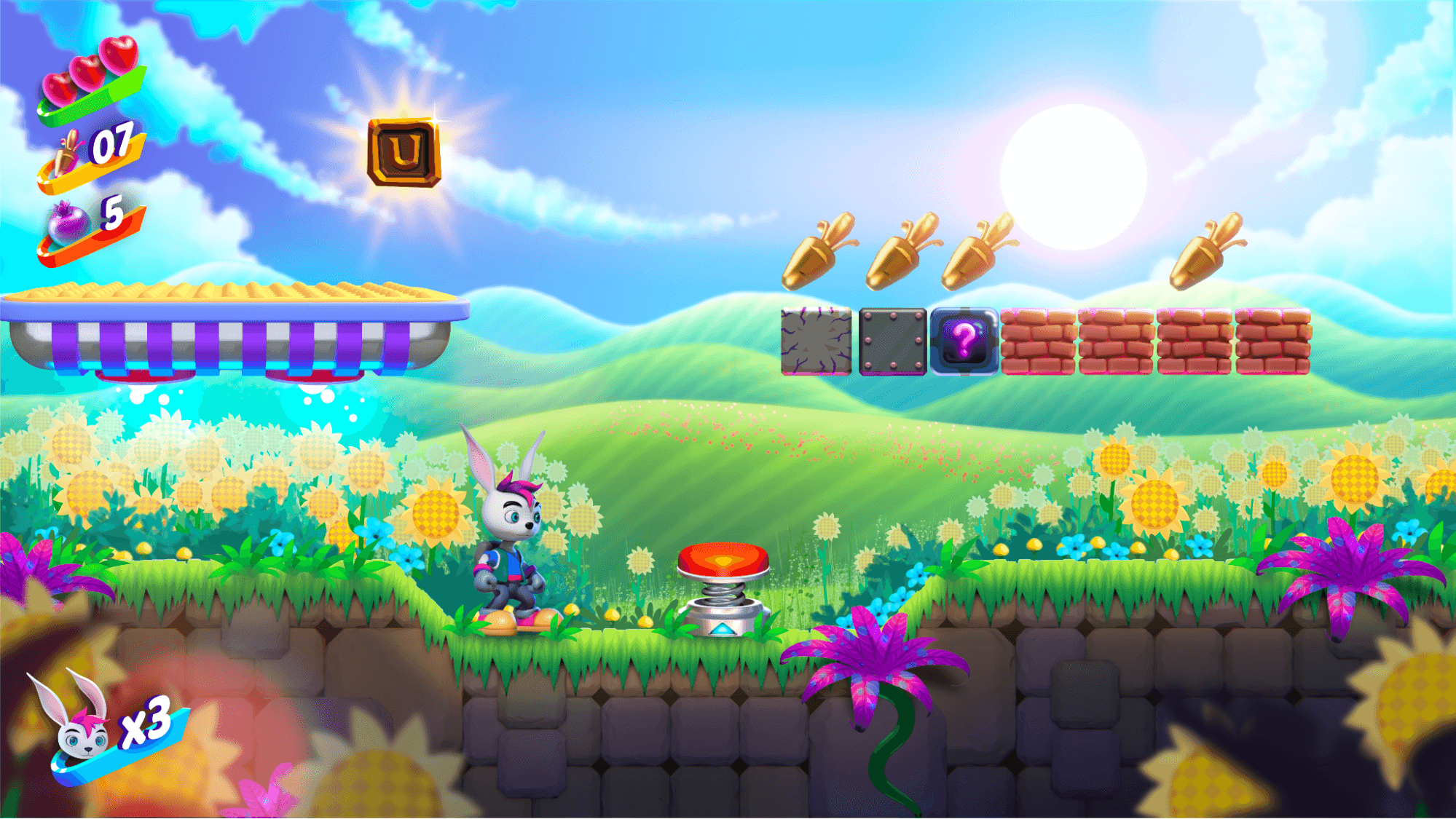
Our goal for 2D creators is not only to develop powerful 2D tooling but also to provide the industry-standard in learning and upskilling content for our users. Whether guides, videos, or sample projects, these resources present the best practices, techniques, and tips you need to efficiently create performant 2D games in any style and genre – from retro pixel art to sophisticated 2D with dynamic lighting and 3D elements.
There’s been a wealth of new 2D features in Unity 6.x like lighting, shadows, and visual effects with Shader Graph and the VFX Graph, and new 2D animation, level-building, and optimization features. And now, with Unity 6.3 LTS, you get a collection of powerful tools to integrate 3D characters and elements into a 2D project with unified lighting and sorting.
To help you get the most out of these new capabilities in Unity 6.3 LTS, we updated our ultimate 2D guide, 2D game art, animation, and lighting for artists.

Best practices and techniques for creating with 2D tools in Unity 6.3 LTS

A GameObject Brush is used to place collectable objects in the level using the tilemap grid.
The 2D e-book starts with sections on project setup, design considerations, and art preparation techniques. It then goes on to cover all of the latest features, including explaining techniques for how to use the tools to create a 2D world with the rich detail, visual effects, and polish you require, optimized for any platform.
Here are some of the highlights of this latest edition:
- 2D project setup: The packages in the 2D template and how to choose the correct URP and 2D Renderer settings
- 2D art and assets: Working with other DCC tools, choosing your camera perspective
- Sprite Editor options: Sprite setup in Unity for different purposes
- Tilemaps: The latest features for using tilemaps, and using them to design environments and levels
- 2D skeletal animation: Design, import, and rig animations, inverse kinematics, the Sprite Swap features and skins
- 2D physics: Quick overview of the fundamentals
- 2D light and shadow techniques: Rich details with normal and mask maps, create shadows with different techniques, day-night lighting cycles, and the Sprite Custom Lit shader for your own lighting model
- Render 3D elements as 2D: How this works in Unity 6.3 LTS and the correct sorting and masking settings to have both worlds blend together
- 2D optimization tips: The 2D Light Batching Debugger, the 2D Renderer with the Render Graph, the SRP Batcher, and the new Sprite Atlas Analyzer

Looking at the Atlas Page Count in the Sprite Atlas Analyzer window
The latest addition to our collection of handcrafted 2D learning content
The 2D e-book is one major piece in an ecosystem of unique learning content: four distinct 2D samples (the fourth, Bunny Blitz, announced at Unite 2025, will be released later this spring), video tutorials, and Unite sessions. This collection is a product of teamwork between Unity 2D engineers, the technical content team, and Jarek Majewski, a professional 2D game artist and developer who is the main creator behind the 2D samples and the e-book.

A character with multiple parts, rigged in the Sprite Editor, and ready for animation
From the bucolic abundance in Happy Harvest and the glittering sea-themed board pieces in Gem Hunter Match, to the side-scrolling action in Bunny Blitz and the many tips in this latest guide, we hope our learning resources help you gain new skills and inspiration on your way to creating your next 2D game.