Live Private Training Course Catalog
Empower your team with a training program that will develop and enhance their skill set. Choose from curated courses designed for all skill levels and get 1:1 hands-on expertise to achieve your business goals quicker and more efficiently.

Digital Twin Development
Master the Unity Asset Transformer suite of tools with this collection of workshops, designed to help beginner to intermediate users with various aspects of digital twin development.


Master advanced building skills for immersive product experiences. Create interactive digital twins that incorporate features such as customizable UI-controlled animations, environmental lighting simulations, and live data streaming.
Difficulty: Advanced
Duration: 12 hours

The course covers essential techniques for integrating real-time video and data streams into your models, providing dynamic alerts, and deploying projects to WebGL for remote accessibility.
Difficulty: Intermediate
Duration: 10 hours

Master the skills crucial for creating Digital Twins with Unity Asset Transformer. Learn to prepare CAD assets for Unity, optimize, export, and set up a High Definition Render Pipeline project so you can set up simple scenes with the imported assets.
Difficulty: Intermediate
Duration: 8 hours
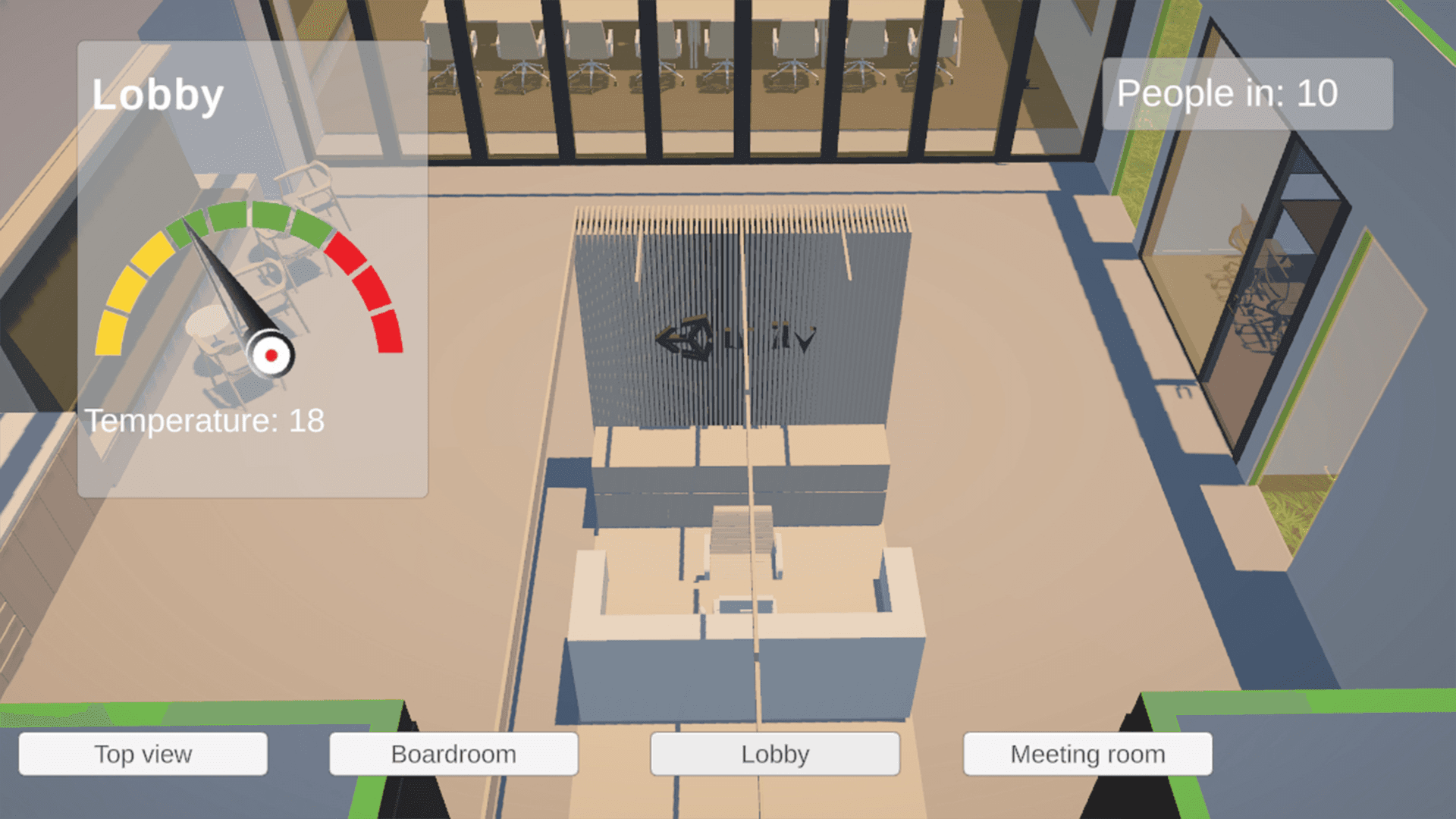
Create a digital twin for building management or architecture. Bring an architectural file (Revit) into Unity Asset Transformer (Toolkit / Studio) and output it as a model that can be used in Unity. Once in, Unity learners will use lighting and UI to create a functioning DT.
Difficulty: Intermediate
Duration: 16 hours

This course equips experienced Unity users with the skills to integrate real-time sensor data streams into Unity-based Digital Twin solutions. Participants will build robust ingestion pipelines, architect scalable systems, and implement dynamic 3D visualizations for real-world professional use cases.
Difficulty: Advanced
Duration: 10 hours

A non-technical workshop on the process and resources required in planning a Digital Twin. From defining objectives to selecting the right tools, understand the requirements to build a robust Digital Twin that will drive operational excellence.
Difficulty: Beginner
Duration: 5 hours

Learn to use the Unity Asset Transformer Toolkit to import, repair, and optimize CAD or Point Cloud models for real-time 3D. This course covers installation, import settings, and the Toolbox and Rule Engine, guiding you through decimation, mesh cleanup, draw call reduction, and LOD configuration. You’ll also explore UV creation, collider setup, and best practices for preparing immersive 3D experiences.
Difficulty: Beginner
Duration: 7 hours

This course will introduce various concepts and workflows of the Unity Asset Transformer SDK. This includes configuring the Unity Asset Transformer SDK environment and automating mesh generation with Python scripts.
Difficulty: Beginner
Duration: 5 hours

This course will equip 3D designers, engineers, and game developers with the skills to transform CAD models into optimized, real-time-ready assets using the Unity Asset Transformer Studio and Unity. Learn to navigate Unity Asset Transformer Studio's interface, manage model hierarchies, tessellate and optimize meshes, and integrate models into Unity with proper UV mapping, real-time lighting, and interactivity.
Difficulty: Beginner
Duration: 8 hours
Developing for visionOS
Designed and delivered by Unity experts and technical trainers, this hands-on workshop series is suitable for professionals of all skill levels. With practical challenges, sample projects, and knowledge checks, learners will build a strong foundation in developing for visionOS.


Get immersed in the concepts and workflows of the AR Foundation package within visionOS, from setting up your Unity project to implementing each supported feature. Through hands-on examples, you’ll discover essential AR Foundation concepts, configure your development environment for visionOS, and explore the features for creating immersive AR experiences.
Difficulty: Beginner
Duration: 6 hours

Learn how to use Unity’s XRI 3.0 package with the supporting sample project. This unique package is geared to help developers make use of the Vision Pro’s unique input devices by designing their own custom gestures for interactions.
Difficulty: Beginner
Duration: 8 hours

Learn to configure, build, and deploy mixed reality experiences for visionOS. Create applications that blend digital content with your physical space and coexist with other applications in a shared real-world environment.
Difficulty: Intermediate
Duration: 7 hours

This course introduces the core principles of developing real-time 3D applications for visionOS on the Apple Vision Pro. You’ll explore the device’s capabilities, set up the required software and tools, configure your development environment, and learn how to build and deploy your projects to Xcode for testing on Vision Pro hardware.
Difficulty: Beginner
Duration: 3 hours

Master the development of custom shaders for visionOS mixed reality applications. Create water effects consisting of surface movement, refraction, and caustics. Learn to create custom lighting blended alongside the Image Based Lighting provided by visionOS.
Difficulty: Intermediate
Duration: 6 hours

Learn to create spatial UI using Unity Polyspatial. Create and interact with UI designed for the Apple Vision Pro’s Immersive Mode, such as the Polyspatial touch input pattern, custom Inspector windows, and compositional development.
Difficulty: Intermediate
Duration: 8 hours

The Unity Input System is a comprehensive solution for input handling for visionOS. Master these enhanced tools for input mapping, processing, and event-driven notification to offer better control and significantly improve user experience.
Difficulty: Intermediate
Duration: 8 hours

Get started with Unity’s XR Hands package and supporting sample projects on how to edit and create gestures. You will also design your own custom gesture to work as the input device for an interaction event.
Difficulty: Intermediate
Duration: 8 hours
Learn how to use the Unity Editor
Develop your real-time 3D skills across the board, from lighting and texturing to content and asset management, to help you build and optimize high-performance applications.


This workshop introduces the Unity AI Assistant and its core workflows for accelerating Unity project development. It mirrors the four modules in the Unity AI Assistant Fundamentals outline and adds a fifth instructor-led mini-hackathon section for applied experimentation.
After this training, participants will be able to navigate and configure the Assistant, generate assets, apply prompting best practices, use AI-assisted Unity development workflows, connect external AI models and MCP services, and apply these capabilities to an open-ended Unity challenge.
Difficulty: Intermediate
Duration: 6 hours

Learn the fundamentals of creating choreographed Timeline interactions in your Unity projects, including how to animate and activate objects, how to work with sound, and how to trigger timelines with a user interface.
Difficulty: Beginner
Duration: 4 hours

Learn to create real-time animated cinematic sequences using Timeline and Cinemachine. This course moves from foundational Unity-for-film topics to more advanced animation, cinematography, lighting, sound, and final render techniques.
Difficulty: Intermediate
Duration: 40 hours

Create compelling camera shots using various Cinemachine techniques and camera rigs. Learn how to implement powerful hybrid camera rigs that combine the power of procedural cameras with the precision of key-framed cameras.
Difficulty: Beginner
Duration: 6 hours

Create interactions using simple logic in real-time 3D applications using Visual Scripting, without being a programmer. Learn the foundations of Object-Oriented Programming, add common interactions and realism to your scene, as well as improve and refactor scripts.
Difficulty: Beginner
Duration: 13 hours

Master user interface (UI) components and learn how to easily create interactive interfaces, add animation, and optimize UI text objects.
Difficulty: Beginner
Duration: 8 hours

Learn to create sophisticated and interactive augmented reality (AR) applications for mobile devices through project-based development.
Difficulty: Intermediate
Duration: 40 hours
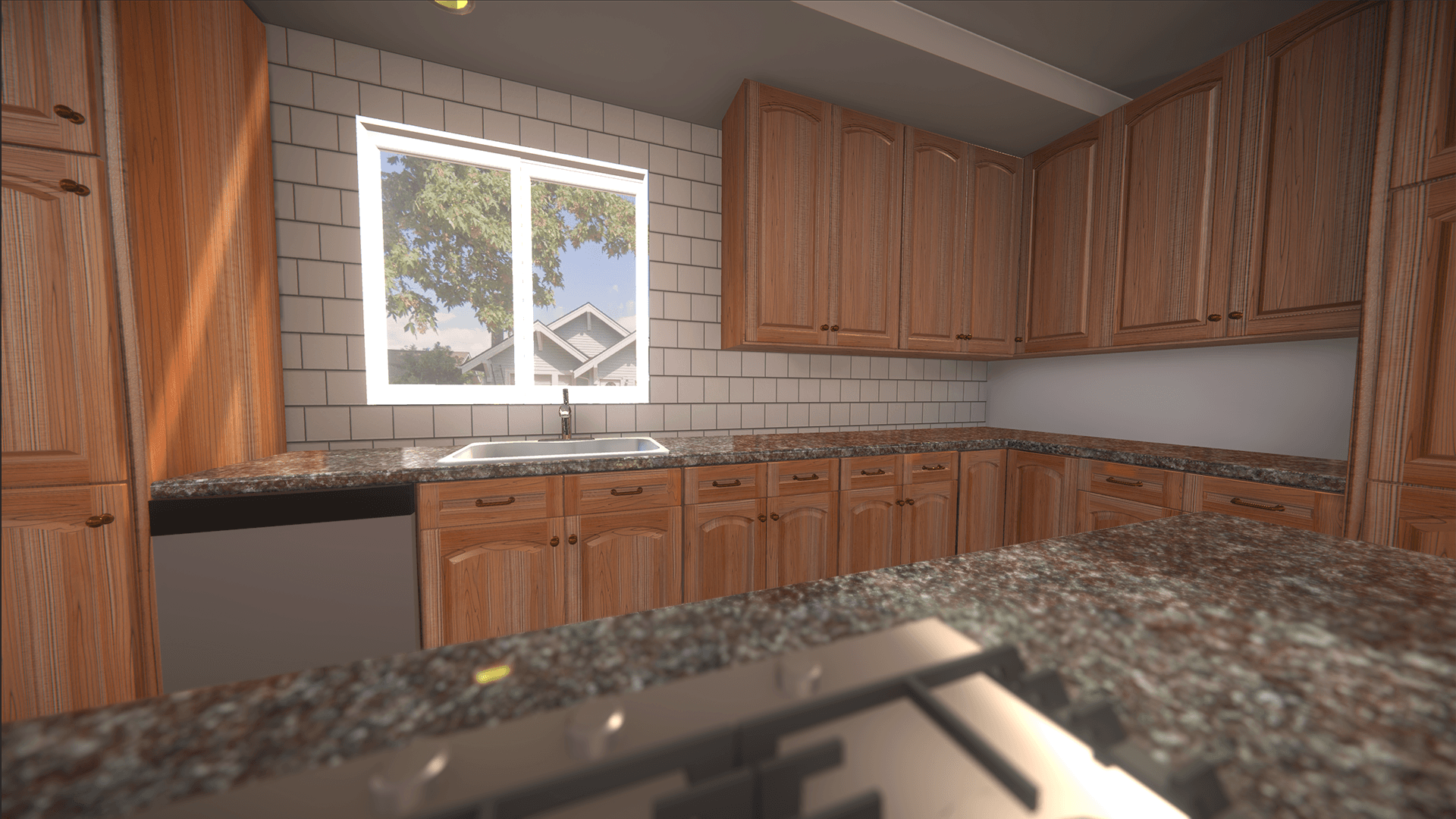
Learn to navigate in 3D space, design and build a scene layout, and manage assets in the Editor. Explore how to create mood through lighting, visual effects, audio, and animations, as well as the fundamental concepts of user interface design and implementation. Start your 3D Unity project with a hands-on introduction to the essential features, tools, and workflows needed to begin prototyping and building immersive applications.
Difficulty: Beginner
Duration: 9 hours

Use Unity’s 3D development tools to develop a 3D scavenger hunt game. Add basic gameplay code, create a game environment, create user interfaces, animate and light characters in a scene, optimize and publish for mobile.
Difficulty: Intermediate
Duration: 40 hours

This course explores the principles of Unity’s Data-Oriented Technology Stack (DOTS) and data-oriented design. Learn key concepts and get hands-on experience working with Jobs and ECS (Entity Component System) in the Editor.
Difficulty: Advanced
Duration: 11 hours

Discover the essentials of character movement and control in Unity. Work with the Character Controller component, the Animation Controller (including state machines, blend trees, and transitions), and learn how to use Cinemachine. Built a third-person player setup, complete with a highly configurable camera that follows your character.
Difficulty: Beginner
Duration: 5 hours

The HDRP Lighting Fundamentals course provides a comprehensive introduction to using the High Definition Render Pipeline (HDRP) for advanced lighting in Unity. You'll learn how to set up an HDRP project, configure pipeline assets, create Volume Profiles with overrides, work with different lighting types, use Light Probes and Adaptive Probe Volumes, as well as various light types and shadows. By the end of this course, you'll be able to add depth and realism to your projects.
Difficulty: Beginner
Duration: 6 hours

In this course, you’ll take a layered PSD file, a mockup of a car’s Human-Machine Interface (HMI), and convert it into an interactive simulation using the Unity game engine. This hands-on experience is designed to equip you with both practical and technical skills for designing, assembling, and simulating real-world automotive instrument clusters.
Difficulty: Intermediate
Duration: 12.5 hours

This training details the necessary steps for importing xTex and AxF data into Unity. You’ll be given an overview of the importer installation process and configuration settings and practice bringing in 3D material data in both formats.
Difficulty: Beginner
Duration: 80 minutes

The Addressables package allows you to create and release AssetBundles to user applications, as well as optimize memory and storage for smaller devices. Through this course, you will learn to manage assets and deliver live content more efficiently using the Addressables package.
Difficulty: Intermediate
Duration: 9 hours

This course will teach you the essential skills to enhance user interface performance for seamless and efficient applications. You will gain hands-on experience with Unity’s Profiler tool and learn how to capture and analyze performance data, enabling you to identify and fix potential bottlenecks.
Difficulty: Intermediate
Duration: 4 hours

Use Android Studio to profile and identify areas for optimization in a sample project. Learn the best practices for using platform-specific profiling tools to identify and solve problems that can arise when developing applications for any particular platform.
Difficulty: Intermediate
Duration: 4 hours

Learn techniques and tools that will allow you to quickly prototype interactive 3D projects for mobile applications in Unity. Using Probuilder, Unity UI, and the power of Prefabs you’ll create your own 3D museum application and build it for a mobile device.
Difficulty: Beginner
Duration: 9 hours

Learn the fundamental concepts of Shaders, how they work in Unity, and how you create them using codeless Shader Graph workflows. You will learn to apply textures, work with vertex and fragment shaders, and create various effects on objects.
Difficulty: Beginner
Duration: 16 hours

Using the Memory Profiler to benchmark progress, explore unique solutions for memory optimization, such as compressing textures, using best practices for import settings, and controlled usage of Garbage Collection.
Difficulty: Intermediate
Duration: 4 hours

Dive into the process of designing, styling, and implementing performant UI elements with the UI Builder. Get hands-on experience working on an existing project, customize visual themes, and add interactivity using best practices.
Difficulty: Beginner
Duration: 6 hours

This course equips Unity developers with the skills and knowledge to identify and resolve performance bottlenecks in real-time 3D applications. Through a combination of foundational concepts and advanced techniques, learners will master the art of optimization across various aspects of the Editor to create efficient, high-performing projects without compromising visual quality or functionality.
Difficulty: Intermediate
Duration: 9 hours

This course teaches you how to use AI and machine learning models in Unity with the Unity Inference Engine. You’ll learn why the Inference Engine exists and how AI has evolved to run on-device. Then you'll work through practical applications such as classifying images and recognizing handwritten digits, detecting objects and faces in real time, estimating depth in scenes, and even implementing a detection model from scratch. We'll wrap up with an introduction to using Unity AI for contextual help and problem-solving, and AI Generators for automated asset creation, including materials and textures.
By the end, you'll know how to run these models in Unity, preprocess your data, and make sense of the outputs.
Difficulty: Intermediate
Duration: 7 hours
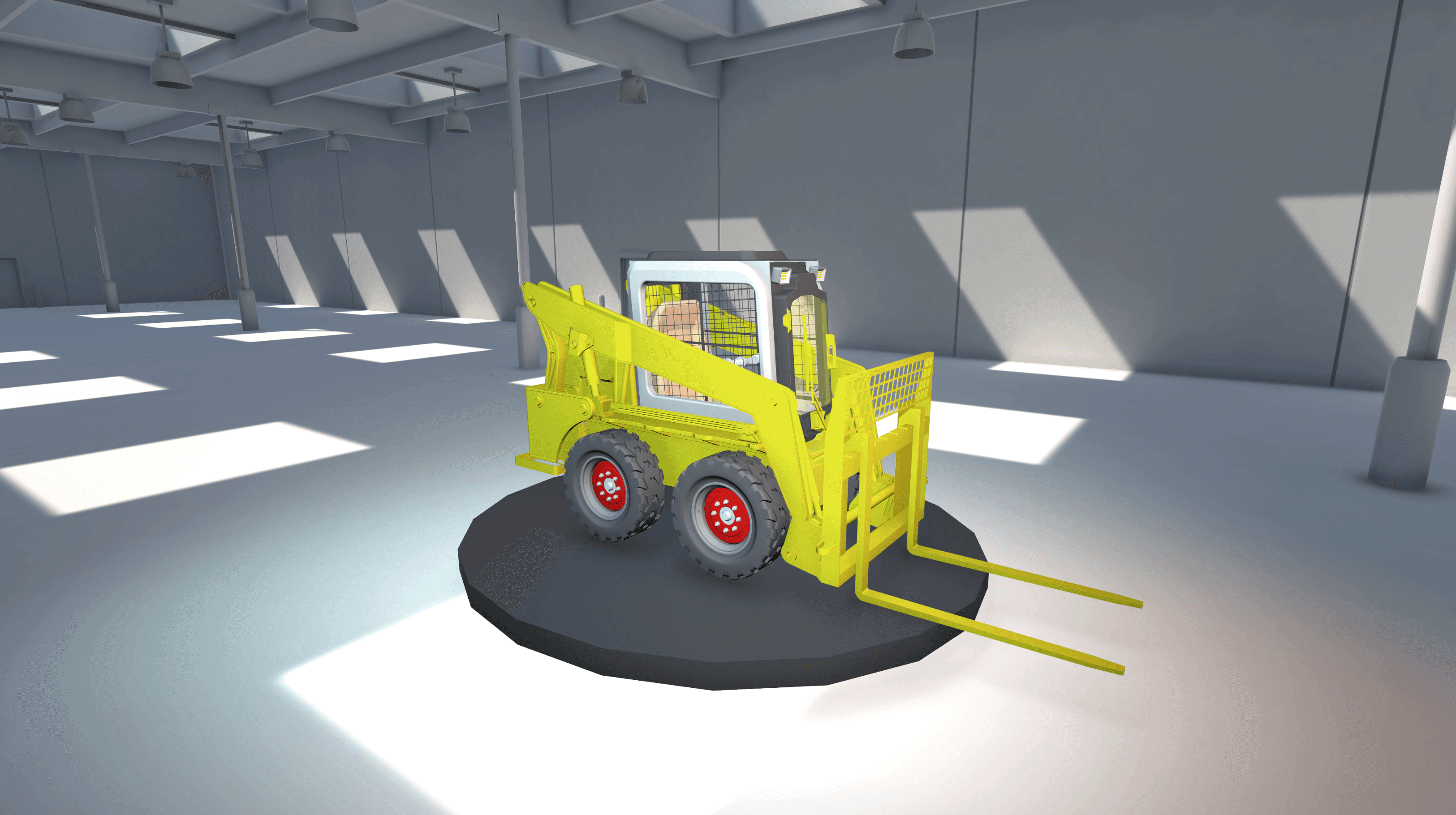
Learn how to manage and maintain your Unity projects using Unity Version Control. This course covers core concepts and workflows needed to keep your work organized, including creating and navigating changesets, establishing and managing branches, and efficiently merging and resolving conflicts.
Difficulty: Beginner
Duration: 4 hours

This course covers Unity’s URP and how to configure lighting in a visually stunning and performant way. Explore topics like configuring Asset Settings, Light Probes, Reflection Probes, Baked Lighting, Post-Processing, and Material settings.
Difficulty: Beginner
Duration: 15 hours

This course introduces professionals to the core concepts of building a VR application with the XR Interaction Toolkit. Learn how to configure the XR Interaction Toolkit package, build a Virtual Reality camera controller with a variety of locomotion methods, configure simple interactions with objects and UI, as well as work with the Interaction Debugger and XR Device Simulator tools.
Difficulty: Intermediate
Duration: 21 hours
This training provides a structured introduction to importing and simulating robot systems in Unity. Recognizing Spin Master’s existing Unity proficiency, the course focuses on URDF workflows, Unity’s ArticulationBody system, and script-driven coordination for complex toy mechanisms.
Unity Certification & Education
Advance your career by building the skills you need. Choose the right Unity certification or learning series to help you reach your professional goals.


This course will prepare learners for the Unity Certified Associate Artist Exam. Learners will work on three apps that will demonstrate the various features of Unity and concepts of Tech Art.
Difficulty: Beginner
Duration: 40 hours

Learn all of the necessary industry knowledge, along with foundational production and development skills needed to pass the Unity Certified Associate Exam.
Difficulty: Beginner
Duration: 30 hours
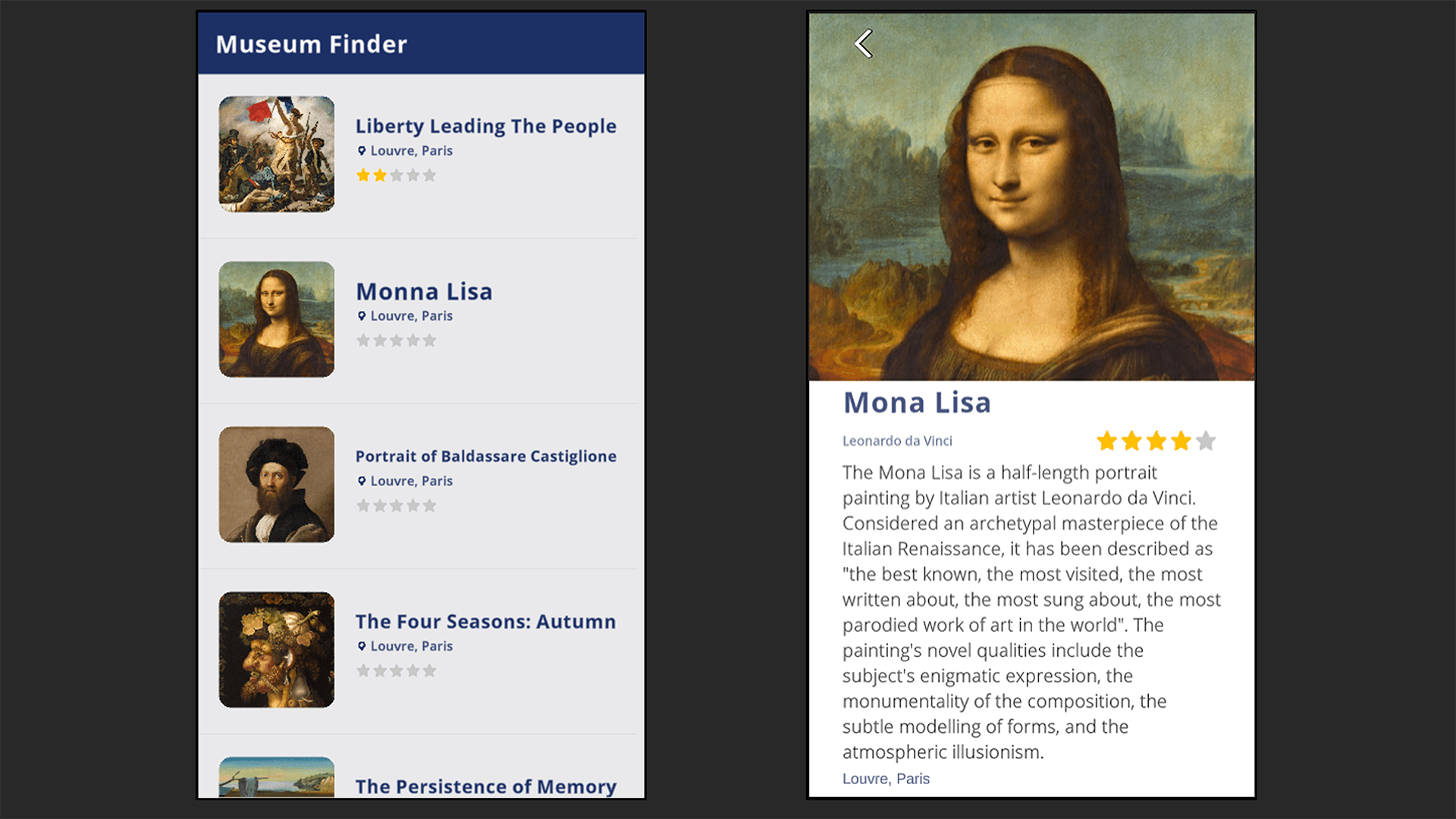
Demonstrate core skills and competencies across programming, UI, debugging and asset management to help you obtain your first professional programming role with Unity.
Difficulty: Beginner
Duration: 40 hours

Master intermediate-level Unity skills and 3D art workflows as you prepare for the Unity Certified 3D Artist exam.
Difficulty: Intermediate
Duration: 40 hours

This workshop will prepare learners for the Unity Certified Professional Programmer Exam through a series of tasks while working on a 2D and a 3D game. The format of this workshop is challenge based, and learners will spend most of their time working independently or in groups to complete challenges before discussing their approach with the group and completing code reviews.
Difficulty: Intermediate
Duration: 40 hours

Learn how to develop interactive media using Unity and C#. Gain a fundamental understanding of 2D and 3D systems, user interfaces, interactions, and animations that will help you develop the skills to pass the Unity Certified User exam.
Difficulty: Beginner
Duration: 32 hours
Learn the basics of the Unity interface, scene navigation, and object manipulation. Gain the tools and knowledge to create efficient workflows, in addition to honing specific skills needed to master the Unity User Artist certification exam.
Difficulty: Beginner
Duration: 30 hours

Acquire teaching techniques through a collaborative learning environment. Create classroom activities that meet Unity standards of excellence and gain the confidence to teach the next generation of Unity developers.
Difficulty: Beginner
Duration: 40 hours
The Business of Games
Learn everything you ever wanted to know about creating and maintaining successful games. From storytelling and mapping out the user experience, to pitching concepts, bringing your ideas to market and designing an optimal game economy that drives revenue generation, and sustains player engagement.


Learn the fundamentals of game design - from market research, pitching, prototyping, and planning through to monetization and business strategy. Learn how to navigate the industry, generate ideas, and create a detailed business plan.
Difficulty: Beginner
Duration: 12 hours

Learn the essential steps of designing game mechanics and systems. Craft a captivating game story and characters, achieving balanced game difficulty and progression, and ensuring an excellent user interface and user experience.
Difficulty: Beginner
Duration: 10 hours

Learn the essential steps of planning and managing game development schedules, selecting the appropriate development tools and software, creating captivating art and sound assets, and implementing game logic and mechanics.
Difficulty: Beginner
Duration: 8 hours

Learn the essential steps of testing game mechanics and systems, debugging and troubleshooting, gathering user feedback through playtesting, and balancing and fine-tuning the game for an exceptional player experience.
Difficulty: Beginner
Duration: 6 hours

This course provides you with the skills and knowledge necessary to promote your game and bring it to market. You will master the core principles, tactics, and tools that make your release stand out in a crowded gaming industry.
Difficulty: Beginner
Duration: 8 hours

This course will equip you with essential skills and strategies to ensure your games maintain quality and engagement after release. Learn about managing bug reports, effective debugging methods and tools, planning and scheduling patches with player impact in mind.
Difficulty: Beginner
Duration: 8 hours

Understand and implement monetization optimization strategies and manage game economies effectively. Ensure sustained revenue generation while prioritizing player satisfaction and ethical considerations.
Difficulty: Beginner
Duration: 8 hours

Navigate legal, financial, and team management challenges in game development projects with ease. Get versed in the intricacies of intellectual property, legal agreements, financial management, and team dynamics.
Difficulty: Beginner
Duration: 8 hours
Hackathons
These innovative bootcamps are designed to ignite creativity and problem-solving skills among developers. During these interactive expert-led session, teams collaborate to transform their ideas into functional prototypes. Our team works with you to identify challenges prior to the event so that you can focus on tackling these issues during the live session. Topics can vary, but are based on pre-selected asset packs, enabling participants to practice and develop any number of Unity projects, with experts on-hand to answer any questions they might have.


Designed for Developers and Technical Artists looking to build attractive and intuitive HMIs in Unity. This Hackathon uses a co-operative approach to build and test interactive UI elements.
Difficulty: Intermediate
Duration: 4 days
Industy Orientation
This eight-course learning path for those new to Unity will guide you through every step of building real-time industrial applications.

Master the core fundamentals of Unity with Introduction to Unity for Industry! Learn to set up projects, manage assets, and build a basic virtual showroom step-by-step.
Difficulty: Beginner
Duration: 7.5 hours
This course introduces participants to learning the basic tools required to use the Unity Editor in order to achieve high visual fidelity results using the scriptable render pipeline and associated tools. The participants will be exposed to the following additional concepts: Materials, Textures, lighting and post processing.
Difficulty: Beginner
Duration: 7 hours
In this course, you’ll learn how Unity’s Asset Manager, Version Control, and Build Automation services streamline collaboration, content distribution, and deployment in professional workflows.
Difficulty: Intermediate
Duration: 4 hours 30 mins
Import and optimize CAD assets in Unity with Asset Transformer Toolkit through efficient, industry-ready workflows.
Difficulty: Beginner
Duration: 6 hours 30 mins
This course builds foundational C# skills in Unity by scripting a fully drivable skid loader from scratch.
Difficulty: Beginner
Duration: 6 hours
This course introduces participants to learning the basic tools required to use the Unity Editor in order to produce a high quality and responsive user interface. They will be exposed to the following concepts: Canvas, Layout elements, images, sprites, buttons and creating reactions to user inputs.
Difficulty: Beginner
Duration: 5 hours
This course introduces participants to learning the basic tools required to use the Unity Editor in order to produce a high quality and responsive user interface. They will be exposed to the following concepts: Canvas, Layout elements, images, sprites, buttons and creating reactions to user inputs.
Difficulty: Beginner
Duration: 5 hours
This hands-on course teaches engineers, technicians, and designers how to turn Unity’s XR Interaction Toolkit into a production-ready workflow for industrial training. Each module layers new functionality onto a skid-loader demo scene, reinforcing best practices for performance and usability.
Difficulty: Beginner
Duration: 5 hours 30 mins
Industry Associate Certification
Build practical skills in real-time 3D for industrial applications and prepare for the Unity Industry Associate Developer Exam.


In this course, you’ll learn how to turn a high-level client brief into buildable Unity tasks, define platform constraints and MVP scope, and use those decisions to produce a focused Technical Scope Checklist. You’ll then prototype a scale-accurate warehouse environment with ProBuilder, translate process diagrams into readable scene layouts, and choose rendering and lighting approaches that balance clarity, fidelity, and performance.
Difficulty: Beginner
Duration: 7 hours

You’ll begin by setting up a clean Unity workspace, installing Asset Transformer Toolkit, and exploring its interface. Next, you’ll import common CAD formats and inspect their hierarchies to spot naming, pivot, and material issues. With the data safely in Unity, you’ll dive into the toolkit’s optimization tools: repairing and conforming normals, removing hidden faces and z-fighting, decimating dense meshes, and auto-generating clean UVs and baked ambient-occlusion maps.
Difficulty: Beginner
Duration: 6.5 hours

This course focuses on building high-fidelity scenes in Unity using URP, lighting, probes, animation, and camera systems. You’ll learn how Unity’s Universal Render Pipeline enables physically based materials, scalable lighting workflows, probe systems, animation tools, and camera sequencing to create professional industrial visualizations suitable for training, simulation, presentation, and more.
Difficulty: Intermediate
Duration: 6.5 hours

In this course, you’ll learn how to structure a Unity project for maintainable development, script a first-person controller, build reusable interaction systems, and create assessment-driven scenario logic using ScriptableObjects and manager-based architecture. You’ll also connect gameplay systems to UI elements—such as prompts, timers, settings, and debrief panels—then refactor scene content into prefabs and prefab variants for better scalability.
Difficulty: Intermediate
Duration: 17.5 hours

In this course, you will build a fully interactive warehouse simulation in Unity Industry using C# scripting. Starting from a pre-built environment, you will progressively layer in real-world systems from autonomous robot navigation to live data retrieval and dynamic UI visualization, giving you a practical foundation in writing and connecting scripts within a professional Unity project.
Difficulty: Intemediate
Duration: 6 hours 40 mins

This course covers performance profiling, optimizing assets and scripts, and deploying Unity applications to desktop, web, and android. In this course, you’ll work through an unoptimized factory simulation project to develop the skills needed to diagnose and resolve real-world performance issues in Unity. You’ll establish performance budgets for different target platforms, use the Unity Profiler and Memory Profiler to identify CPU bottlenecks and excessive VRAM consumption, and apply a structured set of optimization techniques across textures, rendering, and C# scripting. Techniques covered include GPU compression formats, mipmaps, GPU instancing, draw call batching, light baking, occlusion culling, component reference caching, event-driven physics callbacks, and object pooling.
Difficulty: Intermediate
Duration: 10 hours

Learn to build and optimize industrial VR training simulations using the XR Interaction Toolkit and Universal Render Pipeline. In this course, you’ll learn to build a VR maintenance simulation tailored for industrial environments using the XR Interaction Toolkit and Unity’s XR workflow. You will configure locomotion, teleportation, and world-space UI for comfortable interaction inside a headset. You will then implement object interaction using XR Grab Interactables and XR Socket Interactors, and design structured interaction workflows for training simulations.
Difficulty: Intermediate
Duration: 5 hours
*all workshop durations are estimated and will vary due to interactive, dynamic nature of the live instruction format
