
Unity's AI tools meet you where you work
In the Editor, in your terminal, and in your 3rd-party agent.
AI Tools in Unity



Unity command-line interface (CLI)
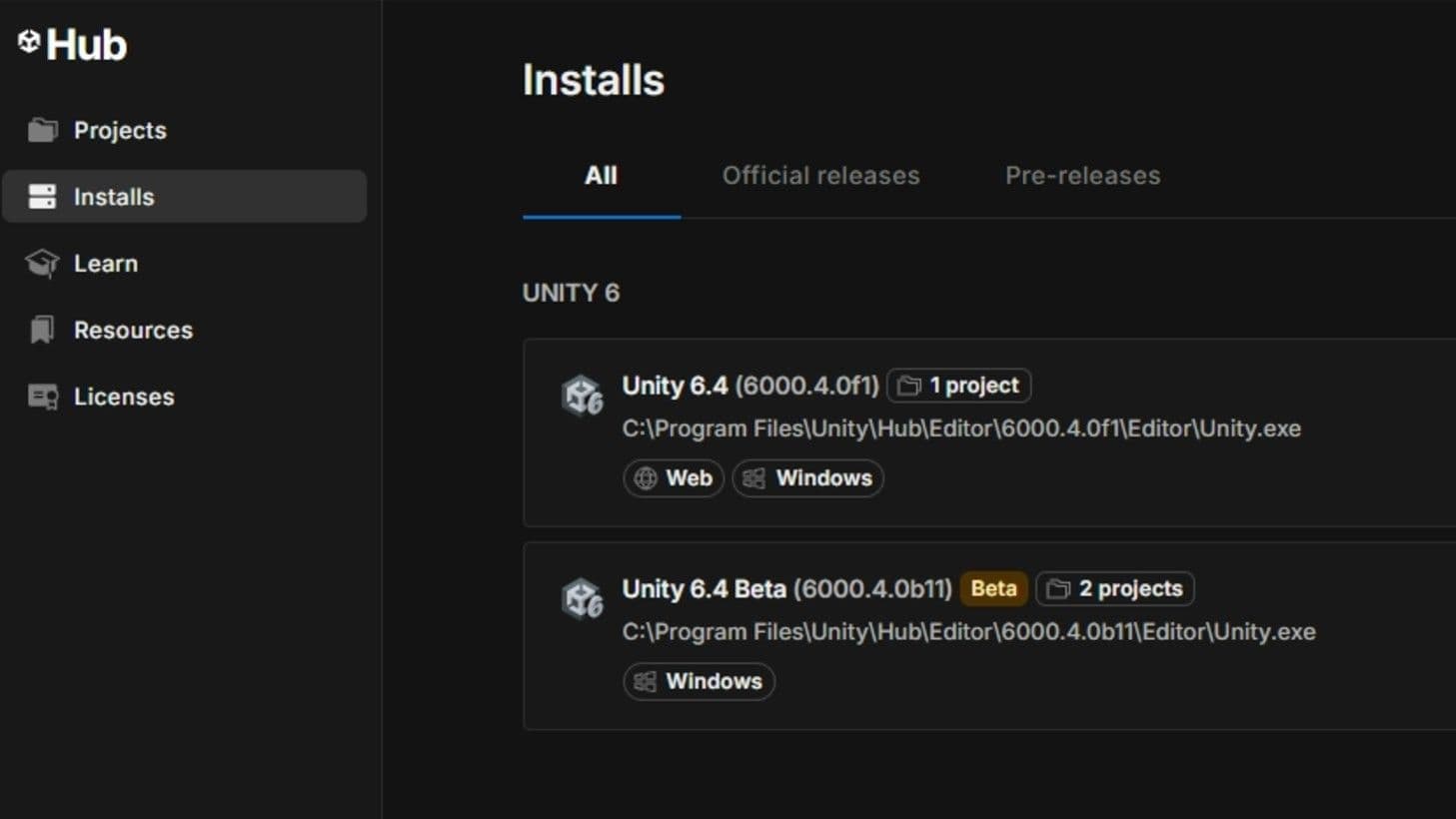
Drive Unity from your terminal. Install the Editor, create and open projects, and use built-in MCP Mode to connect the agent you already use.
Official Unity plugin for your coding agent
Unity-aware context, commands, and MCP setup, installed straight into the agent you already use.
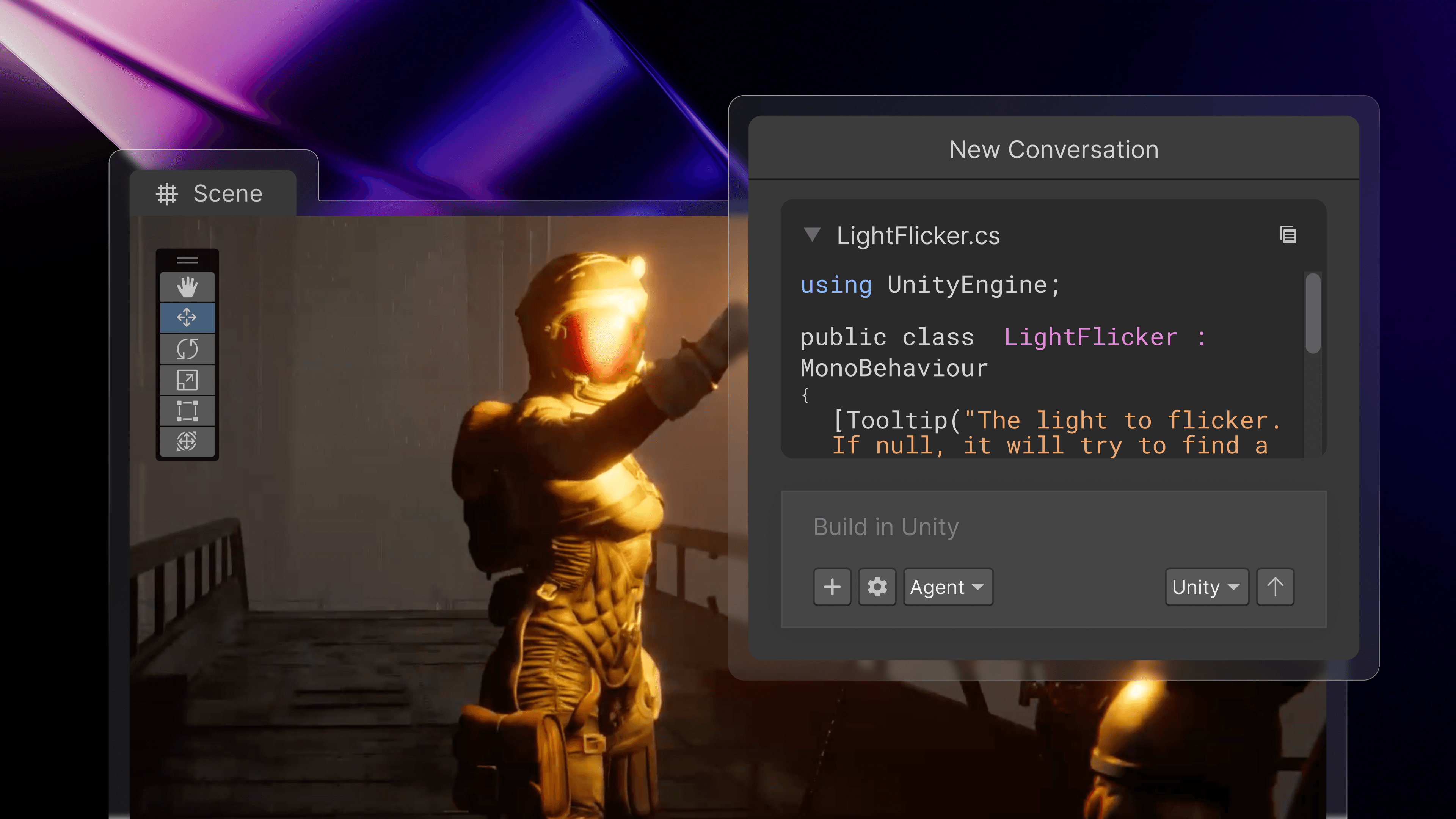
Agentic assistance inside the Editor
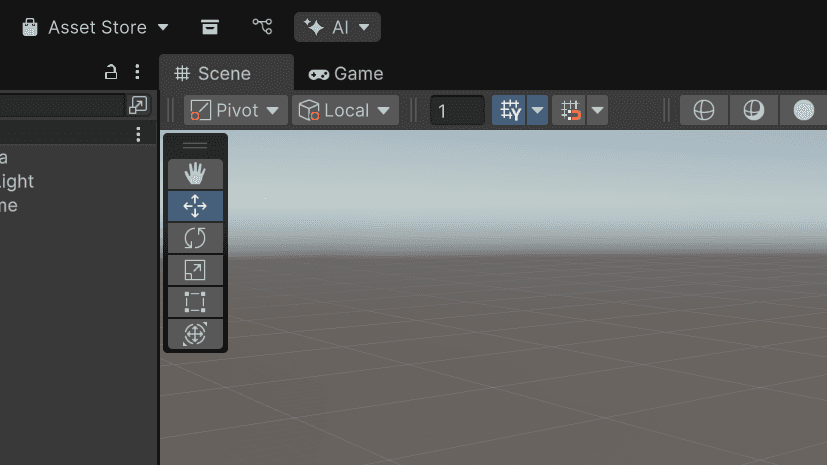
Editor-integrated and project-aware. Unity's in-editor assistant understands your scene, drives Editor actions, and verifies changes behave as intended — with multiple models to choose from for every task.
How to get started with Unity’s AI tools


Frequently asked questions
Performance claims are based on internal Unity benchmarks comparing Unity’s AI tools against general-purpose frontier AI models across a range of Unity-specific development tasks. Individual results may vary based on project complexity, specific task types, and user behavior.