AI Tools in Unity

AI that understands games
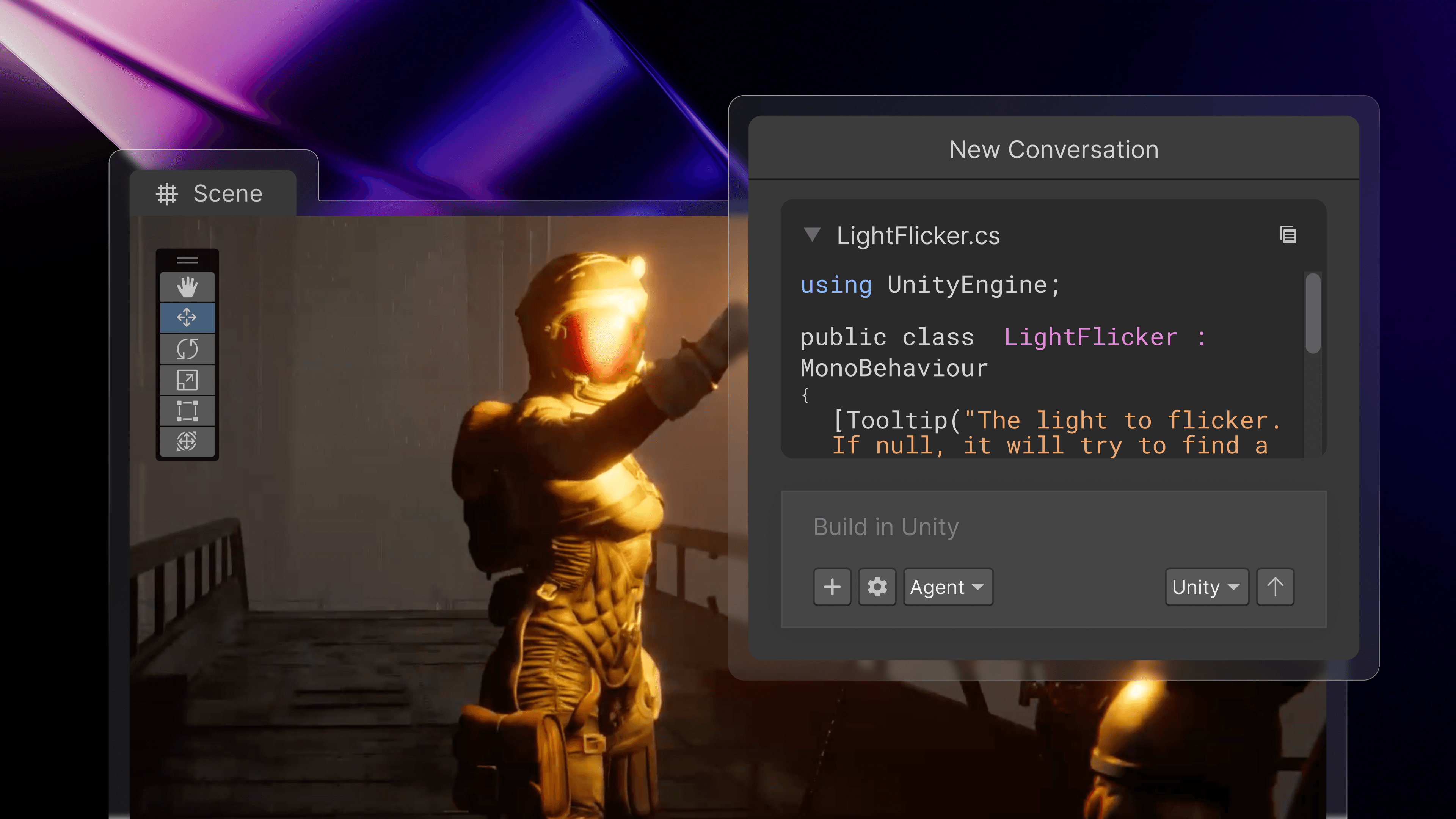
Our in-editor assistant is tuned for Unity-specific workflows and grounded in your project context. That means more relevant answers, better task execution, and fewer retries.

Bring your assets to life
Unity’s AI tools help you convert designs, images, and visual references into project-ready assets and playable scenes.

Better integration means more control
Undo changes any time. Tag AI-generated assets for easier review. Set permissions to control agent autonomy.
How to get started with Unity’s AI tools
Frequently asked questions
Unity AI tools give you access to our own in-project agentic assistant, which leverages deep context from your projects and is built specifically for Unity workflows. You can also choose the most secure, stable, and performant way to connect and control your preferred AI tools directly in the editor with our AI gateway, or from your IDE with our MCP server.
We're retiring the "Unity AI" brand name. The tools themselves aren't going anywhere, we're simply describing each one by what it does: the in-editor AI assistant, the AI gateway, and the MCP server. Collectively, we'll refer to them as Unity's AI tools (still in beta).
The core tools include the in-editor AI assistant, the AI gateway, and the MCP Server. Explore more in documentation.
Want access to Unity's AI tools?
- Unity Personal Edition: You can gain access by starting a free trial to our AI tools subscription. The free trial grants you 1,000 credits, one-time, to be used within 14 days. After that, you can subscribe for $10 per month for 1,000 AI credits per month. If you run out of your credits at any point, you can purchase bundles or credits separately.
- Unity Pro, Enterprise, or Industry subscribers: If you’re on Pro, Enterprise, or Industry, you automatically gain these features and credits for Unity’s agent included in your existing seats. Simply install the assistant package and assign seats in your org settings in Dashboard.
See more details on our pricing page.
Want to connect an existing 3rd-party AI Subscription?
If you already have other AI subscriptions, you can get started leveraging Unity AI tools by starting a free trial of our Unity AI tools subscription. Install the assistant package, then connect your preferred agent via the AI gateway, or set up the MCP server.
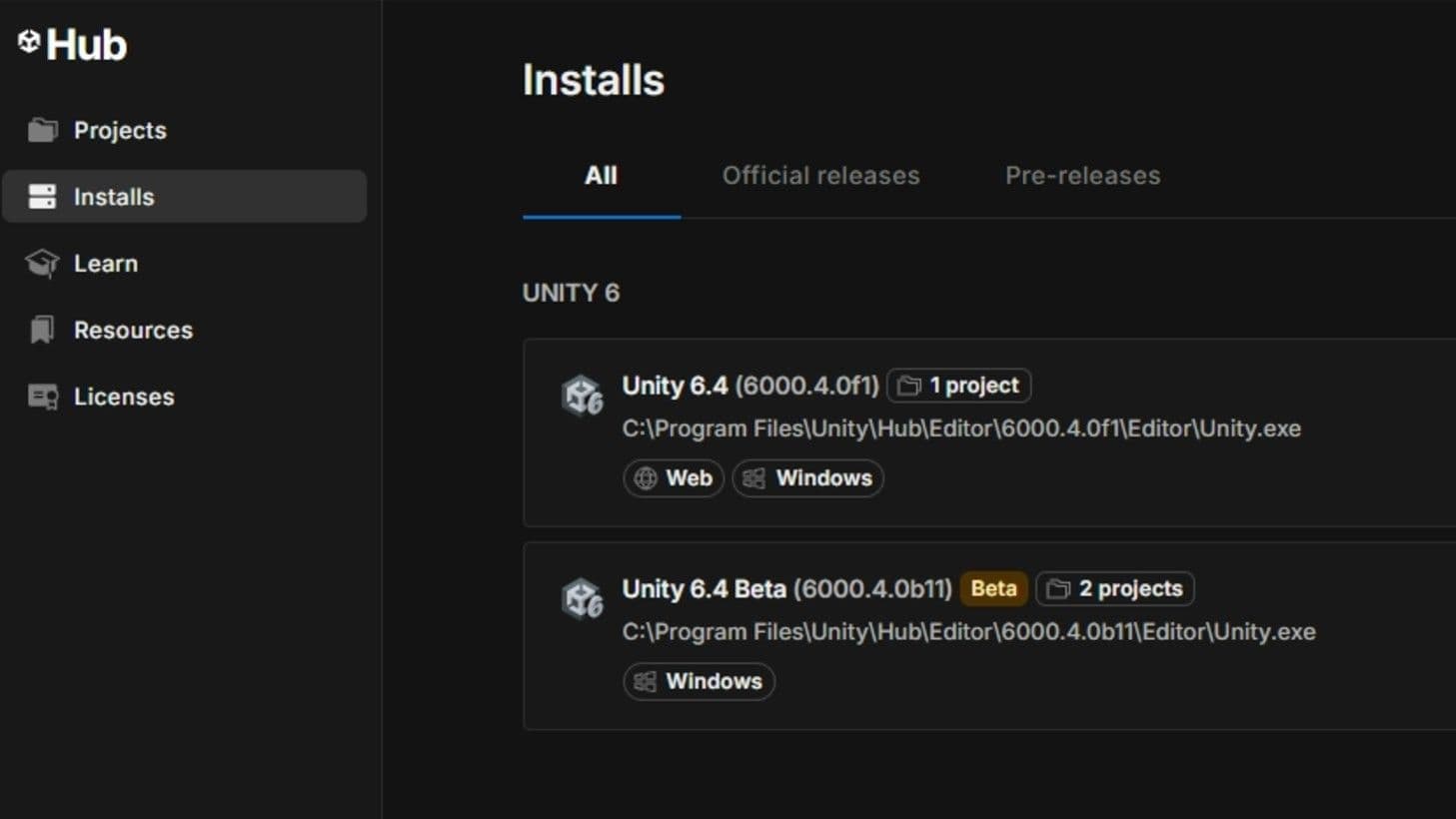
It requires Unity 6.0 and up, the installation of the AI package, accepting the in-editor terms, and linking the local project to a Unity Cloud project.
Pro, Enterprise, and Industry customers receive access to Unity’s agentic assistant as a part of their paid subscription. Personal Edition users may sign up for a free trial to Unity's agentic assistant, which converts to a $10/month subscription. See more on the pricing page.
You can view your allotted credits in the Unity Dashboard. In the Unity AI tools section, just navigate to the Manage Credits tab.
To buy additional credits, please click here.
Unity’s in-editor AI assistant is trained on Unity knowledge from 20+ years of best practices. It’s designed for the workflows game developers actually use to build and ship games. Unity’s assistant can understand your scene, inspect GameObjects and components, help drive Editor actions, and verify that changes behave as intended.
The in-editor AI assistant gives you the power to choose the right model for every task. Compare credit consumption between models here.
No. MCP server is free, with no concurrency limits.
Yes. Personal edition users can sign up for a free trial. Find more information here.
No. Using a third-party agent via the AI gateway will not consume Unity credits.
No. Unity’s MCP server will not consume Unity credits.
It is not backwards compatible. It strictly requires Unity 6.0 or newer.
You can find the full list of AI models on our Guiding Principles page.
You can bring your own if you’d like. The AI gateway allows you to connect a verified third-party agent that you already have a subscription for, bypassing Unity's agent and credit system.
Yes, Unity's AI tools can be used in any project using Unity Editor 6.0 and newer.
By default, user data is solely used to provide the service and is not used to train AI models. Users can opt-in to share data via the Dashboard.
Learn more here about Unity’s Developer Data Framework.
AI-generated assets contain embedded metadata flagging them as AI-generated. Developers are fully responsible for managing app store declarations and verifying usage rights.
You do not need to disable them because they are not included by default. They require package installation.
Yes, users have granular control. Generators can be completely turned off in the dashboard settings while keeping the assistant active.
No. Unity Muse is a deprecated product offering which featured Unity first-party models, while Unity's AI tools utilize third party models.
Unity’s AI tools are governed by the Unity Terms of Service generally applicable to Evaluation Versions of Unity offerings, specific click-through terms, and our Guiding Principles during beta phase.
Sentis remains active and serves as the engine for running neural network models natively within the Unity Runtime.
Yes. All third-party AI tools and MCPs are subject to Unity Core Standards, including tools distributed outside the Asset Store or Package Manager.
Performance claims are based on internal Unity benchmarks comparing Unity’s AI tools against general-purpose frontier AI models across a range of Unity-specific development tasks. Individual results may vary based on project complexity, specific task types, and user behavior.