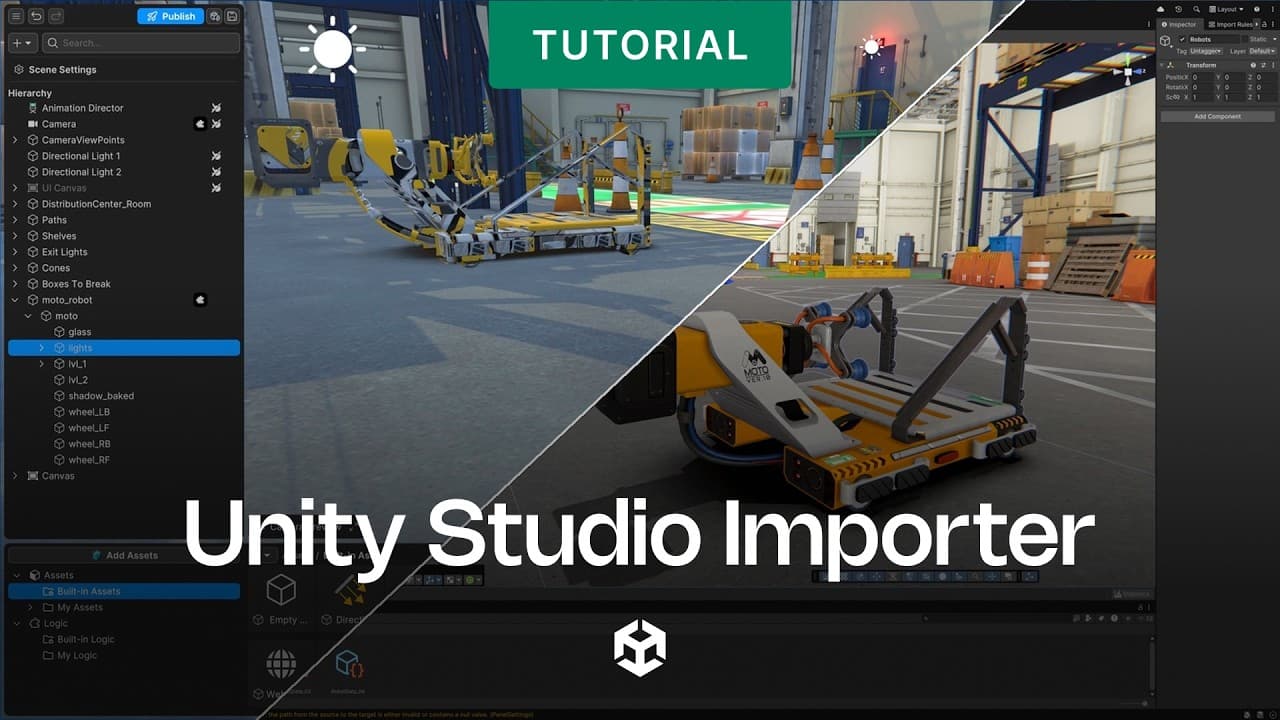
Unity Studio to Unity Editor: Importing web drafts

This video shows how to use the Unity Studio Importer to move projects created in Unity Studio into the Unity Editor for further development. It walks through the full workflow, from preparing your local Unity environment and installing the required package to importing a cloud-saved draft and reviewing the automatic Import Report.
It’s designed for teams that start quickly in Unity Studio’s browser-based 3D creation workflow, then need to scale their work in the Unity Editor. Once imported, Studio Logic scripts become editable C# scripts, giving developers the flexibility to add custom physics, integrate analytics, configure Cinemachine cameras, upgrade shaders, and debug performance without rebuilding the project from scratch.
What viewers will learn:
- How to prepare Unity Hub and the Unity Editor for importing Unity Studio projects
- How to install the com.unity.studio package and complete required setup steps
- How to use the Draft Import window to select and import a cloud-saved Studio draft
- How to verify imported projects with the automatic Import Report
- How to update existing drafts with Remove and Import
- How to resolve an Incompatible Draft Version error
- How imported Studio Logic becomes editable C# for deeper development in the Unity Editor