• Games
  • Industry
  • Resources
  • Community
  • Learning
  • Support
Development
Unity Engine
Build 2D and 3D games for any platform
DownloadPlans and pricing
Monetization
In-App Purchase (IAP)
Discover and manage IAP across stores
Mediation
Maximize revenue and optimize monetization
Ad Quality
Protect your app’s user experience
Tapjoy
Build long-term user loyalty
All monetization products
User acquisition
User acquisition
Get discovered and acquire mobile users
Unity Vector AI
Connect players with the right games
Aura on-device advertising
Reach users on-device at peak engagement
All growth products
Use cases
3D collaboration
Build and review 3D projects in real time
Immersive training
Train in immersive environments
Customer experiences
Create interactive 3D experiences
All industry solutions
Industries
Manufacturing
Achieve operational excellence
Retail
Transform in-store experiences into online ones
Automotive
Elevate innovation and in-car experiences
All industries
Technical library
Documentation
Official user manuals and API references
Developer tools
Release versions and issue tracker
Roadmap
Review upcoming features
Glossary
Library of technical terms
Insights
Case studies
Real-world success stories
Best practice guides
Expert tips and tricks
All resources
What's new
Blog
Updates, information, and technical tips
News
News, stories, and press center
Community Hub
Discussions
Discuss, problem-solve, and connect
Events
Global and local events
Community stories
Made with Unity
Showcasing Unity creators
Livestreams
Join devs, creators, and insiders
Unity Awards
Celebrating Unity creators worldwide
For every level
Unity Learn
Master Unity skills for free
Professional training
Level up your team with Unity trainers
New to Unity
Getting started
Kickstart your learning
Unity Essential Pathways
New to Unity? Start your journey
How-to Guides
Actionable tips and best practices
Education
For students
Kickstart your career
For educators
Supercharge your teaching
Education Grant License
Bring Unity’s power to your institution
Certifications
Prove your Unity mastery
Support options
Get help
Helping you succeed with Unity
Success plans
Reach your goals faster with expert support
FAQ
Answers to common questions
Contact us
Connect with our team
Plans and pricing
Language
  • English
  • Deutsch
  • 日本語
  • Français
  • Português
  • 中文
  • Español
  • Русский
  • 한국어
Social
Currency
Purchase
  • Products
  • Unity Ads
  • Subscription
  • Unity Asset Store
  • Resellers
Education
  • Students
  • Educators
  • Institutions
  • Certification
  • Learn
  • Skills Development Program
Download
  • Unity Hub
  • Download Archive
  • Beta Program
Unity Labs
  • Labs
  • Publications
Resources
  • Learn platform
  • Community
  • Documentation
  • Unity QA
  • FAQ
  • Services Status
  • Case Studies
  • Made with Unity
Unity
  • Our Company
  • Newsletter
  • Blog
  • Events
  • Careers
  • Help
  • Press
  • Partners
  • Investors
  • Affiliates
  • Security
  • Social Impact
  • Inclusion & Diversity
  • Contact us
Copyright © 2025 Unity Technologies
  • Legal
  • Privacy Policy
  • Cookies
  • Do Not Sell or Share My Personal Information

"Unity", Unity logos, and other Unity trademarks are trademarks or registered trademarks of Unity Technologies or its affiliates in the U.S. and elsewhere (more info here). Other names or brands are trademarks of their respective owners.

Hero background image
Unity 2019.3 release

New features and updates for platforms

Whether you’re building experiences for AR, VR, mobile, web or console platforms, we have new features and enhancements to make the development process even smoother.
Get Unity 2019.3
2019.3 overview
Get Unity 2019.3
2019.3 overview
  • Platforms
  • AR and VR
  • Mobile
  • Desktop

Platform updates in Unity 2019.3

Unity supports more than 20 platforms, enabling you to reach a wider audience and feel confident that your IP is ready for the future, no matter how the industry evolves or where your imagination takes you.
Platform updates in Unity 2019.3

  • Input System (Preview)
  • Incremental Garbage Collector
  • Google Stadia
  • Internal Baselib updates
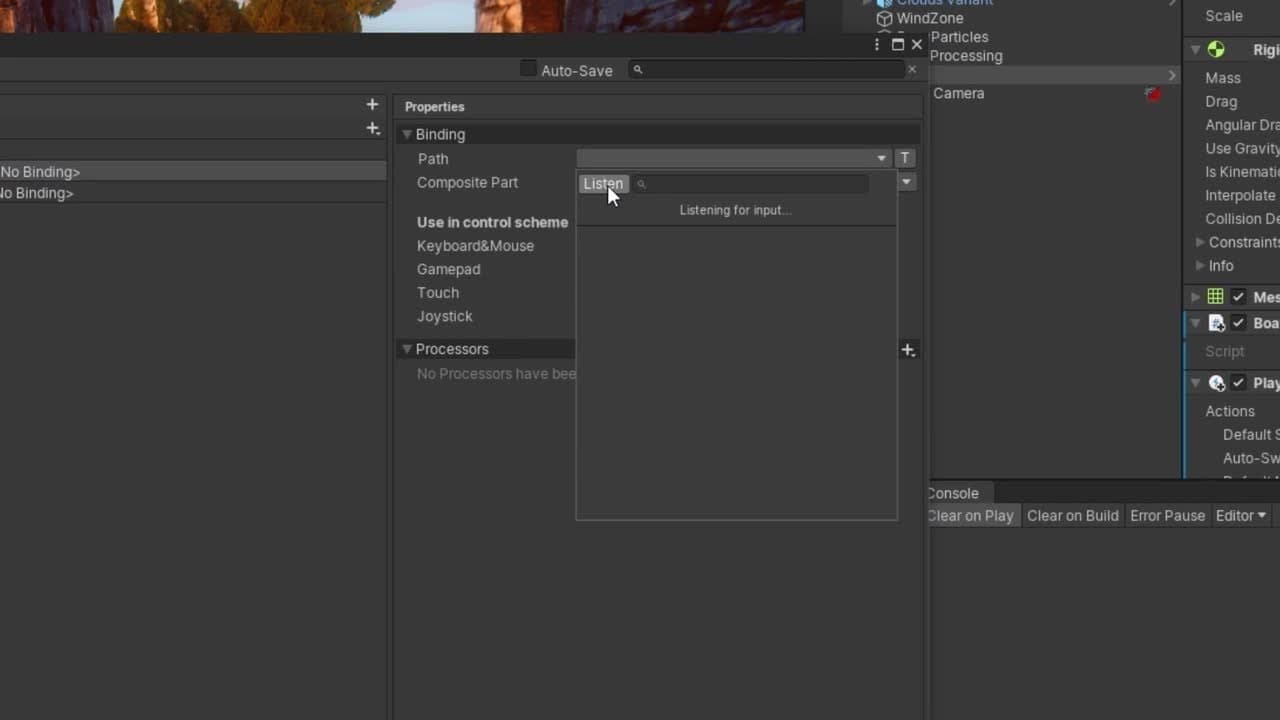
Input System (Preview)

This content is hosted by a third party provider that does not allow video views without acceptance of Targeting Cookies. Please set your cookie preferences for Targeting Cookies to yes if you wish to view videos from these providers.

Input System (Preview)

The Input System is the new standard for integrating device controls in your projects. Its workflow is designed around Input Actions, an interface that allows separating controls binding from the code logic. The new system is consistent across platforms, extensible and customizable, and is currently in Preview.
Learn more
Incremental Garbage Collector

This content is hosted by a third party provider that does not allow video views without acceptance of Targeting Cookies. Please set your cookie preferences for Targeting Cookies to yes if you wish to view videos from these providers.

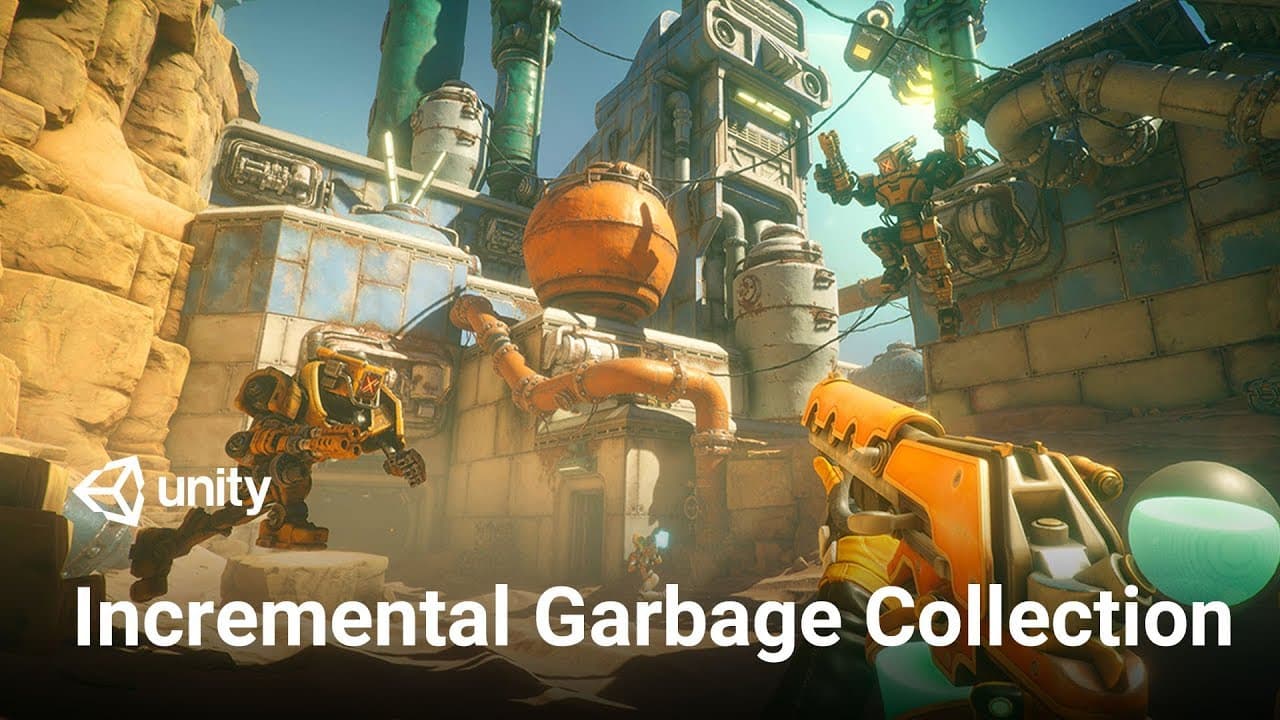
Incremental Garbage Collector

In Unity 2019.1, we introduced a new way for you to handle garbage collection in your projects. With incremental garbage collection, rather than processing garbage collection all at once, we split the operation over a number of frames. This is helpful when you have occasional spikes in CPU usage due to garbage collection.

In 2019.3, the Incremental Garbage Collector is no longer Experimental and is now compatible with all target platforms except WebGL.

Learn More

Google Stadia

In the latest extension to our platform ecosystem, we now offer support for approved developers to create and ship their first game on Google’s Stadia cloud gaming platform. This support includes Stadia-enhanced features like State Share and Stream Connect, as well as the Stadia Controller with YouTube and Google Assistant integration. These features will enable you to push the edges of what’s possible on the platform.

If you’re interested in bringing games to Stadia, start by applying for development resources on the Stadia developer website.

Internal Baselib updates

Unity’s platform abstraction layer, Baselib, unifies base functionality for the most common platform-dependent operations. In Unity 2019.3, Baselib updates improve the stability and performance of parallel data structures and synchronization primitives. These building blocks ensure that data can be accessed safely in multithreaded code inside Unity.

Augmented reality and virtual reality

Unity is the leading platform for creating AR/VR applications. Check out our new features and updates to help you create powerful experiences and reach a wider audience.
Augmented reality and virtual reality

  • AR Foundation
  • XR Interaction Toolkit
  • XR Plugin Framework
  • HDRP for VR
  • Vulkan enabled on Oculus Quest (Experimental)
AR Foundation

This content is hosted by a third party provider that does not allow video views without acceptance of Targeting Cookies. Please set your cookie preferences for Targeting Cookies to yes if you wish to view videos from these providers.

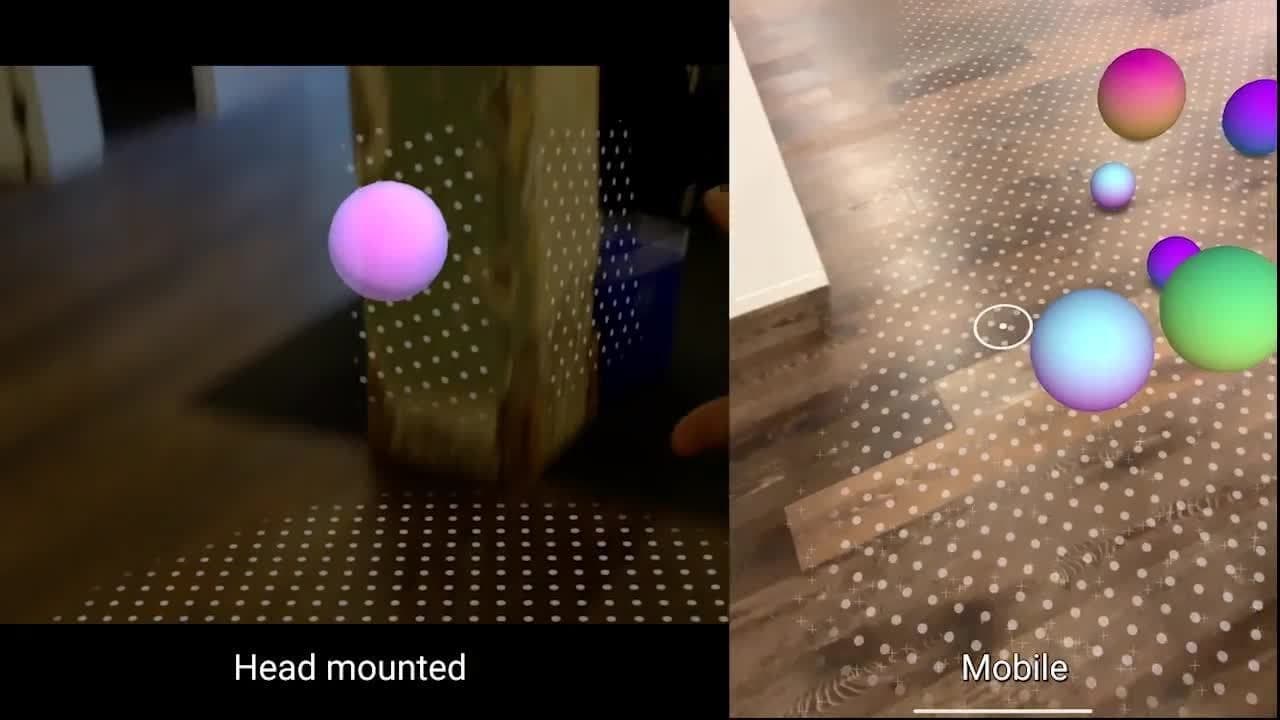
AR Foundation

The framework that enables you to build your application once and deploy it across ARKit- and ARCore-enabled devices now extends to Magic Leap and HoloLens devices. ​​​​​​
Learn more
XR Interaction Toolkit

This content is hosted by a third party provider that does not allow video views without acceptance of Targeting Cookies. Please set your cookie preferences for Targeting Cookies to yes if you wish to view videos from these providers.

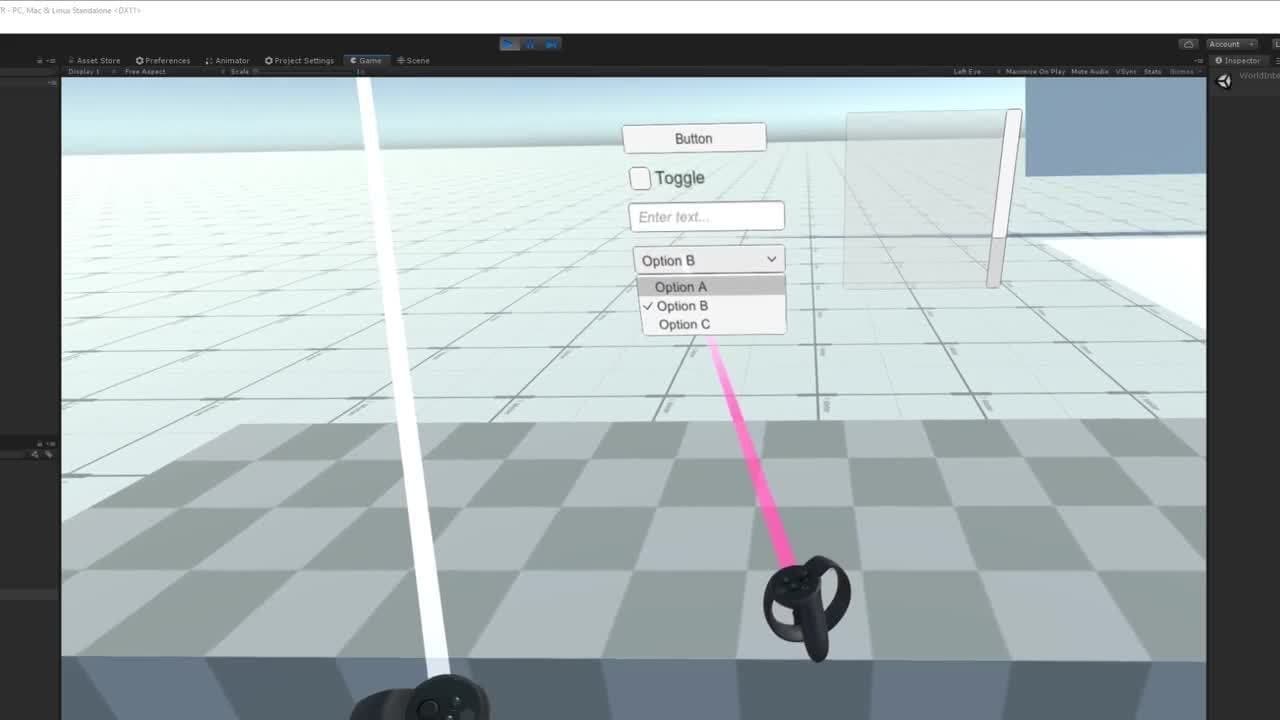
XR Interaction Toolkit

This toolkit enables you to add interactivity to your AR or VR experiences without coding from scratch. The system is extensible so you can still customize interactions if you’d like, and it works across all our officially supported AR and VR platforms.

Learn more about Unity for AR
XR Plugin Framework

XR Plugin Framework

Ensure your AR and VR experiences reach the widest possible audience through our plugin architecture framework. This is an evolution of our “build once, deploy anywhere” best practice and now lets software and hardware providers develop and maintain their own Unity integrations. Learn how you can become one of our Verified Solutions Partners.

HDRP for VR

HDRP for VR

With the High Definition Render Pipeline for VR, achieve stunning, realistic graphics and lighting effects that let you push the boundaries of high-fidelity VR without sacrificing performance.

Learn more

Vulkan enabled on Oculus Quest (Experimental)

Vulkan is now enabled on Oculus Quest as an experimental feature, using multiview Fixed Foveated Rendering (FFR). This an experimental release that is only available through the new XR plugin architecture. It currently only works within the built-in rendering pipeline using multipass with post-processing disabled. It will soon work with Universal Render Pipeline (URP) when URP 7.2.0 is released. To use the feature, download the Oculus XR Plugin.

Mobile

More than half of the top 1,000 mobile games on the Apple App Store and Google Play are powered by Unity.
Mobile

  • Unity as a Library
  • Device Simulator
  • On-demand rendering
  • Adaptive Performance out of Preview
Unity as a Library

This content is hosted by a third party provider that does not allow video views without acceptance of Targeting Cookies. Please set your cookie preferences for Targeting Cookies to yes if you wish to view videos from these providers.

Unity as a Library

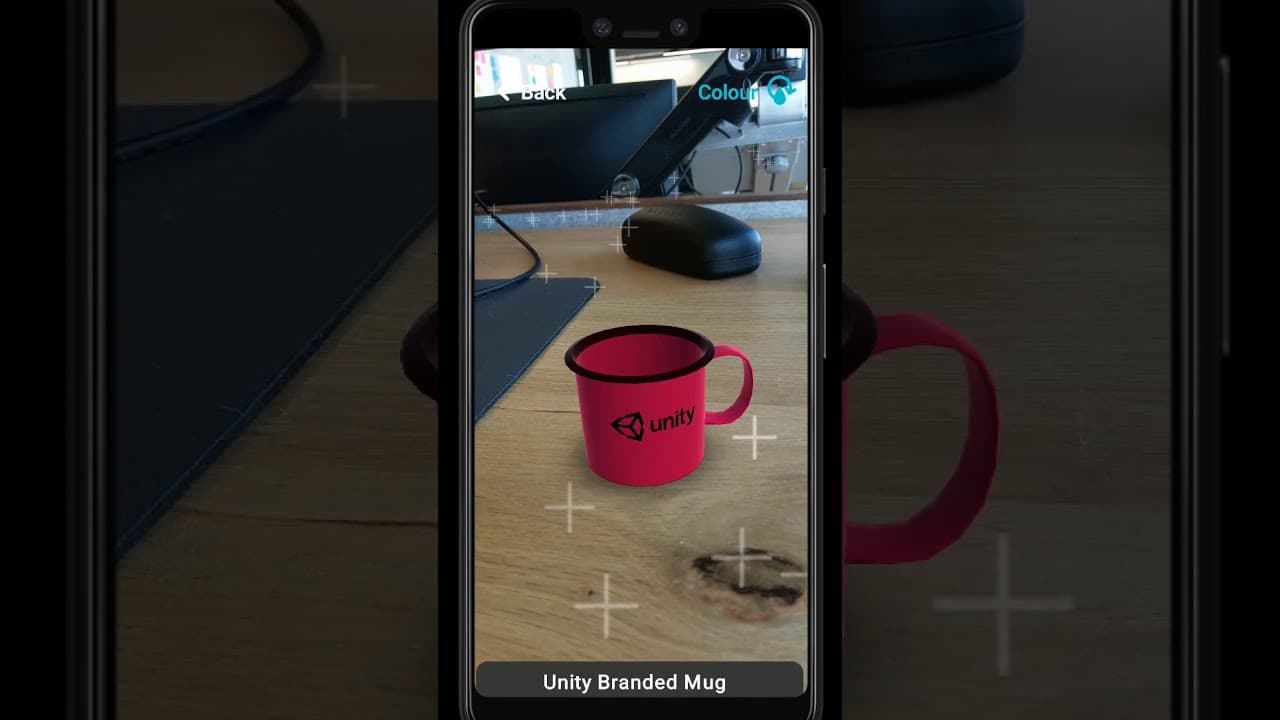
Insert features powered by Unity directly into your native mobile applications. With Unity as a Library, these features include, but aren’t limited to, 3D or 2D real-time rendering functions such as augmented reality, 2D mini-games or 3D models. To get started, check out the blog post, which includes instructions for Android and iOS.
Get started
Device Simulator

This content is hosted by a third party provider that does not allow video views without acceptance of Targeting Cookies. Please set your cookie preferences for Targeting Cookies to yes if you wish to view videos from these providers.

Device Simulator

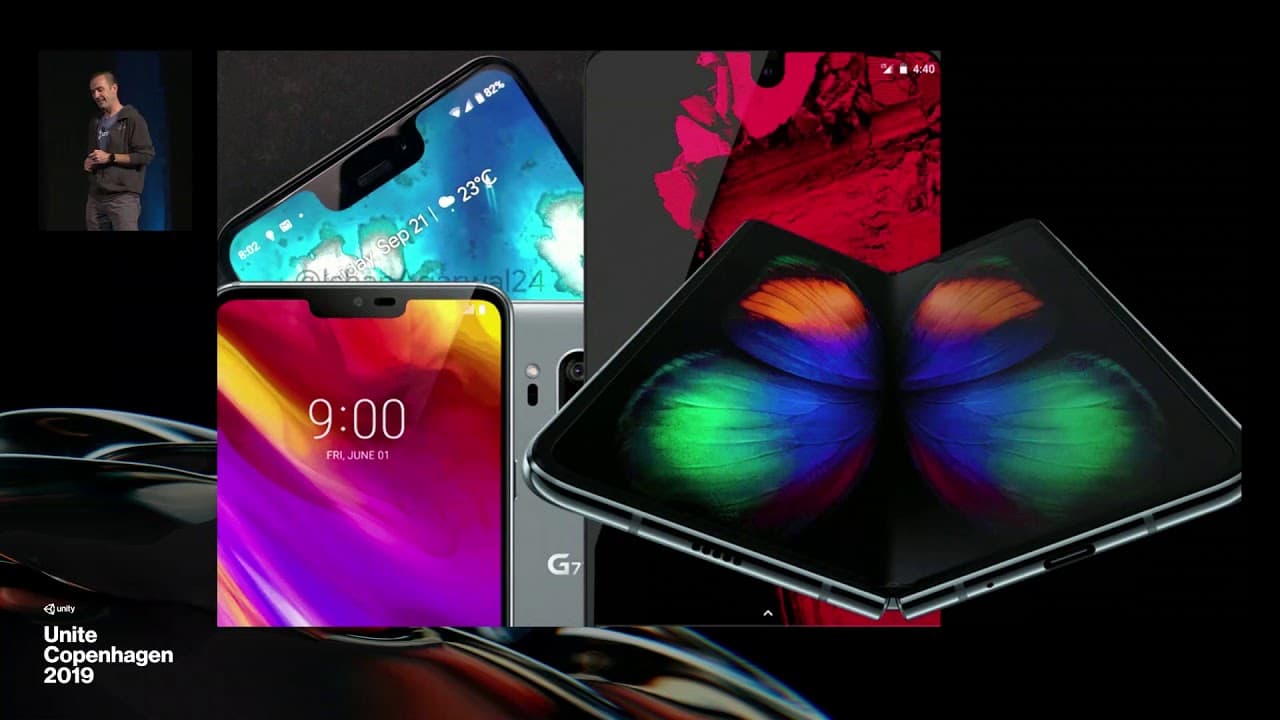
Test the behaviors and physical characteristics of different devices without leaving the Editor. You can now preview specific resolutions and notch/cutout layouts in the Game view, as well as preview device-specific customizations such as selected quality settings based on device information like RAM and chipset. Watch this presentation from Unite Copenhagen 2019 where we announced the feature and others to reduce iteration time for mobile apps.

Learn more

On-demand rendering

With the new OnDemandRendering class you can control the rendering loop independently from the rest of our subsystems. This means you have more control to lower power consumption and prevent thermal CPU throttling.
Learn more
Adaptive Performance out of Preview

This content is hosted by a third party provider that does not allow video views without acceptance of Targeting Cookies. Please set your cookie preferences for Targeting Cookies to yes if you wish to view videos from these providers.

Adaptive Performance out of Preview

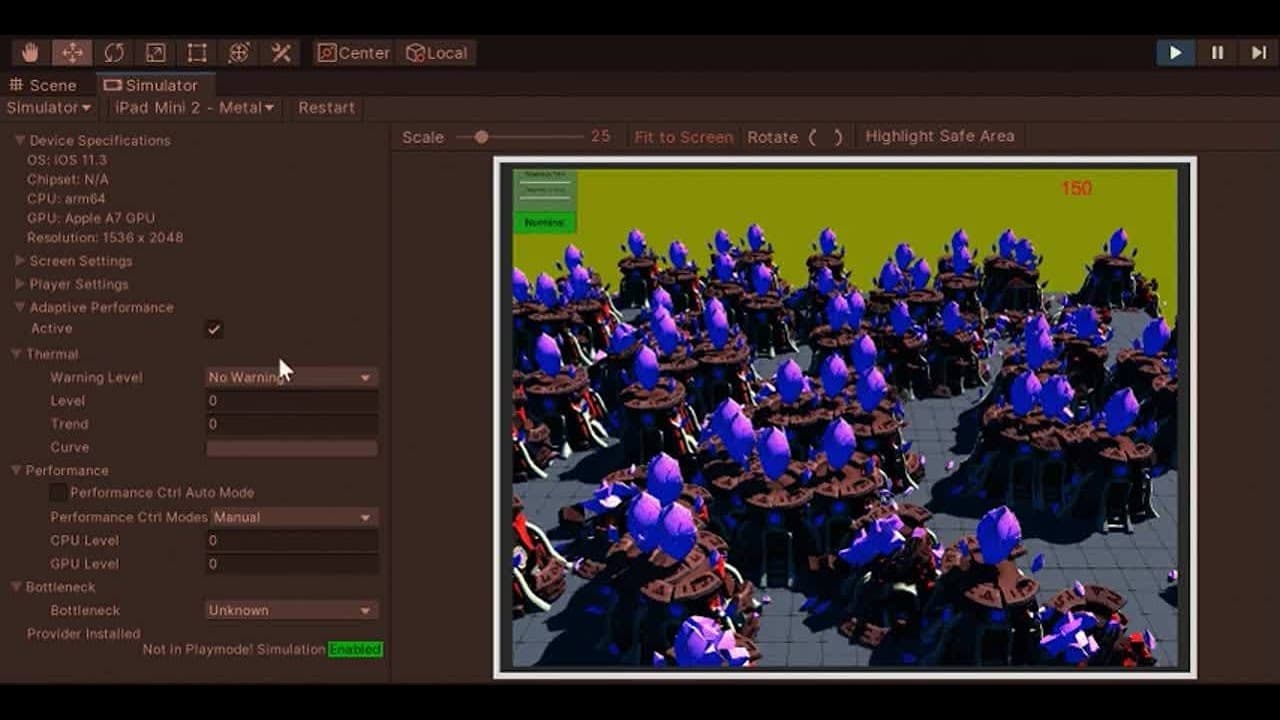
With Adaptive Performance you can receive feedback about the thermal state of your mobile device and react appropriately to make your games the smoothest and best performing for players. Currently supported on Samsung Galaxy S10, Note 10, and other Galaxy devices and more devices will be added over time, this functionality allows developers to ensure constant frame rates over a longer period of time while avoiding thermal throttling, even before it happens.

Learn more

Desktop and web

Desktop and web

  • High DPI support for WebGL Deployment Target
  • Xcode project generation for macOS

High DPI support for WebGL Deployment Target

This support enables games to scale appropriately based on the pixel density of the device, making them look better by default on different screen sizes and resolutions.

Xcode project generation for macOS

This new feature allows developers who are building for the Mac Standalone Player to generate an Xcode project for easier native debugging as well as better integration with Apple tools for packaging and distribution.

Download Unity 2019.3 now

Get access to all of the above and much more today.

Download Unity 2019.3