• Games
  • Industry
  • Resources
  • Community
  • Learning
  • Support
Development
Unity Engine
Build 2D and 3D games for any platform
DownloadPlans and pricing
Monetization
In-App Purchase (IAP)
Discover and manage IAP across stores
Mediation
Maximize revenue and optimize monetization
Ad Quality
Protect your app’s user experience
Tapjoy
Build long-term user loyalty
All monetization products
User acquisition
User acquisition
Get discovered and acquire mobile users
Unity Vector AI
Connect players with the right games
Aura on-device advertising
Reach users on-device at peak engagement
All growth products
Use cases
3D collaboration
Build and review 3D projects in real time
Immersive training
Train in immersive environments
Customer experiences
Create interactive 3D experiences
All industry solutions
Industries
Manufacturing
Achieve operational excellence
Retail
Transform in-store experiences into online ones
Automotive
Elevate innovation and in-car experiences
All industries
Technical library
Documentation
Official user manuals and API references
Developer tools
Release versions and issue tracker
Roadmap
Review upcoming features
Glossary
Library of technical terms
Insights
Case studies
Real-world success stories
Best practice guides
Expert tips and tricks
All resources
What's new
Blog
Updates, information, and technical tips
News
News, stories, and press center
Community Hub
Discussions
Discuss, problem-solve, and connect
Events
Global and local events
Community stories
Made with Unity
Showcasing Unity creators
Livestreams
Join devs, creators, and insiders
Unity Awards
Celebrating Unity creators worldwide
For every level
Unity Learn
Master Unity skills for free
Professional training
Level up your team with Unity trainers
New to Unity
Getting started
Kickstart your learning
Unity Essential Pathways
New to Unity? Start your journey
How-to Guides
Actionable tips and best practices
Education
For students
Kickstart your career
For educators
Supercharge your teaching
Education Grant License
Bring Unity’s power to your institution
Certifications
Prove your Unity mastery
Support options
Get help
Helping you succeed with Unity
Success plans
Reach your goals faster with expert support
FAQ
Answers to common questions
Contact us
Connect with our team
Plans and pricing
Language
  • English
  • Deutsch
  • 日本語
  • Français
  • Português
  • 中文
  • Español
  • Русский
  • 한국어
Social
Currency
Purchase
  • Products
  • Unity Ads
  • Subscription
  • Unity Asset Store
  • Resellers
Education
  • Students
  • Educators
  • Institutions
  • Certification
  • Learn
  • Skills Development Program
Download
  • Unity Hub
  • Download Archive
  • Beta Program
Unity Labs
  • Labs
  • Publications
Resources
  • Learn platform
  • Community
  • Documentation
  • Unity QA
  • FAQ
  • Services Status
  • Case Studies
  • Made with Unity
Unity
  • Our Company
  • Newsletter
  • Blog
  • Events
  • Careers
  • Help
  • Press
  • Partners
  • Investors
  • Affiliates
  • Security
  • Social Impact
  • Inclusion & Diversity
  • Contact us
Copyright © 2025 Unity Technologies
  • Legal
  • Privacy Policy
  • Cookies
  • Do Not Sell or Share My Personal Information

"Unity", Unity logos, and other Unity trademarks are trademarks or registered trademarks of Unity Technologies or its affiliates in the U.S. and elsewhere (more info here). Other names or brands are trademarks of their respective owners.

Hero background image
Unity 2020.1 release

Programmer tools

Get performance data in a clearer and more accurate way with our enhanced profiling tools. Improve your coding workflow and productivity with the new scripting and testing features.  
Download 2020.1 now
2020.1 overview
Download 2020.1 now
2020.1 overview

What’s new in 2020.1

Discover some of the major updates relevant to programmers in Unity 2020.1. For full details, check out the release notes.
What’s new in 2020.1

  • Profiling tools improvements
  • The Profiler as a standalone app and flow event visualization
  • Verified IDE packages now include Visual Studio
  • New C# debugging workflow
  • Create fields for generic types directly
  • Burst Compiler 1.3
  • Profile Analyzer improvements and Code Coverage (Preview)

This content is hosted by a third party provider that does not allow video views without acceptance of Targeting Cookies. Please set your cookie preferences for Targeting Cookies to yes if you wish to view videos from these providers.

Profiling tools improvements

Among the several improvements to the profiling tools in Unity 2020.1, the Profiler connection to a Player is now more stable, particularly with low-end Android devices.

Metadata support for the C# Profiler API allows you to define what parameters can be exposed in the Profiler so you can get more context from your data and better understand what is affecting performance.

We have significantly cut down on capture memory overhead and capture times of the Memory Profiler Preview package.

As of 2020.1 you can access GPU profile data through the Recorder API. Use the Sampler API to collect the data and visualize it in your own runtime performance stats overlay.
Read documentation

This content is hosted by a third party provider that does not allow video views without acceptance of Targeting Cookies. Please set your cookie preferences for Targeting Cookies to yes if you wish to view videos from these providers.

The Profiler as a standalone app and flow event visualization

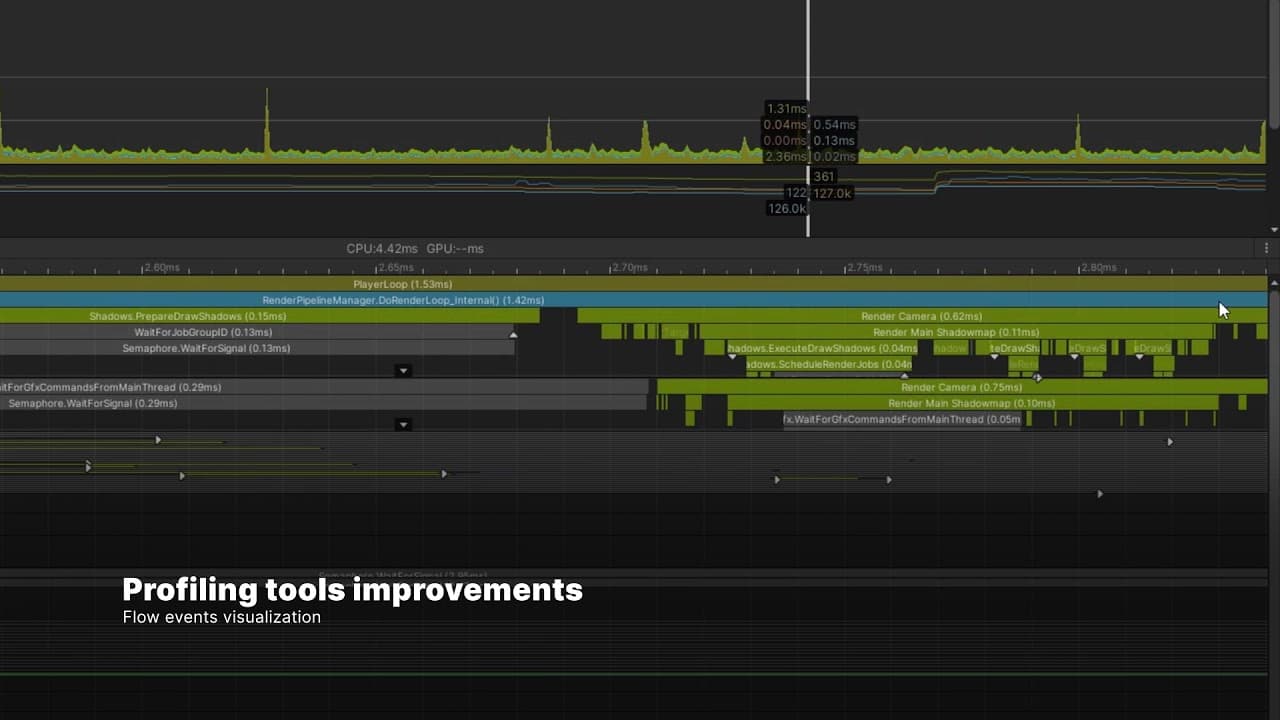
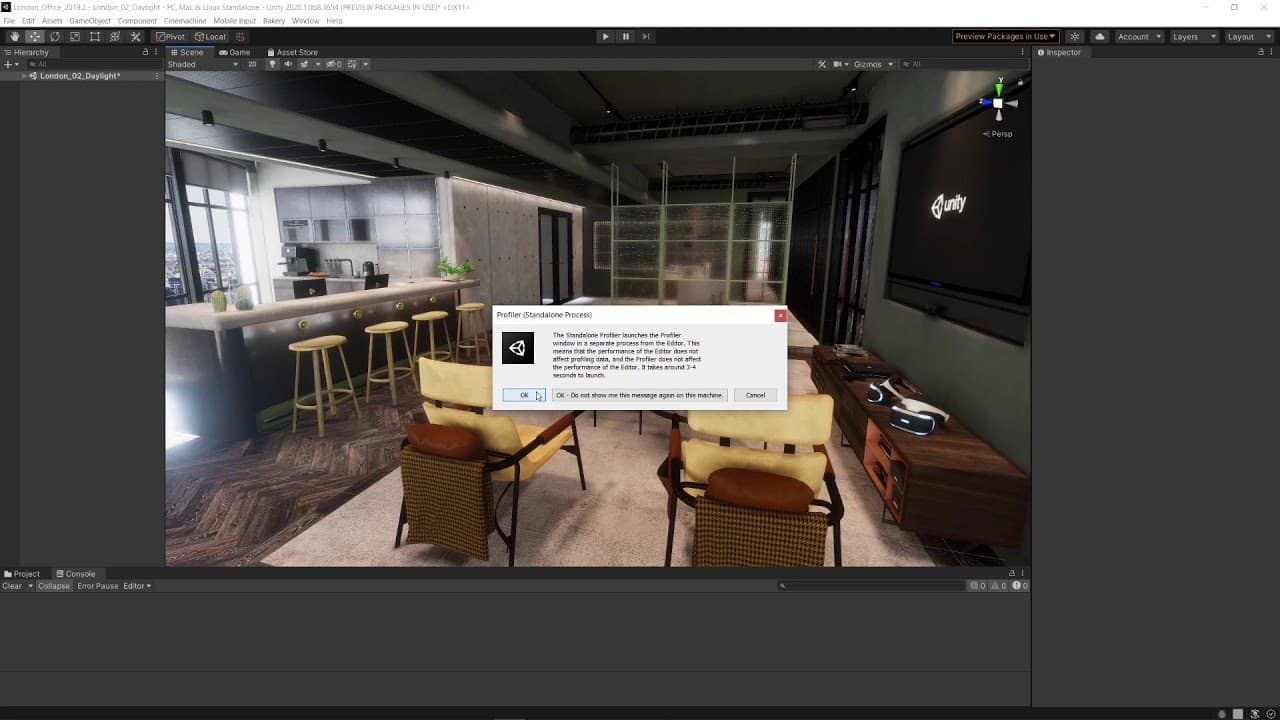
You now have the option to launch the Profiler as a standalone app. This will move the tool to a separate process outside of Unity, reducing the performance overhead when profiling the Editor and creating cleaner profile data.

See how Unity schedules jobs across threads via the Profiler's Flow Event feature. It allows you to detect when code in the main thread of execution is waiting for a job to complete in multithreaded code. This visualization adds event markers and flow lines, helping to expose the relationship between systems, jobs and threads. Not having to search for these dependencies manually saves you time.
Learn about profiling tools

This content is hosted by a third party provider that does not allow video views without acceptance of Targeting Cookies. Please set your cookie preferences for Targeting Cookies to yes if you wish to view videos from these providers.

Verified IDE packages now include Visual Studio

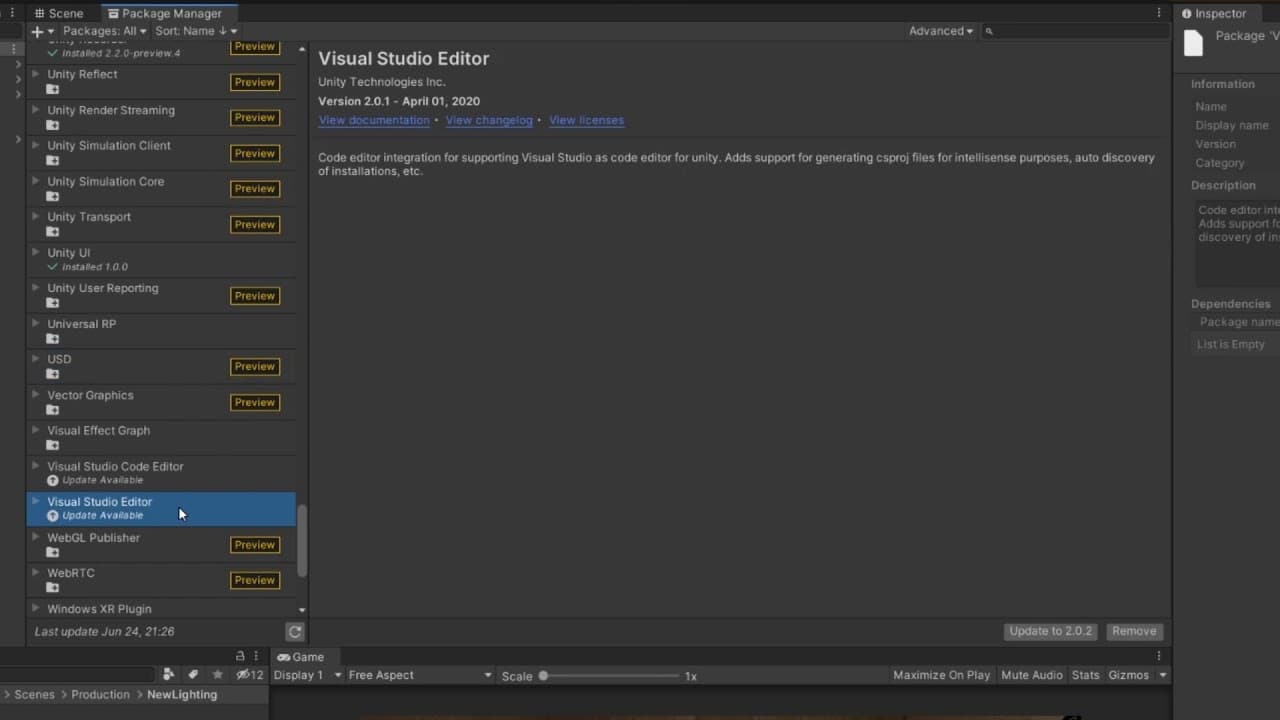
With this release, the Visual Studio integration is now a package, and we will not develop the built-in support further. The package also includes new features and improvements, like a faster startup of Visual Studio.

This follows on last year’s start to move integrated development environments (IDEs) and the Code Editor from core to packages, which began with Visual Studio Code and JetBrains Rider.

Furthermore, the JetBrains Rider IDE verified package received updates like Code Coverage support and user experience improvements, and the Visual Studio Code IDE verified package can now generate csproj files for IntelliSense incrementally and has autodiscovery of installations, among other updates.

Watch the Visual Studio webinar
New C# debugging workflow

New C# debugging workflow

The new C# debugging workflow makes the Editor run with C# code optimization in Release Mode by default, improving performance when running your project in Play Mode.

To debug your project, you need to enable Debug Mode before entering Play Mode. You can switch between code optimization modes without restarting the Editor by selecting the Debug Button at the bottom right of the Unity Editor Status Bar.
Learn more

This content is hosted by a third party provider that does not allow video views without acceptance of Targeting Cookies. Please set your cookie preferences for Targeting Cookies to yes if you wish to view videos from these providers.

Create fields for generic types directly

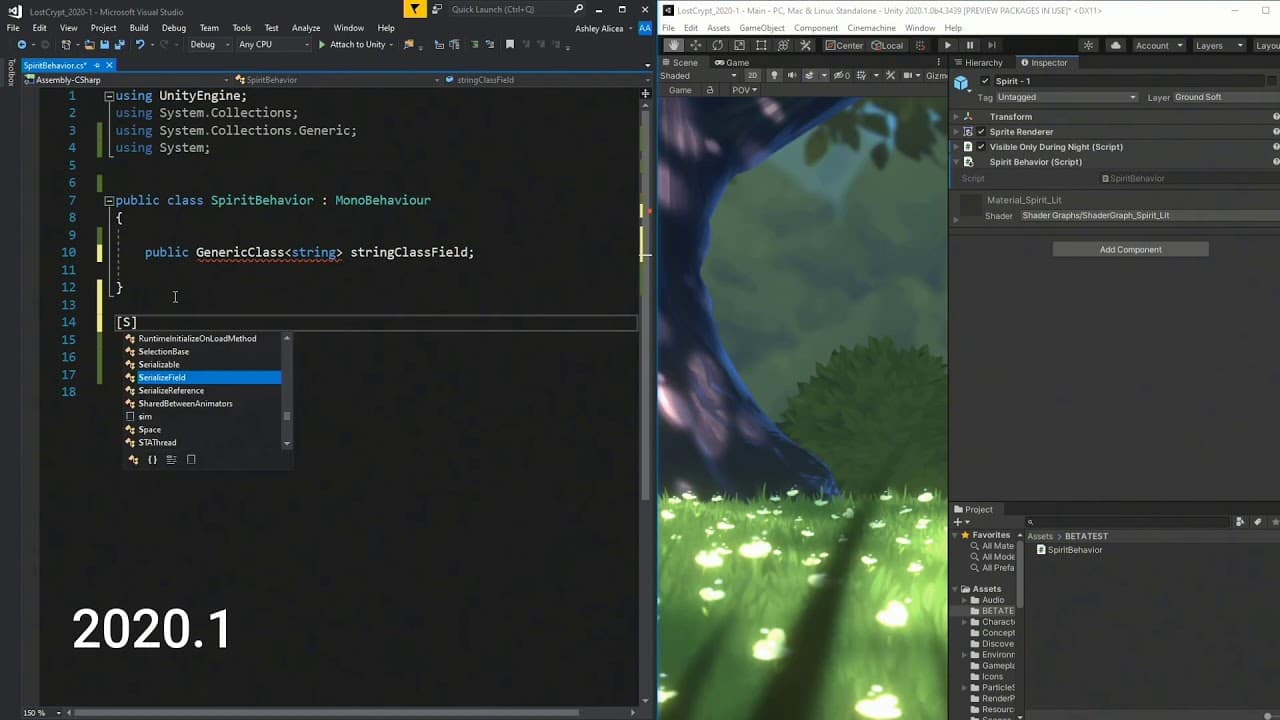
We improved support for serializing fields of generic types. In the past, if you had a generic type (such as class MyClass<T>), and you wanted to make a field using that type, you would have to define a non-generic subclass of it (like class MyClassInt : MyClass<int>). We’ve removed this limitation, so you no longer need to declare the generic subclass, and you can simply use the generic type directly.
Learn more

This content is hosted by a third party provider that does not allow video views without acceptance of Targeting Cookies. Please set your cookie preferences for Targeting Cookies to yes if you wish to view videos from these providers.

Burst Compiler 1.3

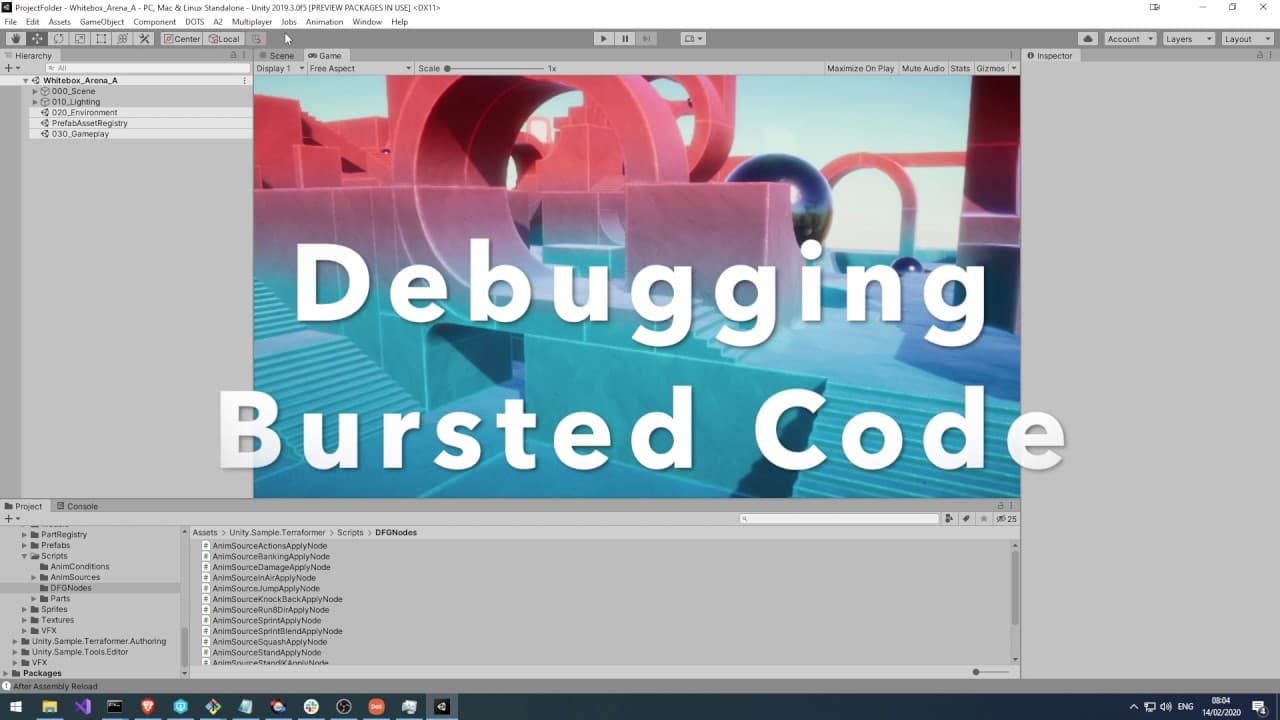
We are evolving the Burst Compiler as a development tool, adding native debugging capabilities.

Using a native debugger attached to Unity, you can now set breakpoints, skip over and step into code. You can also inspect and navigate call stacks, variables, autos and threads.
Learn more

This content is hosted by a third party provider that does not allow video views without acceptance of Targeting Cookies. Please set your cookie preferences for Targeting Cookies to yes if you wish to view videos from these providers.

Profile Analyzer improvements and Code Coverage (Preview)

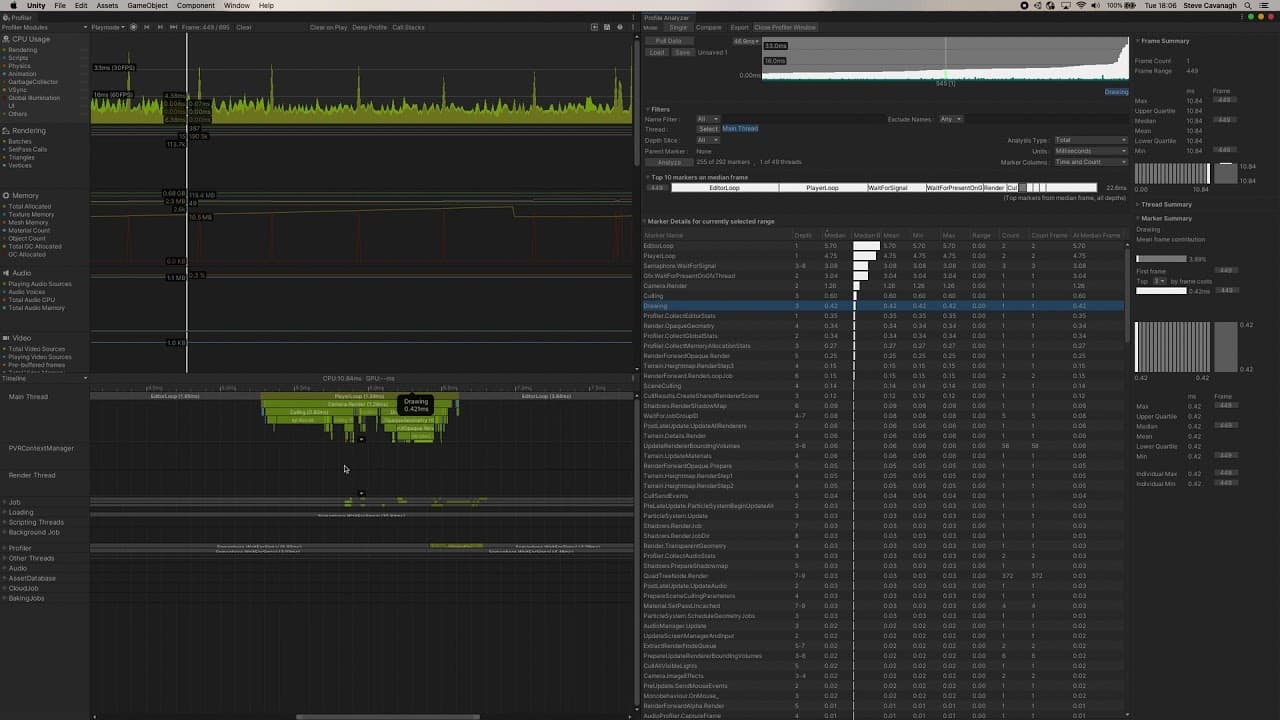
The Profile Analyzer package enables users to compare frame and marker data from a set of Unity Profiler frames at the same time. New 2020.1 updates for this package improve overall performance and the experience of using the tool. This includes quality-of-life improvements for the user interface. Code Coverage helps you visualize which lines of your code are being tested.

Learn more
Download Unity 2020.1 now

Get access to all of the above and much more today.

Download Unity 2020.1