Optimizing performance with a custom vegetation system for Thrive: Heavy Lies the Crown

Adam Axler - Unity
Senior Content Marketing Manager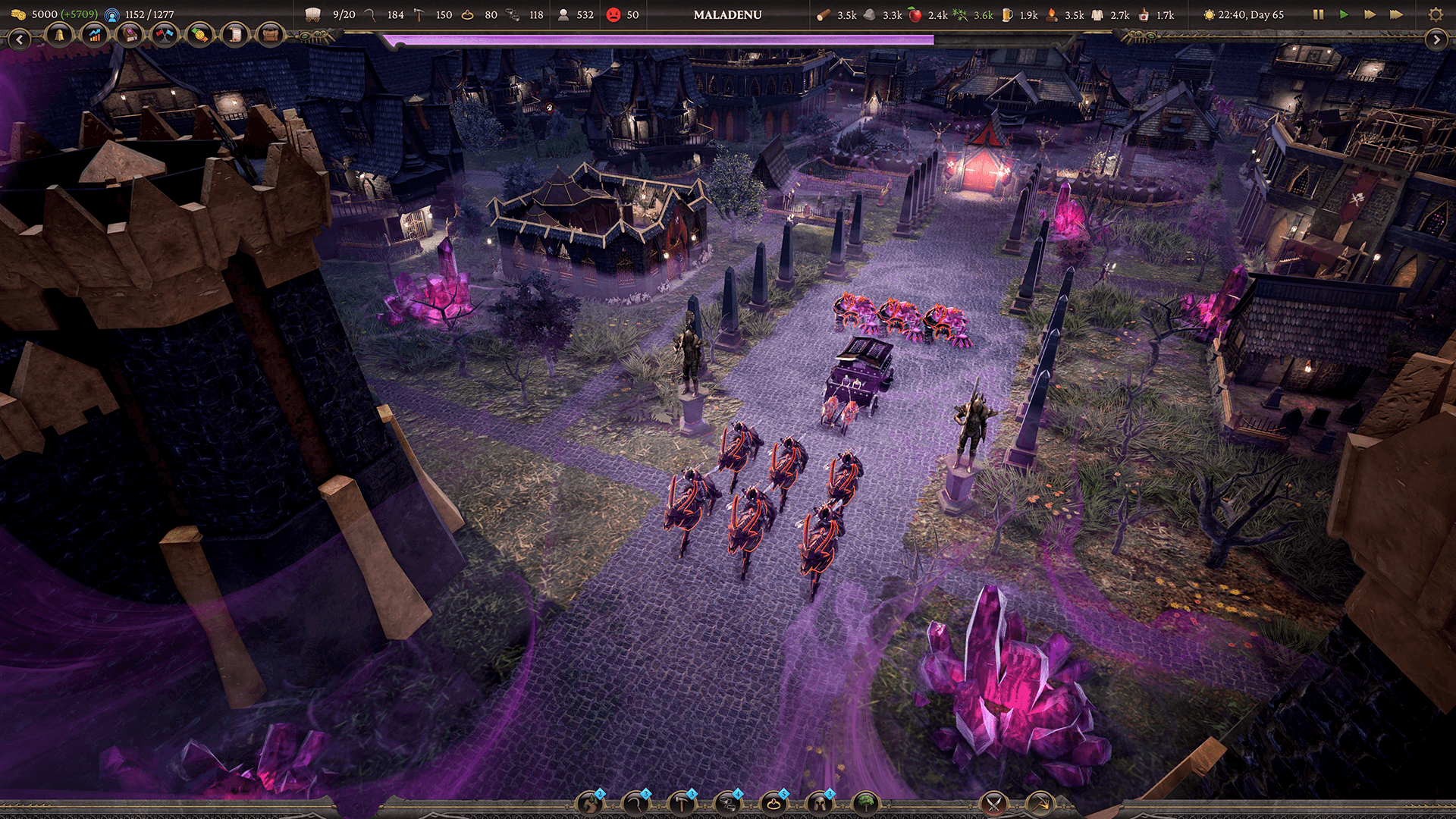
Zugalu Entertainment was founded in 2014 to create games that blend innovation, nostalgia, and commercial appeal. Over the past 11 years, they’ve shipped titles including Epic Food Fight, Technolites, Chronique des Silencieux, and Sovereign Syndicate.
On November 6, 2024, they released Thrive: Heavy Lies the Crown in Early Access, to great reviews. The game is a medieval city builder with real-time strategy elements and both single-player and cooperative multiplayer functionality. Players can strategically expand their territory and their kingdom, and then build out along a large map. As their journeys progress, the fate of the kingdom hinges on every decision they make.
Today, the team launched the game’s 1.0 version. We sat down with Garrett Hau, CTO at Zugalu Entertainment, and Jackie Li, the team’s lead concept artist and technical artist, to discuss the performance challenges they encountered and how building a custom vegetation system was key to the game’s optimization.

Building a custom vegetation system
Since the game is set in the wilderness, there are a lot of trees, grass, bushes, etc. In the original implementation, the grass was very sparse, but the team wanted to create an expansive and lush field of grass. “For many of our different biomes, such as the grassland biome, we wanted to cover the ground full of vegetation,” says Hau. To achieve that, they needed a system that could handle a high number of vegetation instances.
For the majority of the project, the team was using a third-party solution, which worked well, except that it was heavily CPU-sided, was costing around 3 milliseconds, and the game was very CPU bottlenecked. Since they had a pretty low system requirement, they decided to transfer most of the calculations over to the GPU and needed a different kind of solution.
“We decided to make our own system, and at the same time, integrate with the game’s tile-based nature. The original system had its own way of working, and certain interactions at the per-tile level were too costly,” says Hau.

In-Editor preview of vegetation
They wanted to fix that and be able to have higher density vegetation. Since they were calculating on the GPU in their new system, they had more performance headroom and the opportunity to create a flourishing forest.
Another key goal was getting per-tile masking. “Before, when you placed down a road, it couldn’t be efficiently masked out, so the vegetation would just grow on top of the roads,” says Hau. Since the initial method relied on the CPU, every additional mask would burden it, and they wanted to have the roads, or anything really, mask out grass or vegetation without eating up a lot of performance.

In-Editor shot of the team tile-masking
Executing with compute shaders
The team also experienced a major bottleneck when it came to spawning the vegetation across its large map. Since the game has an abundance of vegetation and a really high camera that can move quickly across the map, it was important for the vegetation to spawn in without halting the player. This turned out to be very difficult.
“When you look at the vegetation, you see that you need to spawn potentially hundreds of thousands of instances. So we chose GPU instancing, which was designed for this exact purpose, allowing for potentially millions of instances,” says Li.
To begin, the team prepared the data for GPU instancing. They needed to construct and feed the GPU an array of all the positions they wanted to spawn their vegetation at. The vegetation doesn't really interact with the CPU side outside of the tile masking, so they executed this with a compute shader. Since the compute shader ran on the GPU before their render shaders executed, they prepared the data in their compute shader, and then fed the resulting data for instancing. This is also known as instance indirect.

In-Editor shot of spawned units
The next step was figuring out how to use the compute shaders, which proved to be relatively easy. Li explains that, “A compute shader is just a multithreaded operation on the GPU. In our case, each instance data can be individually calculated on each thread. Think of it like the Unity Job System, but on the GPU.”
When working in a multithreaded environment, each thread’s workload should be crafted so that they don’t depend on executions in other threads to maximize performance.
Li says, “For example, when adding randomness, we would use things like Perlin noise, Simplex noise, or hash functions. The current evaluated surface is also divided into a uniform grid, with each thread operating within each grid point so that we don’t have to worry about spawning multiple duplicate vegetation on top of each other.”
Since the terrain was not deformable at runtime, they retrieved this data at the start of development and passed it to the GPU. This allowed for preprocessing of the height data, most notably for calculating the slope at each height position, so that vegetation could be customized to follow the contour of the terrain.

Thrive: Heavy Lies the Crown | Zugalu Entertainment | Playside Studios
Consolidating compute shaders
Although the team was using compute shaders, they had to execute a lot of them to get the data they wanted. Similarly to the draw calls, less is better. They were looking to reduce the number of GPU commands by eliminating half of the dispatch calls and then combining the CPU data transfer to the GPU into one API call.
“Our vegetation system is composed of many different types of vegetation, each type of vegetation requiring a compute dispatch,” Li explains. “With 50 vegetations, that would be 50 dispatches, each with n-number of threads.”
Each thread’s goal was to calculate an instance position, along with some other data, but it was also highly possible that a thread calculated a culled position, either by being a masked position or outside of the camera frustrum, in which case the data is not added to the instance array that is then later used to draw the vegetation.

Thrive: Heavy Lies the Crown | Zugalu Entertainment | Playside Studios
Since a thread may or may not add to the array, we used some form of thread-safe list like data structure, where we appended the valid value to the list. HLSL conveniently provides this feature in the form of an append buffer. “Using an append buffer does have a small downside,” says Li. “I had to execute extra gpu commands to grab the count of added items and also to clear out that count so that the append buffer could be reused.”
However, the compute shader provided a convenient variable known as groupshared, which allowed for thread to thread communication. And that, in combination with the Interlocked function, allowed for each dispatch to keep track of a global index counter, permitting valid instance data to be tightly packed, and indirect draw commands to be updated all within the same dispatch call that was calculating the instance position.
When sending the CPU data, the team initially faced a performance penalty. They had to update the shader properties for the different vegetation types, which changed from frame to frame.
“Originally, I was sending the data separately, resulting in 50 SetData() commands,” says Li. “However, since the underlying data type was the same, we consolidated all the data into one buffer, and then provided each vegetation type with an offset index into that buffer. This allowed for just one SetData() command.”
The team estimates conservatively that they saved 0.1 milliseconds of CPU time, representing 20% of the total 0.5 milliseconds.

Thrive: Heavy Lies the Crown | Zugalu Entertainment | Playside Studios
Sending tile data from the CPU to the GPU
Since the map was very large, approximately 10 million tiles, the team struggled to grab the tile data from the CPU to the GPU. “Trying to send millions of tiles per frame to the GPU was going to be very costly because it’s a lot of data to send. We needed to be able to send a subset of just enough data to occupy the screen,” says Hau.
They used Unity’s Job System to accomplish that. It helped them for the CPU side and provided a multithreaded way to grab the data and send it off to the GPU. Hau explains that, “When it comes to grabbing data out of an array, it is a perfect workload that can be accelerated by the Job System.”
Each thread can be executed to grab a segment of data, that is then copied to a destination array. At the same time, they converted the original 16-bit data into a packed 32-bit data used in the compute shader.
The team also applied the Burst Compiler to the Job System data to create optimized code. “Burst Compiler significantly improved the multithreaded performance. Once I put the attribute on there, it quickly went from over one millisecond to less than 0.3 millisecond. It was very impressive for just adding one line of code,” says Hau.

Thrive: Heavy Lies the Crown | Zugalu Entertainment | Playside Studios
While the team experienced big optimization wins, they’re also mindful that the performance of rendering all of the vegetation is something to watch out for.
“While we’re thrilled with the performance saving, overdraw is still a problem that my system doesn't solve,” Li explains. “We do need to keep that in mind. Nevertheless, we’re beyond happy with how the game turned out.”
To read more about projects made with Unity, visit the Resources page.