Monster Prom: Building a dialog system for a multiplayer dating sim

Fergus Baird - Unity Technologies
Senior Content Marketing Manager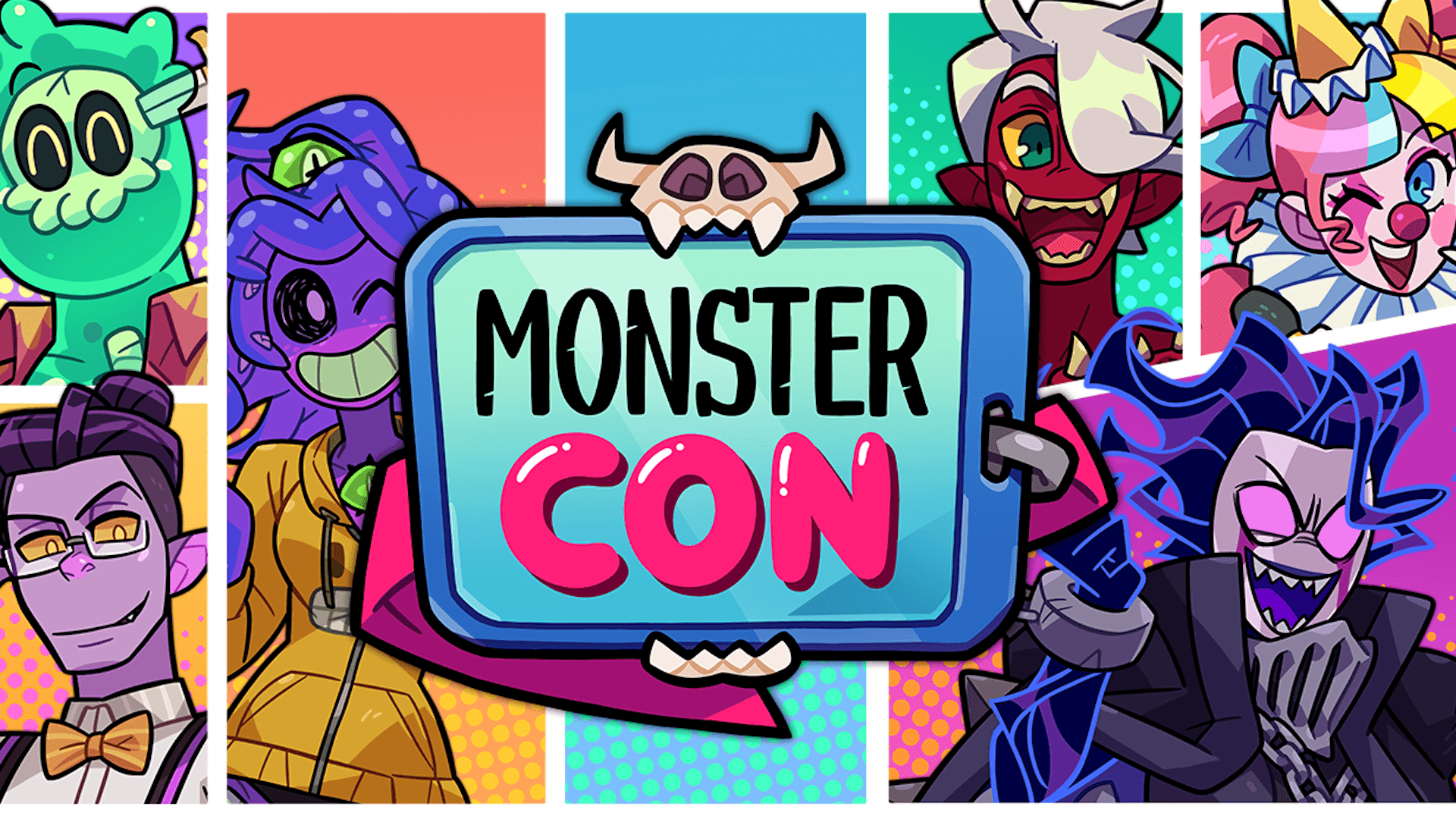
The Monster Prom series from Beautiful Glitch is a masterclass in controlled chaos. This popular franchise takes the dating sim (typically a single-player affair), adds absurdist humor, and flips the script by making it a competitive multiplayer game. With four games launched (and a fifth on the way), thousands of branching events, and a distinct comedic voice, Monster Prom is a great example of how to iterate on a familiar concept while making it feel fresh each time.
We interviewed Elías Pereiras, lead programmer at Beautiful Glitch, to learn about the custom tools that enable Monster Prom’s complex branching narratives, and how these tools have evolved alongside the franchise.
Finding the perfect genre match
The concept for Monster Prom came from a simple observation: The Beautiful Glitch team saw a gap in the market for narrative games that can be played with friends. With this core idea in mind, they started looking into different types of narrative games, and saw potential in the dating simulator genre.
“We landed on dating sims because we felt the genre often stuck a bit too much to its conventions, and it could be a great starting point to put a new spin on and make fresh for new audiences,” explains Elías. “One idea became particularly appealing: adding multiplayer to a narrative dating sim, and on top of that, giving it a comedic and absurdist tone.”
This mix of party and narrative game became the studio’s signature. The popularity of the original Monster Prom gave Beautiful Glitch the means to develop a sequel (Monster Prom 2: Monster Camp), and then another (Monster Prom 3: Monster Roadtrip), and another (Monster Prom 4: Monster Con). As the franchise grew, the team continued to innovate, guided by a core principle: Let storytelling and theme drive the core mechanics.
“We try to let the narrative guide us. Before getting into development proper, we already have a clear idea of the setting of the game, so we try to think of thematically appropriate mechanics,” says Elías. “This is most evident in the idea of the roadtrip on Monster Prom 3, which heavily conditions the game’s genre, but it’s also the reason why Monster Camp has a ‘gossip’ mechanic and Monster Con lets players make their own comics.”
With constantly evolving mechanics, hundreds of events in each game, and the volume of content needed to support branching narratives for up to four players, Beautiful Glitch had some significant technical challenges to solve.

Monster Prom 4: Monster Con | Beautiful Glitch
Pipeline challenges
The narrative complexity of Monster Prom, with countless variables, stat checks, and branching paths, demanded a robust system. But by the time Beautiful Glitch began working on Monster Prom 2, the pipeline they’d developed for the first game was already proving a mismatch for future projects.
“Monster Prom used a totally different system than the one we currently use,” says Elías. “In that first, more primitive system, we needed to precalculate and save all the data extracted from parsing to the scene. We started with a very limited number of events, so what we had did the trick; however, eventually it grew to the point that parsing could take up to 20 minutes. And what’s worse: if any parsing error occurred, the process had to start all over again.”

Monster Prom 4: Monster Con | Beautiful Glitch
This slow workflow was a major technical barrier for the studio. Twenty minutes of parsing meant twenty fewer minutes of development time. Adding narrative tweaks from writers was slow and error-prone. And in-game, load times were significantly longer because GameObjects containing huge volumes of information had to be loaded at runtime. For Monster Prom 2, Beautiful Glitch decided to rebuild the system from scratch.
“On Monster Prom 2, we used plain .txt files parsed on game startup at runtime. The new version of the system was optimized to such an extent that all parsing and data loading from events took about 0.1 seconds, making it much easier to import texts and test events,” says Elías.

Monster Prom 4: Monster Con | Beautiful Glitch
Customizing the Editor for non-coders
Solving this performance bottleneck inspired the team to look for other ways to streamline their workflow. The studio wanted to find a way for writers to validate their content independently, without requiring deep knowledge of the Unity Editor. The proposed solution was a multi-stage pipeline that starts with a tool familiar to most games writers: Google Sheets.

A Google Sheet containing dialog and commands for Monster Prom 4: Monster Con.
“We developed a tool that automatically imports sheets from Google Drive and saves them to the project as .txt files,” explains Elías. “After that, proper and deep validations can be carried out within the Editor, which is much faster and has access to real game assets, so errors can be shown in different categories to better address their problems, checking for format, syntax, assets, naming, and so on.”
Text being imported from Google Sheets into Beautiful Glitch's Editor Validator, which flags errors for correction.
To make this workflow even more accessible, Beautiful Glitch went a step further and created a tool called the “Event Viewer,” a standalone executable build equipped with the Editor’s core validation tools but wrapped in a more writer-friendly UI.
“Our Event Viewer can check live changes from the sheets, importing them to StreamingAssets during runtime, and providing the same error validation as the Editor tool,” he continues. “The great advantage of this tool is that imported events can be tested directly in this dev build, allowing writers to iterate more and focus on improving text and layout quality."
Error events from the previous video clip, now seen in the Event Viewer. From here, the text can be updated, reimported, and played for quick validation.
With an overhauled content pipeline, Beautiful Glitch now has the best of both worlds: Programmers can focus their efforts on deep technical work, while writers can contribute to the project independently with a purpose-built application for writing, validating, and testing. The impact of this workflow quickly became apparent.
“The nice thing about the tools we’ve developed in Unity is that, even if writers could use the editor and our editor tools to do advanced things like creating characters, they don’t need to use it for their everyday tasks,” says Elías. “Instead, they can directly validate their work in real time and even access the specific sheet cells containing errors to easily fix them. This way, our writers don’t have to worry about mastering a new technology, and can focus on creativity and narrative.”

In-game dialog in Monster Prom 4: Monster Con
Key takeaways
If there’s one thing to take away from Beautiful Glitch’s journey with Monster Prom, it’s that investing in custom tools is not a distraction; it’s a core part of the development process, and one that can fundamentally transform collaboration between technical and non-technical team members.
Beautiful Glitch has since built custom tooling to automate a number of repetitive tasks, from creating character data and validating image assets, to classifying audio clips and creating new builds. It’s a mindset that treats tool development as an integral part of the game development process, and one that is ultimately worth the investment.
“This is something any newbie dev needs to embrace: the time saved by using custom tools almost always makes up for the time spent making them,” says Elías. “Consider tool-building part of the general development process – not an annoying detour.”
By leaning on the extensibility of the Unity Editor, Beautiful Glitch can focus on what draws players to Monster Prom: humorous writing, surprising mechanics, and the fun of playing – and failing – at competitive monster-dating with friends.

Monster Prom 4: Monster Con | Beautiful Glitch
Beautiful Glitch's Monster Prom series is available now on Steam. Explore more Made with Unity games on our Steam Curator page, and check out more stories from Unity developers on the Unity Blog and Resource hub.