The Immersive Edge: June 2026 industry content wrap-up

This June edition of The Immersive Edge collects 26 resources published across May and June 2026, on accessible 3D creation with Unity Studio, the Industry Fundamentals Template, computer-aided design (CAD) workflow automation, industrial AI and digital twins, and real-world customer stories. Together, they show how teams are making 3D creation more accessible.
Welcome back to The Immersive Edge, Unity's roundup every two months of the resources, articles, and videos that help industrial teams use real-time 3D. This edition focuses on tools and workflows that help more roles create interactive 3D, not only developer teams.
If you work in automotive, manufacturing, AEC, or any field where 3D data is part of the job, consider this your curated reading list. We've organized everything into themes so you can jump to what’s relevant to your role.. Each entry includes a short summary and a direct link, so you can read or watch when you're ready.
Key takeaways from May and June 2026
Before we get into the full collection, start with these themes:
- This June 2026 industry content wrap-up highlights 26 resources on Unity Studio, CAD-to-3D workflows, industrial AI, digital twins, and real-world customer stories.
- Accessible 3D tools help more roles create 3D. Unity Studio lets designers, trainers, and engineers build interactive experiences without developer support for every change.
- Templates and automation reduce manual production work. The Industry Fundamentals Template and Unity Pipeline Automation help teams move from CAD data to working applications faster.
- Industrial AI is moving from theory to practice. New resources explore how digital twins, machine information systems, and AI agents work together in real operations.
- Customers are proving the value. Case studies from Breach VR and TIER IV show what teams can achieve when industrial teams adopt real-time 3D.
3D innovation: helping more teams create with Unity Studio
Unity Studio is a web-based editor that helps teams create, collaborate on, and share interactive 3D experiences - without coding complexity. This section gathers everything we published to help you get started and how teams use it.
The making of Unity Studio
Learn how Unity Studio was created. This piece explores the vision behind building an accessible entry point to real-time 3D, and the problems it solves for non-technical teams.
New collaboration and export tools in Unity Studio
Unity Studio supports annotations and Unity Studio-to-Editor export, which helps teams review work together and scale projects into production. Learn how these features turn 3D from a solo task into a shared workflow.
Unity Studio web-based editor livestream (on-demand)
Missed the live session? Watch our on-demand walkthrough of the Unity Studio editor, including a live 10-minute build. Learn how to import 3D data, assemble an interactive scene, and share it with a web link.
Top Unity Studio questions answered
New to Unity Studio? This Q&A blog answers common questions from teams getting started, from supported file formats to how Unity Studio fits alongside the Unity Editor.
A day in the life: a training designer builds 3D without developers
Follow a fictional training designer as they build an interactive 3D learning experience from scratch, without writing a single line of code. See how Unity Studio helps L&D teams create and update their own training content.
A day in the life: solutions engineer building interactive product demos
See how a solutions engineer can use Unity Studio to turn static product data into interactive demos that explain products to customers. This story highlights how Unity Studio supports technical sales workflows.
The collaboration: from Studio to Editor
Move from static to interactive and from prototype to production - this article explains the Studio-to-Editor workflow. Learn how domain experts can validate ideas in Unity Studio while developers extend and deploy from the Unity Editor, all from the same project.
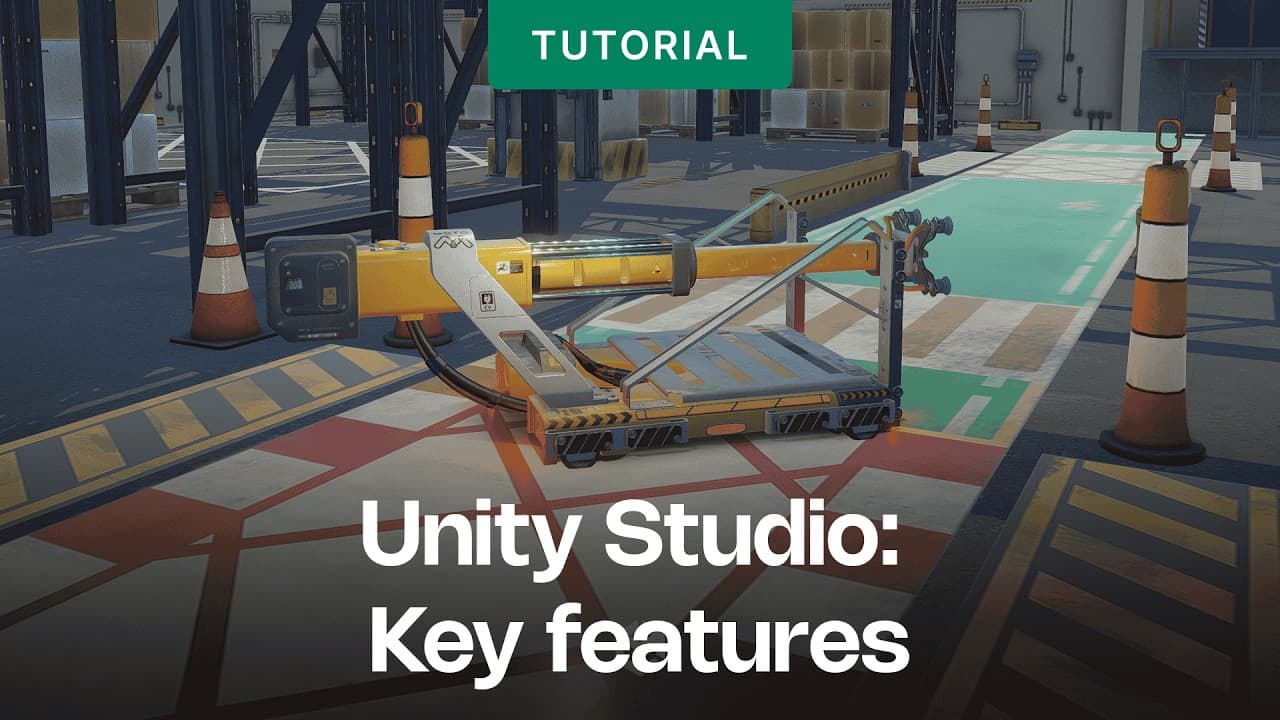
Getting started with the Industry Fundamentals Template
The Industry Fundamentals Template (IET) helps developers start building real-time 3D industrial applications. This series explains each step, from importing CAD data to architecting your code.
Overview video
A brief look at what you can build with the Industry Fundamentals Template. Watch this short video to see the template in action.
Template foundation
Start here. This resource introduces the Industry Fundamentals Template and explains the foundational concepts you'll build on throughout the series.
Install the Asset Transformer Toolkit
A step-by-step guide to installing the Asset Transformer Toolkit, the first step to bring CAD data into a real-time 3D workflow.
Optimize the CAD model
Raw CAD data isn't ready for real-time use out of the box. Learn how to optimize your CAD model for performance without sacrificing the detail your application needs.
Rule sets
Discover how rule sets let you automate transformations and apply consistent logic across your CAD data, reducing manual work.
Advanced rule sets
Ready to go further? This detailed guide covers advanced rule set techniques for handling complex CAD datasets and more demanding industrial applications.
Navigation system, autonomous movement, and Cinemachine
Add movement to your 3D environment. This guide covers building a navigation system, enabling autonomous movement, and using Cinemachine to create dynamic camera work.
C# architecture and ScriptableObjects
Learn how to structure your project with a clean C# architecture and ScriptableObjects, so your application can scale and stay maintainable.
E-book: build real-time 3D industrial apps faster
Get the full workflow in one place. This e-book pulls together best practices for building real-time 3D industrial applications, from data preparation to deployment.

Technical deep dives: CAD workflows, pipeline automation, and collaboration
For the technical teams turning complex CAD data into interactive experiences, these resources cover implementation details.
Beyond static drawings webinar
2D drawings only tell part of the story. This webinar shows how industrial teams can move beyond static documentation to interactive 3D visualization and collaboration.
Industrial 3D visualization and collaboration FAQ
Have questions about industrial 3D visualization? This FAQ answers the most common ones, covering workflows, tools, and how teams collaborate across the design process.
What is Pipeline Automation?
Pipeline Automation streamlines the workflow from CAD data to real-time 3D. This explainer breaks down what it is, how it works, and why it matters for industrial teams.
A foundation for real-time 3D: automate CAD-to-3D workflows
Manual CAD-to-3D conversion can be slow and error-prone. This foundational resource shows how automation creates a repeatable pipeline that frees your team to focus on what matters.
Industrial AI and digital twins
Where real-time 3D meets artificial intelligence, new possibilities emerge. These resources explain how teams use digital twins and industrial AI in operations.
From digital twins to industrial AI: building the machine information system
This blog explains the path from digital twins to industrial AI systems, explaining how a machine information system becomes the foundation for more autonomous operations.
From visualization to action: Unity, machine information systems, and AI agents (e-book part 1)
Part one of our manufacturing-focused e-book series explores how Unity, machine information systems, and AI agents combine to move teams from passive visualization to active, automated decision-making.
The reasoning layer: LLMs, agents, and MCP (e-book part 2)
Part two explains the reasoning layer that powers intelligent industrial systems. Learn how large language models (LLMs), AI agents, and the Model Context Protocol (MCP) work together to support operational decisions.
Strategic frameworks: connect, create, deploy
For leaders shaping their organization's 3D strategy, this resource offers a clear framework.
Unity Playbooks: e-book
The Unity Playbooks e-book explains the connect, create, deploy framework, a practical approach to adopting real-time 3D across your organization. Use it to build a strategic case for 3D.

Unity Industry playbook: Connect, Create, Deploy
Industry spotlights: real-world applications
These case studies show how industrial teams use real-time 3D today.
Case study: Breach VR's CUPRA Exponential Experience
See how Breach VR created the CUPRA Exponential Experience, an immersive showcase that reimagines how customers interact with the automotive brand. A standout example of immersive technology in automotive marketing.
Case study: TIER IV's AWSIM open-source autonomous driving simulator
Learn how TIER IV built AWSIM, an open-source autonomous driving simulator powered by Unity. This case study explores how real-time 3D supports the development and testing of self-driving technology.
Take the next step
The thread running through all of these resources is a simple one: real-time 3D is becoming more accessible and automated for industrial teams. Whether you're a designer building your first interactive scene, a developer architecting a complex application, or a leader mapping out a 3D strategy, these resources can help you choose next steps.
The best place to start is the workflow you need to improve. Pick one resource above that matches a challenge you're facing this quarter, and dig in. Then come back - we'll have a fresh collection waiting in the next edition of The Immersive Edge.
Ready to see what you can build?