The placeholder asset problem: How programmer art kills playtests

Unity Team - Unity Technologies
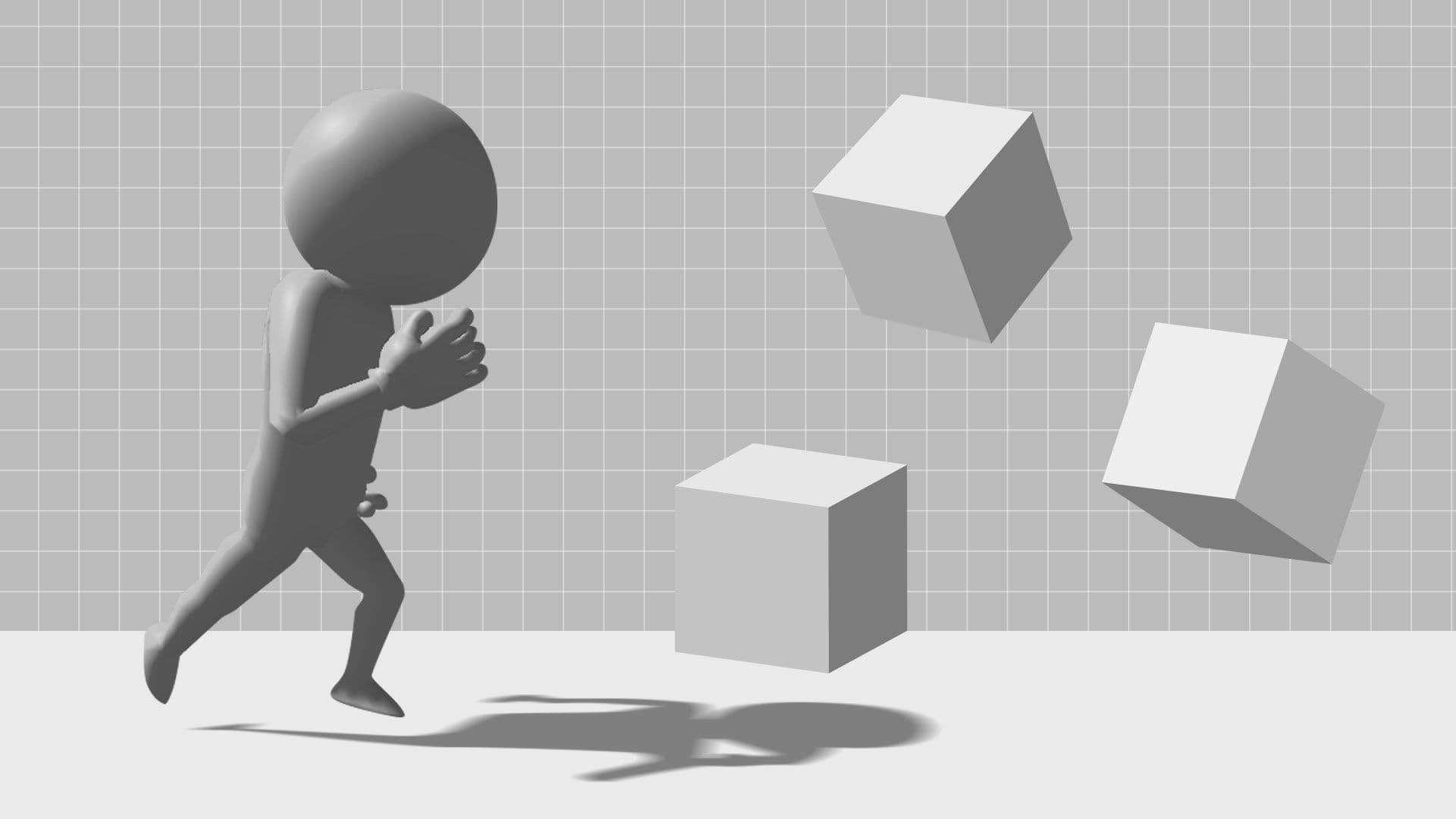
“Greybox first, art later” is common advice for game prototyping. Guides and tutorials often tell you to build the core mechanics first, ensure the game is actually fun using abstract cubes and capsules, and only worry about visuals once the core loop is proven.
This approach makes logical sense. Spending time polishing art for a prototype game that might not even work feels like a waste of resources. Greyboxing has long been a reliable way to navigate early development without suffering from scope creep.
However, this approach carries hidden costs. When you present players with bare-bones placeholder art, you’re not just testing the game mechanics in a vacuum – you’re testing how players interact with ugly, unpolished games.
Visual fidelity can have a profound impact on playtest feedback. A player’s perception of responsiveness, weight, and overall game feel is affected by what they see on the screen. Staying with a visually empty environment for too long risks inviting feedback that’s skewed by the look and feel of the art, rather than reflecting game mechanics.
The standard advice and what it gets wrong
Conventional game development wisdom says you should never invest time in art assets until your mechanics are fully locked in. Often, that means building levels with gray cubes, representing players with a capsule, and using simple text UI for vital information.
This advice exists for a good reason. It prevents you from wasting time texturing a character that might get cut next week. It forces teams to focus on the fundamental gameplay loop. Spending a month on high-fidelity models before the character can even jump properly is a famous rookie mistake.
But this consensus rests on the assumption that human beings can completely separate visual feedback from mechanical feedback. It expects a playtester to sit down, look at a floating gray rectangle, and accurately evaluate the physics code driving it without being influenced by the lack of visual polish. But it’s clear to us that human psychology simply doesn’t work that way.

Testing mechanics with placeholder game art
How visual fidelity changes what playtesters tell you
Visual quality doesn’t just make games look nicer for marketing screenshots. It can significantly change how players experience the mechanics you’ve built, which can also directly impact the playtest feedback you receive.
The research
Consider the famous “Juice It or Lose It” developer demonstration by Martin Jonasson and Petri Purho at GDC Europe 2012. They demonstrated a basic block breaking game with absolutely no visual flair, then they added screen shake, particle effects, and tweening animations without changing a single line of the underlying physics code. The resulting game felt noticeably different.
Broader gamefeel research supports the idea that even tweaks like screen shake can improve a player’s sense of agency and exhilaration.
What this looks like in practice
Imagine two versions of the exact same prototype game. The first version features a gray capsule sliding across a flat plane. The second version features a textured character model moving down a cobblestone street, complete with simple dust particles kicking up under their feet.
If you put these two versions in front of players, they might rate the textured version as more responsive and fun, even when the underlying movement code is identical. Playtesters can’t always separate visual quality from game quality – so if a prototype looks stiff and lifeless, you may also get the feedback that the controls feel stiff and lifeless.

The old tradeoff and why it no longer applies
The reason “greybox first” became advised in the first place is that making decent art used to be a lengthy, time-consuming phase of the game development process. Developers had to choose between allocating their time toward working on core gameplay features like mechanics or visual elements like painting textures. Many teams simply couldn’t do both during the early stages of game prototyping. Because the gap between programmer art and “good-enough art” was so vast, devs accepted skewed playtest feedback as a necessary evil.
But the landscape of game development is changing. Development phases that used to take a long time can now be completed quite quickly, and AI-generated game art has changed the math on fast prototyping. Producing AI textures, 2D sprites, and complex materials can take your greybox level design from abstract geometry to a recognizable, cohesive environment fast enough that some devs may find that they no longer have to choose between testing mechanics and providing visual context.

Practical approaches to better prototype visuals
There are several highly practical, fast options available that can help you get your prototype looking good enough to test accurately, then refine with your art team to finish.
AI-generated textures and sprites
Using AI-generated game art can help you to upgrade a prototype quickly, and asset generation tools like Unity’s AI Generators can slot directly into your asset pipeline. If you need a brick wall texture to give players a sense of scale, you can generate a seamless brick background to provide immediate visual context without disrupting your coding schedule.
Asset Store placeholder packs
If you prefer curated 3D models, Asset Store placeholder packs can be an excellent solution. Dropping these pre-made assets into your game lets you replace confusing programmer art with cohesive, readable environments that players can understand.
The “visual minimum” framework
Instead of aiming for final art, this approach aims for the “visual minimum.” It asks a simple question: What is the least amount of art investment required to stop your visuals from poisoning your playtest feedback?
Usually, the answer boils down to three things: recognizable silhouettes so players know what objects are; color differentiation to separate enemies from the background; and basic material variation so players can tell the difference between a character walking on metal and walking on grass.
When greyboxing is still the right call
It’s important to clarify that greyboxing is not inherently bad. There are specific phases of development where greybox level design could still be the correct choice.
If you’re testing pure mechanics in isolation, like figuring out if the raw math behind a double-jump trajectory functions correctly, you don’t need textures. If you’re in the very first week of a concept that has a high likelihood of being killed, investing in any art is premature. Finally, if you are doing pure level layout testing where blocking line of sight and checking physical geometry distances are the only goals, gray blocks are perfectly fine.
The issue is not greyboxing itself. But any conventional advice to completely ignore visuals when you start gathering playtest feedback on the holistic feel of your game might be the best guidance when you’re looking for more comprehensive feedback.

Kitbashed game art
Moving beyond the greybox
Accurate data can be a huge help in developing a great game. But when you test a prototype full of programmer art, the data you get back is often clouded by a player’s inability to see past visual abstractions. By elevating your prototype art using modern tools, asset packs, and a visual minimum framework, you can help your playtesters to evaluate your game design more holistically. Stop letting bad placeholder art ruin perfectly good mechanics, and start testing your games the way players actually experience them.
FAQ: Prototype art and playtesting
What is the fastest way to upgrade placeholder art?
You can upgrade your game’s visual style quickly using AI-generated textures and sprites, or by dropping in modular asset store packs. Generating AI textures for a basic scene can vastly improve readability without significantly slowing down mechanical development.
Should I use programmer art or buy asset store packs?
It depends entirely on your immediate goal. Programmer art is fine for testing math and raw logic internally. However, if you are putting the game in front of external playtesters to gauge if the game “feels fun,” buying Asset Store packs or generating basic textures may give you more accurate, actionable feedback.