


Frequently asked questions
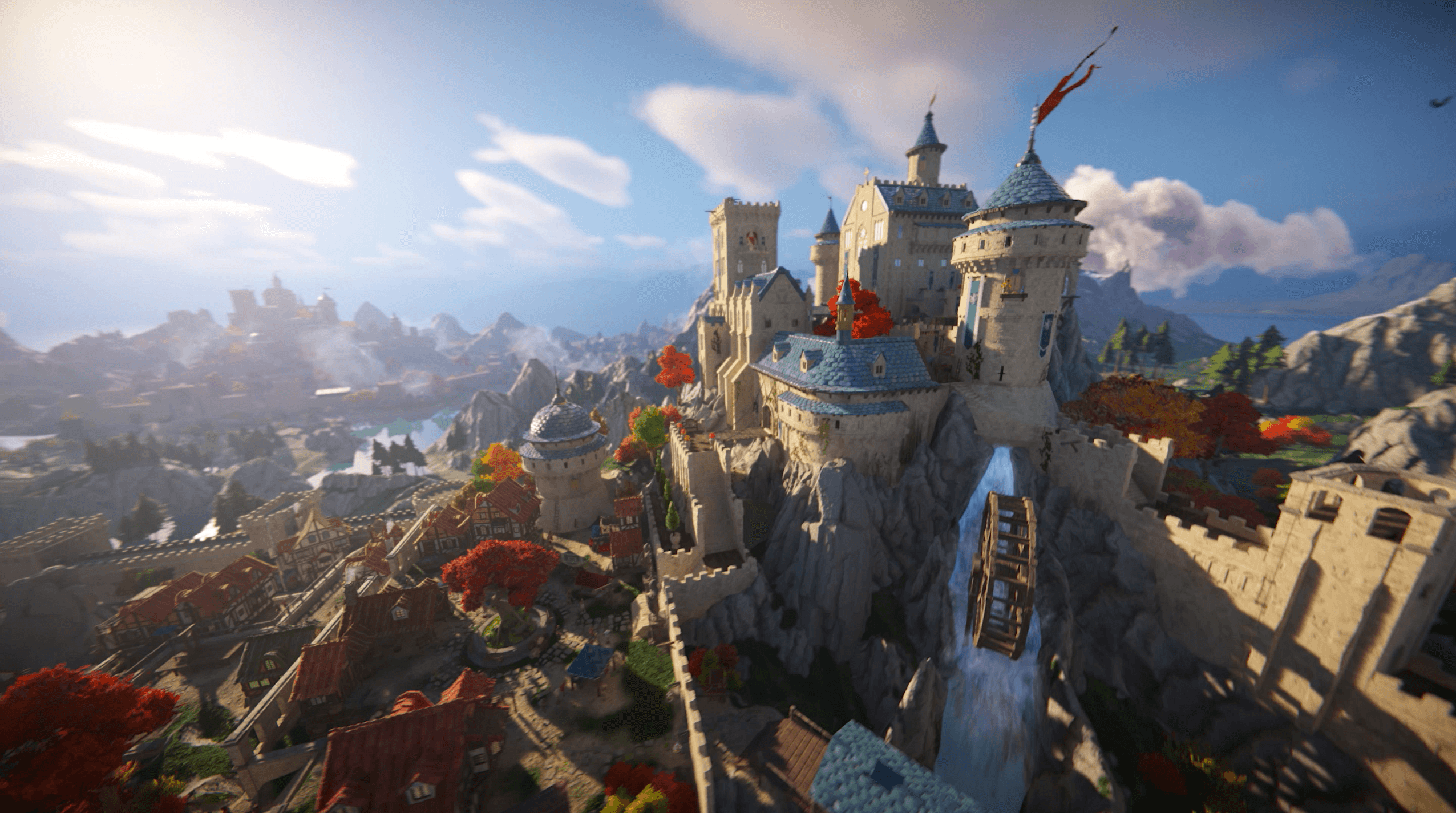
Unity 6 comes loaded with faster rendering, powerful lighting options, end-to-end multiplayer workflows, expanded AI capabilities, and deeper support for mobile web runtimes. Create larger complex scenes that enjoy boosted performance across all platforms with Unity’s render pipelines, and accelerate the development of multiplayer games directly through in-Editor workflows. Create dynamic AI experiences powered by the Unity Runtime right on the end-user device, and reach more players with expanded web platforms and mixed reality support. Learn more.
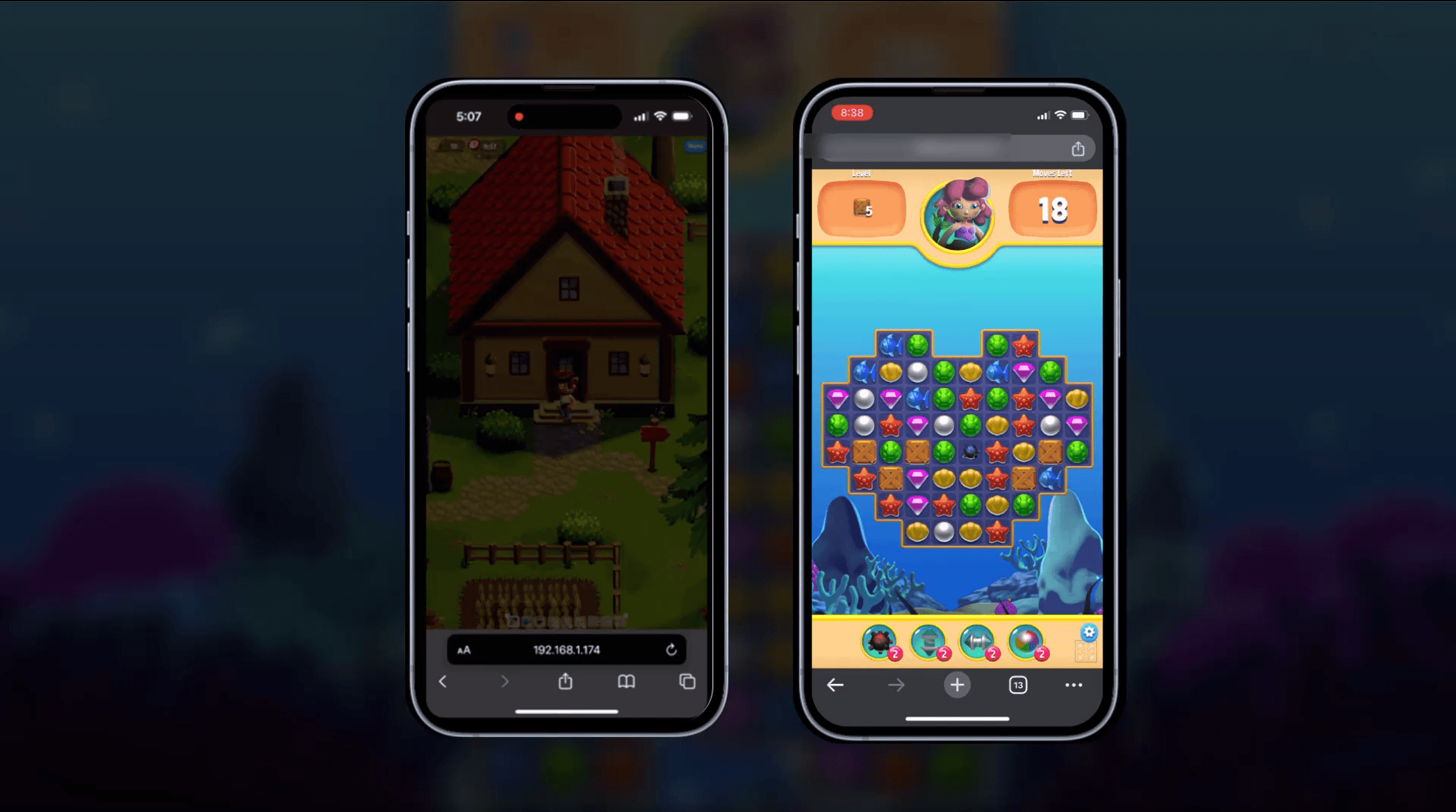
Unity 6 comes with many features that can help with mobile game development. For Unity render pipelines, URP Render Graph provides a great foundation for GPU performance optimizations, and is optimized by default for Tile-Based Deferred Rendering, which is commonly found on mobile devices. The Render Graph API integration offers improved extensibility and easier access to rendering data, like the GBuffer. The new RenderGraph dependency tracking system auto-optimizes runtime resources. The refined API introduces stricter guidelines, which act as a safeguard minimizing the potential for user errors that might lead to rendering anomalies or performance drops. This tool grants developers a granular view of resource utilization, aiding in pinpointing inefficiencies or bottlenecks, which can be pivotal in many projects.
Additionally, Unity 6 comes with optimizations to support builds for mobile web browsers as well as the new build profiles system that allows you to have multiple profiles for a single platform target. Examples include different configurations for Android targets, a build profile for your vertical slice, one for your demo and one for the final build, each containing different settings and scene lists.
To kick off your game development journey with Unity, head over to Unity Learn. It’s packed with tutorials and courses for all learning levels. First, download and install Unity Hub, then check out the Unity Essentials pathway on Unity Learn to get the basics down, like understanding the interface and creating simple projects. We also encourage you to join the Unity community on our forums for extra help and tips.
Beginners should check out the Unity Essentials pathway on Unity Learn. Other recommended tutorials include Create with Code and the Scope Check series.
After extensive consultation with our games community and customers, we’ve canceled the Runtime Fee.
This means there will be no fee associated with games created with any version of Unity, including Unity 6 when it releases later this year. Unity 6 will feature enhanced rendering performance, optimized mobile browser builds, and simplified multiplayer game creation – and we want everyone to be able to access it without hesitation. Learn more here.
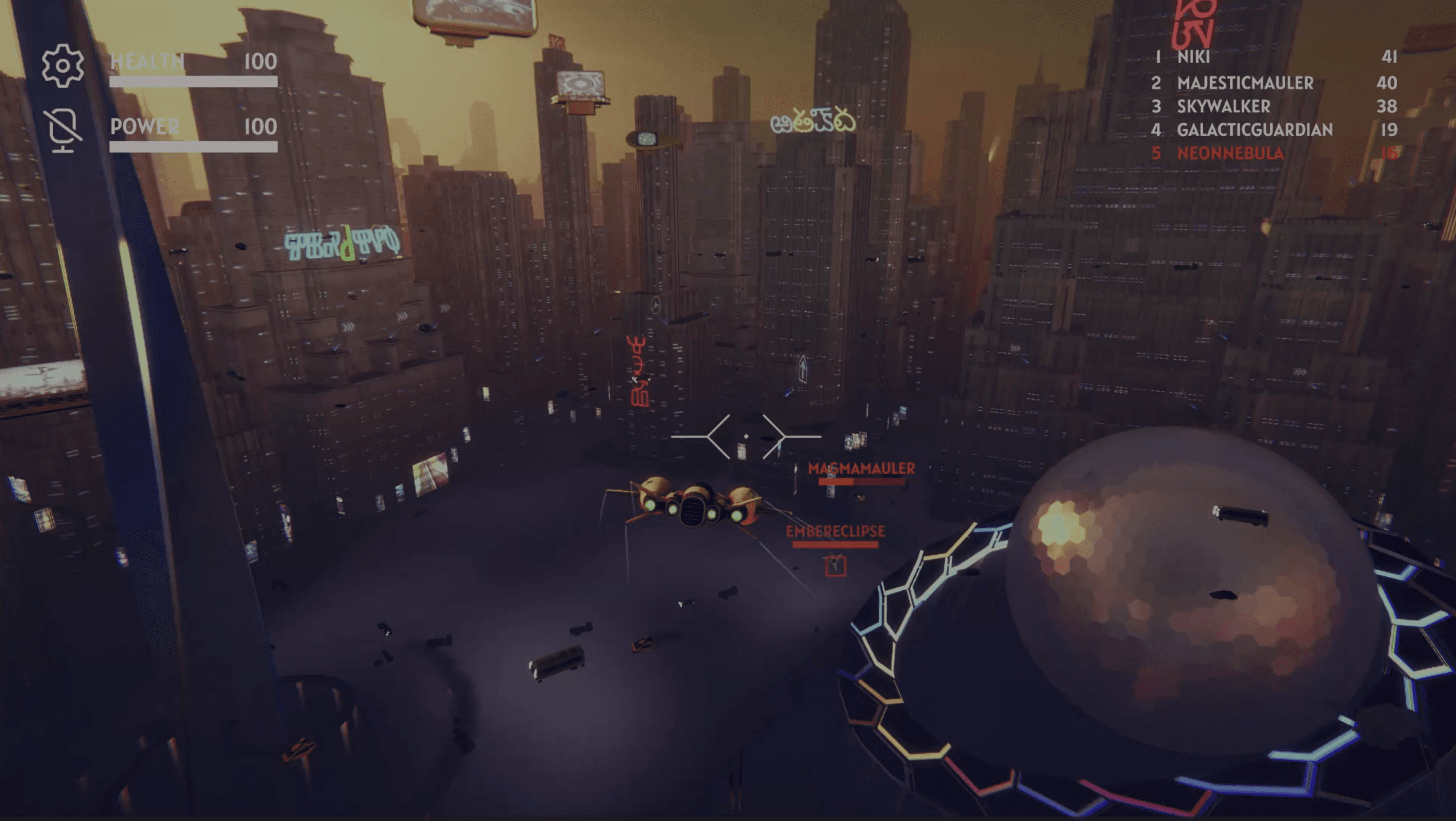
Creator credits: Harold Halibut, Slow Bros | Den of Wolves, 10 Chambers | Into the Dead: Our Darkest Days, PikPok.