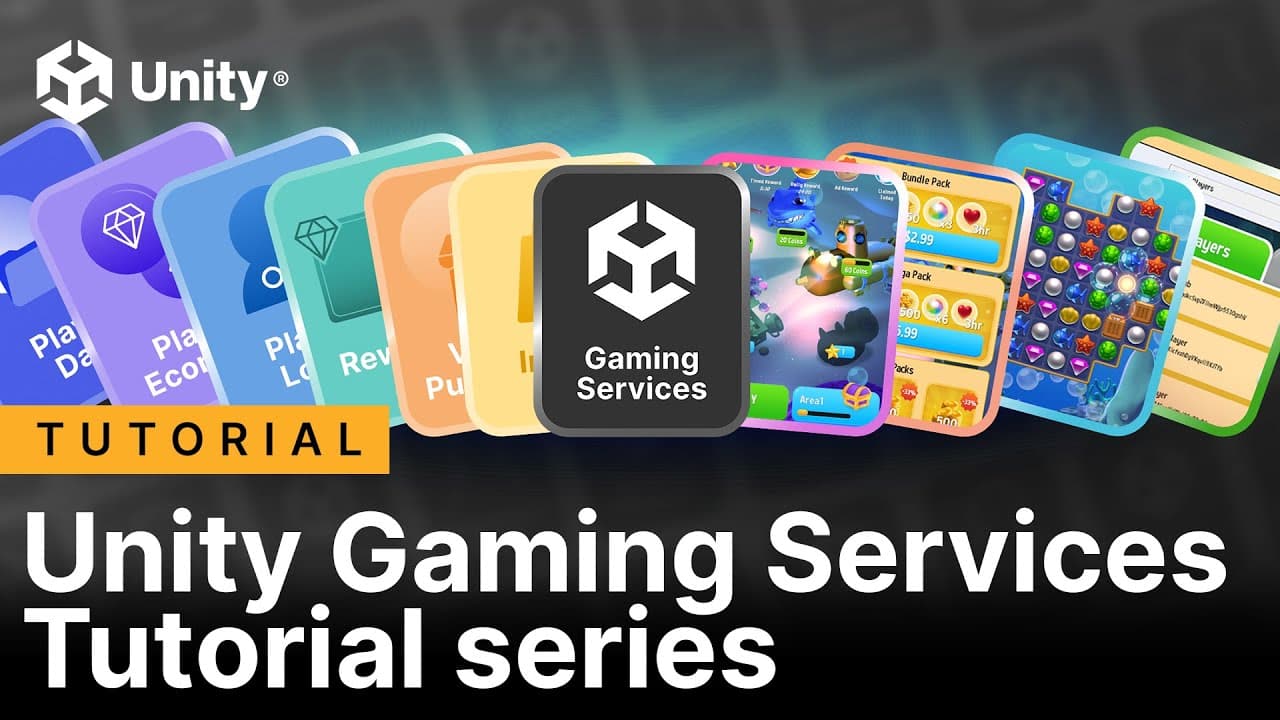
Get started with our 10-part tutorial series on Unity Gaming Services

Shanti Zachariah - Unity Technologies
Senior content marketing manager
If you’re looking to develop a mobile game as a service, then you’ll need to tackle a set of unique tasks outside of the game’s core development – implementing features like player login and recoverable accounts, adding friends, an ad monetization strategy, and virtual and in-app purchases.
Unity Gaming Services (UGS) is our platform for operating a live game, but with a number of features available, it can be hard to know where to start, even for experienced mobile game developers.
Our new Unity Gaming Services tutorial series aims to meet that need, helping developers to understand the core UGS features, and evaluate if they are the best choice for your team and game. This series provides in-depth technical content on implementing UGS features for login, player economy, in-app purchases, rewarded ads, and more.
The UGS series: 10 videos, 10 articles, and a sample

The tutorial series includes a new sample project, Gem Hunter Match – Cloud Edition, which shows UGS features action. The sample builds upon the original Gem Hunter Match sample, available in the Unity Asset Store, which showcases 2D lighting and visual effects in the Universal Render Pipeline (URP).
The UGS series consists of 10 tutorials, with each tutorial available as both a video on YouTube and an article on Unity Discussions. Newer and intermediate Unity developers will get the steps for building a basic project with the core UGS services.
Additionally, you can see these services in action in a new sample project, Gem Hunter Match – Cloud Edition. The demo project is aimed at advanced Unity developers who have solid experience with core Unity development, but have yet to use UGS features in a functional game and are looking for tips on how to do so.
From player login, data, & economy, to in-app purchases & rewarded ads
The first four tutorials are about setting up player logins because you’ll need an authenticated player to be able to save and load player data. After a general introduction, there is a tutorial for each of the following login methods: Facebook, Apple Game Center, and Google Play Games.
The series then moves on to player data, where you’ll learn how to set up Cloud Code and use saving player usernames to introduce the concept of server-side validation.
Next, in player economy, you’ll add some potions and gold to a starting player’s inventory, and establish architecture for new and returning players.
From there, you can move onto implementing virtual purchases with in-game currencies, like buying a new health potion with gold.
The last two tutorials in the series cover setting up the Unity In-App Purchases package for real money purchases, and using LevelPlay to implement rewarded ads.
By the end of the series, you’ll have something like a starter pack, a foundation that can be used in any game, and you’ll be ready to check out the sample project on GitHub.
For quick reference, here’s a list of the 10 topics the UGS series covers:
1. Introduction
2. Player login
3. Facebook login
4. Google Play Games login
5. Apple Game Center login
6. Player data
7. Player economy
8. Virtual purchases
9. In-app purchases
10. Rewarded ads
Where to find all of the UGS tutorials, samples, and scripts

The video versions of the tutorials on Unity's YouTube channel
1. The video tutorials: The full video tutorial series is here.
2. The written tutorials: The introductory post links to each article in the series.
3. The sample: Gem Hunter Match – Cloud Edition is on this GitHub page.
We hope you get a ton of useful tips for your commercial game development from the UGS series!