Optimizing controls, memory, and build size for Greak: Memories of Azur’s Android port

Adam Axler - Unity
Senior Content Marketing Manager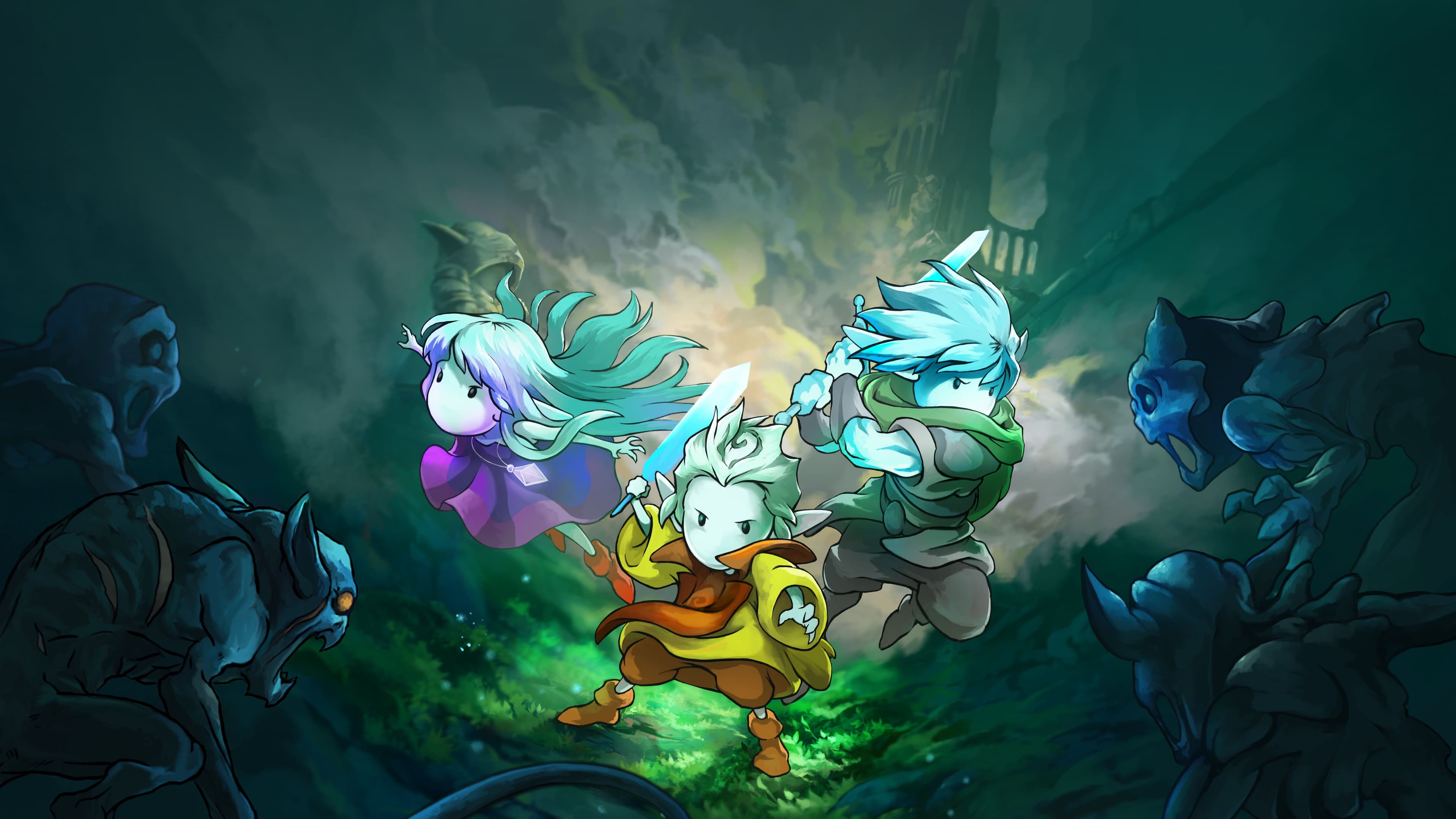
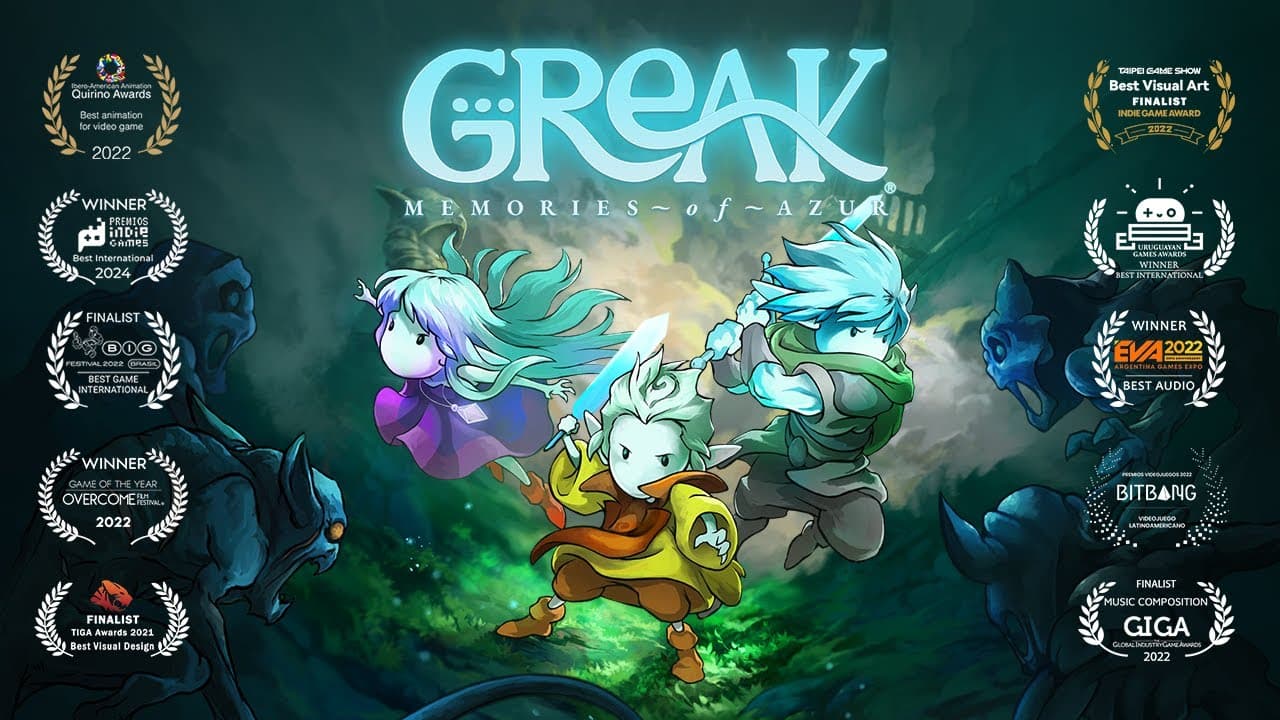
In August 2021, Navegante shipped Greak: Memories of Azur online and in-store for next-gen console and PC platforms simultaneously. Over the past four years, the team has kept their community close and engaged, sharing awards news and licensing opportunities that have helped them expand the IP beyond the game.
Over the past year, they found a great program from Google, where studios from Latin America are offered support to bring their games to Google Play Pass.
We spoke with Rodrigo Fernandez, co-creative director and lead programmer at Navegante, as well as the studio’s lead producer, Anahit Fernandez, and senior programmer, Nestor Gomez. The trio discussed how the team overcame the struggles they experienced while porting the title to Android.
Congratulations on the launch of Greak: Memories of Azur on Google Play Pass. Why did the team decide to port the game to mobile after four years?
Rodrigo Fernandez: With how much the ecosystem for mobile games has matured from a few years ago, we were very curious, especially after seeing lots of great indie mobile games reach a new audience. So, we started to look for opportunities and we found a great program from Google.
What was the biggest challenge of bringing the game to mobile?
Rodrigo: The biggest challenge was redesigning the touchscreen controls and the smaller screen size restriction. We had minor shader issues that we had to fix. We’ve also been taking a closer look at optimization and adding performance options in the game.
Nestor Gomez: Making sure the game ran well on as many devices as possible, and deciding its minimum and recommended spec sizes brought the most difficulty. We had to find a good balance between providing a great player experience and maximizing reach.
Anahit Fernandez: On the commercial side, I found it challenging that mobile stores differ from those for PC and console. From creating store assets and writing descriptions to figuring out pricing and other details, it’s been a huge learning experience.

Greak: Memories of Azur | Navegante
What was the approach for redesigning touchscreen controls?
Rodrigo: We tried to keep the experience as close as possible to a full controller. However, there are certain button combinations that can’t be replicated very well such as combining buttons to perform an action or mechanics that require more dexterity. In those cases, we had to rework certain aspects of the game to make it more accessible or just rework them completely.
Nestor: We did some research playing other mobile games and we iterated over the controls’ design to make sure they felt comfortable and intuitive. I think we found a good layout that players will enjoy. We’re also very proud of supporting external controllers to deliver a console-like experience to players. You can change between touchscreen and external controllers at any moment. We hope players enjoy that.

Greak: Memories of Azur | Navegante
How did the team ensure smooth combat performance on mobile?
Rodrigo: Due to the wide range of mobile devices available, we added additional settings for the player to adjust the render quality and target frame rate. So, even on low-end devices, the player can have a smooth and fun experience.
Nestor: We spent a good amount of time optimizing CPU, GPU, memory, and build size. Using the Unity Profiler, along with other available tools, we did a few rounds of optimization and tested the game on different devices to measure our progress. Constantly measuring FPS, memory usage, and build size on different devices allowed us to keep track of the current state and how much extra optimization was needed.

Greak: Memories of Azur | Navegante
How were you able to maintain the quality of the game while reducing its size?
Rodrigo: Given that mobile devices are exclusively restricted to small screen sizes, we focused on reducing the resolution of the art assets and video clips. We did a lot of internal testing to ensure that these changes allowed us to have a small download size, without being noticeable.
Nestor: Since the game was built for larger screens, we knew we had extra resolution in most of the textures. We went through hundreds of textures and checked if we could scale them down. We also picked the right texture format for each one to save memory and build size. By doing so, we were able to reduce the build size by almost 50%.

Greak: Memories of Azur | Navegante
What steps did you take to optimize the game for a wide range of devices?
Nestor: The first step was measuring everything. We used the Unity Profiler, Frame Debugger, Memory Profiler, along with some external tools including Android Studio and Asset Studio. Some of our techniques included object pooling, using the ETC2 crunched texture format, enabling Multithreaded rendering, reducing unnecessary draw calls, scaling gameplay camera rendering, and cleaning up the resource folder.
What Unity tools and features were most helpful?
Nestor: We used a lot of tools and features during this port. Unity Remote helped us simulate touch input without having to deploy a new build to a device, and the Patch and Run option allowed us to reduce the build time significantly.
The Unity Profiler helped us identify areas of opportunity for gaining extra performance. We love the timeline view and how it provides a great view of what is happening in every frame. With the Memory Profiler, we identified unnecessary resources that were being loaded, which saved us some precious memory. For quick memory usage readings, we used the Android Logcat Package, which is also great for checking messages on the device.
The Frame Debugger was a great way to identify what was breaking batching. It’s key to run it on the device as well as in the Editor. Being able to debug on the device directly from Visual Studio was also helpful for issues that were not replicable in the Editor.
We didn’t use the C# Job System as extensively as we would have liked to. However, we converted our parallax system to use IJobsParallelForTransform to run a piece of code over hundreds of sprites in parallel to save some milliseconds of CPU. We’re planning to use it more extensively in future projects to take advantage of the performance improvements it can provide.

Greak: Memories of Azur | Navegante
What’s your biggest tip for devs looking to port PC and console games to mobile?
Nestor: Test on a device as soon as possible and as frequently as possible. This refers to everything from touch controllers, font rendering, UX, performance, memory usage, build size, and tool compatibility. You should also have low-end and mid-range devices available for testing, based on what you’re planning to support.
Anahit: Focus on your main platforms first for launch, and then expand to other platforms when your team has the bandwidth. In our case, the community has been incredibly supportive. Even though it has been a few years since Greak: Memories of Azur first came out, the excitement around this Android release made this process worth it.
Now that Greak: Memories of Azur has launched on Android, what’s next?
Anahit: We’re working on our studio’s second game, which we plan to announce later this year!
To read more about projects made with Unity, visit the Resources page.