
Unity 2019.3
The last release of 2019 delivers a brand-new interface, a new Input System, and the production-ready High Definition Render Pipeline (HDRP) and Visual Effect Graph. It includes the debut of ray tracing in Unity as well as a ton of 2D features now verified, the DOTS Sample project, DOTS packages, and more.
Unity 2019.3
Regardless if you work in games, film & entertainment, architecture, or any other industry utilizing 2D or 3D real-time technology, the 2019.3 release has something for you.
The last release of the 2019 TECH cycle delivers even more performance, visuals, more artistic power, and better workflows for any artist, designer or programmer.
Get all the details on what Unity 2019.3 offers you here, including videos, talks, documentation and more – and to help you get started.
Explore the new features
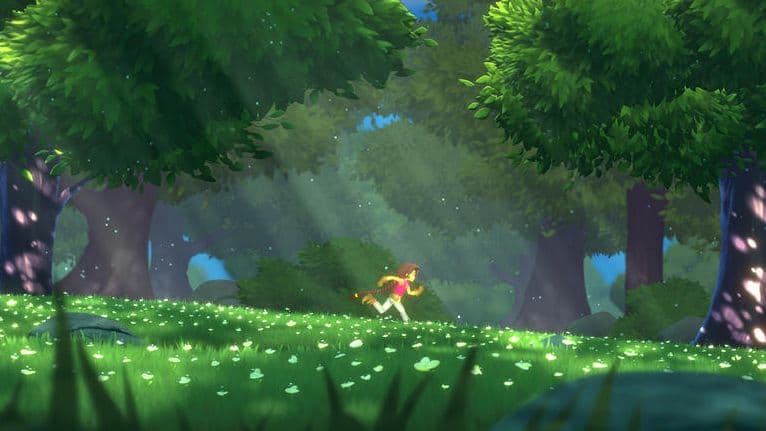
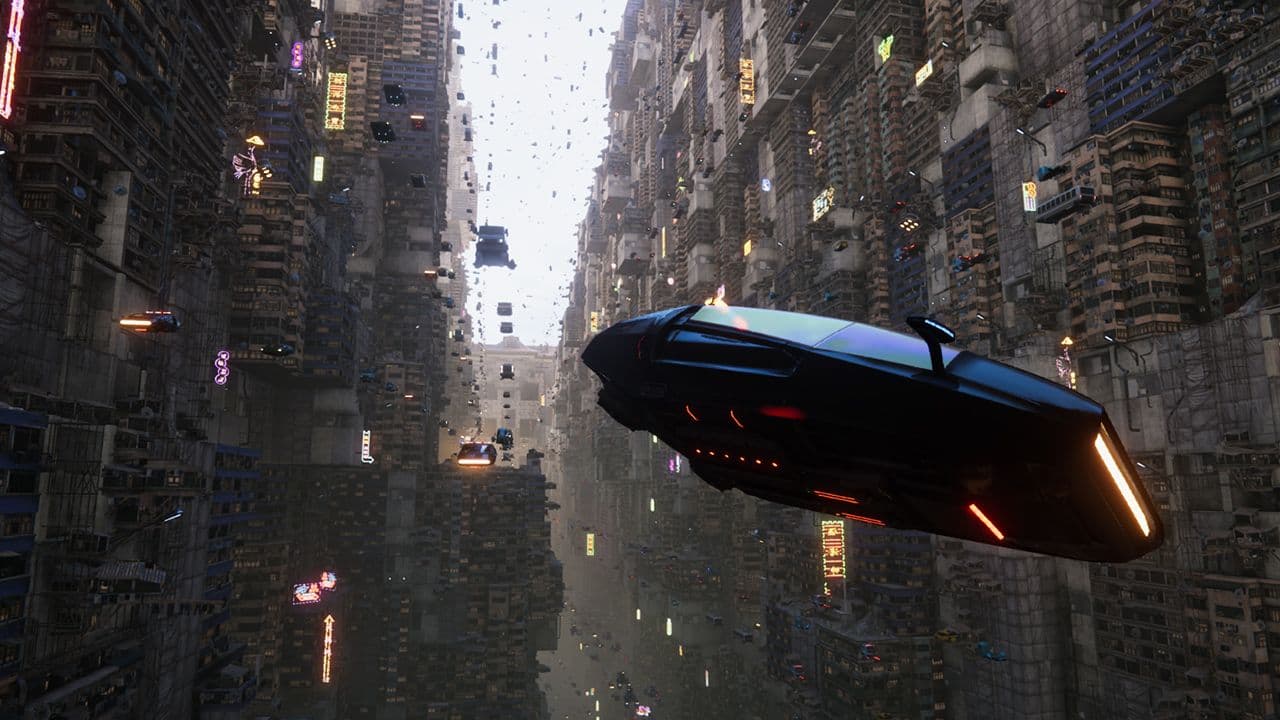
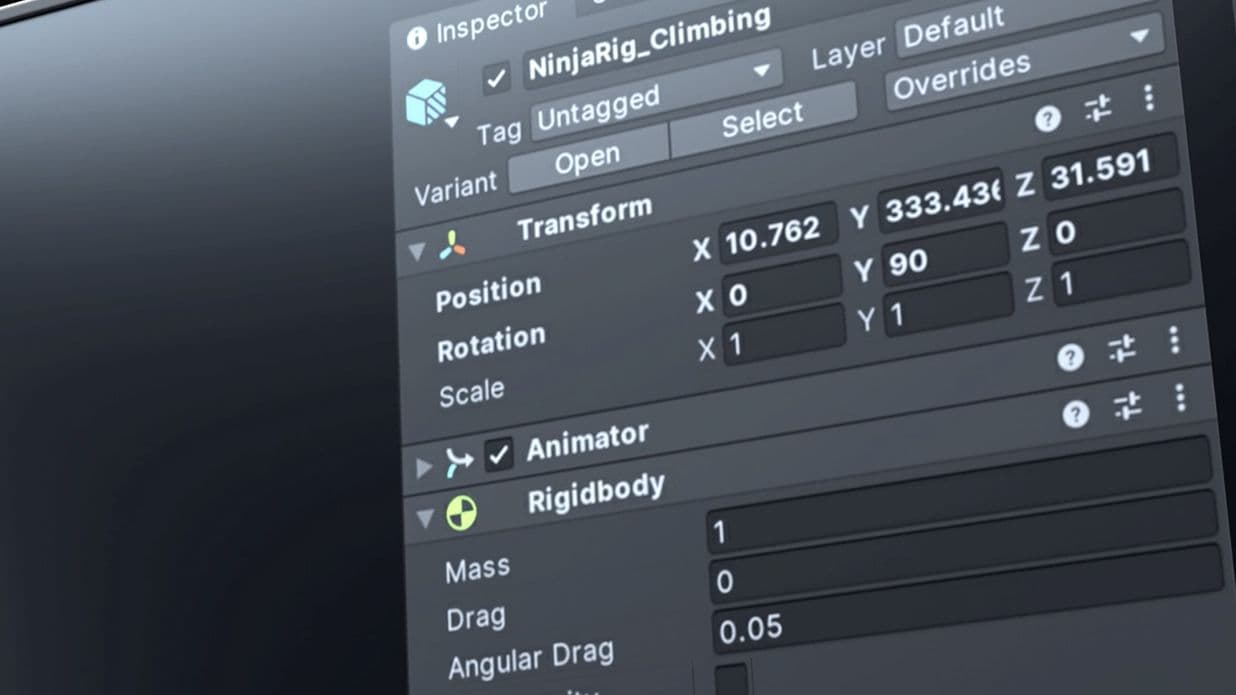
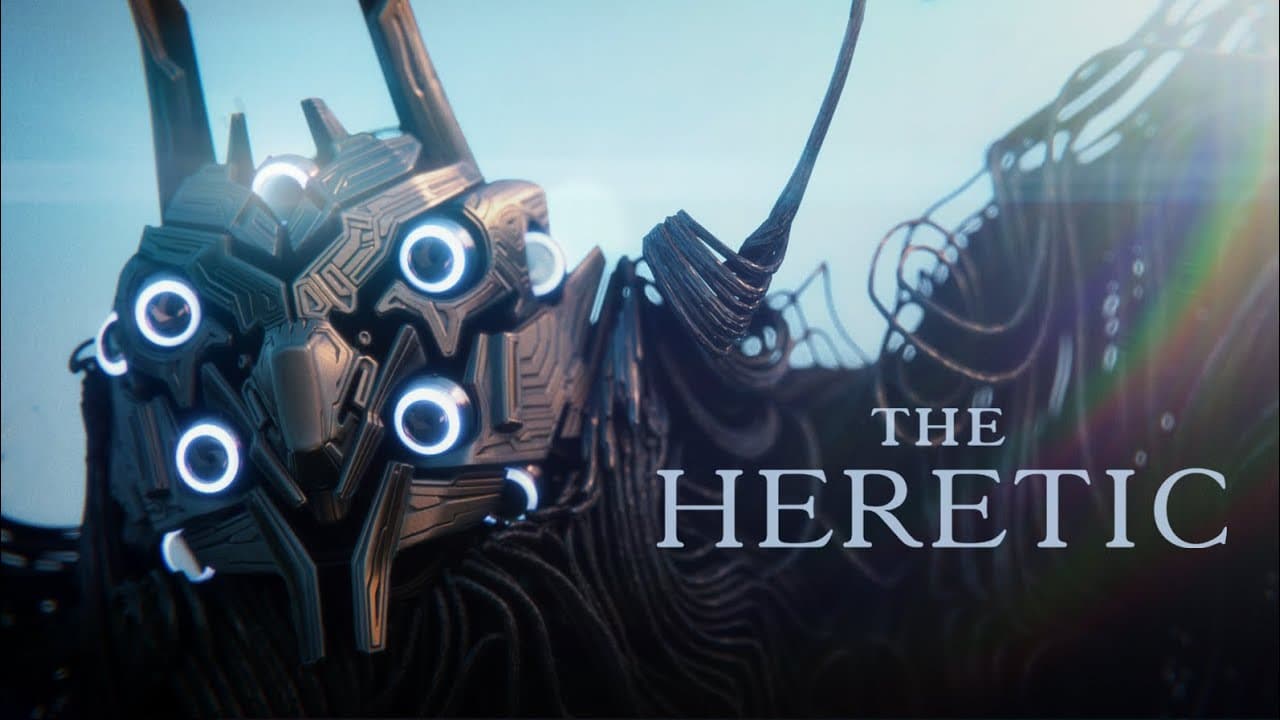
The Heretic – Full version
The Heretic is a short film by Unity’s award-winning Demo team, who also created Adam and Book of the Dead. The first part of the project premiered at GDC 2019 running at 30 fps at 1440p on a consumer-class desktop PC. We shared an early preview of the second part at Unite Copenhagen 2019.
The Heretic runs on Unity 2019.3, leveraging a broad range of graphics features, including every possible aspect of HDRP and the Visual Effect Graph. See the reveal of a new, entirely VFX-based character in the full film.

About to ship? Consider using Unity 2018.4 LTS.
The Long-Term Support (LTS) version of Unity is for projects about to ship. If you wish to lock in your production on a specific version of Unity for maximum stability, we recommend you use Unity 2018.4 LTS.
The LTS release doesn’t have any new features, API changes or enhancements. It’s simply a continuation of the 2018 TECH stream, with updates and fixes. That’s why we call it 2018.4, while this year’s TECH stream began with 2019.1, followed by 2019.2, and has now become 2019.3. With the release of 2020.1, which is targeted for spring 2020, 2019.4 LTS will be made available as well.

Two 2020 TECH stream releases
With the last release of the Unity 2019 TECH stream, we're excited to announce the plans for 2020. With more new features being continuously distributed as packages, we’re changing our core updates to two TECH stream releases in 2020, followed by the LTS release in early 2021. The full release of 2020.1 is scheduled for spring 2020 and 2020.2 is scheduled for fall 2020. We’ll continue to ship minor updates with bug fixes just as often as we do now.

Many existing and upcoming Unity features are available as packages, which you can download via the Package Manager in the Editor.
Preview packages give you early access to new features and improvements. However, they aren’t recommended for projects in production. They’re still evolving and likely to contain bugs.
Verified packages have undergone additional testing and have been verified to work safely with a specific version of Unity, and with all the other packages that are verified for that version.
TECH stream releases are for developers who want to access the latest features and capabilities. This year we’re shipping three major TECH stream releases (2019.1, 2019.2, and 2019.3). We add updates and bug fixes to the current TECH stream release on a weekly basis until the next TECH release is officially launched, then the cycle begins again.
The last TECH stream release of the year becomes a Long-Term Support (LTS) release and receives continued support for another two years. In terms of versioning, we increment the final TECH stream release of the year by one and add “LTS” (for example, TECH stream release 2018.3 became 2018.4 LTS).
Unlike the TECH stream, the LTS stream does not have any new features, API changes or enhancements. Instead, any updates address crashes, regressions, and issues that affect the wider community, console SDK/XDKs, or any major issues that would prevent a large number of developers from shipping their games or apps.
LTS releases receive bi-weekly updates. The LTS stream is for developers who want to continue to develop and ship their games/apps on the most-stable version for an extended period.
If you are in production or close to release, we recommend the latest LTS release. If you want to use the latest Unity features in your project, or are just getting started with production, the TECH stream is recommended.
We expect 2020.1 to ship in spring 2020.
Alpha releases offer the earliest access to our latest features, which are added every week of the alpha cycle until the feature-cutoff date. As such, they come with a higher stability risk than beta releases. With both alphas and betas, you have an opportunity to influence our development process by using the new features and providing feedback via forums and bug reports.
Because there may be feature-stability issues with these early releases, we do not recommend them for projects in production, and we highly recommend that you make backups of any projects before you open them with an alpha or beta release.
Both our alpha and beta releases are open to everyone, so no signup is required. Get started by downloading them from the Unity Hub.