The making of Unity Studio: empowering your 3D vision

Creating 3D interactive applications often feels like navigating a maze. For years, the tools required to build immersive environments were locked behind complex interfaces and steep learning curves. We knew there had to be a better way to empower creators, designers, and educators to bring their visions to life without needing a degree in computer science.
This realization sparked the development of Unity Studio. Unity Studio is a web‑based, approachable 3D editor that lets non‑developers create and share interactive 3D applications directly in the browser. Building this platform was not just a technical endeavor; it was a human journey filled with challenges, unexpected pivots, and moments of genuine inspiration. Here’s the behind-the-scenes story from our team about building a tool designed entirely around your needs.
Key takeaways
- Unity Studio was built as a web‑based, approachable 3D editor so anyone, not just developers, can create and share interactive 3D applications.
- Direct feedback from beta testers drove core features like drag‑and‑drop animations, a visual material editor, and smoother CAD/3D file integration.
- The team’s biggest challenge was balancing simplicity and power, masking 3D rendering complexity while still letting users go deeper when needed.
- Unity Studio will keep evolving with AI tooling and deeper Unity ecosystem integrations to support more advanced 3D workflows.
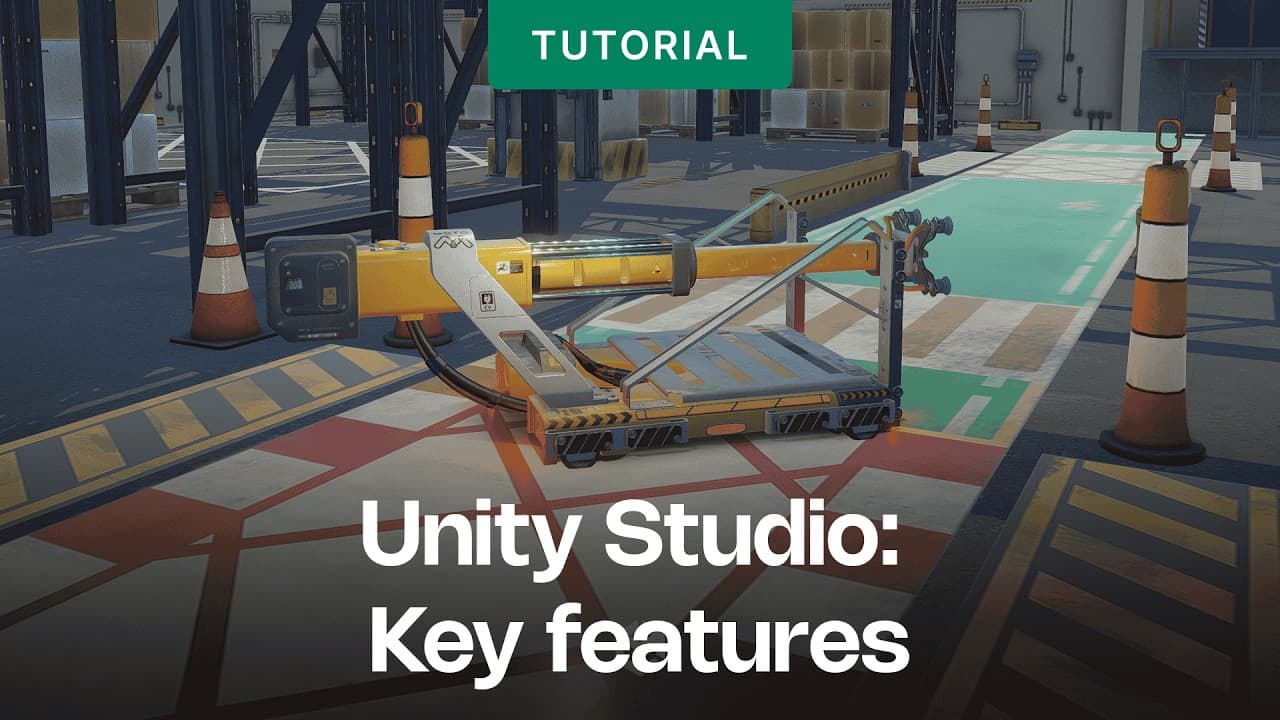
The big shift: Focusing on what matters
We knew that we wanted to build a web-based editor that empowered anyone to build and share in 3D, without any coding or complex workflows. At the core of this was an understanding of the struggles of a designer trying to import a CAD file, or an educator trying to create a training course.
Like most great ideas, Unity Studio didn’t follow a straight path. At first, our team was juggling several different projects. Then came the big decision: pause everything else and focus all our energy on Unity Studio. It was a bit scary, honestly. Letting go of familiar work to take on something this ambitious was no small thing.
But as we started to see the potential of what we were building, everything changed. Unity Studio wasn’t just another tool, it was a way to make 3D creation accessible to everyone. In the words of our team members Dimitry Hartl and Diego Fernandes, “our biggest challenge was combining flexibility with ease of use - so anyone can use it”. Unity Studio needs to make working on interactive 3D projects intuitive.
That realization got us fired up. Suddenly, our daily stand-ups were full of excitement as we solved problems, cracked jokes, and celebrated every small win together.
“We realized people want to create simple 3D applications, but they often struggle using complex tools. Projects are handled by dedicated engineers or outsourced. This tool will allow them to create 3D apps without learning how to write code.”

Daniel Reichert - Unity Technologies
Senior Director, Technical Product ManagementListening to you: Why beta testing was a game-changer
We knew we couldn’t create a tool like this in isolation. We needed to hear directly from people like you, who’d actually use Unity Studio. So, we opened things up to a beta testing community with online meetings, in-house demos, and workshops.
Those conversations were eye-opening. They showed us what worked, what didn’t, and what flat-out needed to change. While we can’t name names (confidentiality and all), we can tell you how their feedback shaped Unity Studio into what it is today.
Drag-and-drop animations
One big issue we kept hearing about? Animations. Traditional 3D tools made creating animations way too complicated for non-technical users. We knew we needed a simpler way. So, we built an intuitive drag-and-drop animation feature. No timelines or coding required. Now, anyone can create dynamic movements with ease.
High-quality visuals, no coding required
Another standout request came from a design studio that needed high-end visuals, things like detailed materials, dynamic lighting, and pro-level shaders. The challenge? They wanted all of this without having to write a single line of code.
That feedback pushed us to create a visual material editor. It gives you professional-grade rendering options but keeps the process simple. Now, your projects can look amazing without the technical headaches.
Straightforward 3D file integration
We also heard loud and clear that integration is everything. One user, for example, struggled to import 3D CAD files from multiple vendors, while others wanted a smoother way to upload files into Unity Studio without disrupting their current workflows.
In response, we prioritized seamless asset management. Whether you’re importing architectural models or exporting projects to iterate faster, Unity Studio adapts to your workflow, not the other way around.
Collaboration tools
In-built collaboration tools were a popular request. You want a way to make it easier for teams to work together in shared virtual spaces. Unity Studio lets teams test ideas, collect feedback, and adjust content immediately - resulting in faster project completion.
“We showed an early prototype to a customer. They were able to drag and drop their CAD file, add a bit of logic and publish it within one 30 minute meeting.”
Daniel Reichert - Unity Technologies
Senior Director, Technical Product ManagementEasy to use, but powerful
One of the biggest lessons we learned while building Unity Studio? Simplicity doesn’t mean sacrificing power. By focusing on smart defaults and an easy-to-use interface, we managed to mask the complexity of 3D rendering while still giving you the option to dive deeper if you want.
That balance became our guiding principle. The result is a platform that’s both powerful and approachable, no matter your skill level.
Your ideas, brought to life
At its core, Unity Studio is about empathy. Every feature we built is based on understanding your struggles, whether it’s importing a tricky CAD file or exporting a polished training video.
We’re proud of what we’ve created, but this is just the beginning. We’re constantly improving Unity Studio to make sure it stays the simplest, most powerful way to build 3D interactive applications.
“Our next big focus areas are AI tooling and deeper integration with the Unity ecosystem. We’ll add to Studio the kind of real-time, web-based collaboration workflows users already know from third-party tools, but built for 3D production”

Johannes Görs - Unity Technologies
Senior Manager, Product ManagementSo, what’s your next big idea? Ready to turn it into an interactive experience? Dive into the Quick Start Guide and explore Unity Studio today, you’ll be amazed at what you can create.


