How to leverage Distributed Authority for multiplayer co-op games

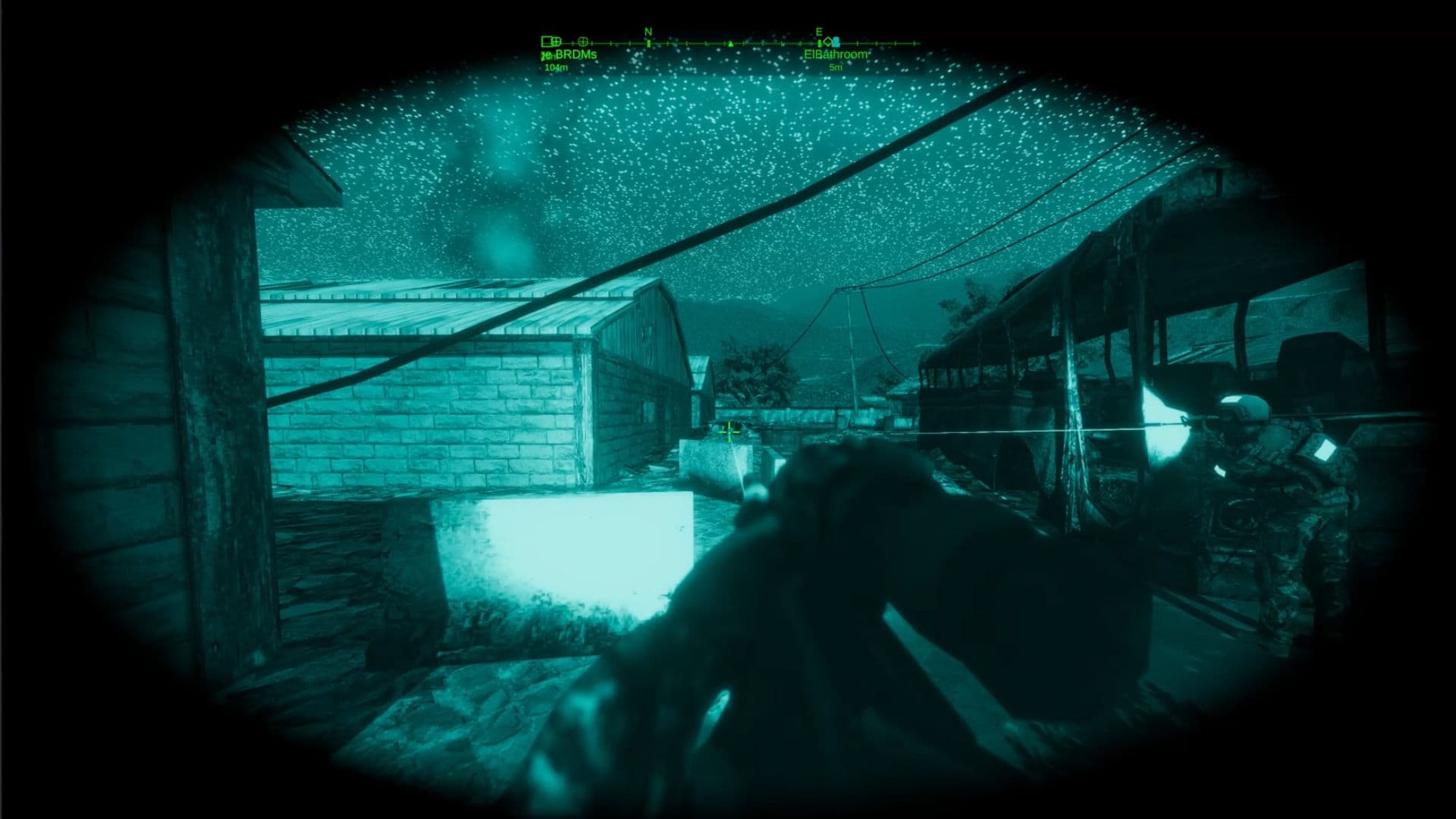
When Arcane Alpacas released the first demo of their riveting FPS shooter Dagger Directive on Steam earlier this year, the overall feedback was great – but the community made it clear that they wanted to play this game together. Based on that response, the team decided to add multiplayer functionality to the game. They tested a few different solutions before ultimately deciding to go with the suite of built-in multiplayer solutions included in Unity 6. We sat down with programmer and designer Daniel Fowler to learn how they harnessed Unity’s Netcode for GameObjects, Relay, and other networking services to connect players, and how Distributed Authority (DA) powers the whole operation with lean, scalable server support.
Let’s start with a bit about how Arcane Alpacas started and what you wanted to create.
Daniel Fowler, programmer and designer: I started the company a few years ago. Before that, we – Wade Hribar, Cody Rowland, and I – worked at Oculus on Onward, a VR FPS game, and we wanted to move away from working for large companies.
I started this project myself and then brought the other two on over time, as we needed to. I got a publishing contract with MicroProse and then released a demo. The demo went really well, and we wanted to add multiplayer because that was our biggest point of feedback from the community. Since then, the game’s been doing well. We launched, and we’re about to release a content pack.
A couple of weeks ago, we released a networking update after talking to the Unity team – they gave us some feedback, and we shared some too, and we got a lot of good ideas that we went through and implemented. The multiplayer is a lot more stable now, and we’ve mostly had positive feedback from the community, although there are still some issues to work through of course.
That's great! What else is going on with this project?
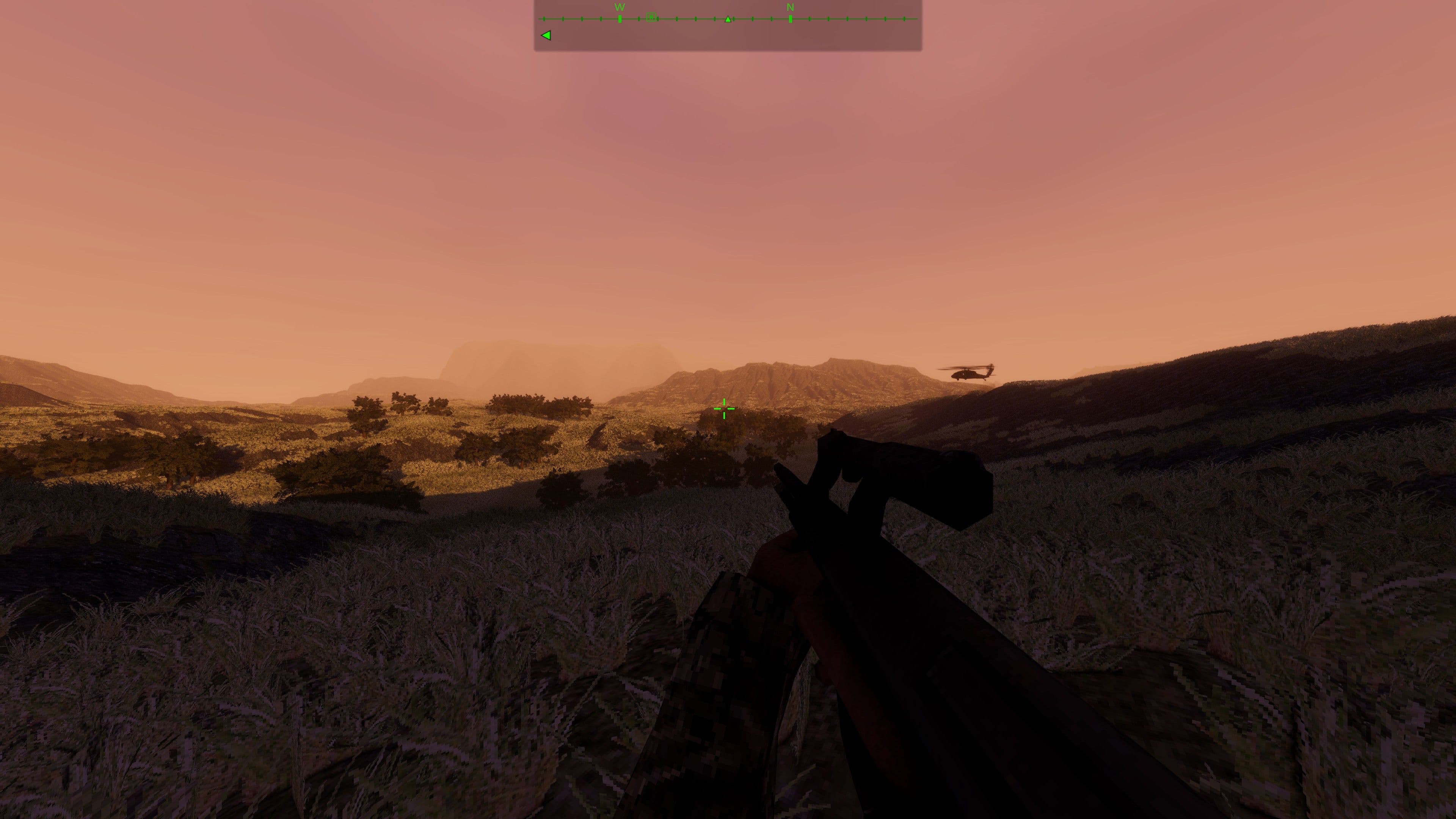
I started this project four and a half years ago. At the time, we were porting Onward to the Quest, so we were taking a high-end PC VR game and trying to get it onto a cell phone. Doing that, we had to remove a bunch of stuff – grass especially, and we couldn’t use compute shaders on the Oculus. So I wanted to start up a project and see how I can generate a huge amount of grass and have it run fairly efficiently. In the end, I built a custom grass system that uses the Burst compiler to generate millions of polygons of grass, small plants, and flowers as the player moves around the map.
Players can select any time of day to start their missions, and time progresses as they play – so starting a mission at 6 am and waiting an hour will cause the sun’s position to move by that much. We used fully real-time lighting and we built our own sky shader. Post-processing is affected by this too, backed by Scriptable Objects to hold all the values and how they change throughout the day, and lighting and time of day affect AI behaviors and sensors.
I added in the time of day stuff because I wanted to mess with real-time lighting too because we were also building up to a second game. This was my fun weekend thing. And then after a while I started adding in some characters, and it started to feel like I have a whole game here. I built that out a bit more and had some of the people at work play it, and they enjoyed it.
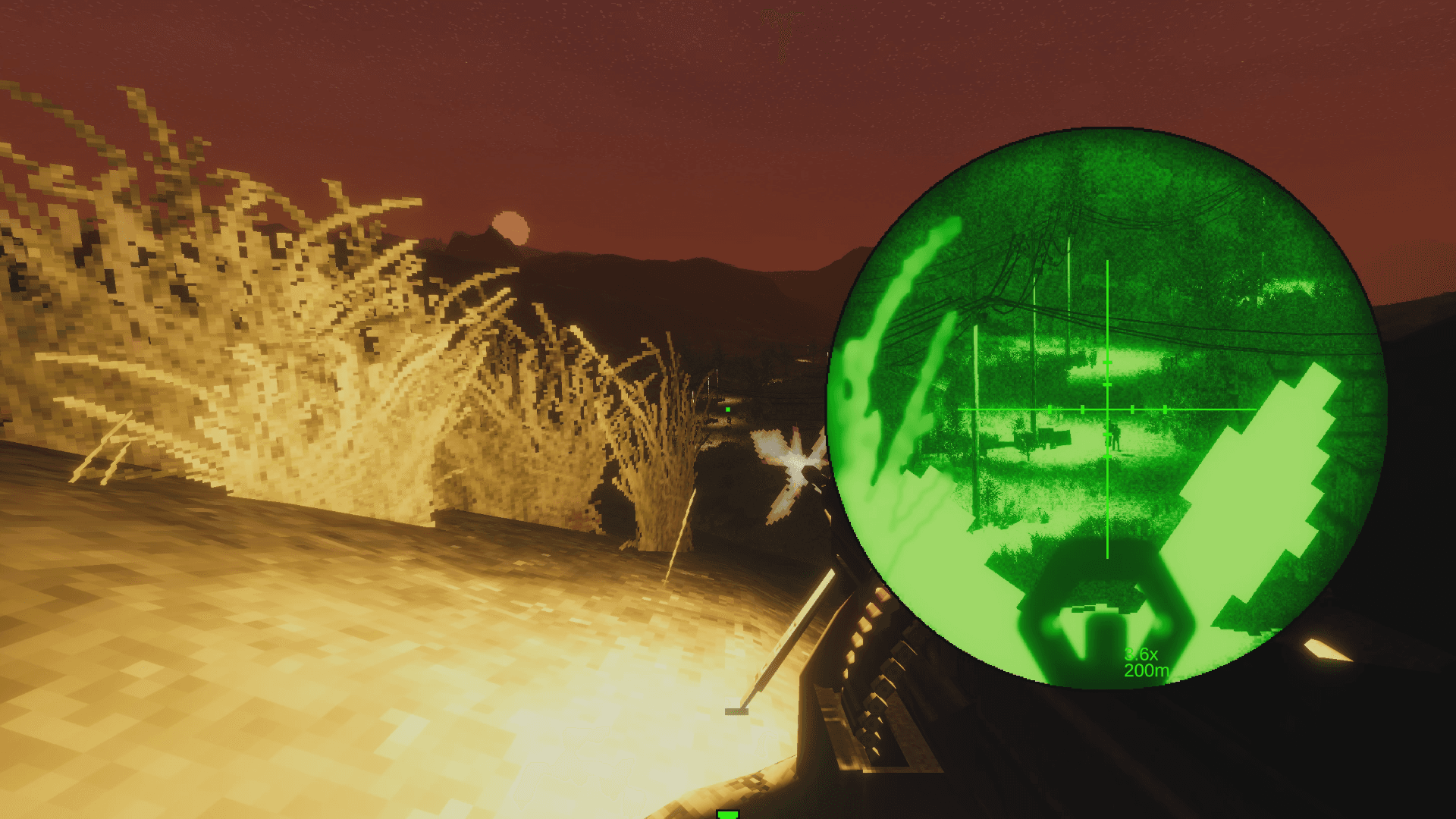
The real-time lighting and millions of polys of grass are possible because we’re using Universal Render Pipeline (URP) and Forward+ rendering, along with the GPU Resident Drawer and GPU occlusion culling. We had been using the SRP batcher before we upgraded to Unity 6 from Unity 2021.3. The Resident Drawer and occlusion culling improved performance by about 20% over the SRP Batcher.The lower complexity shaders and textures helped out with performance too. We verified all of this was working by sampling with RenderDoc as we went and fixing issues as they came up. In the end you can play on the SteamDeck at 30-60 fps on medium graphics settings.
I really wanted to build out a large open environment that lets players do whatever they want. It’s more of a sandbox than something like Call of Duty, where you're just going down the same hallway with the same enemies that spawn into position. I wanted to give the player freedom to choose how they approach different objectives, and mix in time of day. And then with co-op play, this allows them to split up into individuals or teams of two or just stay in a big group of four – that's added quite a bit.
We’re going to be expanding on the game – we’ve got five more missions coming. We just finished up our first content pack, adding another 12 weapons, 14 or 16 uniform options, and a bunch of new equipment.
I really enjoyed the old Delta Force and Ghost Recon games, so I wanted to build something similar to those. I had to keep the art style simple because I’m an engineer, not really an artist. I was focusing on doing art that I was able to do – so if I had to do the whole game myself, I’d be able to. That’s where the style the game came from. But I think it worked out pretty well, mixing in the real-time lighting effects and post-processing with old-looking textures and low-poly models. It kind of adds a lot of stuff together.
I think Valheim gave me a lot of inspiration when that came out because before then I didn’t really have all the post-processing and lighting effects, it looked a lot more like a game from the mid 90s. Then I saw what they did with a lot of the effects they had, and I thought I could do that too.
When did you switch to Unity 6?
The project started in Unity 2019, then I upgraded to Unity 2021.3. I sat on that until late last year, when I upgraded to Unity 6 just to test out the GPU occlusion culling. And that gave us a good 15 to 20% increase on performance.
Before, I was using the SRP Batcher with URP and a few other things, and I was able to turn all that stuff off and just go with the GPU occlusion culling. I don’t use LODs, but it has the setting to cull based on screen size, so I turned all that on, and again, it was a 15 to 20% improvement in performance. And we’ve got the game running on the Steam deck now. I haven’t gone back since I saw the performance increases.
Let’s talk a bit more about the networking side – how are you using Relay?
It’s mainly for players, so they don't have to set up a bunch of stuff on their router. I tried port forwarding when I took a few days to test a bunch of multiplayer systems and see what worked well. We got it set up pretty quickly initially, but once we decided to use Unity 6 multiplayer for networking, then I just went ahead and set up Relay, and we've been doing testing that way since then.
For performance, we’ve been using the network simulator, which has been working well. Just connecting to a cell phone on a hotspot has helped us quite a bit with testing performance.
You used Distributed Authority, too. How did that come about?
I looked at doing multiplayer for this game after we released the demo. The biggest point of feedback was people wanted co-op play – we knew that would be a big thing, but we were thinking of saving it for the second game.
But with the volume of feedback and after talking to our publisher, we decided to sit down and see how long it takes. I tried Photon and then Photon’s Fusion system and then looked at a couple other libraries. I thought about just building my own, and then I decided to try the Netcode for GameObjects. I decided to try Distributed Authority because basically the whole game was done – I didn’t want to deal with the request and request approval for ownership changes of GameObjects.
Since it’s a co-op game, people cheating is not really a concern that we have – if they're cheating with their friends, then it's up to them. We also have the cheats in the game, so they can turn on infinite ammo and more anyway – so if they're duplicating objects it doesn’t really matter.
That’s what helped me decide to go with DA. We were able to set this stuff up fast, so the other two members could work on finishing up content while I focused on all the networking stuff. I estimated it was going to take us 12 or 13 weeks to get it all done, and it ended up taking about 14.
You were using Relay, so I guess sometimes you run it in a direct connect mode?
Yeah. I also set up direct connect so players can run it themselves and have their friends connect directly to them. They’ve got to set up the port forwarding on their router, but I’ve got instructions on how to set that up. But then there's no host migration, so, if the host drops out, it just ends the game for everybody.
This functionality is more if we ever shut down as a studio or if Unity shuts down the relay servers or something like that, the players can still at least play direct connect games, hopefully for a while.
That makes sense. That's very forward-looking and also good for players, so that’s awesome to hear.
Just about every game I worked on for the last 15 years was multiplayer, and that’s been a problem everywhere I’ve been – something shuts down unexpectedly and then we have to scramble to fix something. I wanted to get ahead of that stuff.
You've mentioned host migration and ownership transfers in Discussions. How do you feel about the value that DA brings these? Is it a good addition to your game and helping development?
The host migration especially has been nearly seamless. Again, that’s one of those things that’s always been a problem on games I’ve worked on in the past where the host is gone all of a sudden and then we’ve got to switch a bunch of stuff and decide who owns what and all that.
But there’s been a lot of things that have just worked. I’ve been doing this for forever so I see that happen and I’m very suspicious at first. But we’ve also had no problems, or if we do run into a small problem, then I just go look at the documentation and it’s usually like, “Oh, I forgot to check a box that says automatically transfer this game object to the next person,” or whatever. It was just a matter of making sure I set things up properly, so if I do run into problems I can fix them quickly with this system.
Check out Dagger Directive in Early Access on Steam, and see the team's latest update here. Learn more about Distributed Authority and other Unity multiplayer solutions, and find stories from Unity developers on our Resources page.