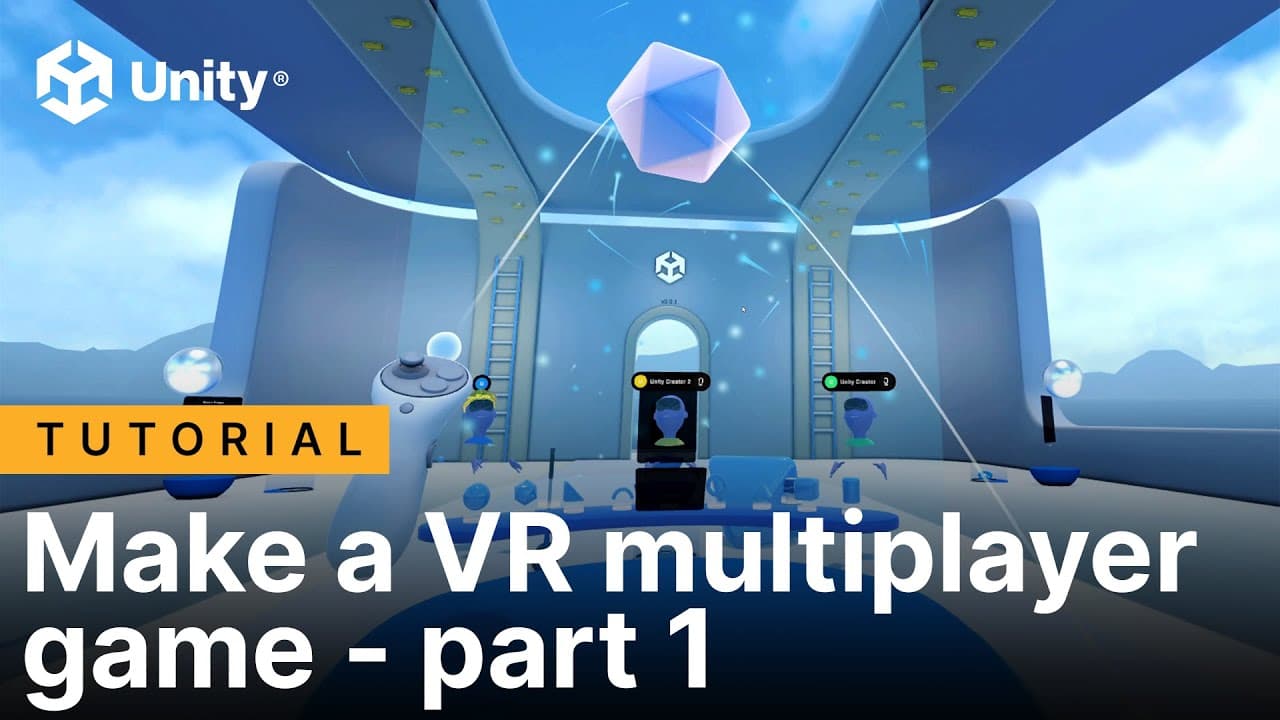
Video tutorials: Make a VR multiplayer game in Unity
Jun 13, 2025

In this three-part video series you’ll learn about how the VR Multiplayer Project Template for Unity 6 can be used to make your own VR game by reusing prefabs and creating new gameplay.
In the first video, we examine the Sample and Basic scenes from the VR Multiplayer Project Template, and look at the different services and features we’ll include in our own sample scene, like XR Interaction Toolkit and Netcode for GameObjects.
In the second video, we create a new Multiplayer scene, adding core multiplayer components, UI and interactables. We will be making our own networked interactable and test it.
In the third video, we create a new mini game, a basketball game with our own assets extending the VR Multiplayer’s template mini game class.