How SEED renders a world players never stop building

Adam Axler - Unity
Senior Content Marketing Manager
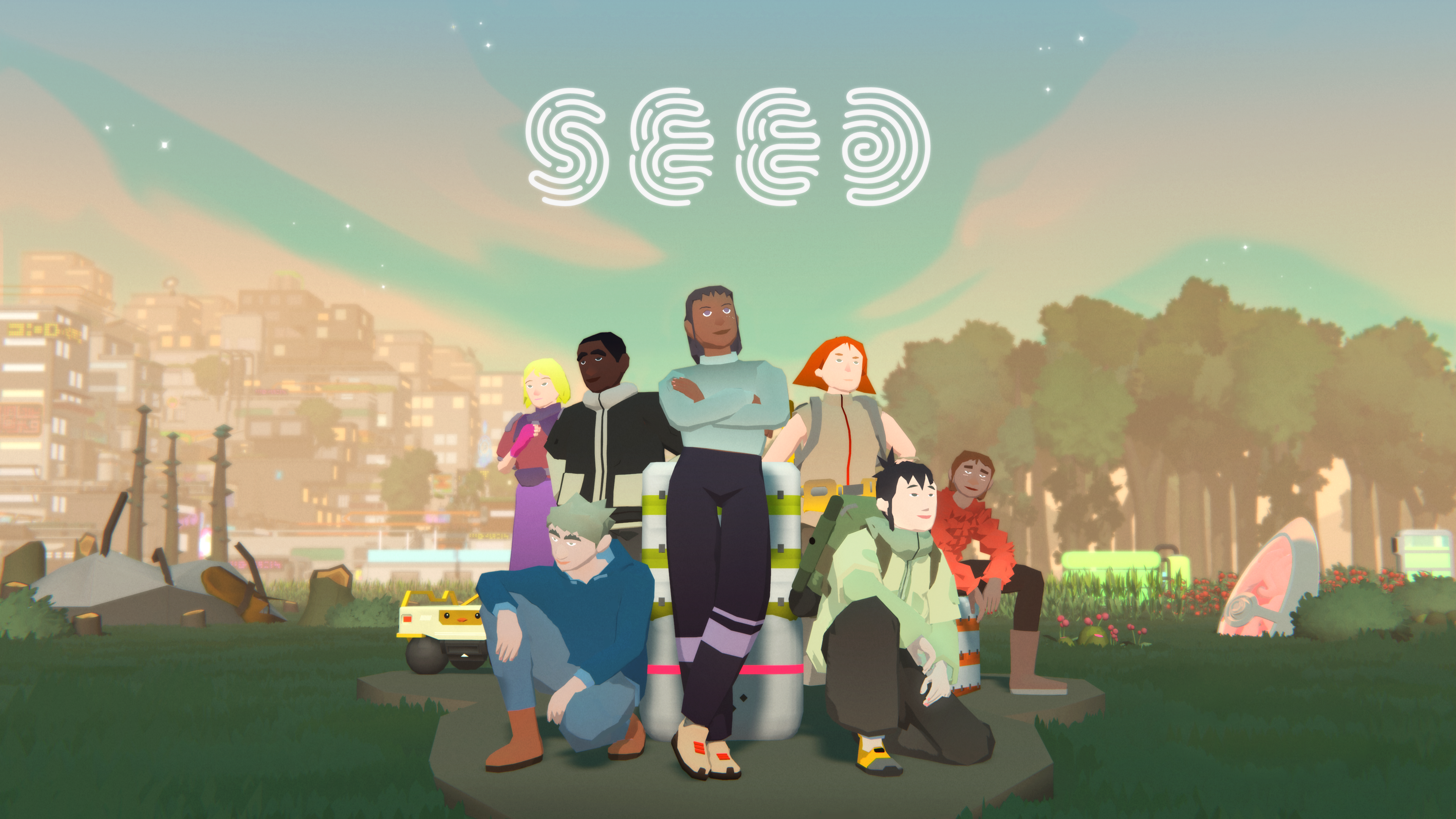
You can’t predict what players will build. In SEED, that’s the whole point – and the core rendering challenge.
SEED is Klang Games’s persistent MMO sandbox, built with Unity. It’s set on a distant planet where players manage autonomous characters called seedlings, build homes and businesses, trade in a player-driven economy, and organize societies with their own roles and laws. The world keeps running after players log off, and it’s continuously growing. Every new house, shop, tree, and seedling puts more pressure on Unity rendering performance, across hardware ranging from high-end PCs to phones.
The simulation itself runs on Klang Games’s servers. The Unity client’s job is to render whatever state the server streams in, so its workload depends on what players have built, not on what the team planned for.
“Since SEED is a fully server-authoritative game, the client mostly reads and renders the state and forwards player interactions, like clicking or camera movement,” says Artem Dyadichkin, graphics engineer at Klang Games.
We spoke with Dyadichkin and Nikita Fetisov, senior game engineer, about rendering player-built societies with the Universal Render Pipeline (URP), keeping thousands of small objects cheap, and using real player data to find bottlenecks on PC and mobile.

A world built from tiny pieces
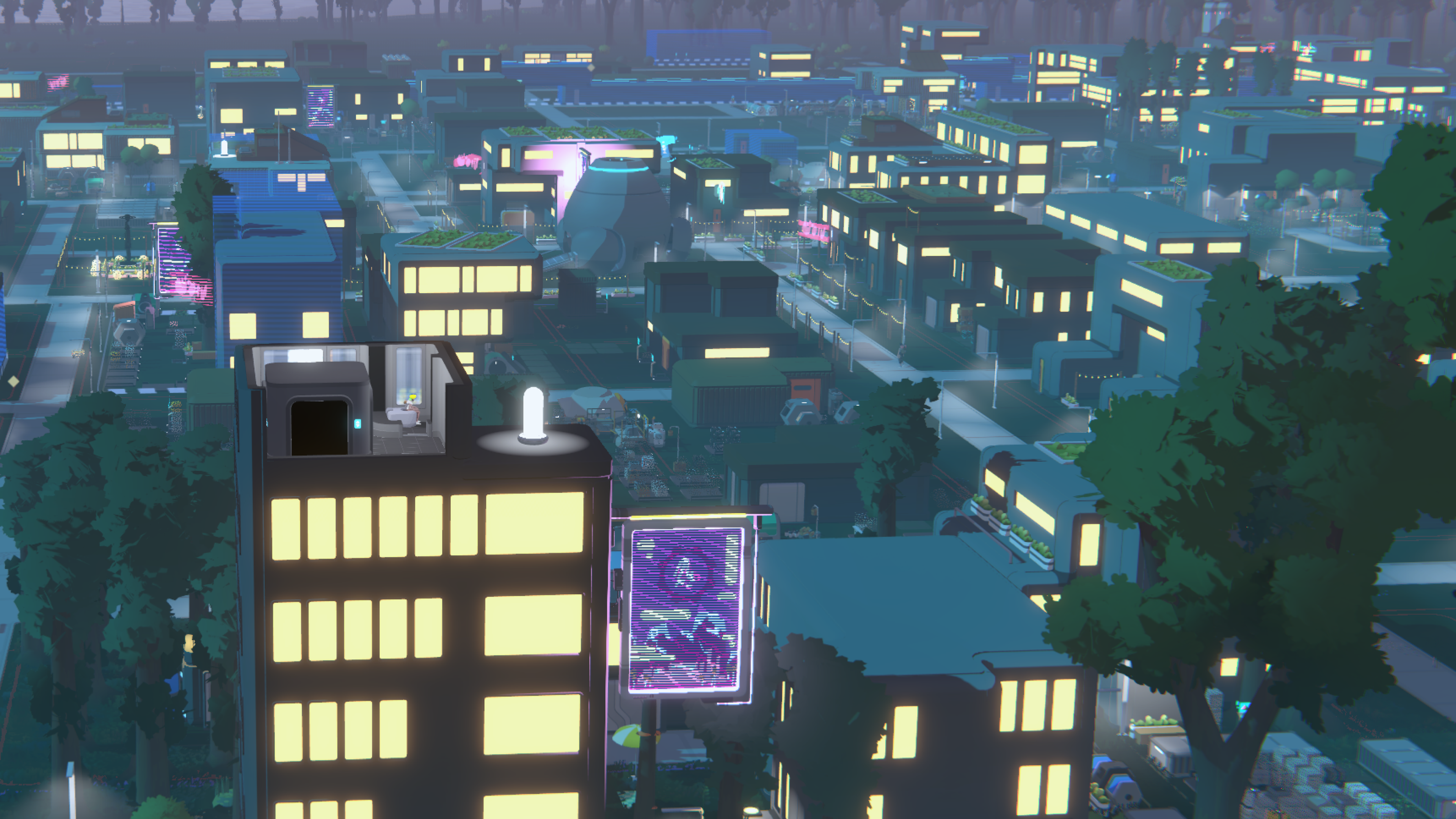
SEED’s art style does a lot of the scaling work before any code runs. The game is stylized and low-poly, and instead of relying on textures, it stores most of its surface data in the geometry.
“Most of our color data is actually stored inside the vertex data,” says Dyadichkin. “The vertex data knows which color it is, which material definition it has – is it metal, is it smooth? All those things are baked into the meshes themselves.”
That saves on shading and memory bandwidth, which matters most on mobile.
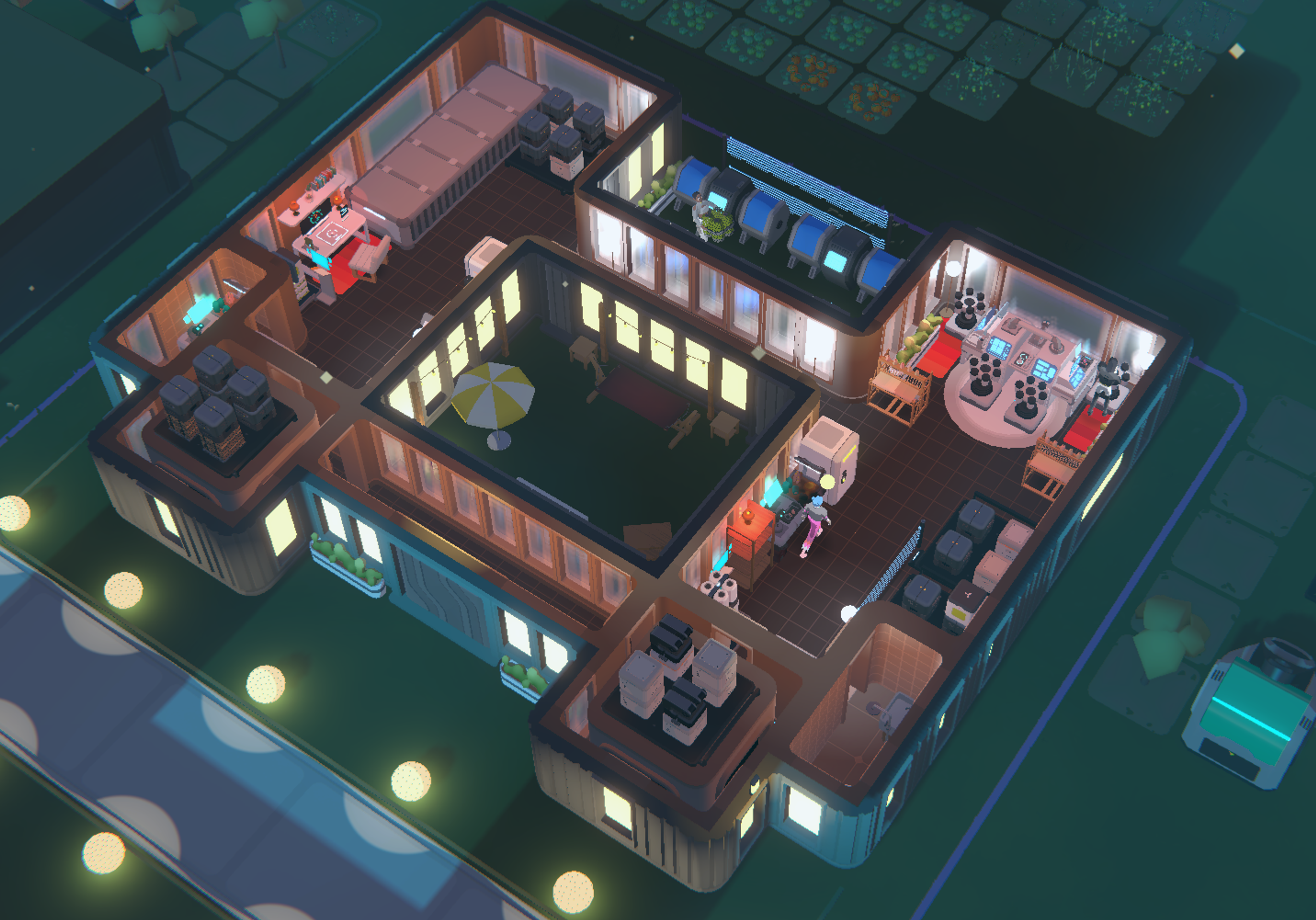
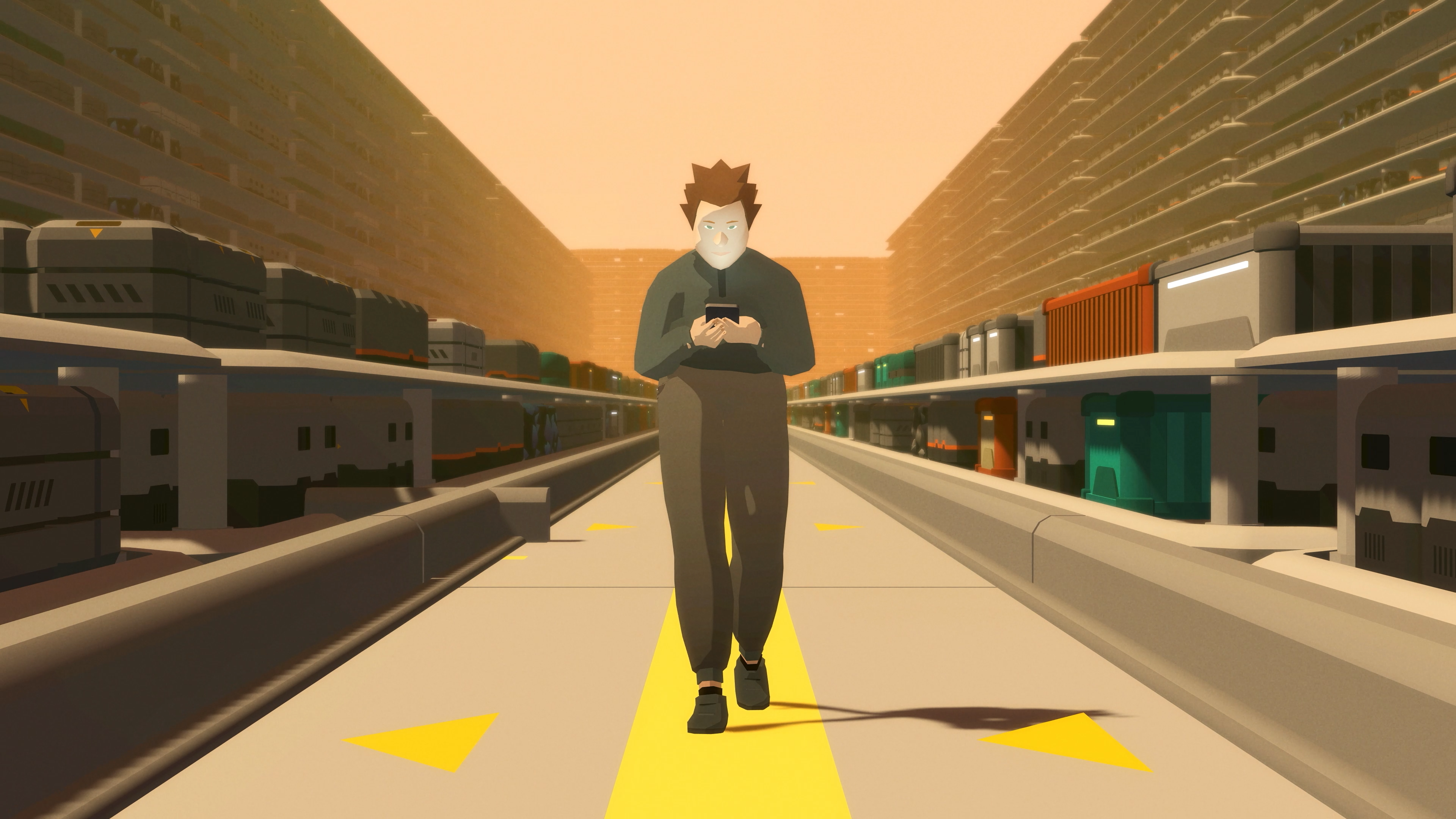
Buildings take the same approach to an extreme. Instead of treating each structure as a single large mesh, SEED constructs buildings from many small, brick-like modules: walls, floors, roof edges, and corners on a one-meter grid. Players place coarse building blocks (voxels), and the game expands each one into around 15 modules, roughly half forming the building’s exterior and half its interior, which is generated only when a player looks inside. The largest society on one of SEED’s busiest islands has 172 buildings, made up of roughly 12,500 voxels, or 190,000 modules.
“We utilize BatchRendererGroup to render them and batch them together, and we do those batches through jobs,” says Dyadichkin. “Even though there are very many modules we need to render, buildings themselves have never really been a bottleneck in terms of pure rendering performance.”
Those jobs run on the C# Job System, and the team compiles them with the Burst compiler. Dyadichkin says they almost always go hand in hand in SEED’s client code.

SEED | Klang Games
Staying on the default path in URP
SEED uses URP to scale across PC and mobile, and Klang Games deliberately sticks close to Unity’s defaults.
“We try to stick to default solutions from Unity, so we can always be sure that whenever the next update comes, it gets covered,” says Dyadichkin.
That matters because the team upgrades Unity roughly once or twice a year – SEED currently runs on Unity 6.3 – picking up new rendering features as the project grows. Where the game needs something custom, the team extends URP rather than replacing it, using custom renderer features for game-specific effects and interactions.
Their use of Shader Graph follows the same principle. Nature assets use the default Lit shader, while characters and objects use Unlit shaders with a custom lighting pass. Either way, the team doesn’t have to worry about breaking URP’s performance features.
“You can be sure that if you create a shader graph, it won’t break SRP [Scriptable Render Pipeline] batching, and it won’t break GPU Resident Drawer,” Dyadichkin says. “Being certain that all the URP core features are still supported, while you still have space to customize whatever you want in a shader, is very powerful.”
That safety net matters in a world where players, not designers, decide how much the client has to draw.
Interacting with thousands of objects
The denser players build, the harder it gets to render a society – and to let them click on any part of it.
When players are zoomed in, SEED uses pixel-perfect picking. A custom renderer feature draws objects into a separate render target, an off-screen texture the GPU renders into instead of the screen. Each object is encoded with a unique ID that both the CPU and GPU can read. The client reads the pixel under the cursor to find exactly which object the player is hovering over.
On mobile, a fingertip is far less precise than a cursor, so the client also checks the pixels surrounding each tap. If it detects more than one object nearby, it shows the player a list to choose from, making smaller objects easier to select in densely built areas.
When players zoom out, the client switches back to physics raycasts, since GPU picking is harder to scale across a wide view.
Behind those raycasts sits a huge number of colliders. SEED uses Unity Physics not for simulation, but to bootstrap them quickly and query them.
“Every tree has a collider, every object and potentially every building brick can have one, and characters and seedlings do as well,” says Dyadichkin. “We can bootstrap this huge amount of colliders very quickly and then do queries against them for placement checks and other interactions.”
Once a player opens a building, its interior appears, and the client has more to track as they move between floors and inspect individual rooms. A continuously running job determines whether each object is inside or outside a building and which room and floor it occupies.
“That allows us to do all sorts of things – disable or enable GameObjects, or set the correct rendering layers to control the lighting situation,” Dyadichkin explains.
SEED | Klang Games
Profiling the world players actually built
The hardest part of optimizing for player-built worlds is getting realistic data. Klang Games gets it from the live game.
The team keeps server snapshots for disaster recovery, and once players have built large enough societies, those snapshots become test cases.
“We can restore what players have actually built and use that for performance testing and testing features at scale,” Fetisov says. “We can work with these built-out societies instead of starting from scratch or trying to simulate the data ourselves.”
Loading a snapshot of a large city locally exposed an unexpected CPU rendering bottleneck on PC.
“Our game is not GPU bottlenecked most of the time, but rather CPU bottlenecked,” says Dyadichkin. “It’s a very stylized, low-poly game with almost no textures.”
Using the Unity Profiler, Dyadichkin found the render thread spending more time than expected submitting draw calls. The team uses GPU Resident Drawer, so Dyadichkin expected it to instance those objects. The Frame Debugger showed otherwise.
SEED | Klang Games
“We were still defaulting to SRP batching rather than hybrid batching,” Dyadichkin says. “It turned out GPU Resident Drawer wasn’t capturing all these objects because almost all of our Prefabs have LOD Groups.”
The difference matters at SEED’s scale. The SRP Batcher reduces the CPU cost of setting up each draw call, but still submits one per object. GPU Resident Drawer goes further, grouping objects that share a mesh and material into instanced draws, which the Frame Debugger labels as hybrid batches. With thousands of small objects, that’s the difference between many lightweight draw calls and a few large ones.
The culprit behind the missed objects was animated LOD cross-fading. The effect looked better, but it kept the objects off the GPU Resident Drawer path.
“We disabled the animation portion. We still have cross-fading, but now with manually set transitions,” he says. “Now the draw calls are instanced again, which eased the load on our CPU render thread.”
SEED | Klang Games
Rendering a mature society within mobile memory
On mobile, SEED’s rendering hit a different constraint. “On the mobile side, we’re not CPU bound – we’re memory bound,” Fetisov says. “That is the main bane of our project.”
A mature society can contain enormous numbers of buildings, outdoor objects, characters, and meshes. Every mesh and material the client renders has to fit in memory first. Klang Games relies heavily on the Memory Profiler and memory snapshot comparisons to track down where that memory goes. The team found textures stored three times because of a broken reference, Addressables dependencies that duplicated the same material, and C# collections far larger than they needed to be.
“A lot came up where, on desktop, it was fine and people didn’t really notice it, but on mobile it was a big issue,” says Fetisov. “We relied on the Unity Memory Profiler quite a lot, especially [memory] snapshot diffs.”
Even without textures, geometry adds up.
“Some of the meshes were pretty chunky, especially the trees,” Fetisov says. “If you load all the LODs, a single tree can take megabytes of memory, and we have many tree variations.”
Because the team builds Addressables per platform, it can ship simplified trees to mobile without changing any game code. “The same code that loads the chair on desktop loads the chair on mobile,” Fetisov explains. “But the Addressables themselves can be assets optimized for mobile.”
The bigger shift was replacing LOD Groups on mobile altogether. Classic LODs meant storing multiple meshes per object type in memory – the same cost Fetisov describes with the trees. Mesh LOD, introduced in Unity 6.2, instead stores every level of detail inside a single mesh, and SEED’s mobile variants now use it exclusively. It also reduced the workload for Klang Games’s small art team.
“Switching from LODs to Mesh LOD was a crucial step in making it possible to render the game world on mobile devices,” says Fetisov.
SEED | Klang Games
Designing for what players build next
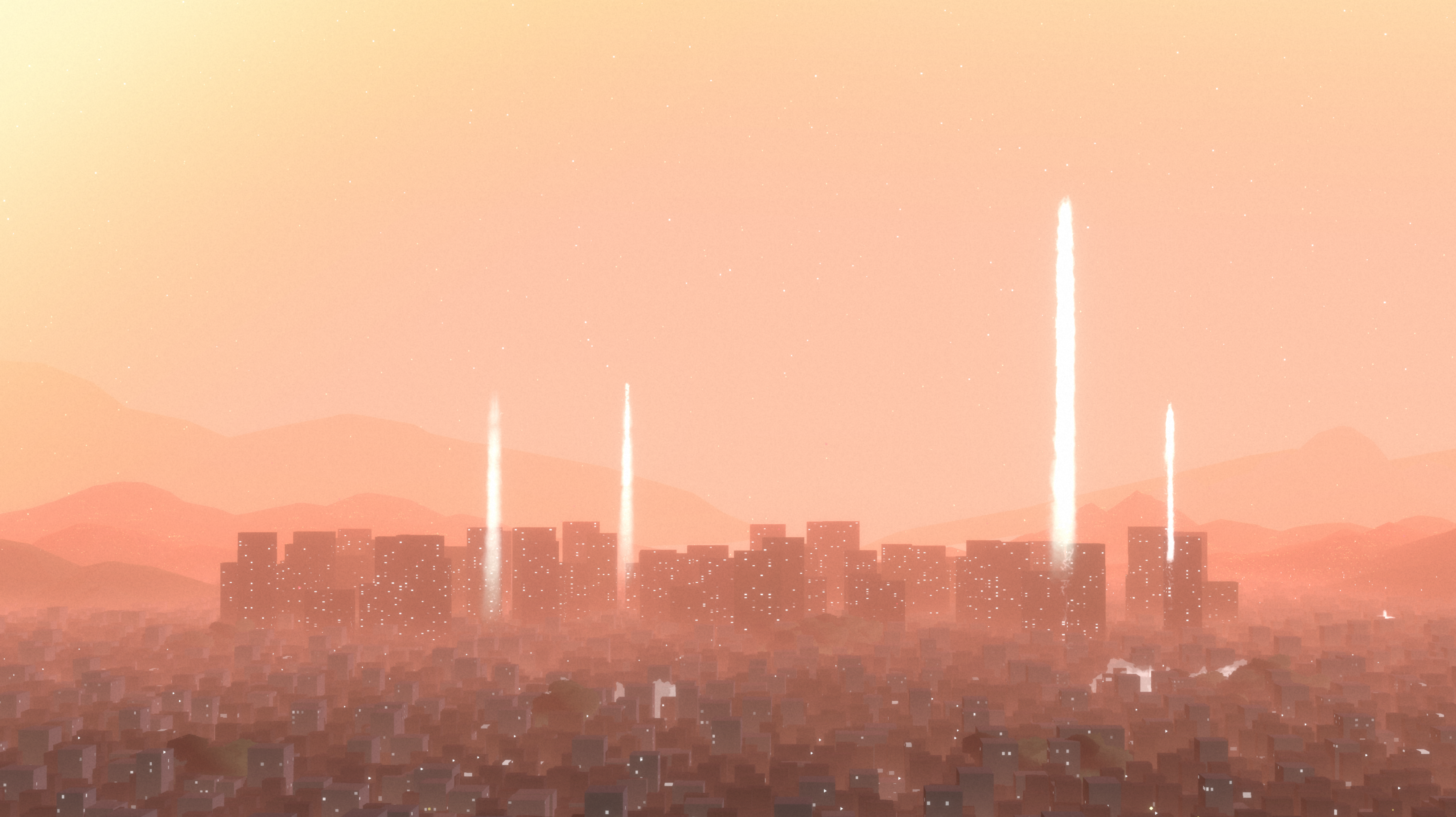
SEED’s core rendering challenge isn’t going away: Players decide what the client has to draw, and they never stop building. “It’s a constant balance between the visual fidelity we envision for these player-created worlds and stable frame rates on low-end devices,” Dyadichkin says.
Klang Games can’t predict what players will build next – but it can test against what they’ve already built.
“Design, build, and test for your target scale from day one,” Fetisov says. “Profile against realistic loads early and keep doing it.”
SEED is available in early access. Check out more stories from Unity developers on the Unity Blog and Resource Hub.