Mars Attracts: Building a tycoon-style game with maximum retro appeal

Fergus Baird - Unity Technologies
Senior Content Marketing Manager
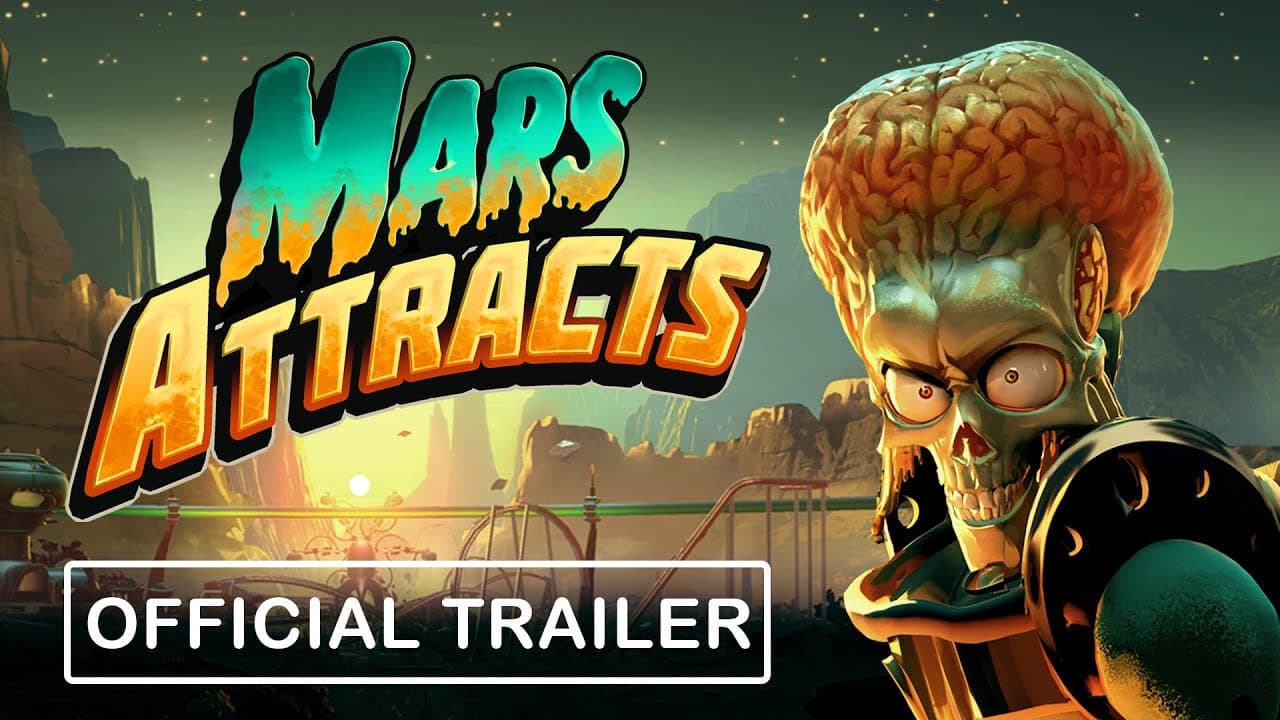
Mars Attracts, developed by Outlier Games and available now in Early Access on Steam, offers a devious twist on the tycoon genre, tasking players with populating and running an alien zoo. We interviewed Paul Froggatt, technical director at Outlier Games, to learn how their latest release came together, from working with an iconic IP to making the right technical decisions to power a complex theme park simulation.
Can you tell our readers a bit about the origins of Mars Attracts? How did you end up working with this IP?
Mars Attracts started with a gameplay concept: a devious tycoon game about abducting humans to serve as exhibits in an alien zoo. With the concept in mind and a very basic prototype, we then looked for IPs that could add personality to the game’s world.
One of the first franchises that came to mind was Mars Attacks! The team were huge fans of the 1996 Tim Burton movie, and after investigating the rights we fell in love with the original retro sci-fi cars that the movie was based on. We reached out to Topps (who own the Mars Attacks! IP), and were delighted when they took an interest in our off-beat concept for the game.
Once we had the gameplay concept and the IP, the team expanded and we got to work building out the game! The most technically daunting task was the sheer complexity of making a full-scale tycoon game in the vein of Evil Genius, Dungeon Keeper, Theme Hospital, and RollerCoaster Tycoon with a small (5–6 person) team.
Let’s get more specific about those challenges – what were some of the creative and technical hurdles you faced bringing the world of Mars Attacks! into a theme park simulator? How did you translate its distinctive dark humor into gameplay?
One of the most creatively challenging elements with making a Mars Attacks park sim was actually unrelated to the IP – the genre has so many great entries that there is a base level of functionality, quality-of-life features, and complexity that people expect from this type of game. It took YEARS to get that base functionality to a level that the game could stand shoulder to shoulder with other genre entries. Once we had that in place, differentiating the game with Mars Attacks! mechanics was much easier (and a lot of fun)! Having a meeting about the most gruesome ways to torture humans never gets old.
Mars Attracts features a “complex, needs-based character AI” driving the behaviors of every guest and employee at the theme park. Could you give us a general idea of how that works? How did you tackle the challenge of managing decisions and movements for so many characters at once?
We actually made a video about exactly this! The structure of character AI changed a bit over the course of development.
Each character has a set of needs (hunger, thirst, excitement, etc) and orders them based on how happy they currently are with that need. They then go down the list and try to find a nearby solution to the need (e.g., a food stall for hunger, a ride for excitement, and so on). If they can find something to do, they’re assigned a task to go and do it. If not, they go down to the next need in the list.
One key learning as we built out the system was splitting the task into two parts – the destination and the intention. Originally we didn’t separate the intention; for example, a hungry character would “walk to the food stall,” but we found that this became a limitation for more complex behaviours – a guest might walk to the food stall to buy some food, but a janitor might walk to the food stall to repair it. Once we had a multi-element task system we could build out much more variation for characters.
On a technical level, the pathfinding uses the A* Pathfinding plug-in for Unity and grid graphs. Interestingly, we have different graphs for different tasks, so if a human wants to escape they use a graph that can pathfind through walls and obstructions (using movement penalties for obstructions so they’ll walk around them if they can). This means if the human wants to, they can blaze a path of destruction through your perfectly manicured park.
What was behind the decision to go with a mesh-based animation system over more traditional skeletal animations? Were there any tradeoffs you had to make, and how did those choices affect your art and animation workflow?
The game has the potential for hundreds (or eventually thousands) of guests to be on screen at once. We wanted large crowds without sacrificing on performance, and found that the Animator components were taking up a significant amount of the performance bandwidth.
To combat this, for the park’s guests we switched to mesh-based animations, which pre-bake animations and offer much more performant animations for large numbers of characters.
The downside is it’s more difficult to add variation to guests (as each variation needs to be custom-baked), and we found it performed best with relatively short animations.
This game really taps into a sense of nostalgia, from the IP to the overall look and feel. What specific techniques or visual elements did you use to capture that particular aesthetic and achieve the desired “look”?
Hitting the right balance of nostalgia versus novelty was a big focus for us. On the visual front, the color palette and architectural design takes inspiration from retro futurism – there isn’t anything in the game that looks too slick, it’s all intended to look like what people in the 1960s thought a civilization on Mars might look like.

Mars Attracts | Outlier Games
When it came to the technical foundations, what led your team to choose the Universal Render Pipeline (URP)? How did that choice benefit a project with this particular visual style and character density?
The visuals of Mars Attracts were intended to be reminiscent of classics of the genre and retro science fiction, while also meeting player expectations for a modern game. The primary considerations were could we a) make everything with a single 3D artist, and b) have the game perform well, even on lower-end machines. URP’s accessibility and stability were ideal for building the environments we wanted to achieve.
How else did you approach making sure the game ran smoothly? What were some of your most effective strategies for optimizing performance in a simulation of this scale?
The Unity Profiler has been invaluable in identifying bottlenecks. Due to the number of guests, most performance improvements have been around inefficiencies in guest AI.
As a quick example, imagine a large park where the player has 1,000 different buildings that guests could visit. If a guest is hungry, they would have to loop through 1,000 buildings to see if they serve food. If they do, it checks the building’s state to make sure they have food in stock, aren’t damaged, are staffed, etc. If none of the buildings are usable, repeat for the guest’s next need (e.g., thirst), and repeat for 10–15 needs. Then multiply that by 500 guests. That’s 1,000 buildings x 10 needs x 500 guests = 5,000,000 checks.
To address this we implemented Search Regions within the park, so guests can only “see” buildings in their current region or neighbouring regions. This might cut the number of buildings to check to just 100, so 100 buildings x 10 needs x 500 guests = 500,000 checks. A huge saving without any real difference to the player.

Mars Attracts | Outlier Games
Thinking back, what’s one architectural decision you made early on that really paid off as the project became more complex?
UnityEvents. We use these all the time. A key learning from our previous project This Means Warp is the critical importance of modular, self-contained code. Using Unity Events to communicate between classes massively reduces hard-coded linkages and makes it far easier to build new features.
You brought up using granular overlay shaders to show players important visual information. Could you elaborate on that?
Yes, we have a custom shader that updates a material based on the values stored in a grid. This allows the user to visualize how beautiful or clean a tile is, or how close it is to buildings from a certain habitat. I didn’t make the shader so in terms of how it works I’m going to just say… Magic.

Mars Attracts in the Unity Editor: Many managers interact to recreate the simulation of the game, each responsible for one task under the GameManager umbrella.
Were there any tools from the Unity Asset Store that proved particularly valuable, and if so, why?
BGDatabase – all building stats and localization strings are pulled from Google sheets. This makes it much easier to update things at scale, get input from localization partners, etc. BGDatabase helps bring this into Unity seamlessly, we use it in every project.
What advice would you offer to a developer looking to create a tycoon-style game, especially one involving a large number of AI agents in a simulation?
I’d definitely recommend looking into mesh-based animation to improve performance with so many characters. Similarly, working with the profiler is absolutely critical.
One thing I wish we thought of earlier was Save/Load. We use the EasySave3 plug-in, but didn’t integrate saving and loading into the game until just before Early Access release. Saving and loading support does add a bit of overhead to get it working for every feature so we did save some time doing it for everything at once, but we hadn’t considered the impact it could have had on speeding up testing during development. Being able to spawn an environment with hundreds of guests, reflecting a realistic play experience, is super useful for debugging and optimizing large scale parks.
A related tip that someone gave me just before launch – attach the player’s save game into any in-game feedback reports. Super helpful for recreating their issue!

Mars Attracts | Outlier Games
Mars Attracts is available now on PC. Explore more Made with Unity games on our official Steam Curator page. Read more stories from developers on the Unity Blog and Resources hub.