

Check out our interview with Talofa Games CEO Jenny Xu, where she explains the technical challenges and development decisions behind creating a seamless, background experience, including how the team uses Unity hooks for OnApplicationFocus and OnApplicationPause to save game state.
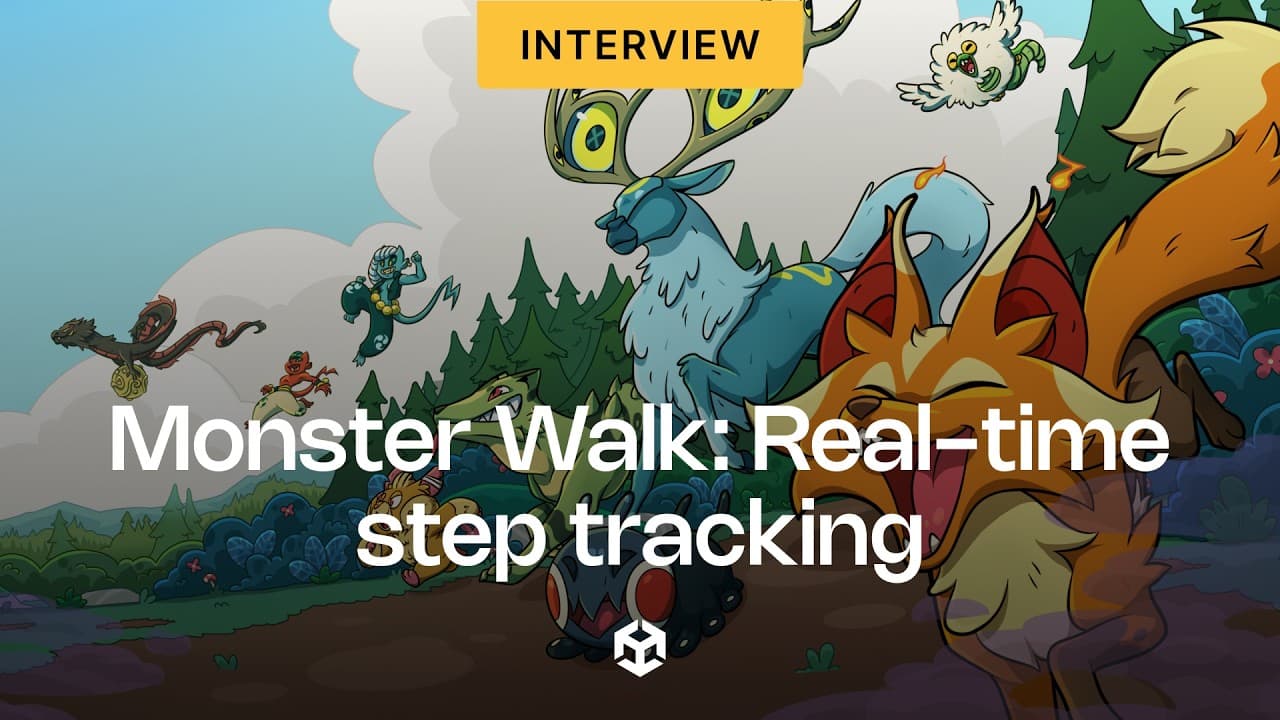
JENNY XU: When we first conceived Monster Walk, the core design problem we were trying to solve is this idea of how do we make steps, like real-world steps that you're taking, feel like playing a game? Like not like a chore, it doesn't feel tacked on, it doesn't feel like it's a fitness app and a game, two different things, but truly like a game that you play by being healthier in real life.
The biggest technical challenge was making those real-time steps, like live data, feel really seamless and integrated into the game experience with all these different platform constraints like background delivery, battery life. For us, it had to be the step tracking in real time piece and how to make that not feel too punishing or too rewarding to players in a way that actually kept them accountable to their fitness.
CONSOLIDATING STEP DATA STREAMS
Because we've used Unity, it really helped to make it easy to connect to both the Android and iOS native plugins. And we're dealing with Android Health Connect, Google Fit, Garmin, all these sources of data coming into our game. And we have to consolidate all of that and tell the player how many steps we think they've taken between the last time they came into the game and when they opened it next.
Luckily, Unity does provide us an ability to tap into native APIs. So like, we even created our own step counter at some point because we couldn't assume they'd have Health Connect. We couldn't assume they had Google Fit. Maybe they had nothing. And we created this native plugin that attached to Unity that all works seamlessly, and it would count steps in the background, even if the app was closed.
So, we had to build almost like a three-layer solution within our Unity project to support that. And, at the same time, not take up too much battery life or be constantly in the background so players would just want to uninstall.
And same thing as well when it came to balancing all of the data we were getting. Because Apple, you have Apple Health, you have native foreground steps, like when the app is open and the phone is shaking, maybe the player is taking a step, but also Apple Health is also tracking a step at the time.
So, how do you consolidate the redundant data? How do you make it not feel too rewarding, not too punishing? Finding that sweet spot, being able to meet the player where they're at in terms of what device model they had and making that feel magical, that was the hardest technical challenge.
OPTIMIZING BATTERY LIFE
Since Monster Walk is a game that effectively ran in the background all day, we had to design these systems that would advance gameplay without overheating the phone. Even between iOS and Android, the background behavior is super different.
So, we had to be extra cautious when it came to saving player state, and essentially, because we're doing so much background processing of steps, health data, we had to give the players the illusion that while they're away, their monsters were still walking with them, even if the app was closed.
So, I'd say a lot of it is design framing, and then I'd also say, we are pretty careful about shutting down processes, making sure background threads are not running and so that the player doesn't actually see the app open and it's draining battery.
So, we tap into a lot of the Unity hooks for OnApplicationFocus, OnApplicationPause, and just use those moments to quickly save state. And then every time they come back, we check our last save, resume, and check their step counts, and we say, hey, you've just effectively walked this much with your little monster friend. Like, welcome back.
Check out more stories from Unity developers on the Unity Blog and Resource Hub.