What is Pipeline Automation?

Pipeline Automation is a Unity Cloud service that automates and orchestrates complex, compute‑intensive pipelines for real-time 3D production and live operations.
Building real-time 3D experiences requires massive amounts of data processing, complex file conversions, and intricate toolchains and data pipelines. Technical teams often spend significant time on repetitive, compute-intensive pipeline tasks that drain local resources and impede production velocity. Modern development environments demand scalable systems that handle these heavy workloads efficiently while integrating seamlessly with existing technology infrastructure.
This is where Pipeline Automation (PA), a cloud-based pipeline automation service, delivers value at scale.
This guide examines how PA enables teams to streamline workflows in real-time 3D production and live operations. We analyze its core architecture, examine key features, and show how it optimizes development cycles for enterprise-scale projects.
Key takeaways: Pipeline Automation
- Pipeline Automation is a Unity Cloud service that automates compute‑intensive pipelines for real-time 3D production and live operations.
- It lets teams design custom, parameterized workflows that orchestrate Unity services and third‑party tools in a single, cloud‑based pipeline.
- By offloading heavy processing to the cloud, Pipeline Automation frees local hardware and accelerates development and release cycles.
- Common use cases include CAD data translation, automated asset processing, and integration pipelines for validation and notifications.
Pipeline Automation overview
Pipeline Automation is a Unity Cloud service that lets technical teams create, trigger, and monitor custom pipelines for real-time 3D production and live operations. It functions as a centralized pipeline orchestrator for demanding computational tasks, integrating both native Unity capabilities and third-party services into cohesive workflows.
PA addresses bottlenecks in repetitive and resource-intensive workflows. Real-time 3D production and live operations require continuous iteration, asset optimization, and data translation. By migrating these compute-intensive operations to cloud infrastructure, Pipeline Automation frees up local hardware resources and enables engineers and artists to concentrate on creative problem-solving rather than monitoring processing queues.
Whether converting extensive CAD assemblies into optimized formats or managing complex live operations updates, Pipeline Automation provides the cloud infrastructure required to automate processes at enterprise scale with enterprise-grade security and reliability.
Use cases for Pipeline Automation
Technical teams across industries leverage Pipeline Automation to automate and scale highly custom, complex workflows. With PA, expert users can reduce hours spent on asset prep, management, and collaborative tasks, and teams can scale small bottlenecked 3D programs to essential enterprise-wide programs.
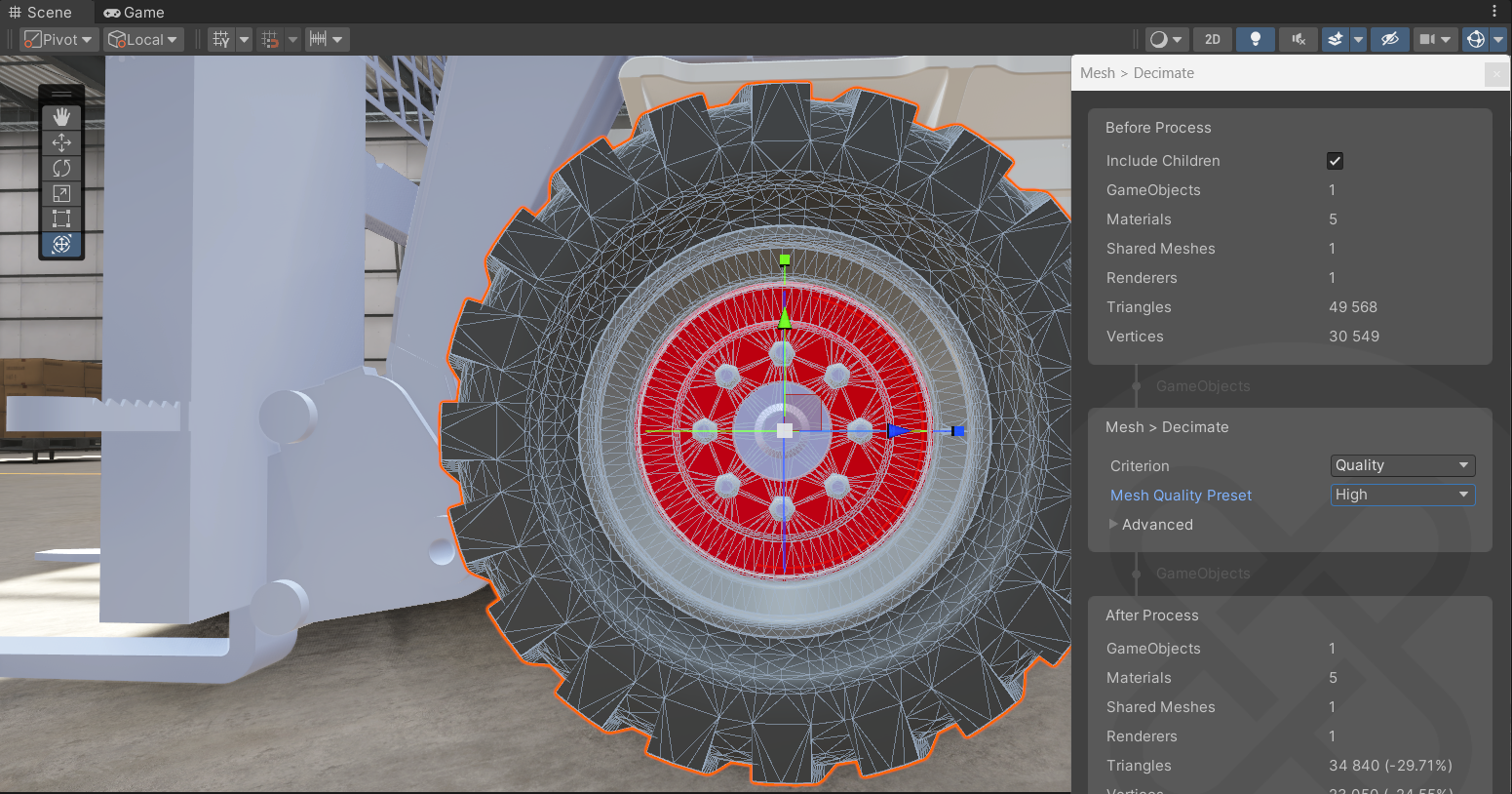
A prevalent application involves automating CAD data translation. Teams can scale and democratize the power of Unity's Asset Transformer solution with automated asset prep workflows. With Pipeline Automation, pipelines can be configured to automatically retrieve engineering models, process them for USD format translation, and seamlessly upload optimized assets into Unity Asset Manager for immediate real-time simulation use.
Teams also implement advanced asset management operations, building workflows that execute custom data processing scenarios, such as running specialized Python scripts on 3D geometry to tag and categorize specific sub-components, without manual intervention, using Pipeline Automation’s cloud-based execution.
Collaboration pipelines are another common implementation. Using Pipeline Automation, teams establish workflows that monitor specific development process events, execute automated validation checks on 3D assets, and automatically notify teams through third-party messaging systems with detailed result analysis.
Key features of Pipeline Automation
Pipeline Automation delivers a set of capabilities engineered specifically for enterprise technical teams' needs. The following features make it a key tool for scaling real-time 3D production environments and live operations pipelines.

Custom workflows
Teams maintain complete control over automated task execution. Pipeline Automation enables teams to construct custom action sequences tailored to organizational requirements. Rather than constraining teams to inflexible, predetermined processes, you can define dependencies that accurately reflect production pipeline architecture.
Parameterization for reusability
Hard-coded values create fragile pipelines that fail when project parameters evolve. Pipeline Automation addresses this through pipeline-level parameterization. Teams can construct adaptable pipelines that accept variable inputs, such as specific file identifiers or configuration strings, when they trigger a run. The pipeline dynamically substitutes placeholder references with concrete values during execution, enabling identical workflows to process diverse datasets without underlying logic modifications and supporting scalable pipeline automation across projects and teams.
Extensive integration capabilities
Production environments typically depend on numerous specialized tools. PA integrates with Private Cloud deployments, facilitating secure resource and data management. Additionally, it connects with third-party systems, enabling external event triggering or data transmission to messaging systems, ensuring effective pipeline communication with broader enterprise architecture.
Advanced workflow logic
Complex scenarios require more than linear automation. Pipeline Automation supports advanced logic patterns, including conditional steps that direct execution flow based on specific criteria. It also features dynamic steps that automatically generate parallel tasks at runtime based on input arrays, enabling variable-size dataset processing without manual intervention or configuration updates.
How Pipeline Automation works
Examining Pipeline Automation's underlying architecture reveals its flexibility for technical workflows.


Pipeline architecture
Consider a pipeline as a directed graph where each node represents a specific step or action. Each edge represents a dependency between steps. These actions encompass operations from downloading large datasets from Unity Asset Manager to executing custom Python scripts through microservices. Entire pipelines can be nested within other pipelines, creating modular pipelines that treat complex workflows as single, reusable nodes within larger systems.
Execution flow and dependencies
Teams control node execution order through dependency definition. By default, steps without defined dependencies execute in parallel, maximizing computational efficiency and reducing overall processing time. When sequential execution is required, linking is straightforward. If "Step B" requires completed data from "Step A", Pipeline Automation enforces this sequential execution, ensuring prerequisite completion before subsequent phases begin.
Data flow and output references
Actions generate data that subsequent steps require to run. Pipelines manage this through a reference syntax that creates continuous data flow between nodes. Output generated by one action automatically becomes available as input variables for another, enabling highly complex, multi-stage processing workflows where assets undergo continuous refinement and transformation as they progress through the graph.

Benefits for technical teams
Implementing Pipeline Automation changes how teams approach real-time 3D development and operations.
Enhanced operational efficiency
By migrating compute-intensive tasks to cloud infrastructure and automating them with Pipeline Automation, teams reduce the processing burden on local workstations. Engineers and artists no longer experience productivity losses waiting for heavy CAD file optimization or lightmap-baking jobs.
Enterprise-wide scalability
As project complexity increases, automation scales proportionally. With Pipeline Automation, dynamic task generation and parallel processing capabilities enable handling much larger datasets without proportional increases in processing time or manual oversight.
Strategic flexibility
Production requirements evolve continuously. In Pipeline Automation, heavily parameterized and modular pipelines enable rapid workflow adaptation to new project requirements. Teams avoid infrastructure reconstruction when stakeholders request different output formats or target platforms.
Sustainable maintainability
Visualizing automation as directed graphs simplifies debugging and maintenance. When steps fail, teams can precisely identify problematic nodes. Pipeline nesting and reusability promote cleaner architecture, reducing duplicated effort across projects and teams.
Getting started with Pipeline Automation
Implementing scalable, cloud-based automation in production environments requires access to Pipeline Automation.
Access PA from the Unity Dashboard by navigating to the Products section and selecting Tools. From there, teams can access the interface to begin developing initial pipelines.
We recommend reviewing the official Pipeline Automation technical documentation to understand reference syntax and available native actions. You can also check out this short tutorial video. Begin by constructing simple, two-step pipelines, such as asset downloading and notification sending, before moving on to complex conditional logic and nested workflows.
Conclusion
Pipeline Automation helps technical teams manage the most demanding workflows in real-time 3D production. Through robust custom workflows, reliable data flow, and cloud scalability, it streamlines complex data processing workflows.
Eliminate repetitive task bottlenecks in production environments. Explore Pipeline Automation today and establish the scalable, efficient infrastructure your team requires to deliver high-quality real-time experiences.
Pipeline Automation FAQs
Q1. What is Pipeline Automation?
Pipeline Automation is a Unity Cloud service that automates and orchestrates complex, compute‑intensive pipelines for real-time 3D production and live operations. It lets technical teams create, trigger, and monitor custom cloud-based workflows that connect Unity services and third-party tools.
Q2. What can Pipeline Automation be used for?
Pipeline Automation is commonly used to automate CAD data translation, large-scale asset processing, and collaboration workflows. Teams can build pipelines that retrieve engineering models, convert them into optimized formats like USD, run custom Python scripts on 3D geometry, and send validation results or notifications through third-party messaging systems.
Q3. How does Pipeline Automation work?
Pipeline Automation represents workflows as directed graphs, where each node is a step and each edge defines a dependency. It supports parameterized inputs, conditional logic, and dynamic steps that generate tasks at runtime. Actions can run in parallel when there are no dependencies, allowing pipelines to process large datasets efficiently in the cloud.
Q4. How do I get started with Pipeline Automation?
You can access Pipeline Automation from the Unity Dashboard by navigating to the Products section and selecting Tools. Start with simple, two-step pipelines, such as downloading an asset and sending a notification, then incrementally add conditional logic, dynamic steps, and nested pipelines as your workflows evolve. Reviewing the official Pipeline Automation technical documentation will help you understand available actions and reference syntax.