• Games
  • Industry
  • Resources
  • Community
  • Learning
  • Support
Development
Unity Engine
Build 2D and 3D games for any platform
DownloadPlans and pricing
Monetization
In-App Purchase (IAP)
Discover and manage IAP across stores
Mediation
Maximize revenue and optimize monetization
Ad Quality
Protect your app’s user experience
Tapjoy
Build long-term user loyalty
All monetization products
User acquisition
User acquisition
Get discovered and acquire mobile users
Unity Vector AI
Connect players with the right games
Aura on-device advertising
Reach users on-device at peak engagement
All growth products
Use cases
3D collaboration
Build and review 3D projects in real time
Immersive training
Train in immersive environments
Customer experiences
Create interactive 3D experiences
All industry solutions
Industries
Manufacturing
Achieve operational excellence
Retail
Transform in-store experiences into online ones
Automotive
Elevate innovation and in-car experiences
All industries
Technical library
Documentation
Official user manuals and API references
Developer tools
Release versions and issue tracker
Roadmap
Review upcoming features
Glossary
Library of technical terms
Insights
Case studies
Real-world success stories
Best practice guides
Expert tips and tricks
All resources
What's new
Blog
Updates, information, and technical tips
News
News, stories, and press center
Community Hub
Discussions
Discuss, problem-solve, and connect
Events
Global and local events
Community stories
Made with Unity
Showcasing Unity creators
Livestreams
Join devs, creators, and insiders
Unity Awards
Celebrating Unity creators worldwide
For every level
Unity Learn
Master Unity skills for free
Professional training
Level up your team with Unity trainers
New to Unity
Getting started
Kickstart your learning
Unity Essential Pathways
New to Unity? Start your journey
How-to Guides
Actionable tips and best practices
Education
For students
Kickstart your career
For educators
Supercharge your teaching
Education Grant License
Bring Unity’s power to your institution
Certifications
Prove your Unity mastery
Support options
Get help
Helping you succeed with Unity
Success plans
Reach your goals faster with expert support
FAQ
Answers to common questions
Contact us
Connect with our team
Plans and pricing
Language
  • English
  • Deutsch
  • 日本語
  • Français
  • Português
  • 中文
  • Español
  • Русский
  • 한국어
Social
Currency
Purchase
  • Products
  • Unity Ads
  • Subscription
  • Unity Asset Store
  • Resellers
Education
  • Students
  • Educators
  • Institutions
  • Certification
  • Learn
  • Skills Development Program
Download
  • Unity Hub
  • Download Archive
  • Beta Program
Unity Labs
  • Labs
  • Publications
Resources
  • Learn platform
  • Community
  • Documentation
  • Unity QA
  • FAQ
  • Services Status
  • Case Studies
  • Made with Unity
Unity
  • Our Company
  • Newsletter
  • Blog
  • Events
  • Careers
  • Help
  • Press
  • Partners
  • Investors
  • Affiliates
  • Security
  • Social Impact
  • Inclusion & Diversity
  • Contact us
Copyright © 2025 Unity Technologies
  • Legal
  • Privacy Policy
  • Cookies
  • Do Not Sell or Share My Personal Information

"Unity", Unity logos, and other Unity trademarks are trademarks or registered trademarks of Unity Technologies or its affiliates in the U.S. and elsewhere (more info here). Other names or brands are trademarks of their respective owners.

Hero background image
Solutions

Unity 2D suite for game creators

Unity’s 2D suite is a comprehensive solution that includes worldbuilding, characters, graphics, physics, and more for making 2D games across platforms.
Get started
Get started
  • Overview
  • Features
  • Resources
  • FAQs
Download Unity

Build incredible 2D games

Path tiles example

Immersive 2D worlds

Create diverse organic or grid-based worlds with the Tilemap and SpriteShape features. Empower level designers with artist-friendly workflows and procedural tiles and brushes.

Learn more
2d

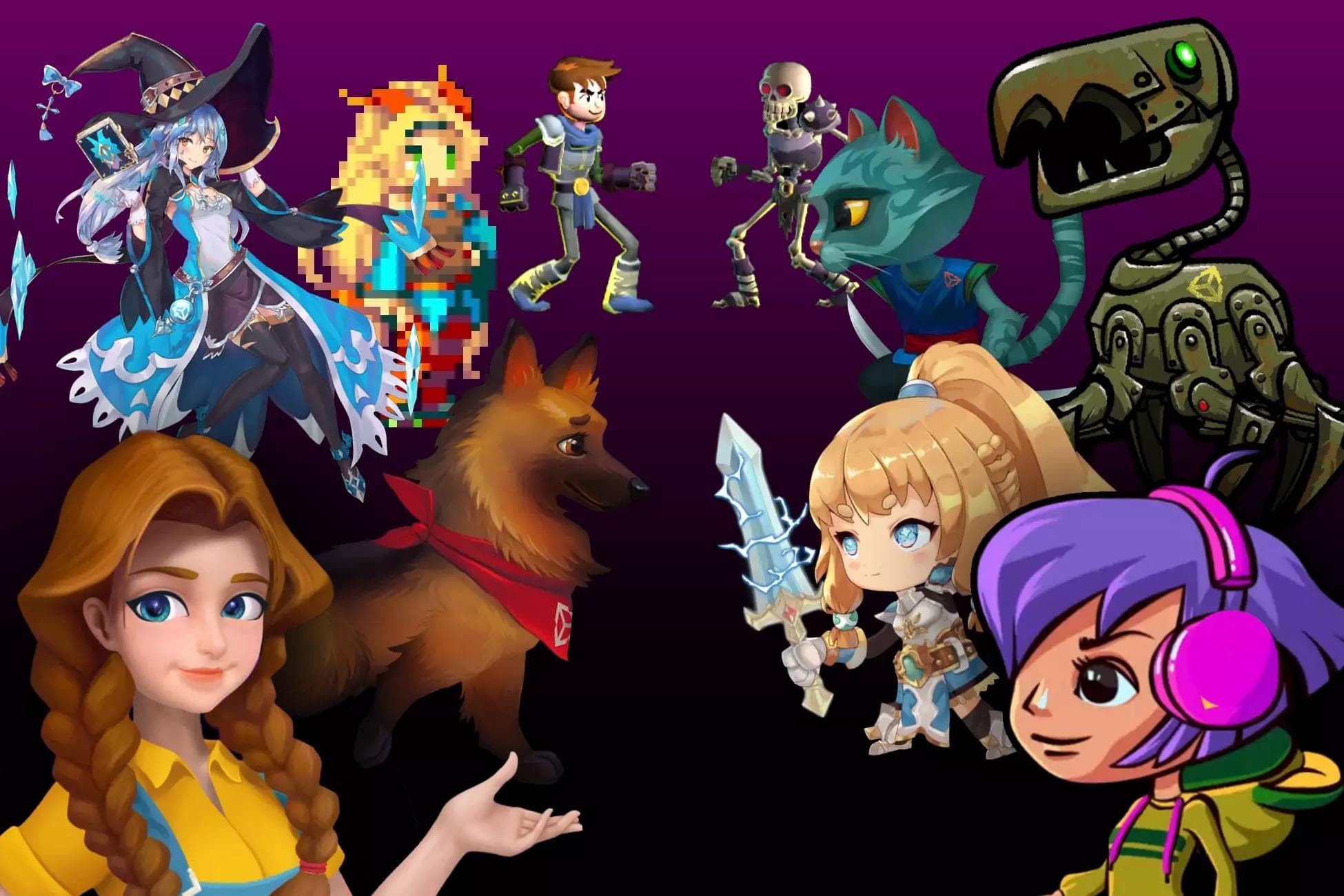
Lifelike and engaging 2D characters

Bring your game to life with engaging flipbook, cutout, and skeletal 2D characters. Enhance character workflows with multilayered source art, and animate with FK, IK, and blending.

Learn more
Example of a light sprite application in Unity editor

Stunning 2D graphics

Render amazing 2D visuals with 2D Lights, shadows, and post-processing, with support for deep customization with Shader Graph and the Universal Render Pipeline (URP).

Learn more
2D Physics

Advanced 2D physics

Simulate realistic 2D physics with highly optimized colliders, joints, and effectors, plus efficient simulation controls.

Learn more

Unity 2D suite features

  • Build immersive 2D worlds
  • Create lifelike 2D characters
  • Render stunning 2D graphics
  • Optimized 2D physics engine
  • Foundational sprite and optimization tools
  • Help getting started
Worldbuilding collage

Build immersive 2D worlds

Create immersive 2D worlds directly in the Editor using artist-friendly and powerful features. Make rich, free-form organic worlds driven by splines with 2D SpriteShape. Build large grid-based worlds with 2D Tilemap using square, hexagonal, or isometric tiles.

Empower your artists with procedurally driven SpriteShapes, Tilemap tiles, and brushes. Use code to generate complete worlds or boost productivity by automating various aspects of painting and layout. Both 2D SpriteShape and the 2D Tilemap Editor offer complete APIs, documentation, and compatibility with many other Unity systems.

Learn about 2D Tilemaps
Learn about 2D SpriteShape
2D Character Rig

Create lifelike 2D characters

Build 2D characters right in Unity using the 2D suite’s complete character creation and animation features.

Work with multilayered source art using the 2D PSD Importer. This imports, separates, and slices up the various parts of a character, then automatically reconstructs it as a Prefab ready for further rigging and animation.

Create flipbook characters with a powerful asset pipeline, and start animating almost immediately using automatically generated keyframes.

Create deformable characters using skin and bones. You can perform partial or full character skin swaps efficiently at runtime, and 2D Inverse Kinematics lets you animate 2D characters in the Editor.

Learn about 2D Animation
Characters and lighting simulation on Unity engine

Render stunning 2D graphics

Render atmospheric visuals that bring a scene to life with 2D Lights. Play with the contrast of lights’ colors, intensity, and placement to build a mood, and control interaction with sprites using native Sorting Layers.

Create depth in graphics with highly expressive 2D Shadow features that add depth and texture to a scene.

Push the limits of 2D graphics with custom shaders in Shader Graph that incorporate your very own rendering algorithm, and create dynamic scene effects with VFX Graph. For a dash of nostalgia, render everything in Pixel Perfect, which is supported natively in the Unity Editor.

Learn about 2D Lights
See 2D Pixel Perfect
2D Physics

Optimized 2D physics engine

Unity comes with dedicated and optimized 2D physics, with many more features and optimizations to power your game.

2D Colliders enable accurate detection of your sprites’ shapes, from primitive to custom shapes. If they also include a Rigidbody 2D, the objects will react to gravity and behave as solid objects.

Objects anchored to another object also can benefit from physics with 2D Joints, adding realism to a sliding platform, chain, spring, or car.

Do you want to simulate buoyancy or magnets? 2D Effectors can add non-contact physics effects.

Learn about 2D Physics
Sprite editor and atlas

Foundational sprite and optimization tools

Set up and optimize art assets for your 2D projects. Slice, tile, adjust the pivot, redefine shapes, or add normal and mask texture sprites, all within the Sprite Editor.

Optimize your 2D game with Sprite Atlas, which enables you to pack your sprites into one texture to save draw calls and resize based on your target platform.

To further optimize and debug your game, you can use Unity profiling tools like the Profiler, Frame Debugger, or Rendering Debugger.

Unity 2D Resources

Help getting started

Access Unity’s massive user community, extensive body of frequently updated documentation, training for beginners, demos like Happy Harvest, Lost Crypt or Dragon Crashers, more advanced training like webinars, dedicated 2D forum, and other tips. Discover tools and resources to help you, at any skill level or for any project need.

Get the 2D e-book

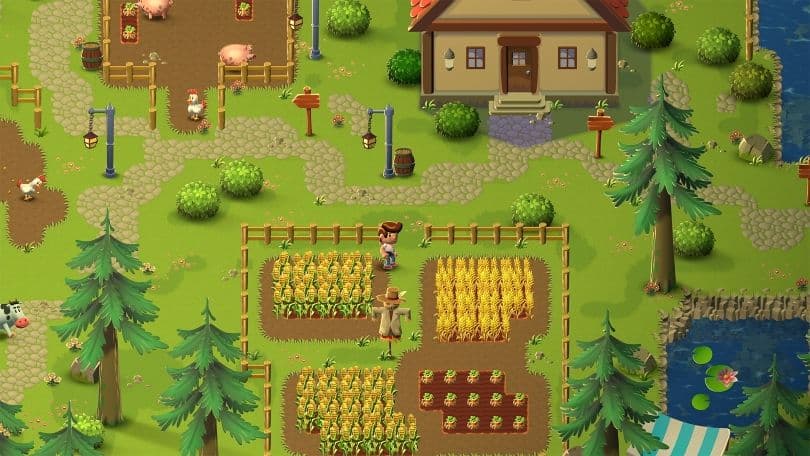
Happy Harvest demo: Get the latest 2D techniques

Market overview

2D light and shadow techniques in URP

Learn how lights and shadows in the Happy Harvest demo are created using the Universal Render Pipeline (URP) in Unity 2022 LTS.

Read the article
2D IK package example

How to animate 2D characters in Unity 2022 LTS

Learn how the character in the Unity sample project, Happy Harvest, is animated. This article covers rigging, 2D skeletal animations, sprite swapping, and more.

Read the article
Happy Harvest

How to create art and gameplay with 2D tilemaps

Learn how the Unity Tilemap system is used to create the landscape in Happy Harvest, our top-down 2D farming simulation sample game.

Read the article

Successful 2D game creators rely on Unity

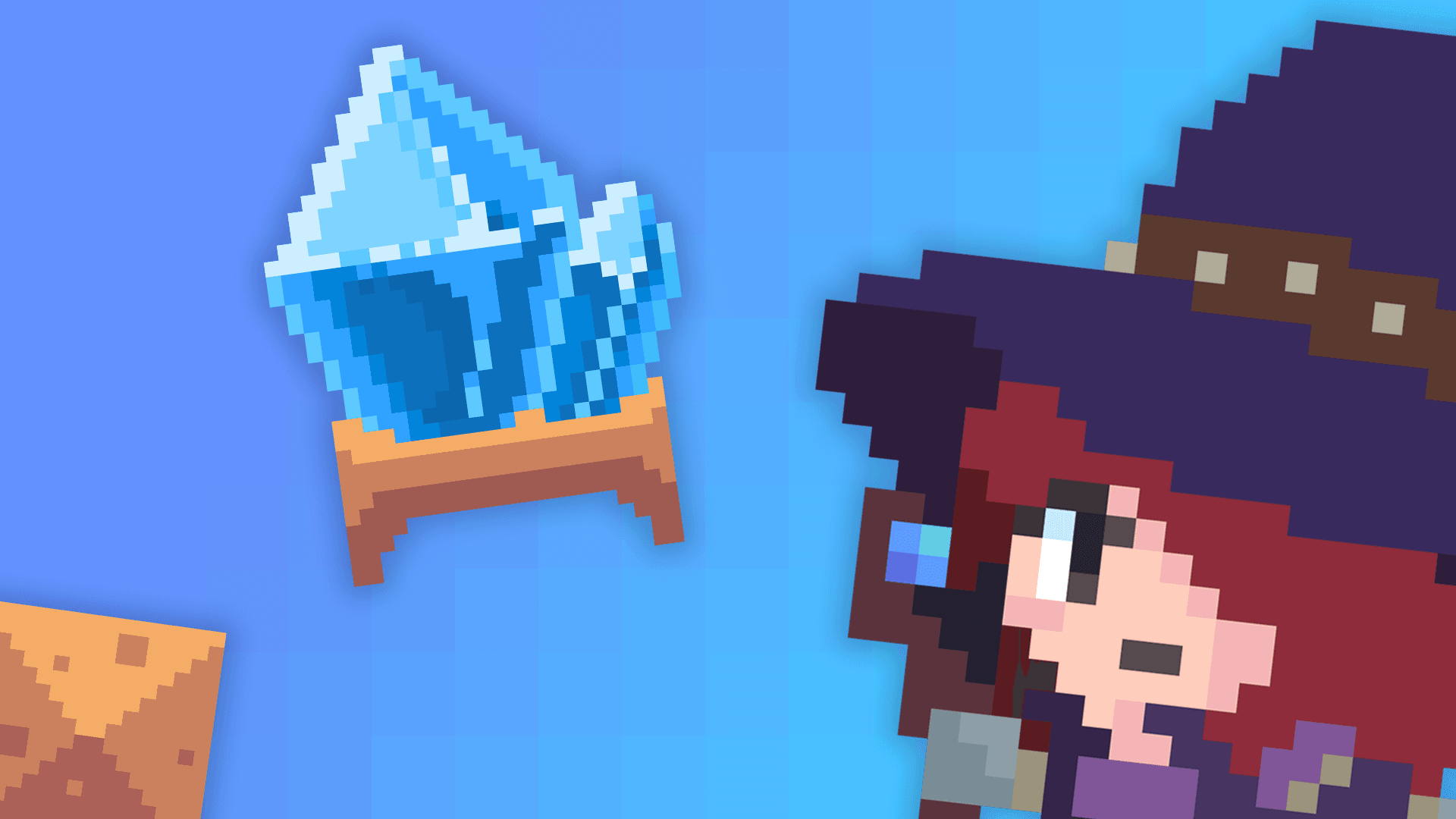
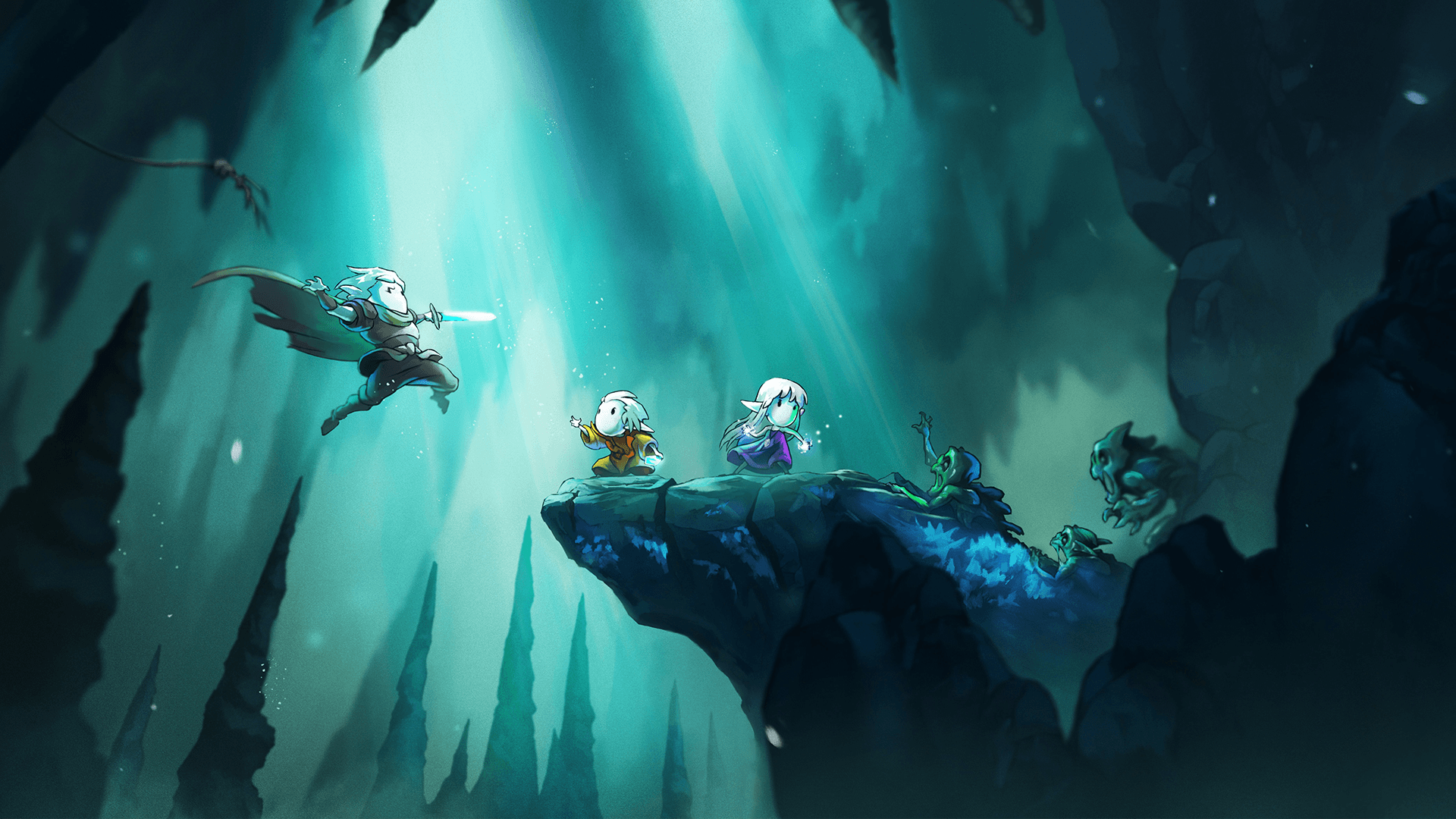
Skul the Hero Slayer case study

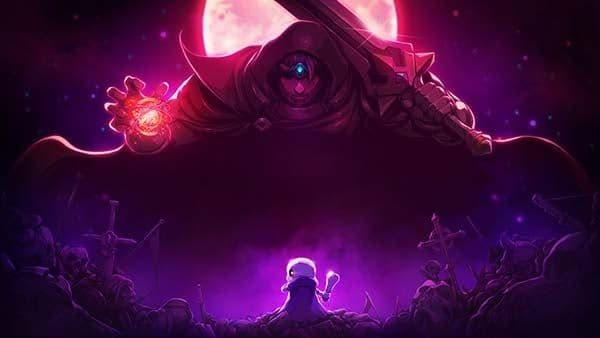
Skul: The Hero Slayer

Learn how Skul: The Hero Slayer’s acclaimed pixel art adventure took shape in Unity with tools like the Tilemap Editor, Pixel Perfect camera, Sprite Atlas, and more.

Read the case study
Cuphead

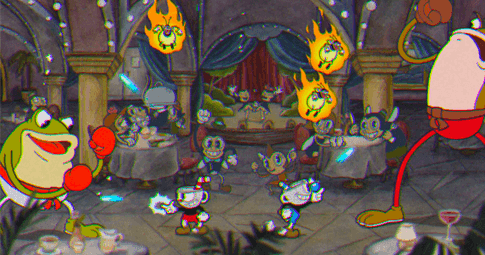
Cuphead

Discover how Unity helped enable the creative vision behind Cuphead’s iconic hand-drawn and inked visuals in this unique run-and-gun platformer.

Read the case study
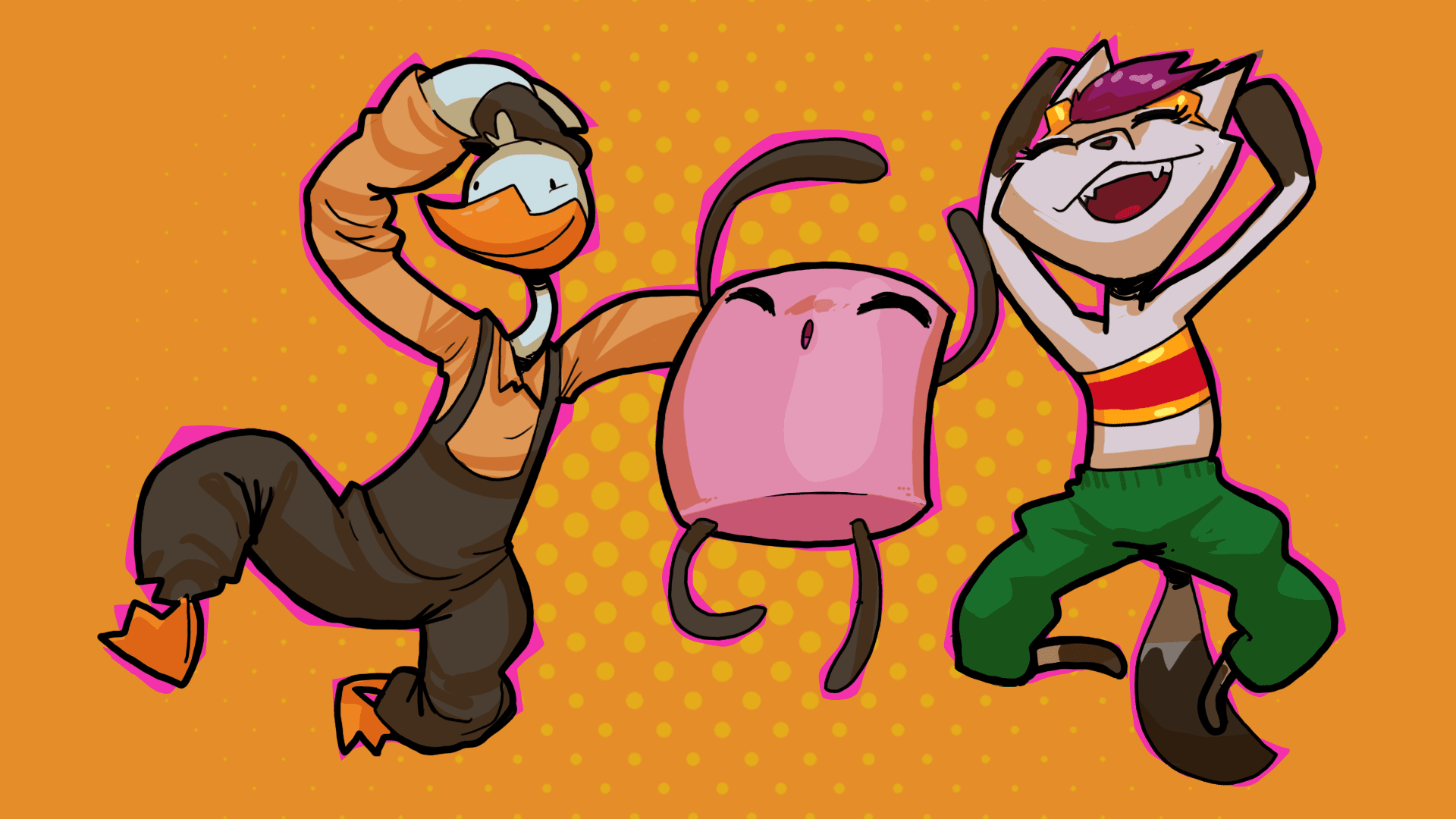
Night in the Woods

Night in the Woods

Discover how Unity’s 2D solutions helped power Night in the Woods’s expressive 2D art style and breathe life into a darkly humorous world of existential stories.

Read the case study
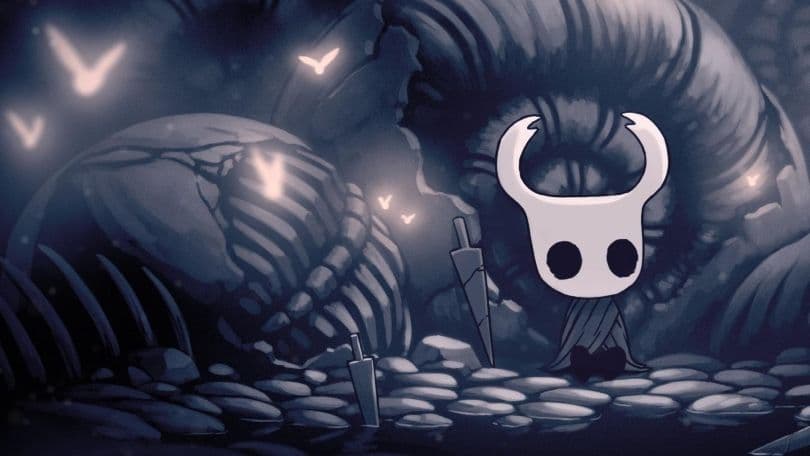
Hollow Knight

Hollow Knight

The game emphasizes skill and exploration across the vast, interconnected underground kingdom known as Hallownest.

Read the case study

Resources

2D Development

2D development

The 2D game art, animation, and lighting for artists e-book is our most comprehensive development guide yet, created for Unity creators who want to make a commercial 2D game.

Get the e-book for free
LTS for Programmers

What’s new in the 2022 LTS

Check out the new features and improvements for artists and designers to optimize your creative workflows and build deeply immersive experiences.

See what’s new in LTS
Happy Harvest

Check out 2D techniques used in Happy Harvest

Learn how to harness the latest capabilities for creating 2D lights, shadows, and special effects with the Universal Render Pipeline (URP) in Unity 2022 LTS.

Learn more
Happy Harvest
Get started with the Happy Harvest demo

Explore best practices any 2D creator can use, including keeping sprites flat, moving shadow and volume information to secondary textures, advanced Tilemap features, and much more. Now available on the Unity Asset Store.

Download the demo

Frequently asked questions

What’s coming up on the roadmap?

+

You can follow the latest updates for our 2D solutions by visiting our Unity Platform Roadmap and share your feedback directly with the product team.

Where can I find the Unity manual?

+

Access the Unity Documentation to find a comprehensive manual to help you start developing 2D games in Unity.

Where can I ask questions and interact with Unity?

+

Check out the Unity Community Discussion forums to follow the latest updates and interact with 2D creators.

Where can I find learning content?

+

Advance your Unity skills with live sessions and over 750 hours of on-demand learning content designed for creators at every skill level. Check out Unity Learn here.

Which version of Unity should I start with?

+

Choose the latest LTS version to work with the most stable, dependable, and supported version of Unity. Get started from the Unity Hub or learn more here.