Unity Academy Course Catalog
Empower your team with self-paced training accessible anytime, anywhere. Leverage our professional courses for all skill levels and industries to develop your skillset and achieve business goals quicker and more efficiently.

Learn how to use the Unity Editor
Created by Unity experts and technical trainers, these courses offer flexible, on-demand video modules suitable for all skill levels. With hands-on projects, challenges, and knowledge checks, learners build a strong, confident foundation in each topic.


Explore the core concepts behind Unity’s Data-Oriented Technology Stack (DOTS) and get started with the Entities packages.
Difficulty: Intermediate
Duration: 4 hours

In this course, you’ll learn the basics of prototyping an environment using ProBuilder. You will learn the fundamentals of 3D modeling, how to assemble assets in a scene, and best practices to test the look and feel of the environment
Difficulty: Beginner
Duration: 4 hours

Learn how to implement basic multiplayer gameplay in Unity, including input handling and synchronized movement and animations.
Difficulty: Intermediate
Duration: 2 hours

Build, test, and deploy interactive AR applications in Unity for Android and iOS mobile devices.
Difficulty: Beginner
Duration: 5 hours

This course explores the Industry Viewer Template, which allows you to set up and stream assets from Unity Asset Manager.
Difficulty: Beginner
Duration: 1 hour

Learn the fundamentals of creating choreographed Timeline interactions in your Unity projects, including how to animate and activate objects, how to work with sound, and how to trigger timelines with a user interface.
Difficulty: Beginner
Duration: 4 hours

This course covers memory and performance optimization and best practices for games built with Unity’s Entity Component System.
Difficulty: Advanced
Duration: 5 hours

Learn to create real-time animated cinematic sequences using Timeline and Cinemachine.
Difficulty: Intermediate
Duration: 40 hours

This course walks you through configuring and creating compelling camera shots using various Cinemachine techniques and camera rigs. Whether you’re making an architectural visualization and need a Steadicam-style shot on a dolly track or working on a narrative cutscene and want to add some drama to your shot with a handheld-camera rig, this course teaches you the camera techniques you need to tell your story and create beautiful cinematics.
Difficulty: Beginner
Duration: 4 hours

Learn how to create a Finite State Machine for an agent patrol cycle. Finite State Machines are a common coding pattern used in real-time 3D programming applications to implement agent decision-making behavior exactly as a designer intends. This course will teach you how to create a Finite State Machine from scratch and implement it to create behavior.
Difficulty: Intermediate
Duration: 4 hours

This course is designed for those familiar with C# and Unity to explore best practices for producing robust applications in a team setting. Learners are guided through the process of version control as they debug and optimize an example project.
Difficulty: Intermediate
Duration: 3 hours

This course provides a structured introduction to the design and implementation of user interfaces in Unity projects. You’ll explore fundamental concepts, such as canvases and render modes, then move on to advanced layout techniques, create custom TextMeshPro font assets, position UI canvases within 3D scene space, and connect UI elements to game logic through event systems. Finally, you'll work with the Timeline package and orchestrate UI animations and sequences while applying debugging strategies to resolve common implementation issues.
Difficulty: Beginner
Duration: 4 hours
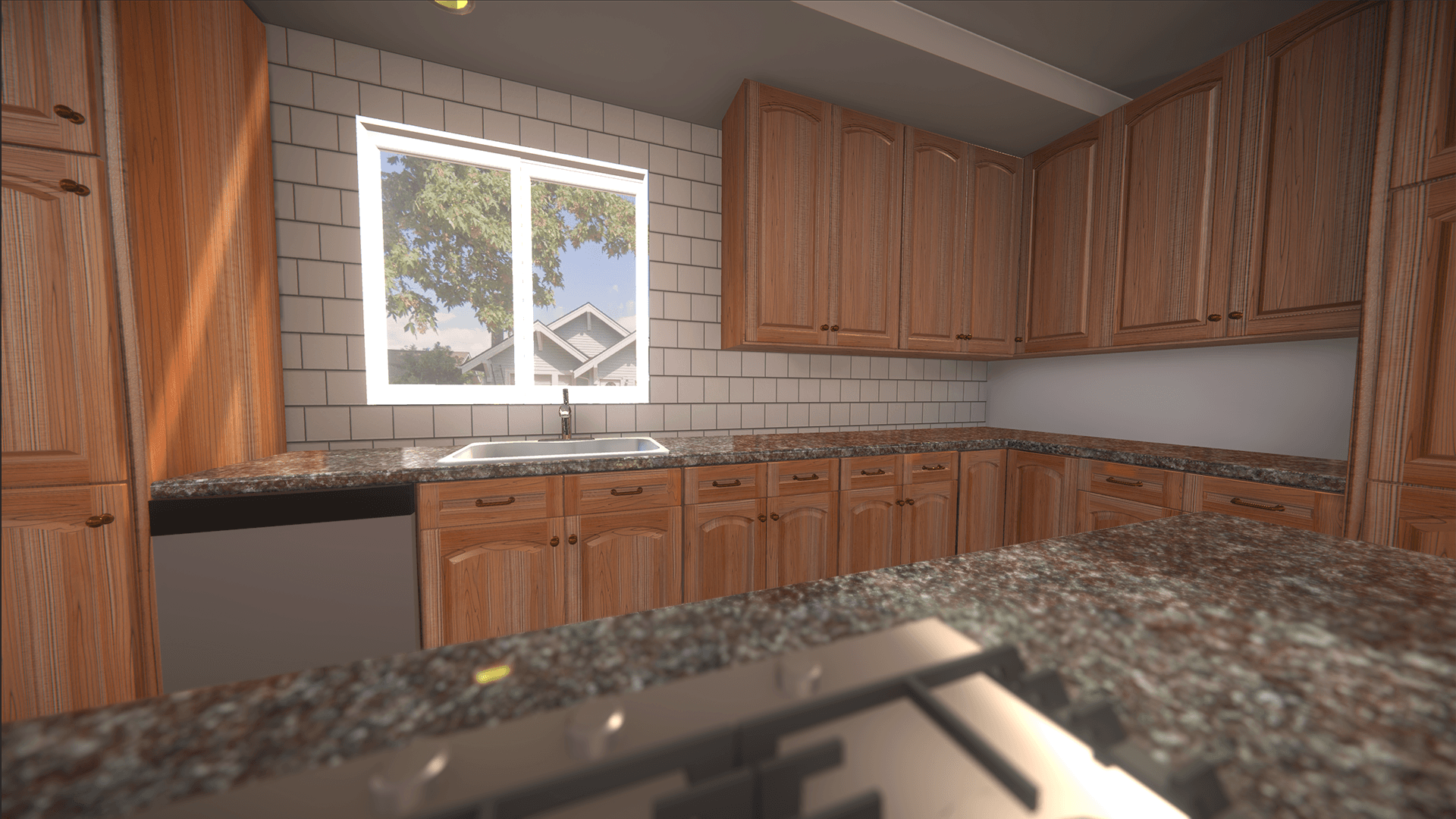
This course provides a complete introduction to Unity and real-time 3D application development. In the early modules, you’ll learn how to install and configure Unity Hub, create new projects, and navigate the Unity Editor. You’ll then dive into the fundamentals of building scenes using materials, prefabs, and camera systems.
Difficulty: Beginner
Duration: 8 hours

This course explores how to create digital twins by preparing and optimizing CAD assets using Unity Asset Transformer. The course also covers model optimization, mesh generation, HDRP setup, and how to create basic animations to build complete scenes with imported CAD objects.
Difficulty: Beginner
Duration: 5 hours

This hands-on course guides you through the process of creating a live, data-driven digital twin using Unity. You’ll learn how to build and visualize an interactive data center environment from the ground up by importing 3D assets, constructing reusable prefabs, and designing clean, scalable interfaces using Unity’s UI Toolkit. You’ll then extend functionality by scripting device behaviors, binding live data, and integrating real-time video streams for camera feeds. By the end of the course, you’ll deploy your project as a WebGL application, ready for remote access, complete with dynamic device visualization, responsive UI, and live video streaming. Whether you’re a Unity developer, technical artist, or visualization designer, this course will help you build a robust foundation for creating interactive digital twins and smart-building dashboards.
Difficulty: Advanced
Duration: 11 hours

This course is for Unity developers seeking to enhance their skills in building immersive digital experiences. After completing this course, participants will be able to create dynamic digital twins that incorporate advanced features, such as customizable UI-controlled animations, interactive experiences, environmental lighting simulations, and live data streaming.
Difficulty: Intermediate
Duration: 8 hours
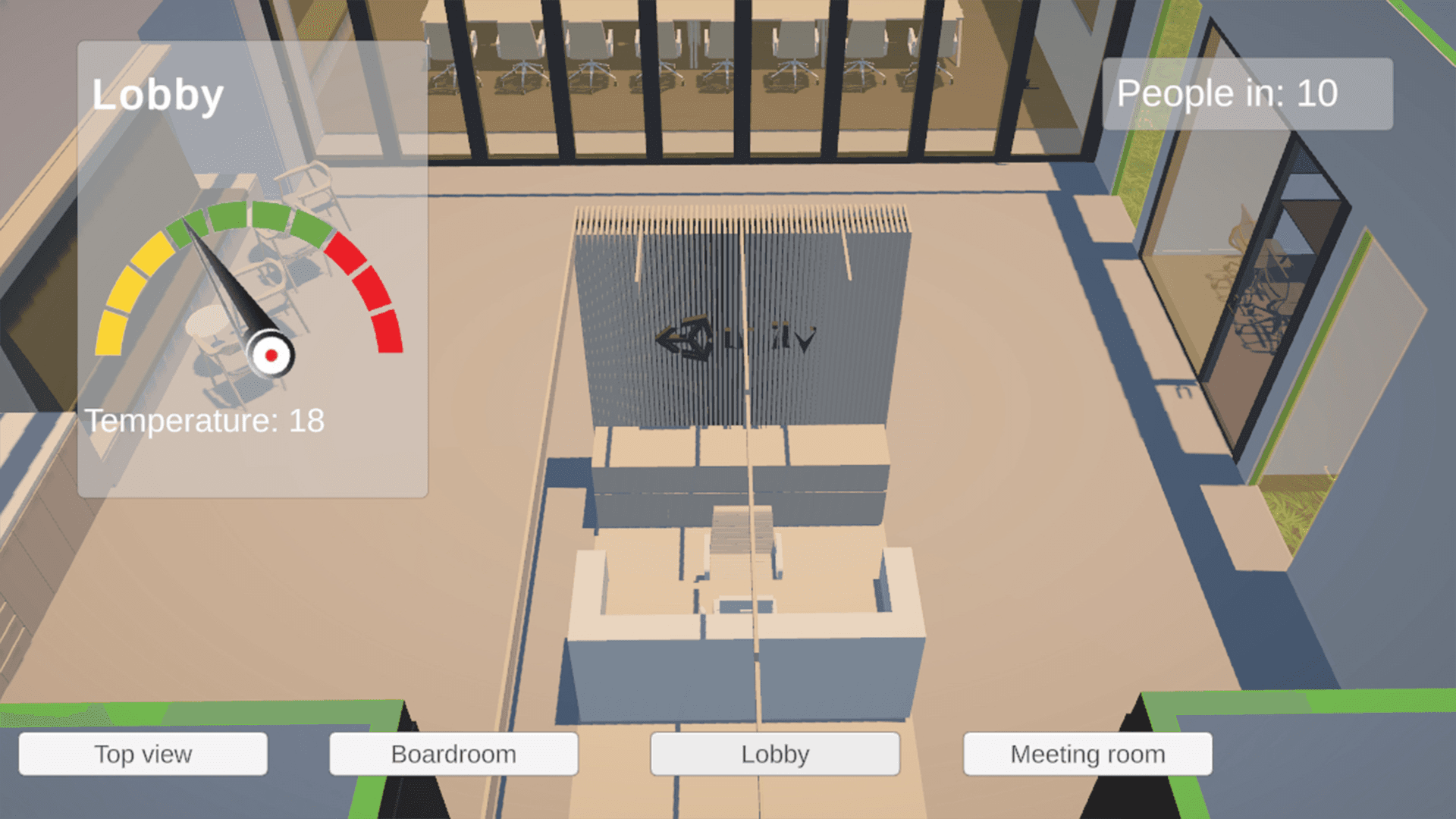
This course will take learners through the process of creating a digital twin for building management or architecture. The course will cover the skills to bring an architectural file (Revit) into Pixyz (Plugin / Studio) and output it as a model that can be used in Unity. Once in Unity, learners will use lighting and UI to create a functioning DT that can be used for building management.
Difficulty: Beginner
Duration: 2 hours

This course will cover the theory of data-oriented design and demonstrate how to convert a project from GameObjects to Entities. Using a highway traffic simulation that’s approaching the limits of Unity GameObjects, you'll learn how to set up the project for use with Unity ECS, then convert the GameObjects and MonoBehaviours into Entities, Components, and Systems. Finally, you'll learn how to incorporate Unity's Job System and Burst Compiler to significantly increase the project’s performance ceiling.
Difficulty: Advanced
Duration: 5 hours

Want to build multiplayer games in Unity? This course teaches you how to go from an empty scene to a working multiplayer prototype using Unity’s Netcode for GameObjects.
You’ll start by setting up your project using the Multiplayer Center, then creating a simple multiplayer scene to test core systems, such as spawning, syncing, and ownership. Along the way, you’ll get hands-on with essential components like NetworkManager, NetworkObject, and NetworkVariable and learn how to write multiplayer-safe code using built-in authority checks
Difficulty: Intermediate
Duration: 3 hours

This course provides a solid foundation in 2D art creation within Unity. Learners will master essential tools and workflows to produce polished, interactive projects featuring 2D visuals, animations, environments, and user interfaces.
Difficulty: Beginner
Duration: 5 hours

You will develop an engaging and optimized scene using prefabs, Unity terrain tools, lighting, and particle and post-processing effects to enhance visuals and the user experience.
Difficulty: Beginner
Duration: 10 hours
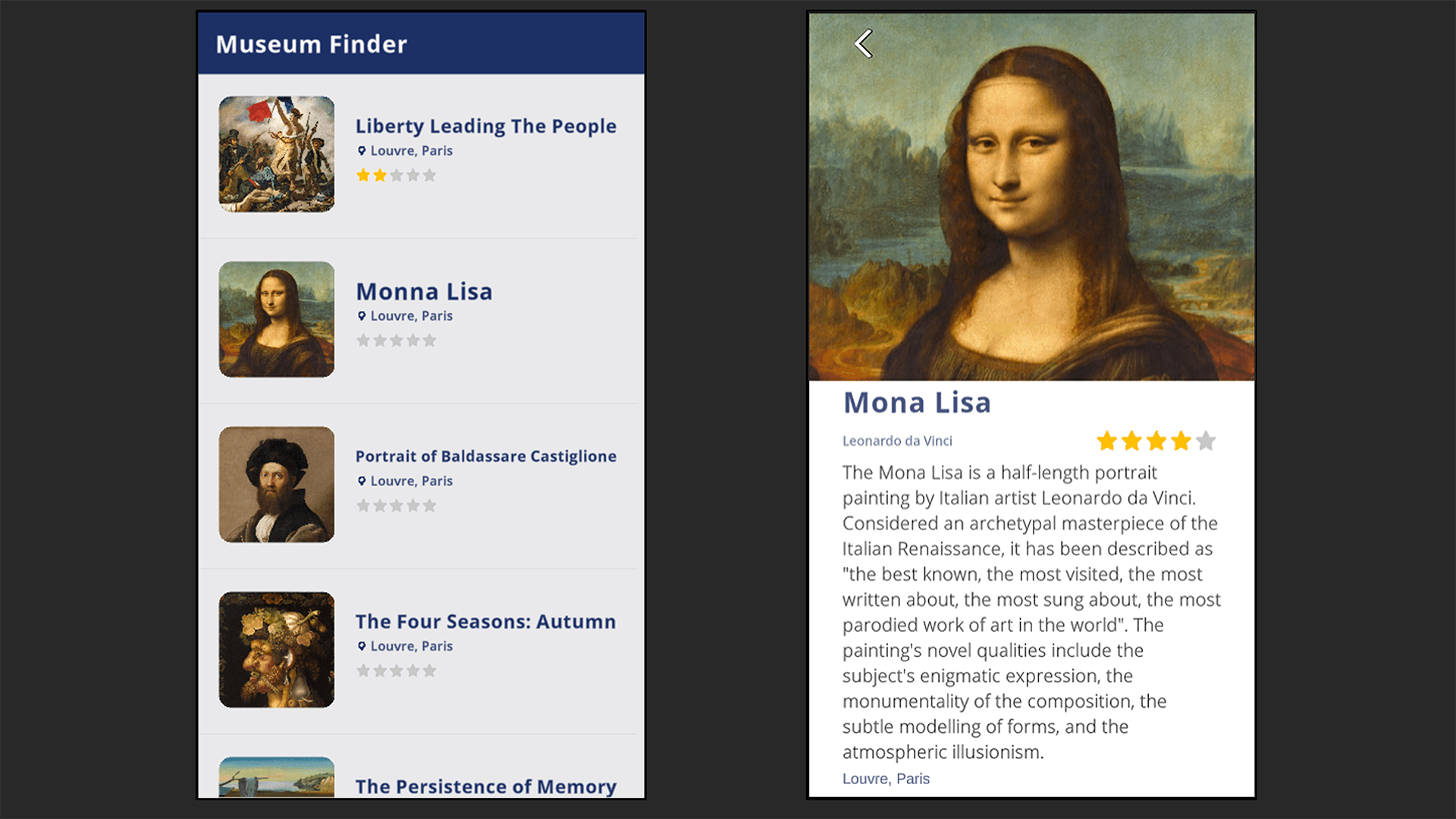
This course builds on our Review the Unity Essentials workshop, further developing an understanding of C# programming concepts and features. This course is ideal for developers looking to make the most of C# scripting in Unity.
Difficulty: Beginner
Duration: 9 hours

Learn the fundamentals of movement and control including the Character Controller, Animation Controller, state machines, and Cinemachine. Create a third-person character with smooth movement, animations, and a configurable camera system.
Difficulty: Beginner
Duration: 3 hours

The HDRP Lighting Fundamentals course provides a comprehensive introduction to using the High Definition Render Pipeline (HDRP) for advanced lighting in Unity. You'll learn how to set up an HDRP project, configure pipeline assets, create Volume Profiles with overrides, work with different lighting types, use Light Probes and Adaptive Probe Volumes, as well as various light types and shadows. By the end of this course, you'll be able to add depth and realism to your projects.
Difficulty: Beginner
Duration: 4 hours

In this course, you’ll take a layered PSD file, a mockup of a car’s Human-Machine Interface (HMI), and convert it into an interactive simulation using the Unity Game Engine. This hands-on experience is designed to equip you with both practical and technical skills for the design, assembly, and simulation of real-world automotive instrument clusters.
Difficulty: Intermediate
Duration: 9 hours

The Addressables package allows you to create and release AssetBundles to user applications, as well as optimize memory and storage for smaller devices. Through this course, you will learn to manage assets and deliver live content more efficiently using the Addressables package.
Difficulty: Intermediate
Duration: 6 hours

Learn to install, prompt, and connect the Unity AI Assistant to generate assets and automate your project workflow.
Difficulty: Beginner
Duration: 1.5 hours

This course will teach you the essential skills to enhance user interface performance for seamless and efficient applications. You will gain hands-on experience with Unity’s Profiler tool and learn how to capture and analyze performance data, enabling you to identify and fix potential bottlenecks.
Difficulty: Intermediate
Duration: 4 hours

Use Android Studio to profile and identify areas for optimization in a sample project. Learn best practices for using specific platform-specific profiling tools.
Difficulty: Intermediate
Duration: 4 hours

This course is designed for those familiar with C# and Unity. After covering Physics, Colliders, and Input methods, this course deep dives into object-oriented programming. Participants will design and create hierarchies, interfaces, and generic types.
Difficulty: Intermediate
Duration: 9 hours

Learn to quickly prototype interactive design concepts for mobile applications in Unity.
Difficulty: Beginner
Duration: 9 hours

This course is designed to guide you through the essential tools and workflows in Unity, focusing on the foundational elements every game developer must know. Whether you're just starting your journey or looking to refresh your skills, this course provides everything you need to confidently create and manage projects, build user interfaces, and work with Unity’s powerful component-based architecture.
Difficulty: Beginner
Duration: 6 hours

This course offers the tools to level up your shader design, whether you’re a beginner or looking to expand your visual effects knowledge. Create stunning, interactive effects, from dynamic grass and runway lights to volumetric lighting and realistic water. Learn core shader concepts, build node-based graphs, animate with Flipbook Player, and integrate your shaders into a VFX pipeline for professional results.
Difficulty: Beginner
Duration: 5 hours

Learn to prototype levels, create animations, and configure render pipelines using more advanced 3D topics in Unity.
Difficulty: Intermediate
Duration: 4 hours

In this course, you will learn how to use a variety of tools, like the Memory Profiler, the Profile Analyzer, the Frame and Rendering Debugger, and the Physics Debugger. Each of these powerful tools offers developers a deep dive into the inner workings of their application and helps identify areas for improvement.
Difficulty: Intermediate
Duration: 6 hours

Learn how to create responsive UIs in Unity using UI Toolkit, covering elements, global styles, and interactions. Completing this course will enable you to implement basic UIs, extend functionality, and write C# logic for UI interactions.
Difficulty: Intermediate
Duration: 6 hours

This course will introduce various concepts and workflows of Unity Asset Transformer SDK. This includes configuring the Unity Asset Transformer SDK environment and automating mesh generation with Python scripts.
Difficulty: Beginner
Duration: 4 hours

This course walks you through various tools and workflows available in Unity Asset Transformer Studio, all used to generate tessellated, Unity-ready meshes based on CAD data. From architectural to automotive design, creating interactive, accurate, real-time 3D visualizations has never been easier.
Difficulty: Beginner
Duration: 6 hours

By completing the course, learners will gain a comprehensive skill set for importing, rule engine processing, optimizing, and deploying high‑quality 3D assets from both CAD and point cloud sources, thereby enhancing pipeline efficiency and runtime performance.
Difficulty: Beginner
Duration: 3 hours

This course equips learners with the skills to install, configure and operate their own Floating License Server. learners will have a solid understanding of how to set up and administer their own Floating License Server.
Difficulty: Intermediate
Duration: 2 hours

This course equips Unity developers with the skills and knowledge to identify and resolve performance bottlenecks in real-time 3D applications. Through a combination of foundational concepts and advanced techniques, learners will master the art of optimization across various aspects of the Editor to create efficient, high-performing projects without compromising visual quality or functionality.
Difficulty: Intermediate
Duration: 5 hours

Learn how to manage and maintain your Unity projects using Unity Version Control. This course covers the core concepts and workflows needed to keep your work organized, including creating and navigating changesets, establishing and managing branches, and efficiently merging and resolving conflicts.
Difficulty: Beginner
Duration: 2 hours

This course covers Universal Render Pipeline (URP) lighting fundamentals to configure global illumination, scene lighting, and post-processing for stunning, dynamic environments.
Difficulty: Beginner
Duration: 4 hours

This comprehensive VFX Graph course guides learners from basic principles to advanced functionalities. Learn to create and edit VFX Graph assets, construct simple visual effects, use decals, and work with signed distance fields.
Difficulty: Intermediate
Duration: 5 hours

Learn to build interactive Unity behaviors using Visual Scripting graphs, logic nodes, and event-driven systems without coding.
Difficulty: Beginner
Duration: 3 hours

In this course, you’ll learn how to optimize your VR Unity game and make it run smoothly for a comfortable VR experience.
Difficulty: Advanced
Duration: 5 hours
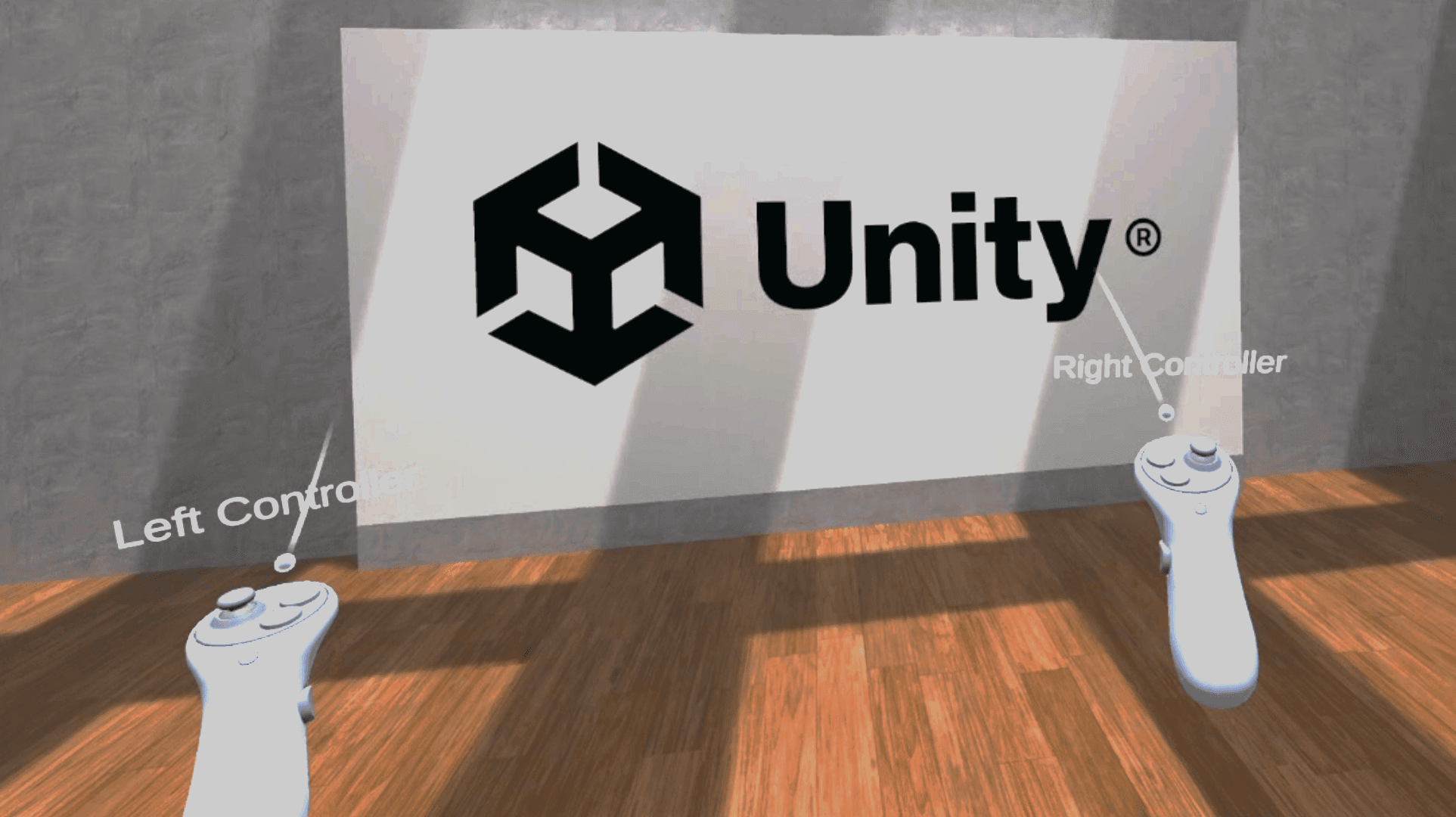
This course will cover the core concepts of building a virtual reality application with the XR Interaction Toolkit.
Difficulty: Beginner
Duration: 3 hours
Developing for visionOS
Designed by Unity experts and technical trainers, this eight-course learning plan offers 40 hours of content suitable for professionals at any skill level. Through hands-on projects, challenges, and knowledge checks, learners will build a confident foundation in developing for visionOS.


Get immersed in the concepts and workflows of the AR Foundation package and how to configure your Unity projects to maximize it. Learn each feature supported by AR Foundation and visionOS and walk through implementation.
Difficulty: Beginner
Duration: 4 hours

Learn how to use Unity’s XRI 3.0 package with the supporting sample project. This unique package is geared to help developers make use of the Vision Pro’s unique input devices by designing their own custom gestures for interactions.
Difficulty: Beginner
Duration: 5 hours

Learn to configure, build, and deploy mixed reality experiences for visionOS. Create applications that blend digital content with your physical space and coexist with other applications in a shared real-world environment.
Difficulty: Intermediate
Duration: 6 hours

This course introduces the core principles of developing real-time 3D applications for visionOS on the Apple Vision Pro. You’ll explore the device’s capabilities, set up the required software and tools, configure your development environment, and learn how to build and deploy your projects to Xcode for testing on Vision Pro hardware.
Difficulty: Beginner
Duration: 4 hours

Master the development of custom shaders for visionOS mixed reality applications. Create water effects consisting of surface movement, refraction, and caustics. Learn to create custom lighting blended alongside the Image Based Lighting provided by visionOS.
Difficulty: Intermediate
Duration: 5 hours

Learn to create spatial UI using Unity Polyspatial. Create and interact with UI designed for the Apple Vision Pro’s Immersive Mode, such as the Polyspatial touch input pattern, custom Inspector windows, and compositional development.
Difficulty: Intermediate
Duration: 8 hours

The Unity Input System is a comprehensive solution for input handling for visionOS. Master these enhanced tools for input mapping, processing, and event-driven notification to offer better control and significantly improve user experience.
Difficulty: Intermediate
Duration: 4 hours

Get started with Unity’s XR Hands package and configure a visionOS project. You will also design your own custom gesture to work as the input device for an interaction event and build successfully for the Apple Vision Pro device for testing.
Difficulty: Intermediate
Duration: 5 hours
Industry Orientation
This eight-course learning path for those new to Unity will guide you through every step of building real-time industrial applications.


This course is designed for professionals in manufacturing, architecture, engineering, and other industries who want to master the core fundamentals of Unity without prior experience.
Through step-by-step tutorials, you’ll learn how to set up projects, navigate the Unity Editor, and manage assets efficiently. Discover best practices for organizing scenes, working with GameObjects, and optimizing assets for real-time performance. You’ll also explore essential concepts like materials, lighting, and basic scene management to build a solid foundation in Unity.
Difficulty: Beginner
Duration: 10 hours

This course teaches industry professionals how to use Unity’s Universal Render Pipeline (URP) to enhance the visual quality of real-time 3D environments. You'll explore render pipelines, create and configure materials and textures, apply lighting techniques, work with reflection and light probes, optimize builds, and more.
Difficulty: Beginner
Duration: 5 hours

In this course, you’ll learn how Unity’s Asset Manager, Version Control, and Build Automation services streamline collaboration, content distribution, and deployment in professional workflows.
Difficulty: Beginner
Duration: 3 hours

In this course, you’ll learn how Unity’s Asset Manager, Version Control, and Build Automation services streamline collaboration, content distribution, and deployment in professional workflows.
Difficulty: Beginner
Duration: 5 hours

This course builds foundational C# skills in Unity by scripting a fully drivable skid loader from scratch. In this course, you’ll learn how Unity’s scripting pipeline lets you move far beyond drag-and-drop components, giving you precise, code-level control over real-time mechanics, such as steering, boom-arm articulation, and bucket tilt.
Difficulty: Beginner
Duration: 4 hours

In this course, you’ll learn how to turn Unity’s UI system into a professional design toolkit. Step-by-step modules will guide you through creating a clean project foundation, structuring adaptive layouts with anchors and layout groups, wiring Buttons and OnClick events without hard-coded references, and importing sprites and images for crisp visuals.
Difficulty: Beginner
Duration: 4 hours

Bringing a Unity project to a browser involves more than pressing Build. In this hands-on course, you’ll install the WebGL module, benchmark baseline performance, fine-tune Player and Quality settings, shrink build size, and profile runtime bottlenecks.
Difficulty: Beginner
Duration: 5 hours

This hands-on course teaches engineers, technicians, and designers how to turn Unity’s XR Interaction Toolkit into a production-ready workflow for industrial training.
Difficulty: Beginner
Duration: 5 hours
Unity Quickstart Courses
Our Quickstart course series consists of short-form, video-based content, designed to quickly and easily introduce a breadth of new topics before learners decide what to deep dive into.


Define certain areas of your project as “walkable” and the agent will automatically pathfind towards that destination, taking gaps, obstacles, and even the difficulty of a surface to navigate into account.
Difficulty: Beginner
Duration: 30 mins

Learn the basics of how to bind controls to actions, and dynamically switch these actions during runtime, enabling you to create modular control setups for your project across all control schemes.
Difficulty: Beginner
Duration: 15 mins

Immerse yourself in Unity Cloud’s various services and tools, learn how to maintain projects across different teams and users within your organization with Parsec and Asset Manager.
Difficulty: Beginner
Duration: 2 hours

Get up to speed with the top benefits and highlights of Unity 6, geared toward developers, artists, and decision makers alike.
Difficulty: Beginner
Duration: 2+ hours
Industry Associate Certification
Build practical skills in real-time 3D for industrial applications and prepare for the Unity Industry Associate Developer Exam.


In this course, you’ll learn how to turn a high-level client brief into buildable Unity
tasks, define platform constraints and MVP scope, and use those decisions to produce a focused Technical Scope Checklist. You’ll then prototype a scale-accurate warehouse environment with ProBuilder, translate process diagrams into readable scene layouts, and choose rendering and lighting approaches that balance clarity, fidelity, and performance.
Difficulty: Beginner
Duration: 4 hours

You’ll begin by setting up a clean Unity workspace, installing Asset Transformer Toolkit, and exploring its interface. Next, you’ll import common CAD formats and inspect their hierarchies to spot naming, pivot, and material issues. With the data safely in Unity, you’ll dive into the toolkit’s optimization tools: repairing and conforming normals, removing hidden faces and z-fighting, decimating dense meshes, and auto-generating clean UVs and baked ambient-occlusion maps.
Difficulty: Beginner
Duration: 5 hours

This course focuses on building high-fidelity scenes in Unity using URP, lighting, probes, animation, and camera systems. You’ll learn how Unity’s Universal Render Pipeline enables physically based materials, scalable lighting workflows, probe systems, animation tools, and camera sequencing to create professional industrial visualizations suitable for training, simulation, presentation, and more.
Difficulty: Intermediate
Duration: 4 hours

In this course, you’ll learn how to structure a Unity project for maintainable development, script a first-person controller, build reusable interaction systems, and create assessment-driven scenario logic using ScriptableObjects and manager-based architecture. You’ll also connect gameplay systems to UI elements—such as prompts, timers, settings, and debrief panels—then refactor scene content into prefabs and prefab variants for better scalability.
Difficulty: Intermediate
Duration: 6 hours

In this course, you will build a fully interactive warehouse simulation in Unity Industry using C# scripting. Starting from a pre-built environment, you will progressively layer in real-world systems from autonomous robot navigation to live data retrieval and dynamic UI visualization, giving you a practical foundation in writing and connecting scripts within a professional Unity project.
Difficulty: Intemediate
Duration: 4 hours

This course covers performance profiling, optimizing assets and scripts, and deploying Unity applications to desktop, web, and android. In this course, you’ll work through an unoptimized factory simulation project to develop the skills needed to diagnose and resolve real-world performance issues in Unity. You’ll establish performance budgets for different target platforms, use the Unity Profiler and Memory Profiler to identify CPU bottlenecks and excessive VRAM consumption, and apply a structured set of optimization techniques across textures, rendering, and C# scripting. Techniques covered include GPU compression formats, mipmaps, GPU instancing, draw call batching, light baking, occlusion culling, component reference caching, event-driven physics callbacks, and object pooling.
Difficulty: Intermediate
Duration: 8 hours

Learn to build and optimize industrial VR training simulations using the XR Interaction Toolkit and Universal Render Pipeline. In this course, you’ll learn to build a VR maintenance simulation tailored for industrial environments using the XR Interaction Toolkit and Unity’s XR workflow. You will configure locomotion, teleportation, and world-space UI for comfortable interaction inside a headset. You will then implement object interaction using XR Grab Interactables and XR Socket Interactors, and design structured interaction workflows for training simulations.
Difficulty: Intermediate
Duration: 4 hours

Learn how to collect and analyze player data using Unity Analytics, from basic event tracking to custom dashboard creation.
Difficulty: Beginner
Duration: 20 mins

Master Unity prefabs, from basic creation and overrides to nested structures, variants, and runtime instantiation.
Difficulty: Beginner
Duration: 20 mins

This course introduces the ScriptableObject type for reusable, data-driven configuration in Unity projects.
Difficulty: Beginner
Duration: 20 mins

This course builds a procedural character rig with head aiming and interaction IK in a third-person Unity project.
Difficulty: Beginner
Duration: 30 mins

This course introduces Unity AI Assistant through prompting, project inspection, Editor actions, asset generation, and validation.
Difficulty: Beginner
Duration: 1 hour
* Part of the Unity Certified Associate: Artist Exam
**Part of the Unity Certified Associate: Programmer Exam

Get the tools you need
Unity Professional Training will help you improve performance, increase productivity, and enhance the quality of your projects. Make sure your team has the tools – and skills – it needs to succeed.