Industry Features Bootcamp: Unity Asset Transformer - Best practices for 3D data transformation
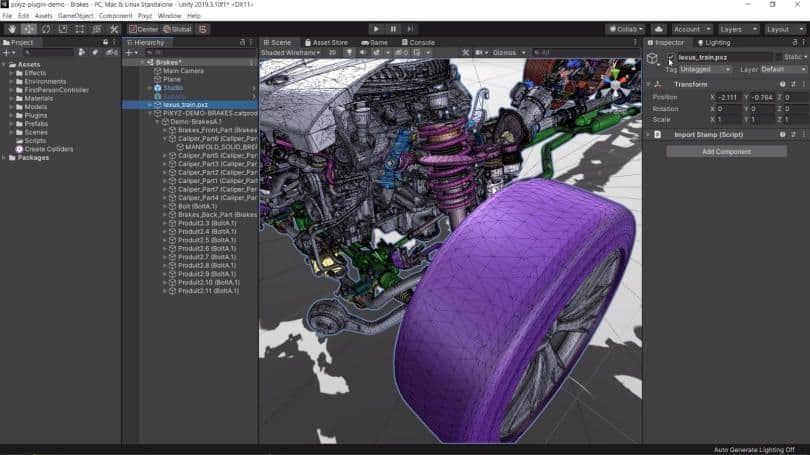
Streamline Your 3D Pipeline: Exploring Unity Asset Transformer, formerly known as Pixyz
This series explores the new features in Unity Asset Transformer Toolkit and will guide you through efficiently importing, optimizing, and managing 3D assets across your organization with demos featuring real user projects. Later in the series, we will showcase the new Asset Transformer SDK and how to automate your asset data prep for better integration into your existing environment and applications.
- Episode 1 - Getting the most out of Unity Industry: Asset Transformer Tookit
- Episode 2 - Asset Transformer Toolkit: Practical application with engineering data
- Episode 3 - Asset Transformer Toolkit: Practical application with architectural data
- Episode 4 - Introduction to Automation
- Episode 5 - Maximizing Unity Asset Store assets
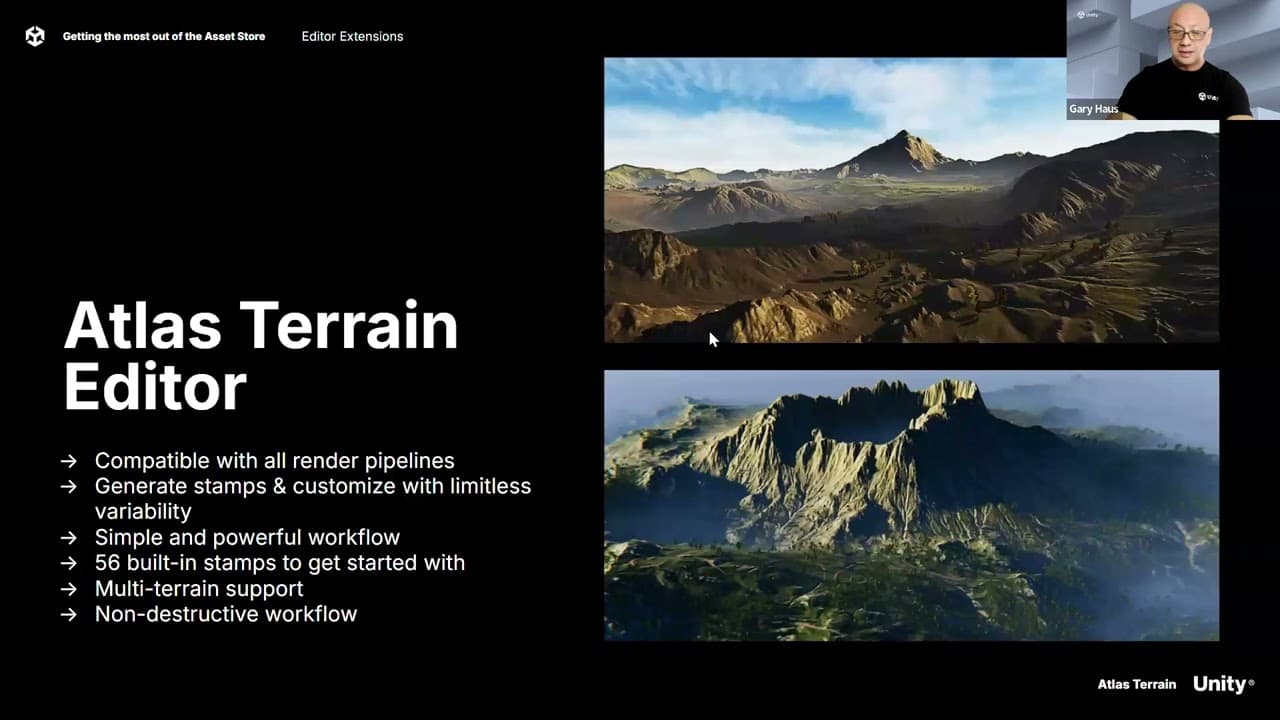
Episode 1 - Getting the most out of Unity Industry: Asset Transformer Toolkit
Get familiar with Asset Transformer Toolkit (formerly known as Pixyz Plugin) and the new features of the latest version. Learn how to install the Toolkit, import industrial data, and optimize your assets for seamless integration into your projects.
Episode 2 - Practical application with engineering data
Tackle real-world engineering data challenges using Unity Asset Transformer Toolkit. This hands-on session will showcase the practical application of the tool with various data types submitted by providing valuable insights for your own projects.
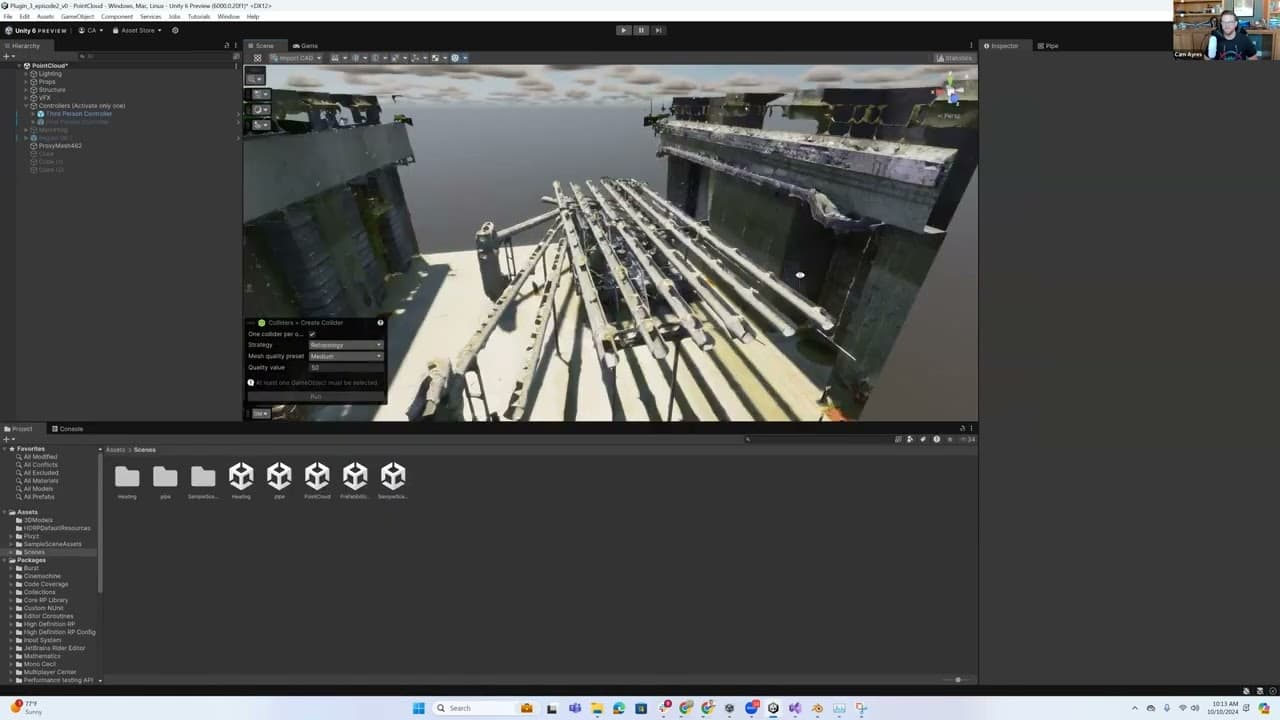
Episode 3 - Practical application with architectural data
Tackle real-world data challenges using Unity Asset Transformer Toolkit again. This hands-on session will showcase the practical application of the tool with architectural data.
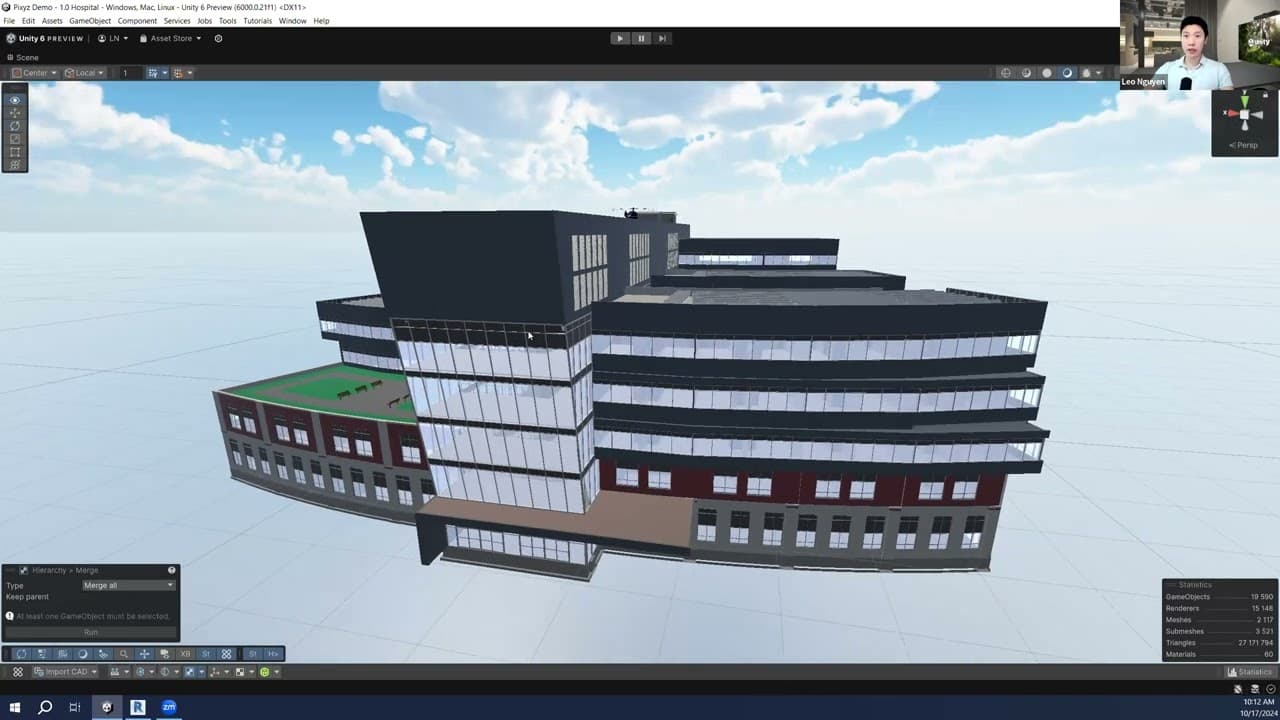
Episode 4 - Introduction to Automation
This session dives into automation with Unity Asset Transformer SDK. Learn how to integrate data preparation into your existing workflows and discover how tools like Unity Asset Manager and the upcoming Cloud Automation service can revolutionize your asset preparation processes.
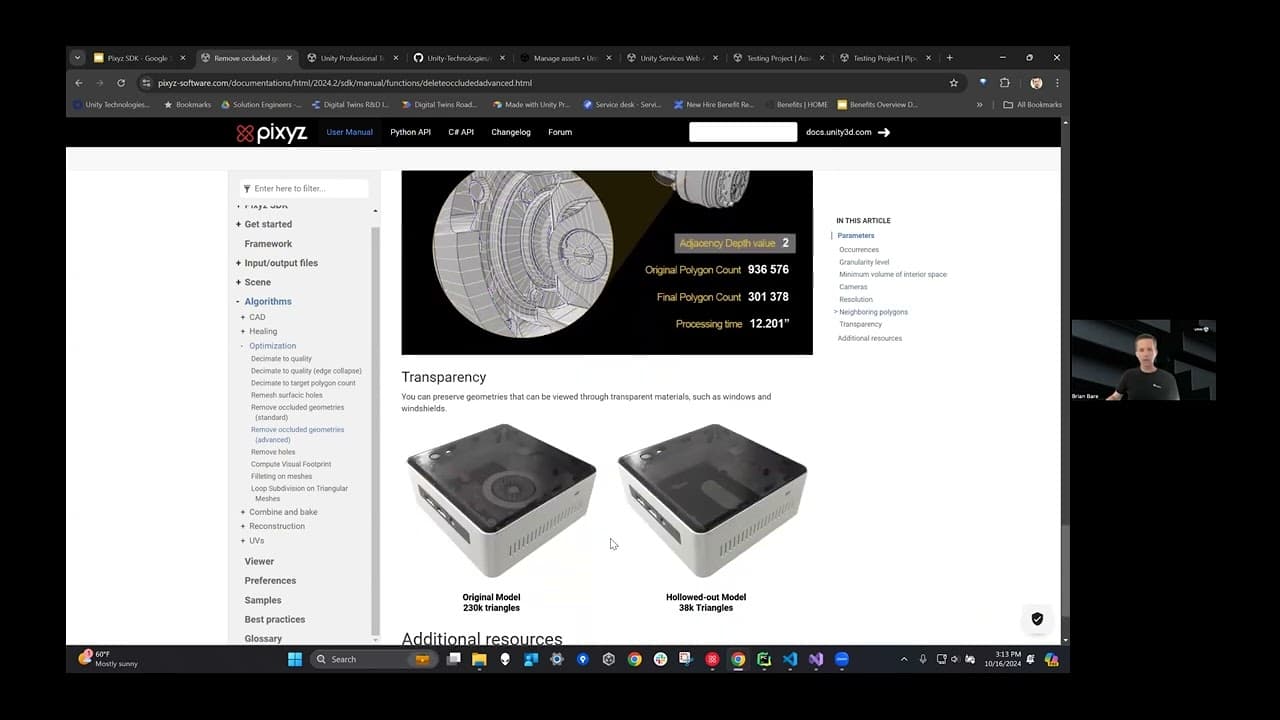
Episode 5 - Maximizing Unity Asset Store assets
This session provided practical tips and techniques for working with various asset types while showcasing Asset Store assets most applicable to Industry projects.