Building Westeros for mobile in Game of Thrones: Dragonfire

Adam Axler - Unity
Senior Content Marketing Manager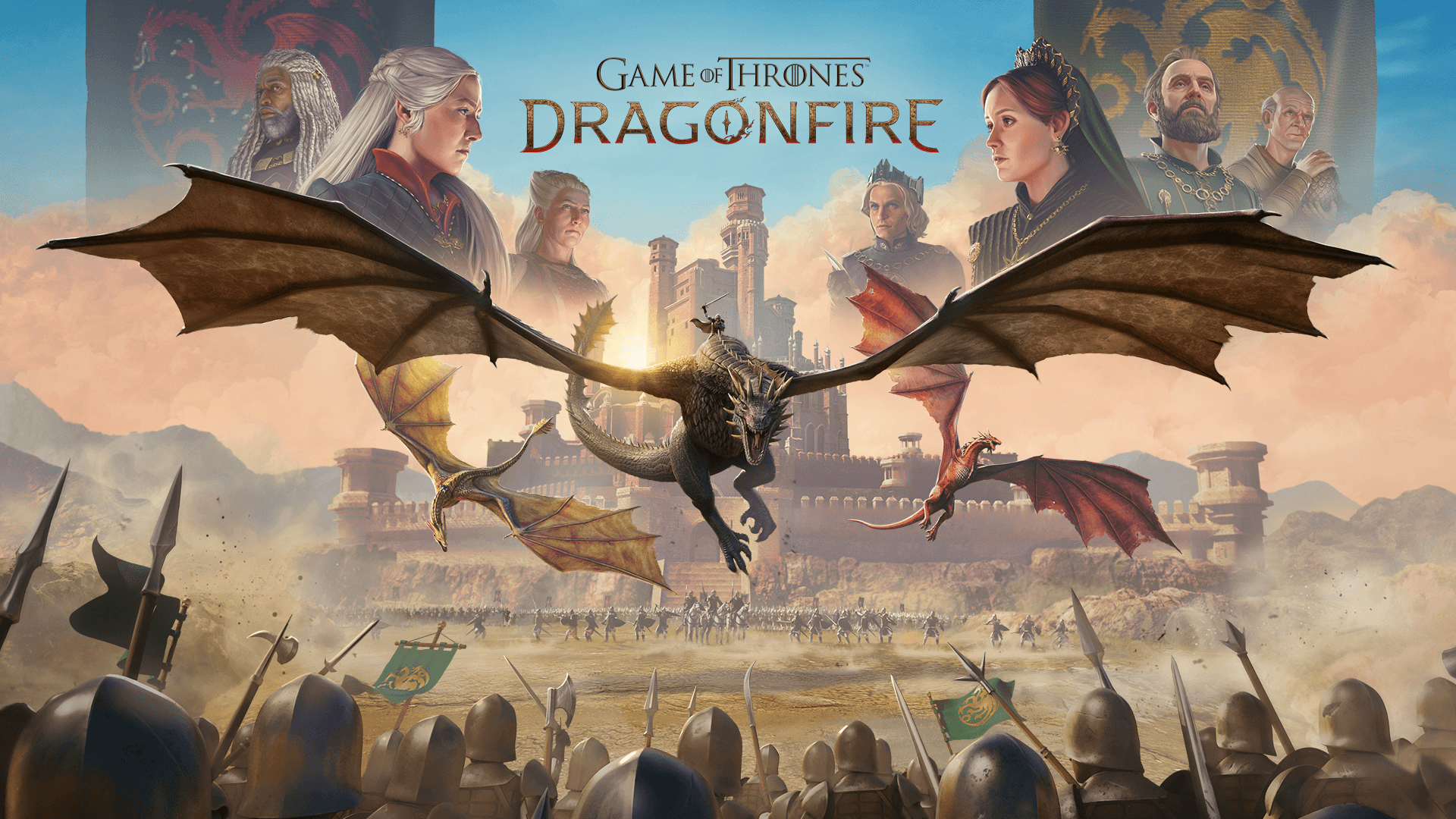
For Warner Bros. Games Boston, bringing the world of Westeros to mobile required more than adapting a beloved franchise. With House of the Dragon as its foundation, Game of Thrones: Dragonfire combines large-scale multiplayer strategy and dragon combat into a free-to-play experience built for modern mobile hardware.
Players step into the role of a Valyrian descendant tasked with hatching, raising, and commanding dragons while competing with thousands of other players for control of the Iron Throne. Delivering that fantasy required balancing high-quality visuals, scalable performance, and live multiplayer systems across a wide range of devices.
We spoke with Ara Yessayan, technical director, and Taia Lee, advanced technical artist, about building dragons for mobile hardware, supporting large-scale strategy gameplay, and using Unity to bring the world of Westeros to life.

Game of Thrones: Dragonfire | Warner Bros. Games
What were your primary goals and constraints for the player’s first-session experience?
Ara Yessayan: For a first session, we want to keep the player engaged and avoid any downtime that might interrupt their immersion. It’s important to gradually introduce the basics of our game and the story we have to tell in the world of “House of the Dragon.”
What strategies have you used to minimize load times for both new and returning players, and how do these experiences differ?
AY: For a new install, the focus is to require as little data upfront as possible. We’ve explored techniques to reduce the amount of data that we need to download or load into memory before bringing players to the start of our experience, as well as using transitions as opportunities to cover some of those loads. For a returning player, we need more data to build up your player state and put you in the right spot on the map. While the premise is similar (minimize waiting on data), the techniques focus more on deserialization costs and strategic ways to require less upfront.

Game of Thrones: Dragonfire | Warner Bros. Games
How did you identify your biggest load-time bottlenecks during development?
AY: To tackle load times, we used a few approaches. To get an overall sense of where our bottlenecks were, we set up custom profiling events for each stage of our loading process, which were written out to a CSV file. We aggregated values across multiple sessions to identify which stages were hot spots. We also transformed these into Chrome Trace Events and OpenTelemetry traces so we could better visualize how the stages were loading in parallel.
From there, we dug in on a specific stage. The Unity Profiler’s CPU module gave us deeper insight into inefficient code that we could clean up. In some cases, recording multiple profiles and using the Unity Profile Analyzer helped us evaluate how tuning some loading values improved (or degraded) the load times.
The CPU Profiler regularly came in handy when exploring frames with large hitches, diving into what caused frame rate drops and helping us find better techniques.
Beyond loading, the Rendering module helped us dig in on inefficiencies in rendering once we were in-game, and RenderDoc was another tool we leveraged when we needed to perform a deeper analysis on a runtime issue.
Finally, to keep sessions going, we had to ensure our memory consumption stayed under control. We identified unnecessary asset and object loads through Memory Profiler snapshots, particularly around the map and marches, which in turn lowered the loading requirements to get into the game.
How did you use Unity’s Memory Profiler to analyze asset bundle memory usage, including detecting duplication and verifying asset unloading? Can you please share a specific example?
Taia Lee: We typically use the Memory Profiler to identify instances where assets are loaded at unexpected points in the game and remain in memory. For example, this can occur when a texture is used in multiple places but resides in a single bundle, causing that entire bundle to be loaded when only that one texture is needed.
This is yet another reason why we aim to create specific shared bundles to prevent this. The tool is also helpful in catching the bigger memory offenders, especially ones that we may not have been aware of or that are larger than expected.

Game of Thrones: Dragonfire | Warner Bros. Games
What were the most unexpected performance issues you encountered early on, particularly related to content delivery and gameplay performance?
AY: One surprise was how much memory it took to load the map file data that indicated map layout. In Game of Thrones: Dragonfire, players use their armies and dragons to capture territories (tiles) on the map. These help the player gather resources and limit where they can send their armies, based on the requirement that they or another member of their faction must own an adjacent tile.
We knew we needed to break the map data into chunks to load the content. The data was necessary for the game to understand what was at each coordinate, especially given the extra data we needed to store for nodes that cover multiple tiles. Loading all the structs associated with a 2000×4000 map used enough memory to crash some devices.
As we progressed through improvements and optimizations to load only the relevant parts of the map instead of the whole map, this work significantly reduced the load times of our returning players.
Another technique we used to optimize the map further involved replacing GameObjects that represented terrain on the map with direct rendering of the meshes. This allowed us to avoid the memory costs of instantiating those GameObjects. Pairing this with strategically loading only the meshes and models needed for the surrounding area improved both map entry and scrolling performance.

Game of Thrones: Dragonfire | Warner Bros. Games
How do you decide what content must be available at launch versus what can be streamed or loaded later?
AY: Step one is identifying what we need for our first-time user experience (FTUE) before players enter the multiplayer stage of our game. This gives us the opportunity to download any data players use when they enter the full game.
There are other types of content related to live operations or late-stage features that can also be downloaded later in the process. We want to ensure players can enjoy the game as soon as they encounter a system.
On future loads, it’s a careful balance between loading things up front (which can add to load time) and what we load asynchronously (which might activate a loading spinner before entering a screen or area). We continue to iterate in this area to find the best possible user experience.
How did you structure and automate your asset bundle pipeline to balance download size, memory usage, and runtime flexibility?
TL: We typically aim to keep our asset bundles under 8 MB, with some exceptions based on use cases and the assets needed in a bundle. This led us to structure bundles so that assets commonly used together at runtime are available at the same time.
Conversely, we avoid extremely large bundles where only a portion of the assets are used. We have bundles organized by area of the game, feature, or shared asset types. For example, we have different biomes on our map and each biome has separate assets to fit that specific location.
We don’t need to have northern snowy mountains in the same bundle as our southern desert mountains. However, some meshes and textures are shared between biomes, so those assets go in a shared bundle.
It is a balance that requires understanding where assets are used throughout the game to keep performance optimized. As with any live game, this is a continuous process that we need to review and reorganize as more features are added.
AY: Before Addressables were released, we developed a set of tools in-house to help us tackle many of the issues Addressables now solve. Some of those internal tools power our ability to understand our bundle composition and enable advanced techniques for downloading patches to update them (we call this “Binary Patching”).

Game of Thrones: Dragonfire | Warner Bros. Games
What trade-offs or challenges have you encountered when working with asset bundles, and how did you address them?
TL: The biggest challenge we face is that asset bundle sizes can increase drastically if someone edits an existing prefab or adds many new assets without realizing the potential impact on bundle sizing and organization.
We’ve had instances of bundles increasing by more than 5 MB at a time without people knowing, and in the worst case this pushed our .aab beyond our size limit for store submission. We’ve since added alerts to our build pipeline to catch these cases and helped developers better understand when their changes might increase bundle sizes in unexpected ways.
How do you handle asset dependencies to avoid redundant downloads and unnecessary memory use?
TL: In our internal asset bundle tooling, we can see duplicated assets across bundles. In general, we don't want to see many duplicated assets, especially larger assets, so we add those assets directly to a bundle rather than allow them to be pulled in as a dependency from multiple bundles. We have to make sure it is added to a bundle that can be used in various places, but usually we create a separate shared bundle.

Game of Thrones: Dragonfire | Warner Bros. Games
What techniques have you used to reduce CPU spikes or delays caused by asset deserialization during app startup?
AY: One of the techniques we use for our design data is to use the Protocol Buffers (Protobuf) format for storage instead of typical JSON. Protobuf (the binary format used by gRPC) offers more compact storage and faster deserialization.
By using an associated structured schema file, we can load data into memory much faster without parsing the contents of JSON strings and tokenizing their structure. We explored other options like BSON and Odin Serializer to store and deserialize data more efficiently, but the ability to use gRPC to communicate with our servers more efficiently as well made it the right choice for us.
Effective thread management is also critical. Identify what work you can move off the Unity main thread so you focus on loading assets and scenes in the only place you can do that work.
How do you optimize build size and deployment pipelines to ensure faster patching and content updates?
AY: There are a few techniques we use. First and foremost, we focus on hitting the right balance of required assets baked into the game’s binary and those we can download later. Our game has a tutorial that takes a few minutes to complete, which offers us a window to download additional resources as needed without interrupting players on their first login.
Leveraging Android’s Play Asset Delivery has also helped us have more resources available up front. We started bundling select dynamic data tables into the game client, with the expectation that some of it would be stale. By only downloading tables that had changed, we reduced load time.
From there, we brought in our binary patching technique, letting us download slimmer binary diffs and patch modified files rather than downloading the new version outright. We can use this with asset bundles as well, patching game content as needed for new live events.

Game of Thrones: Dragonfire | Warner Bros. Games
Looking back, what is the most impactful change you made to improve load times for players?
AY: The simple answer is making sure players load only what they need. Prior to soft launch, we identified the map as one of our largest load-time bottlenecks. At the time, the game loaded all map resources up front before we started our optimizations to display only the regions around the player's home base.
Identifying what we needed and implementing techniques to load the rest asynchronously later eliminated multiple seconds of load time from even higher-end devices. Our team executed on the mission to improve load times for players and put us on the path to a better user experience, and I can’t thank them enough for their hard work here.
To read more about projects made with Unity, visit the Resources page.