• Games
  • Industry
  • Resources
  • Community
  • Learning
  • Support
Development
Unity Engine
Build 2D and 3D games for any platform
DownloadPlans and pricing
Monetization
In-App Purchase (IAP)
Discover and manage IAP across stores
Mediation
Maximize revenue and optimize monetization
Ad Quality
Protect your app’s user experience
Tapjoy
Build long-term user loyalty
All monetization products
User acquisition
User acquisition
Get discovered and acquire mobile users
Unity Vector AI
Connect players with the right games
Aura on-device advertising
Reach users on-device at peak engagement
All growth products
Use cases
3D collaboration
Build and review 3D projects in real time
Immersive training
Train in immersive environments
Customer experiences
Create interactive 3D experiences
All industry solutions
Industries
Manufacturing
Achieve operational excellence
Retail
Transform in-store experiences into online ones
Automotive
Elevate innovation and in-car experiences
All industries
Technical library
Documentation
Official user manuals and API references
Developer tools
Release versions and issue tracker
Roadmap
Review upcoming features
Glossary
Library of technical terms
Insights
Case studies
Real-world success stories
Best practice guides
Expert tips and tricks
All resources
What's new
Blog
Updates, information, and technical tips
News
News, stories, and press center
Community Hub
Discussions
Discuss, problem-solve, and connect
Events
Global and local events
Community stories
Made with Unity
Showcasing Unity creators
Livestreams
Join devs, creators, and insiders
Unity Awards
Celebrating Unity creators worldwide
For every level
Unity Learn
Master Unity skills for free
Professional training
Level up your team with Unity trainers
New to Unity
Getting started
Kickstart your learning
Unity Essential Pathways
New to Unity? Start your journey
How-to Guides
Actionable tips and best practices
Education
For students
Kickstart your career
For educators
Supercharge your teaching
Education Grant License
Bring Unity’s power to your institution
Certifications
Prove your Unity mastery
Support options
Get help
Helping you succeed with Unity
Success plans
Reach your goals faster with expert support
FAQ
Answers to common questions
Contact us
Connect with our team
Plans and pricing
Language
  • English
  • Deutsch
  • 日本語
  • Français
  • Português
  • 中文
  • Español
  • Русский
  • 한국어
Social
Currency
Purchase
  • Products
  • Unity Ads
  • Subscription
  • Unity Asset Store
  • Resellers
Education
  • Students
  • Educators
  • Institutions
  • Certification
  • Learn
  • Skills Development Program
Download
  • Unity Hub
  • Download Archive
  • Beta Program
Unity Labs
  • Labs
  • Publications
Resources
  • Learn platform
  • Community
  • Documentation
  • Unity QA
  • FAQ
  • Services Status
  • Case Studies
  • Made with Unity
Unity
  • Our Company
  • Newsletter
  • Blog
  • Events
  • Careers
  • Help
  • Press
  • Partners
  • Investors
  • Affiliates
  • Security
  • Social Impact
  • Inclusion & Diversity
  • Contact us
Copyright © 2025 Unity Technologies
  • Legal
  • Privacy Policy
  • Cookies
  • Do Not Sell or Share My Personal Information

"Unity", Unity logos, and other Unity trademarks are trademarks or registered trademarks of Unity Technologies or its affiliates in the U.S. and elsewhere (more info here). Other names or brands are trademarks of their respective owners.

Hero background image

Shader Graph

Build beautiful, dynamic shaders using a node-based visual authoring tool.
  • Overview
  • Features
  • Resources
Power of ShaderGraph

Simplifying shader creation

Shader Graph lets you visually author shaders and see the results in real-time. This node-based system opens up the field for artists and other team members – simply connect nodes in a graph network.

Shader Graph solutions

Streamline your workflow by creating high-quality shaders. Create and connect nodes visually, and instantly preview your work to speed up iteration.

  • Intuitive shader creation
  • Customize to your vision
  • Interactive shader response
  • Render according to your pipeline
  • Create with precision
Intuitive shader creation

Intuitive shader creation

Shader Graph enables fast iteration time at every step of the shader creation process. Almost every node has a built-in preview that enables you to see step-by-step output. The graph itself has an overall preview, so you can see the end results of your shader. If your shader is applied to a model in the scene, the shader updates instantly when saved, giving you split-second updates. All of the clunkiness of code syntax, compiling, and building are removed, so there are no barriers between you and your creative vision.

Customize to your vision

Customize to your vision

The Shader Graph Asset provides preconfigured options for different Materials. The nodes in Shader Graph represent data about the objects to which the Material is applied, including their mathematical functions, procedural patterns, and more. Add your own custom functions with the Custom Function node, or wrap your nodes in a subgraph to expand your node library with custom calculations.

Interactive shader response

Interactive shader response

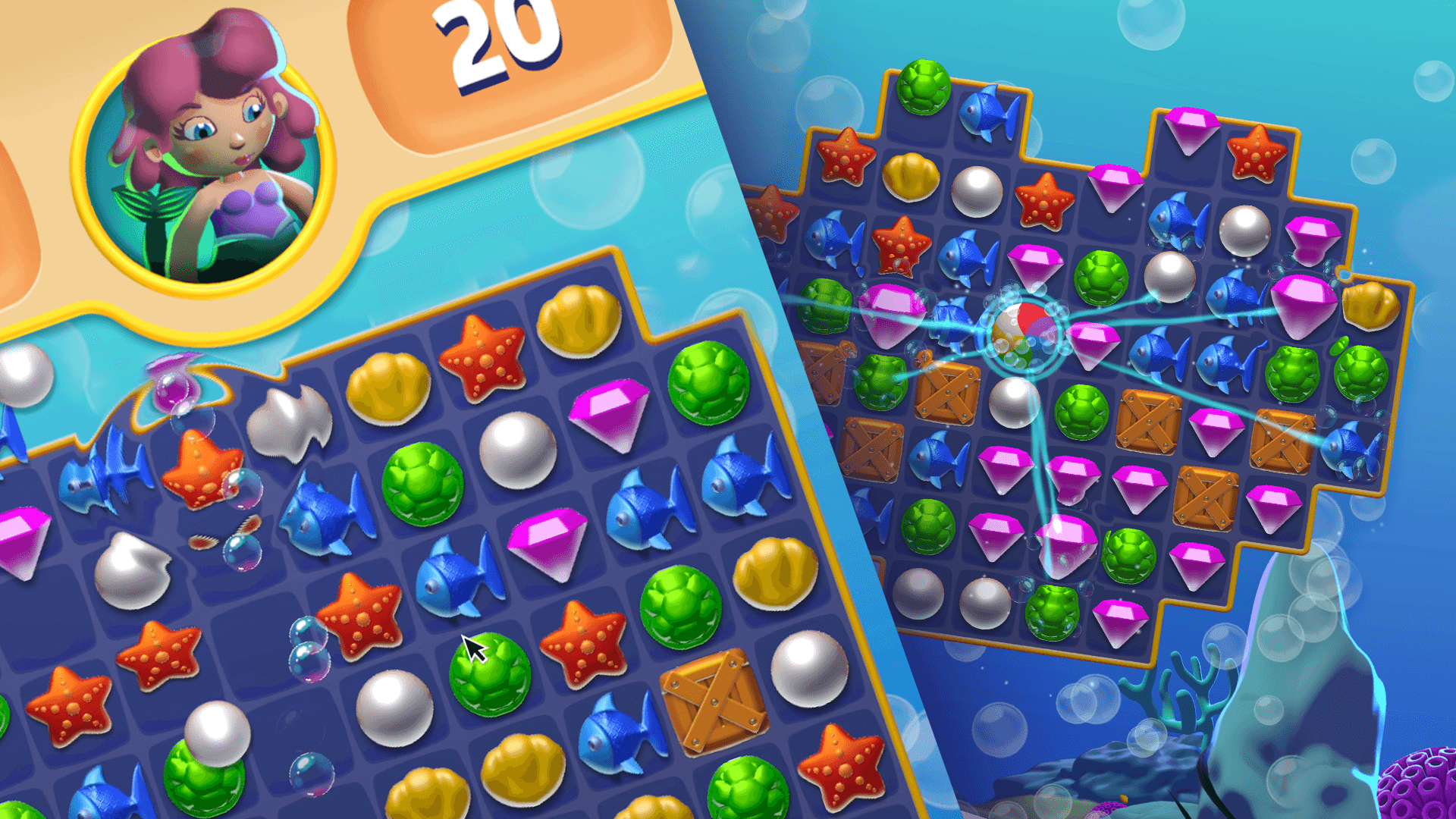
Shader Graphs can get information directly from the Scene, allowing you to create animated and interactive effects that respond to your user’s actions. Custom color skins, wading water ripples, or foliage gently blowing in a breeze can help bring your project to life, and Shader Graph can help you achieve these effects.

Render according to your pipeline

Render according to your pipeline

Each Shader Graph file you create can output to multiple target renderers, including the Built-In Render Pipeline and the Scriptable Render Pipelines available with Unity, the Universal Render Pipeline (URP) and the High Definition Render Pipeline (HDRP). You can also create Shader Graphs to use inside of the VFX Graph to bring VFX in your project to the next level.

Create with precision

Create with precision

The Master Stack is the end point of a Shader Graph that defines the final surface appearance of a shader. It helps users to visualize the relationship between operations that take place in the vertex stage – when attributes of the polygon’s vertices are calculated – and the fragment stage, when calculations are made to see how the pixels between the vertices look. Add your own interpolator blocks to the vertex stage to gain finer control over your shader calculations.

New resources

Neon Artist Challenge

What’s new for artists in 2021.2

Discover the latest features and improvements built to help artists and designers optimize their creative workflows and produce powerful immersive experiences.

Learn more
ShaderGraph update

Shader Graph updates in 2021.2

Exciting new features in Shader Graph in the 2021.2 release will help you unlock greatly improved artist workflows and shader performance.

Learn more
Unity for Technical artists

Unity Guide for Technical Artists

Access the ultimate guide to the toolsets and workflows that will empower you to achieve powerful visual game creation with Unity.

See the guide
Unite
Discover more artist tools

Unleash your imagination with Unity’s powerful, artist-friendly solutions. Tap into greater flexibility with tools specifically designed to help you work faster, in real-time.

See more