• 게임
  • 산업 분야
  • 리소스
  • 커뮤니티
  • 학습
  • 문의하기
개발
Unity 엔진
모든 플랫폼 위한 2D 및 3D 게임 제작
다운로드플랜 및 가격
수익화
인앱 결제/인앱 구매(IAP)
스토어 간 IAP 검색 및 관리
Mediation
수익 / 매출 극대화 및 수익화 / 수익 창출 최적화(하다)
Ad Quality
앱 유저. '광고 지면'의 타겟 고객 경험 보호
탭조이
장기적인 유저. '광고 지면'의 타겟 고객 충성도 구축
모든 수익화 / 수익 창출 제품
사용자 확보
사용자 확보
모바일 사용자를 검색하고 Acquire
Unity 벡터 AI
적합한 게임으로 플레이어 연결
Aura 디바이스 단위 광고
최대 참여/인게이지먼트 시 기기 내 사용자 도달률
모든 성장 제품
활용 부문
3D 협업
실시간 3D 프로젝트 빌드 및 검토
몰입형 교육
몰입도 높은 환경 제작
고객 경험
인터랙티브 3D 경험 제작
모든 업계 솔루션
산업 분야
제조업
운영 우수성 확보
리테일
상점 경험을 온라인 경험으로 전환
자동차
혁신 및 차량 내 경험 향상
전체 산업 분야
테크니컬 라이브러리
기술 자료
공식 유저. '광고 지면'의 타겟 고객 매뉴얼 및 API 레퍼런스
개발자 툴
릴리스 버전 및 이슈 트래커
로드맵
예정된 기능 검토
용어집
기술 용어 라이브러리
분석 자료
활용 사례
실제 성공 사례
베스트 프랙티스 가이드
전문가 팁
모든 리소스
새로운 기능
블로그
업데이트, 정보, 기술 팁
뉴스
뉴스, 스토리, 보도 센터
커뮤니티 허브
토론
토론, 문제 해결, 소통
이벤트
글로벌 이벤트 및 현지 이벤트
커뮤니티 사례
Made with Unity
Unity 크리에이터 소개
Livestreams
개발자, 크리에이터, Insider와의 소통
Unity Awards
전 세계 Unity 크리에이터 축하
모든 레벨 지원
Unity Learn
무료로 Unity 기술 마스터
전문 교육
Unity 강사와 함께 팀의 역량을 강화하세요
Unity 처음 사용하시나요
시작하기
학습 시작하기
Unity 필수 학습 길잡이
Unity 사용이 처음이신가요? 여정 시작하기
사용법 가이드
실용적인 팁 및 베스트 프랙티스
교육
학생용
커리어 시작하기
교육 담당자 대상 교육
교육 효율 극대화
교육 라이선스
교육 기관에 Unity 강력한 기능 도입
자격증
Unity 숙련도를 입증하세요
지원 옵션
도움 받기
성공을 위한 Unity
Success 플랜
전문가 지원을 통해 더 빠르게 목표 도달률 달성
FAQ
일반적인 질문에 대한 답변
문의하기
유니티 팀과 소통하기
플랜 및 가격
언어
  • English
  • Deutsch
  • 日本語
  • Français
  • Português
  • 中文
  • Español
  • Русский
  • 한국어
소셜
통화
구매
  • 제품
  • 유니티 애즈
  • 구독
  • Unity 에셋 스토어
  • 리셀러
교육
  • 학생
  • 교육 담당자
  • 기관
  • 인증 시험
  • 레벨업 아카데미
  • Skills Development Program
다운로드
  • Unity Hub
  • 다운로드 아카이브
  • 베타 프로그램
Unity Labs
  • Labs
  • Publications
리소스
  • Unity 학습 플랫폼
  • 커뮤니티
  • 기술 자료
  • Unity QA
  • FAQ
  • Services Status
  • 활용 사례
  • Made with Unity
Unity
  • 회사
  • 뉴스레터
  • 블로그
  • 이벤트
  • 채용 정보
  • 도움말
  • Press
  • 파트너
  • 투자자
  • 어필리에이트
  • 보안
  • 소셜 임팩트
  • Inclusion & Diversity
  • 문의하기
Copyright © 2025 Unity Technologies
  • 법적 고지 사항
  • 개인정보처리방침
  • 쿠키
  • 개인정보 판매 또는 공유 금지

'Unity', Unity 로고 및 기타 Unity 상표는 미국 및 기타 국가에서 유니티 테크놀로지스 또는 계열사의 상표 또는 등록상표입니다(여기에서 자세한 정보 확인). 기타 명칭 또는 브랜드는 해당 소유자의 상표입니다.

Hero background image

Unity 2022 LTS for artists

Discover the latest artist tools and workflows to power your game creation.
Download 2022 LTS
Unity 2022 LTS overview
Download 2022 LTS
Unity 2022 LTS overview
  • Features
  • Resources
  • FAQ
LTS for Artists

Fuel your ambitions

Unity 2022 LTS delivers new features and improvements to help optimize artists’ creative workflows. Build immersive experiences more quickly, customize your Editor setup for greater efficiency, and craft and scale performant graphics with powerful rendering solutions supported by an ecosystem of tools.

Features

Features

  • Customize your Editor with UI Toolkit
  • Create high-definition natural environments
  • Boosting 2D art creation
  • Enhance lighting and visuals for any device
  • Build advanced visual effects
  • Performance and extensibility
UI Toolkit and browser window

Customize your Editor with UI Toolkit

UI Toolkit is a collection of features and tools to develop user interfaces and Editor extensions for greater efficiency.

Access better separation of concerns, more flexible layouts, and advanced stylings to create superior UI experiences. Generate default inspectors using UI Toolkit to simplify the use of Property Drawers.

Vector Drawing API has a 5x performance gain, gradients rendering, and the ability to build instructions outside the UI render loop. Find new support for background tiling, emojis in TextMeshPro, a newly verified Localization package, and over 200 bugs fixed.

Discover UI Toolkit
HDRP Water Environment

Create high-definition natural environments

Enrich your environments and high-fidelity worlds with High Definition Pipeline (HDRP).

Produce realistic skies with Cloud layers’s improved atmospheric lighting, and seamlessly blend between weather conditions with Volumetric Clouds. Create advanced procedural fog and volumetric effects such as ground fog effects, custom clouds, aurora borealis, sand storms, and smoke with Volumetric Materialsin Shader Graph.

Add water surfaces like oceans, pools, and rivers with the new Water System, which gives you greater control over a physically based water lighting model, as well as simulation.

You can record photoreal frames for cinematics or beauty shots faster with the HDRP Path Tracer thanks to the new NVIDIA Optix™ and Intel® Open Image denoisers, as well as accessing improved visual fidelity with adaptive sampling when lighting a prop from an HDRI.

What’s new in HDRP
Boosting 2D art creation

Boosting 2D art creation

The Sprite Library Editor now provides a more efficient way to manage Sprite Libraries, with improved performance for larger sets of content. Sprite Atlas now works in the Editor, allowing users to experience the benefits of atlassing sprites without entering Play mode or making a build.

Blending Modes are now available in Shader Graph 2D master stacks in URP for Lit, Unlit, and Custom Lit, providing more options for creating unique visual effects.

Rigidbody2D and Collider2D now allow for per-object overrides to the Layer Collision Matrix, improving control over collision behavior in 2D physics simulations.

Aseprite Importer enables you to quickly bring in Aseprite’s .ase and .aseprite files into Unity, accelerating your 2D workflows for pixel art games.

See more about 2D tools
2022 LTS URP

Enhance lighting and visuals for any device

Create and scale your graphics with a high degree of extensibility and customization using Universal Render Pipeline (URP).

Forward+ Rendering significantly increases the overall number of lights that can be used in rendering a frame. Rendering Layers allow you to filter and configure how different objects get rendered and are affected by various rendering options. You can add extra texture with Decal Layers to manage how different objects are affected by different Decal Projectors in a scene.

Experience improved graphics quality with Temporal Anti-aliasing (TAA), which reduces aliasing problems such as pixelated and flickering edges for optimized performance. Level Of Detail (LOD) cross-fade provides a smoother transition blending between the current mesh LOD and the next LOD based on the object’s distance from the camera.

What’s new in URP
6-way lighting workflow

Build advanced visual effects

Produce powerful, high-fidelity, richly detailed visual effects with VFX Graph.

Create and render reusable smoke, dust, and explosion effects with new levels of visual fidelity using 6-Way lighting, a complete end-to-end workflow (from DCC to Unity) to bake and render lightmaps so you can relight the same effect in different conditions.

Our new VFX Graph Timeline integration drastically improves complex VFX authoring workflows. It allows you to use Timeline to precisely place and edit VFX events, sequence multiple effects, synchronize FX with animations, and scrub back and forth frame by frame on the timeline for fine-grained control.

You can now dynamically enable and disable blocks in graphs using a Boolean Port for greater flexibility and performance when creating configurable uber effects. Effect Instancing allows you to reuse the same VFX assets multiple times with lower CPU overhead.

Material Variants

Performance and extensibility

Manage complex material libraries with Material Variants, which enable you to reuse and refine your management of materials that share most but not all surface properties.

Create Custom Post Process, Custom Passes, and Custom textures using Shader Graph with the new full screen master node, available for both HDRP and URP.

Finally, significant improvements have been made to Shader Variant Prefiltering, reducing shader build times and runtime memory usage for projects created with Unity’s Scriptable Render Pipelines.

Resources

2022 LTS

Introducing Unity 2022 LTS

Unity 2022 LTS boosts your productivity and unlocks creativity so you can create connected, immersive, and high-performance games that maximize device capabilities.

Read more
2023 Roadmap for games

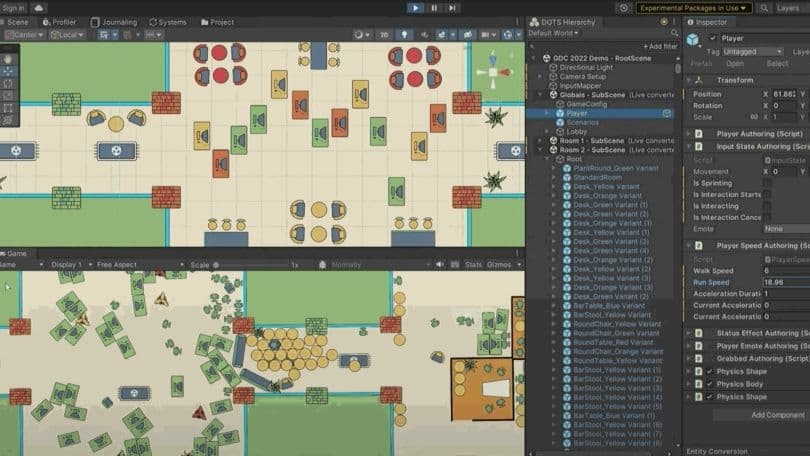
Unity 2022 Roadmap

Learn what’s new in Unity’s 2022 LTS and 2023 Tech Stream releases.

Watch now
LTS for Programmers

Unity 2022 LTS for programmers

Updates and iteration speedups help you optimize your games while making better use of your coding time.

What’s new for programmers
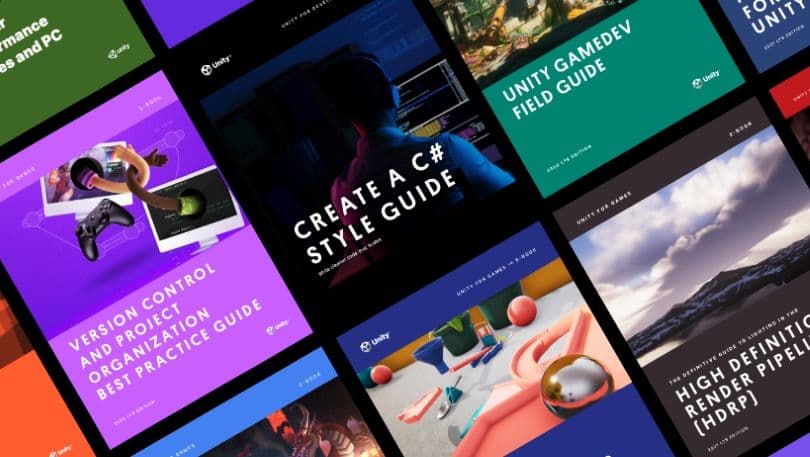
Ebook guides

Upskill with expert e-books

Access this series of how-to articles, e-books, and other resources – written for creators, by creators – with actionable tips and best practices to help you achieve more in less time.

Get the guide
2022 LTS
Download Unity 2022 LTS

Get Unity 2022 LTS from the Unity Hub. If you’re a new professional user, start by getting a Unity Pro license from your team or the Unity Store.

Download 2022 LTS now
Get Unity Pro

Frequently asked questions

What’s an LTS release?

+

What version do you recommend for my project?

+

What is a Tech Stream release?

+

How often is Unity 2022 LTS updated?

+

What has changed from Unity 2022.2 to Unity 2022 LTS?

+

Where can I get a free trial of Unity Pro?

+