• 游戏
  • 工业
  • 资源
  • 社区
  • 学习
  • 支持
开发
Unity 引擎
为任何平台构建2D和3D游戏
下载计划和定价
商业化
应用内购买(IAP)
发现并管理各商店的IAP
聚合平台
最大化收入并优化变现
Ad Quality
保护您应用的用户体验
Tapjoy
建立长期用户忠诚度
所有变现产品
用户获取
用户获取
被发现并获取移动用户
Unity向量AI
将玩家与合适的游戏连接
Aura设备内广告
在用户高峰参与时触达用户
所有增长产品
使用案例
3D协作
实时构建和审查3D项目
沉浸式培训
在沉浸式环境中培训
客户体验
创建互动3D体验
所有行业解决方案
行业
制造业
实现运营卓越
零售
将店内体验转化为在线体验
汽车
提升创新和车内体验
所有行业
技术库
文档
官方用户手册和API参考
开发者工具
发布版本和问题跟踪器
路线图
查看即将推出的功能
术语表
技术术语库
洞察
案例分析
真实成功案例
最佳实践指南
专家提示和技巧
所有资源
新增功能
博客
更新、信息和技术提示
新闻
新闻、故事和新闻中心
社区中心
讨论
讨论、解决问题和连接
事件
全球和本地活动
社区故事
Made with Unity
展示Unity创作者
直播活动
加入开发者、创作者和内部人员
Unity奖项
庆祝全球的Unity创作者
适合每个级别
Unity Learn
免费掌握Unity技能
专业培训
通过Unity培训师提升您的团队
Unity新手
准备开始
开始您的学习
Unity基础路径
你是Unity 新手?开始您的旅程
使用指南
可操作的技巧和最佳实践
教育
对于学生
开启您的职业生涯
对于教育者
增强您的教学
教育资助许可证
将Unity的力量带入您的机构
认证
证明您的Unity精通
支持选项
获取帮助
帮助您在Unity中取得成功
成功计划
通过专家支持更快实现目标
常见问题解答
常见问题解答
联系我们
与我们的团队联系
计划和定价
语言
  • English
  • Deutsch
  • 日本語
  • Français
  • Português
  • 中文
  • Español
  • Русский
  • 한국어
社交
货币
采购
  • 产品
  • Unity Ads
  • 订阅
  • Unity Asset Store
  • 经销商
教育
  • 学生
  • 教师
  • 机构
  • 认证
  • 学习
  • 技能发展计划
下载
  • Unity Hub
  • 下载存档
  • Beta 版测试
Unity Labs
  • 实验室
  • 作品
资源
  • 学习平台
  • 社区
  • 文档
  • Unity QA
  • 常见问题解答
  • 服务状态
  • 案例分析
  • Made with Unity
Unity
  • 我们公司
  • 新闻简报
  • 博客
  • 事件
  • 工作机会
  • 帮助
  • 新闻
  • 合作伙伴
  • 投资人
  • 附属机构
  • 安防
  • 社会影响力
  • 包容性与多样性
  • 联系我们
版权所有 © 2025 Unity Technologies
  • 法律
  • 隐私政策
  • Cookie
  • 不要出售或分享我的个人信息

“Unity”、Unity 徽标及其他 Unity 商标是 Unity Technologies 或其分支机构在美国及其他地区的商标或注册商标(单击此处获取更多信息)。其他名称或品牌是其各自所有者的商标。

Hero background image

Unity 2022 LTS for artists

Discover the latest artist tools and workflows to power your game creation.
Download 2022 LTS
Unity 2022 LTS overview
Download 2022 LTS
Unity 2022 LTS overview
  • Features
  • Resources
  • FAQ
LTS for Artists

Fuel your ambitions

Unity 2022 LTS delivers new features and improvements to help optimize artists’ creative workflows. Build immersive experiences more quickly, customize your Editor setup for greater efficiency, and craft and scale performant graphics with powerful rendering solutions supported by an ecosystem of tools.

Features

Features

  • Customize your Editor with UI Toolkit
  • Create high-definition natural environments
  • Boosting 2D art creation
  • Enhance lighting and visuals for any device
  • Build advanced visual effects
  • Performance and extensibility
UI Toolkit and browser window

Customize your Editor with UI Toolkit

UI Toolkit is a collection of features and tools to develop user interfaces and Editor extensions for greater efficiency.

Access better separation of concerns, more flexible layouts, and advanced stylings to create superior UI experiences. Generate default inspectors using UI Toolkit to simplify the use of Property Drawers.

Vector Drawing API has a 5x performance gain, gradients rendering, and the ability to build instructions outside the UI render loop. Find new support for background tiling, emojis in TextMeshPro, a newly verified Localization package, and over 200 bugs fixed.

Discover UI Toolkit
HDRP Water Environment

Create high-definition natural environments

Enrich your environments and high-fidelity worlds with High Definition Pipeline (HDRP).

Produce realistic skies with Cloud layers’s improved atmospheric lighting, and seamlessly blend between weather conditions with Volumetric Clouds. Create advanced procedural fog and volumetric effects such as ground fog effects, custom clouds, aurora borealis, sand storms, and smoke with Volumetric Materialsin Shader Graph.

Add water surfaces like oceans, pools, and rivers with the new Water System, which gives you greater control over a physically based water lighting model, as well as simulation.

You can record photoreal frames for cinematics or beauty shots faster with the HDRP Path Tracer thanks to the new NVIDIA Optix™ and Intel® Open Image denoisers, as well as accessing improved visual fidelity with adaptive sampling when lighting a prop from an HDRI.

What’s new in HDRP
Boosting 2D art creation

Boosting 2D art creation

The Sprite Library Editor now provides a more efficient way to manage Sprite Libraries, with improved performance for larger sets of content. Sprite Atlas now works in the Editor, allowing users to experience the benefits of atlassing sprites without entering Play mode or making a build.

Blending Modes are now available in Shader Graph 2D master stacks in URP for Lit, Unlit, and Custom Lit, providing more options for creating unique visual effects.

Rigidbody2D and Collider2D now allow for per-object overrides to the Layer Collision Matrix, improving control over collision behavior in 2D physics simulations.

Aseprite Importer enables you to quickly bring in Aseprite’s .ase and .aseprite files into Unity, accelerating your 2D workflows for pixel art games.

See more about 2D tools
2022 LTS URP

Enhance lighting and visuals for any device

Create and scale your graphics with a high degree of extensibility and customization using Universal Render Pipeline (URP).

Forward+ Rendering significantly increases the overall number of lights that can be used in rendering a frame. Rendering Layers allow you to filter and configure how different objects get rendered and are affected by various rendering options. You can add extra texture with Decal Layers to manage how different objects are affected by different Decal Projectors in a scene.

Experience improved graphics quality with Temporal Anti-aliasing (TAA), which reduces aliasing problems such as pixelated and flickering edges for optimized performance. Level Of Detail (LOD) cross-fade provides a smoother transition blending between the current mesh LOD and the next LOD based on the object’s distance from the camera.

What’s new in URP
6-way lighting workflow

Build advanced visual effects

Produce powerful, high-fidelity, richly detailed visual effects with VFX Graph.

Create and render reusable smoke, dust, and explosion effects with new levels of visual fidelity using 6-Way lighting, a complete end-to-end workflow (from DCC to Unity) to bake and render lightmaps so you can relight the same effect in different conditions.

Our new VFX Graph Timeline integration drastically improves complex VFX authoring workflows. It allows you to use Timeline to precisely place and edit VFX events, sequence multiple effects, synchronize FX with animations, and scrub back and forth frame by frame on the timeline for fine-grained control.

You can now dynamically enable and disable blocks in graphs using a Boolean Port for greater flexibility and performance when creating configurable uber effects. Effect Instancing allows you to reuse the same VFX assets multiple times with lower CPU overhead.

Material Variants

Performance and extensibility

Manage complex material libraries with Material Variants, which enable you to reuse and refine your management of materials that share most but not all surface properties.

Create Custom Post Process, Custom Passes, and Custom textures using Shader Graph with the new full screen master node, available for both HDRP and URP.

Finally, significant improvements have been made to Shader Variant Prefiltering, reducing shader build times and runtime memory usage for projects created with Unity’s Scriptable Render Pipelines.

Resources

2022 LTS

Introducing Unity 2022 LTS

Unity 2022 LTS boosts your productivity and unlocks creativity so you can create connected, immersive, and high-performance games that maximize device capabilities.

Read more
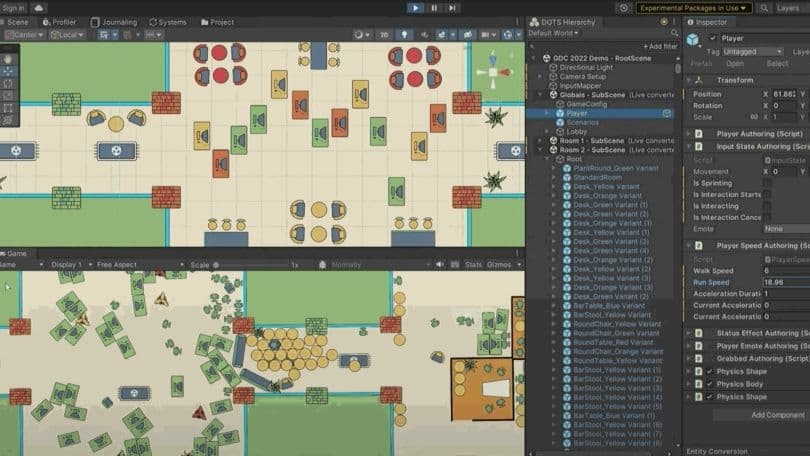
2023 Roadmap for games

Unity 2022 Roadmap

Learn what’s new in Unity’s 2022 LTS and 2023 Tech Stream releases.

Watch now
LTS for Programmers

Unity 2022 LTS for programmers

Updates and iteration speedups help you optimize your games while making better use of your coding time.

What’s new for programmers
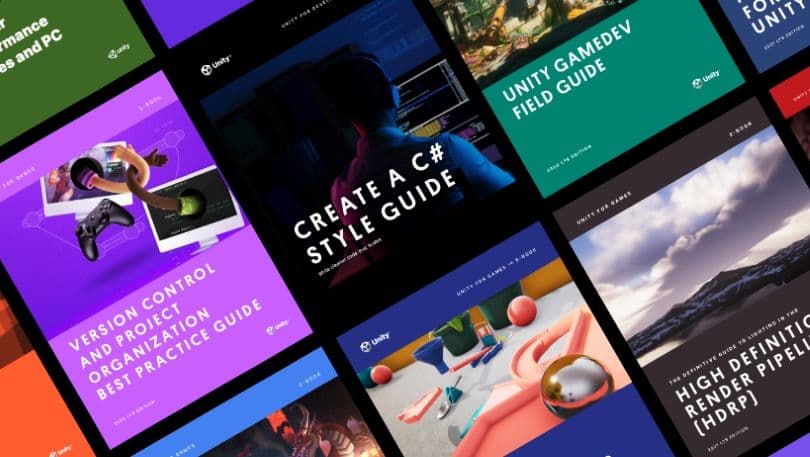
Ebook guides

Upskill with expert e-books

Access this series of how-to articles, e-books, and other resources – written for creators, by creators – with actionable tips and best practices to help you achieve more in less time.

Get the guide
2022 LTS
Download Unity 2022 LTS

Get Unity 2022 LTS from the Unity Hub. If you’re a new professional user, start by getting a Unity Pro license from your team or the Unity Store.

Download 2022 LTS now
Get Unity Pro

Frequently asked questions

What’s an LTS release?

+

What version do you recommend for my project?

+

What is a Tech Stream release?

+

How often is Unity 2022 LTS updated?

+

What has changed from Unity 2022.2 to Unity 2022 LTS?

+

Where can I get a free trial of Unity Pro?

+