
Diese Website wurde aus praktischen Gründen für Sie maschinell übersetzt. Die Richtigkeit und Zuverlässigkeit des übersetzten Inhalts kann von uns nicht gewährleistet werden. Sollten Sie Zweifel an der Richtigkeit des übersetzten Inhalts haben, schauen Sie sich bitte die offizielle englische Version der Website an.

Schauen Sie, was unter der Haube ist
Mit Unity Source Code erhalten Sie tiefere Einsichten in die innere Struktur von Unity. Egal ob Sie Code optimieren, debuggen oder benutzerdefinierten Code bereitstellen möchten, dieser Einblick hilft Ihnen dabei, das Beste für Ihr Projekt zu erreichen und dies schneller umzusetzen.

In Unity Enterprise enthalten
Durch den Unity Enterprise-Plan erhalten Sie Source Code Access sowie die Unterstützung und Werkzeuge, die Sie benötigen, um umfassende und ambitionierte Projekte zu bearbeiten.
Wesentliche Vorteile
Schreiben Sie besseren, optimierten Code
Sie können Source Code nach Ihren Wünschen einsetzen – egal ob zur Verbesserung alter Prozesse oder zum Verständnis von Datenstrukturen oder Grafik-Rendering – und sie tun dies mit den neuesten Updates und Fehlerbehebungen.
Schneller debuggen und Lösungen finden
Debuggen Sie Ihren Editor und Laufzeit-Code effizienter, ohne auf den Support zu warten. Gehen Sie Fehlern und Leistungsproblemen mit Flags und Breakpoints schneller auf den Grund und setzen Sie Unitys automatisierte Tests und das Test Framework ein, um die Stabilität Ihres Projektes zu überwachen.
Arbeiten Sie mit uns zusammen am Code
Empfehlen Sie Engine-Verbesserungen, teilen Sie Ihr Wissen und kontextualisieren Sie Ihre Support-Bedürfnisse besser. Machen Sie anderen Ihre Source Code-Beispiele und bewährten Praktiken zugänglich, machen Sie Ihrem Erfolgsberater Code-Vorschläge und arbeiten Sie enger mit Unity-Support-Teams zusammen.
Liefern Sie mit Adapt benutzerdefinierten Code aus
Nutzen Sie Source Code Adapt-Rechte, um, basierend auf den Anforderungen Ihres Projektes, modifizierten oder benutzerdefinierten Code zu starten. Stellen Sie Ihren Code mithilfe von internen APIs bereit und modifizieren Sie private Datenstrukturen, um Funktionen zu löschen, zu überschreiben oder zu erweitern. Ein Integrated Success-Plan ist erforderlich; kontaktieren Sie den Vertrieb für weitere Informationen.
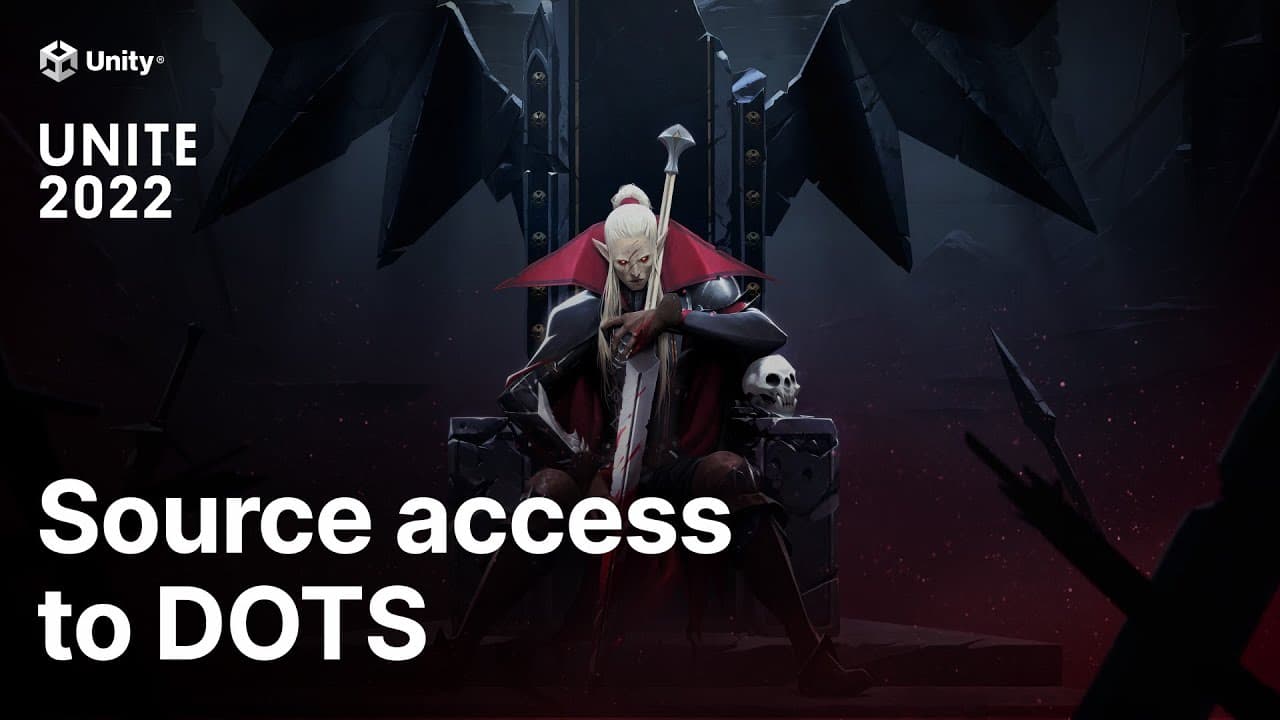
Source Code hat die Ambitionen der Stunlock Studios beflügelt
Sehen Sie, wie die Stunlock Studios mithilfe von DOTS und Unity Source Code zur Fehlerbehebung, Leistungssteigerung und Bildwiederholratenoptimierung innerhalb der GPU-Beschränkungen ihre Vision für das gefeierte Spiel V Rising verwirklicht haben.
Pläne mit Source Code
Es gibt zwei Pläne, die Ihre Bedürfnisse erfüllen, Source Code Access und Source Code Adapt. Source Code Access, das in Unity Enterprise enthalten ist, ermöglicht es Ihnen, Ihren Code besser zu verstehen, zu optimieren und zu debuggen – und dies schneller zu tun. Mit Adapt erhalten Sie die Vorteile von Access, plus die Fähigkeit, ihren benutzerdefinierten Code zu auszuliefern.
In Access und Adapt enthalten:
- Zugriff und Ansicht auf Unity Source Code
- Debuggen Sie Ihre Projekte leichter, indem Sie Unity Source Code als Referenz benutzen
Nur bei Adapt inbegriffen:
+ Entwickeln Sie von Unity Source Code aus, einschließlich Editoren, Player, Tools und Projektdateien
+ Modifizieren und optimieren Sie den Build-Prozess oder andere interne Werkzeuge
+ Führen Sie automatisierte Tests vom Unity Repository aus mit enthaltenen Test-Frameworks
+Fügen Sie Features oder Funktionalitäten hinzu, indem Sie die Spiele-Engine oder die Pakete modifizieren
+ Start und Auslieferung Ihrer Projekte mithilfe von modifiziertem Unity Source Code
Was ist in den Plänen enthalten
Unity Editor und Laufzeitumgebung
Bee-Build-System
Unity-APIs
Unitys automatisierte Tests und Frameworks
Unity Remote
IL2CPP
Partner-Plattformen
Erste Schritte mit Unity Source Code
Kaufen Sie Unity Source Code
Kontaktieren Sie das Vertriebsteam, um Source Code Access als Teil von Unity Enterprise-Plänen oder Source Code Adapt-Rechten zu erhalten.

Greifen Sie vom Admin Portal aus darauf zu
Sehen Sie sich Unity Source Code mit Ihrer Unity ID im Admin Portal an. Erstellen Sie ein persönliches Zugangstoken, laden Sie dann das Repository auf Ihre lokale Maschine herunter oder klonen Sie es.

Entwickeln Sie, wo Sie arbeiten
Nutzen Sie das Build von Unity, um damit zu beginnen, Ihr Projekt mit Access zu debuggen oder benutzerdefinierte Versionen der Spiele-Engine mit Adapt zu erstellen.

“Mit Source Code Access haben wir gesehen, dass unsere Workflows gegen den Editor angekämpft haben, wir modifizierten sie, damit sie schneller und effizienter arbeiten. ”

Matt Kramer - Monomi Park
Engineering Director
Häufig gestellte Fragen
Mit Source Code Access können Sie Unity Source Code herunterladen und nutzen. Enthalten sind die Source Codes von Unity-Engine, Editor, Bee-Build-System, allen Unity-APIs, Unity Remote und von den automatisierten Tests und Frameworks. Source Codes für IL2CPP und Partner-Plattformen sind auf Anfrage und mit angemessenen Geheimhaltungsvereinbarungen mit Hardware-Partnern ebenfalls verfügbar.
Source Code Access erlaubt es Ihnen, Unity Source Code anzusehen, was es Ihnen erleichtert, Ihre Projekte zu debuggen und zu optimieren.
Source Code Adapt bietet all das und ermöglicht Ihnen außerdem, Ihren eigenen benutzerdefinierten Unity Editor und Builds der Laufzeitumgebung zu erstellen, die Engine an Ihre Bedürfnisse anzupassen und Projekte mithilfe der modifizierten Engine auszuliefern.
Source Code Access ist als Teil des Unity Enterprise-Plans enthalten. Source Code Adapt kann von Abonnenten des Enterprise-Plans, die über ein Integrated Success (IS)-Support-Paket verfügen, gekauft werden. Bitte kontaktieren Sie einen Unity Vertriebsmitarbeiter, um mehr zu erfahren.
Kontaktieren Sie bitte Ihren Unity Account Manager oder Erfolgsberater, um Source Code Access für Ihre Organisation zu aktivieren.
Wenn Sie den Unity Enterprise-Plan haben, wird es keine Änderung an Ihrem Zugang zum Source Code geben.
Wenn Sie einen Unity Pro-Plan und aktuell ein Source Code-Abonnement haben, behalten Sie den Zugang zum Source Code während der Laufzeit Ihres Abonnements. Sie können Ihren Account Manager kontaktieren, um Optionen für Verlängerungen oder Upgrades zu besprechen.
Um Zugriff auf die neue Unity Source Code-Erfahrung zu erhalten, die jetzt im Unity Dashboard gehostet wird, melden Sie sich mit Ihrer Unity ID an und navigieren Sie zu Unity Source Code im Admin Portal. Erstellen Sie ein persönliches Zugangstoken und laden Sie das Repository auf Ihre lokale Maschine herunter oder klonen Sie es. Brauchen Sie Hilfe? Schauen Sie sich diese kurze Onboarding-Anleitung an.
Source Code Access ist im Unity Enterprise-Plan enthalten und wird von dem im Plan enthaltenen Kundensupportpaket abgedeckt.
Ein Integrated Success-Plan ist für Source Code Adapt erforderlich.
Bei Problemen mit dem Zugriff auf Unity Source Code: Senden Sie ein Support-Ticket über das Unity Dashboard. Gehen Sie zur Hilfe und Support-Seite für Unity Source Code im Admin Portal. Klicken Sie im Dropdown-Menü auf „Ticket erstellen“ und wählen Sie . Füllen Sie es aus und reichen Sie Ihr Ticket ein.
Bei Problemen und technischen Fragen zur Verwendung von Unity Source Code: Senden Sie ein Support-Ticket über support.Unity.com.
Der Unity C#-Referenzcode enthält nur die C#-Schicht der Unity-Spiele-Engine und des Editors. Sie dient als Referenz, um Ihre Projekte zu verstehen und zu verbessern. Mit Unity Source Code Access erhalten Sie tiefere Einblicke in den zugrunde liegenden Code, um bessere Optimierungen vornehmen zu können – und mit Source Code Adapt können Sie Projekte veröffentlichen, die Modifikationen des Codes und der Engine-Versionen verwenden.
Die Unity Engine und der Editor sind in einer Kombination aus C++ und C# geschrieben, wobei C# die hauptsächlich unterstützte Sprache ist. Mit Unity Source Code können Sie den gesamten C++ Code sehen, der der C#-Referenz von Unity zugrunde liegt.
Nein, Unity Source Code unterliegt einer spezifische Lizenzvereinbarung und ist nicht Open Source.
Schauen Sie sich unsere öffentlich zugänglichen Unity GitHub Repositorys an, um den neuesten Code für wichtige Unity Pakete, experimentelle Features und Tools, Erweiterungen und mehr zu erhalten.